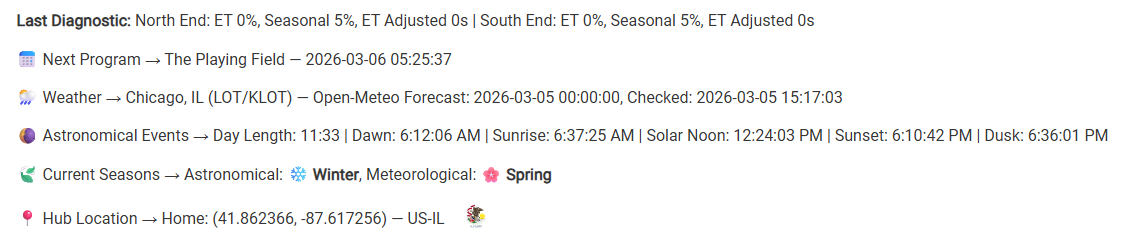
[UPDATE] WET-IT 1.1.0.0 — Weather-Enhanced Time-Based Irrigation Tuning for Hubitat — Scope Creep Edition
I know I said I wasn't going to make WET-IT a scheduler, and then I did anyway. Well… here's the rest of the scope creep.
Five fully integrated weather providers
* NOAA (US Only)
* Open-Meteo
* OpenWeathermap
* Tomorrow. io
* WeatherFlow Tempest PWS
This is a big deal. Having Open-Meto means we have a second API key-free source. NOAA is great, but it's only available for US locations. Open-Meteo is global. All four cloud providers have their pluses and minuses. Pick the one that best suits your needs. If you have a Tempest, it's the most authoritative for hyper-local forecasting and observations.
Optionally, you can choose a backup provider for observations and alerts:
| Primary |
Fallback |
| Open-Meteo |
NOAA (US only) |
| NOAA |
Open-Meteo |
| OpenWeather |
Open-Meteo |
| Tomorrow. io |
Open-Meteo |
| Tempest |
Open-Meteo |
So, now, if you don't want to use an API key (even though they're free for our level of usage), Open-Meteo works for everyone.
Geolocation handling and ISO 3166-2 regional awareness.
WET-IT now maintains a geolocation cache seeded from your hub's lat/lon. Upon installation, your regional information (country, province/state/region) is looked up and stored (this is anonymous, no PII, no cookie). Services that are not available for your geography are not displayed/made available. For example, if you're not in the US, you won't have NOAA as an option. The same for USDA soil type. (SoilGrid is still on the roadmap and will be here once they “fix” themselves.)
The other benefit to the geo-cache is that location API calls are greatly reduced. If your hub's lat/lon hasn't changed, there's no reason to look up which geo capabilities are different from the last time. The internal cache also reduces the calls to the hub's lat/lon service.
Soak & Cycle
- Per-program cycle splitting and soak delays
- Integrated with ET, Saturation Skip, and end-by-time/sunrise scheduling
- Improved infiltration modeling and runoff prevention
The current implementation is “an implementation.” It currently completes one zone before moving to another. Ideally, it will move from zone-to-zone as a first pass and then cycle back to complete the next partial waterings. I didn't want to let perfection stand in the way of good enough. This one is proving harder to pull off than I thought, particularly when using end-by timing.
Saturation Skip
- Automatically skips ET-adjusted programs when all zones are at or above calculated field capacity.
Amazon Echo integration:
- Voice control via Hubitat Echo Skill
You can now start/stop and get status of scheduled programs via the Echos. Integration is via the built-in Amazon Echo Skill. No additional Amazon skill is necessary so you can just say, “Alegra, turn on the sprinkler” and not the long, “Alegra, ask Rain Bid to run Schedule A.” 
Because the Echos are a “fire and forget” service, we can't ask it for things like, “How much time is left on Zone 1?” The best we can do is, "Is the sprinkler on?"
I'm not sure when I would use it either, but if the others have it, why not build it in here? 
Hardened Scheduler Reliability
- Guards against simultaneous program execution
- Correct handling of partial zone completion and ET recovery
- Refined irrigation tick logic to prevent repeat skips
Notfications
You can optionally receive a notification if the weather forecast data gets stale. This could be from a temporary outage (it's been known to happen for NOAA) or a critter destroying your PWS. There is also an option to automatically suspend all scheduled programs if the diurnal ET data becomes stale. In other words, if the data is stale, stop automatically watering until a human checks it out and turns the schedules back on.
Tool-Tips
There are now internal help screens for most sections. You can read them, ignore them, or turn them off completely under Logging & Tools.
There are a bunch of internal refinements as well. The latest has been published to HPM.
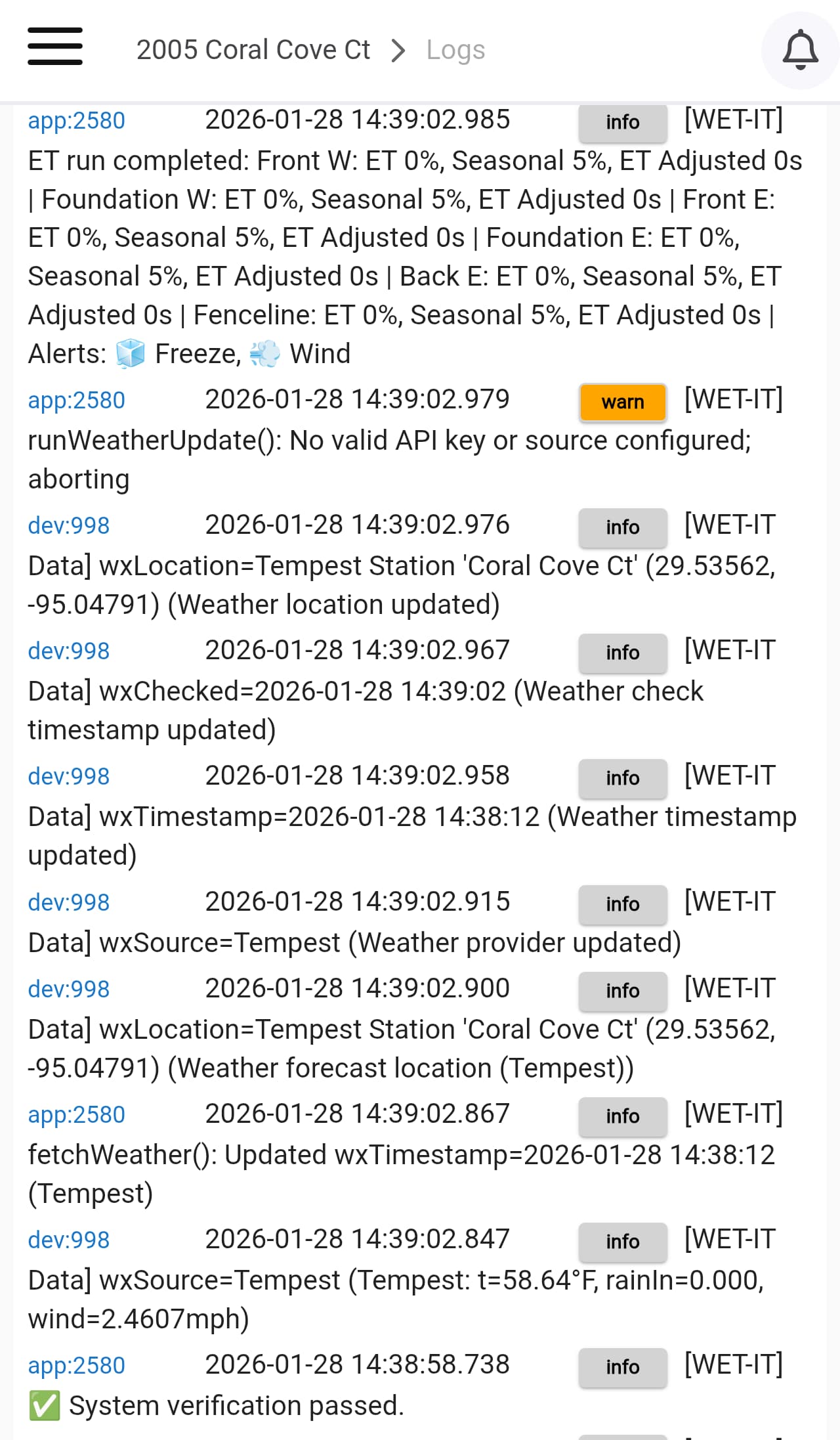
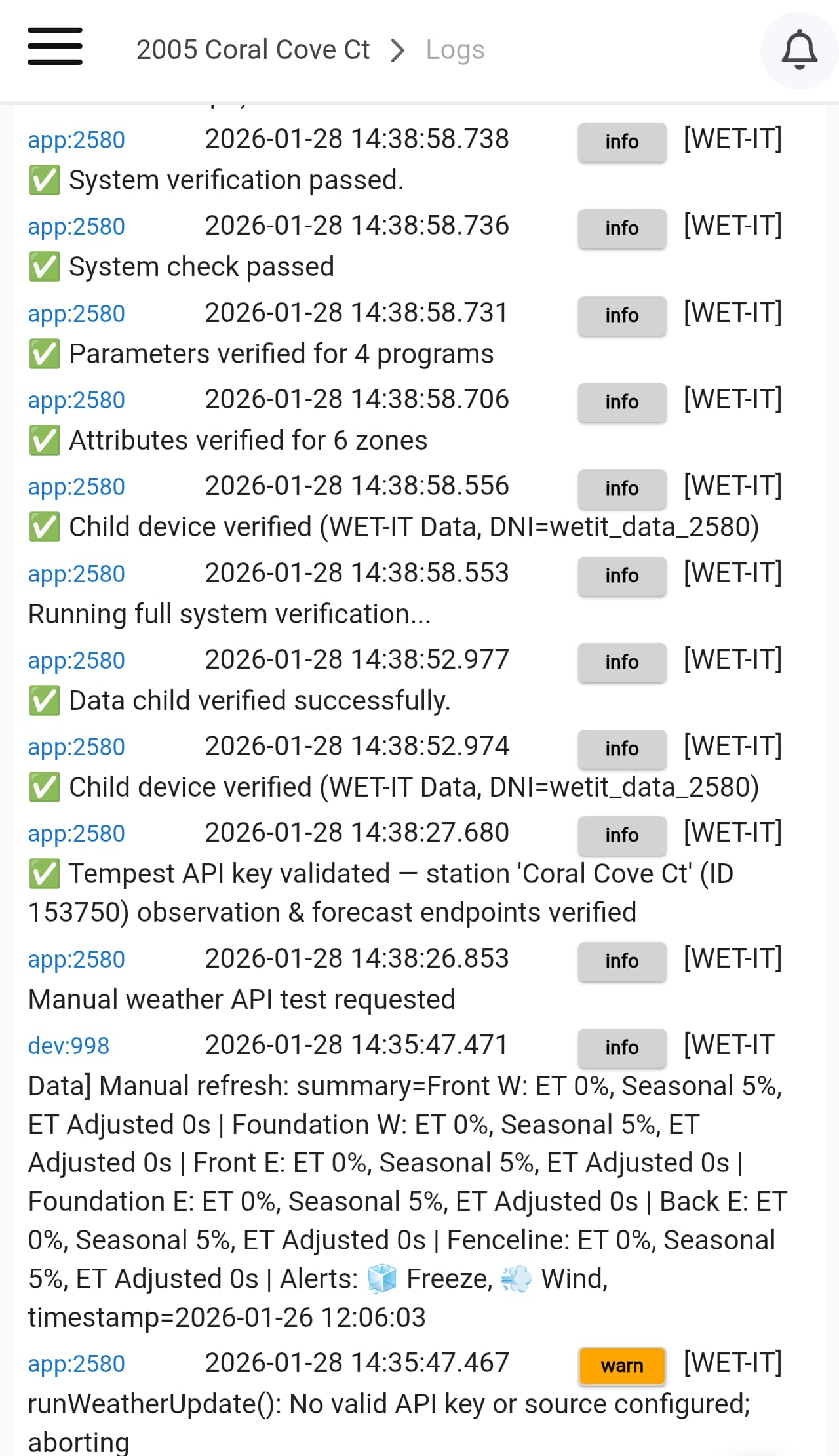
 TEMPEST API test failed: status code: 401, reason phrase: Unauthorized

 Day Length: 10:26 | Dawn: 6:47:05 AM | Sunrise: 7:13:32 AM | Solar Noon: 12:26:38 PM | Sunset: 5:39:44 PM | Dusk: 6:06:10 PM