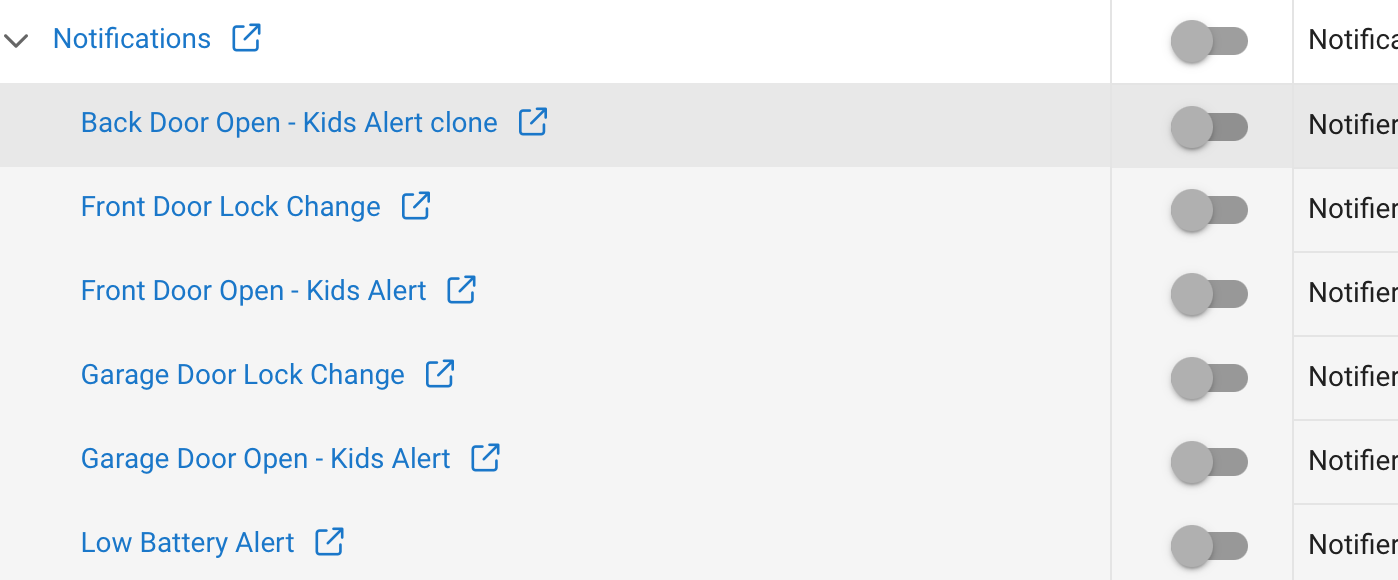
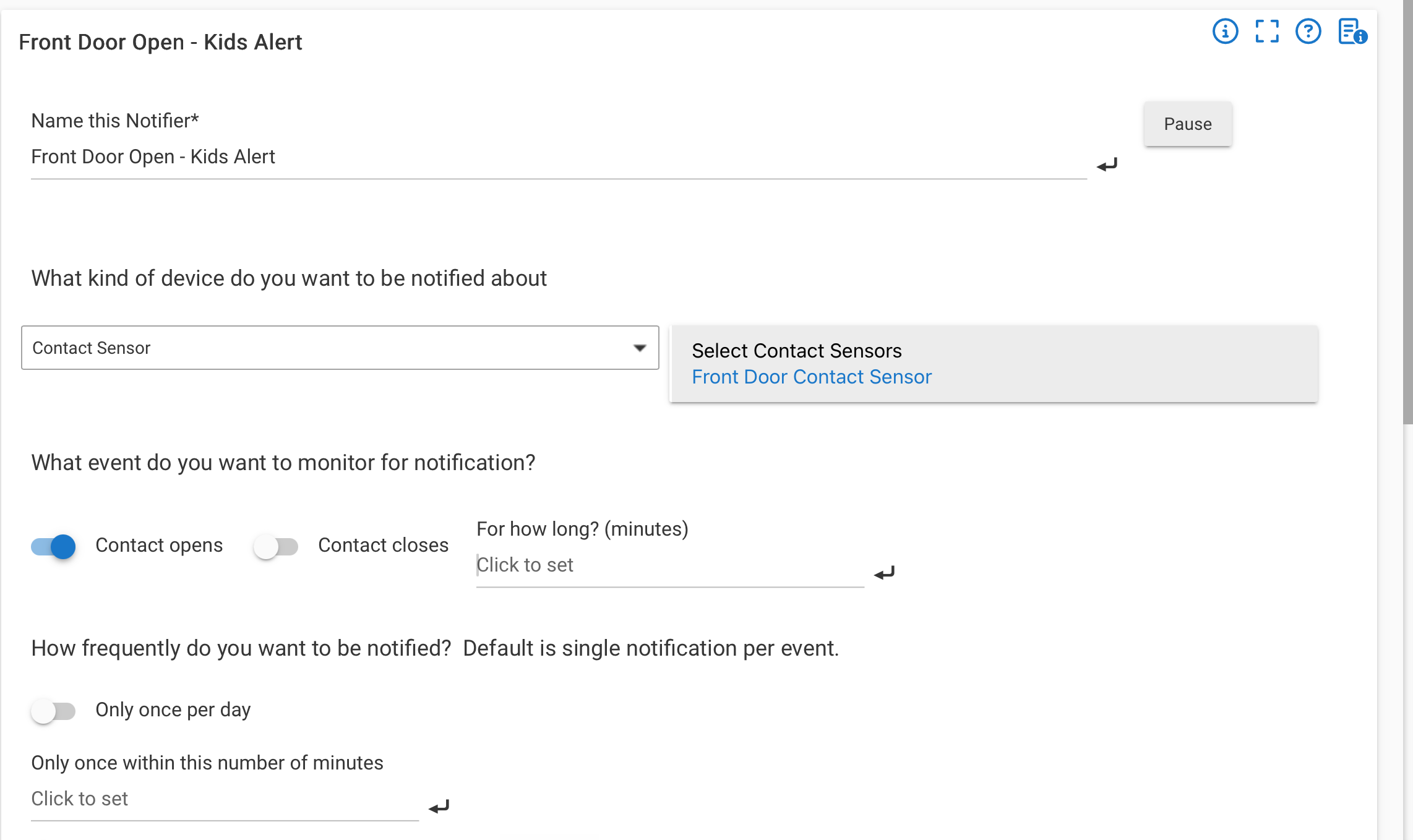
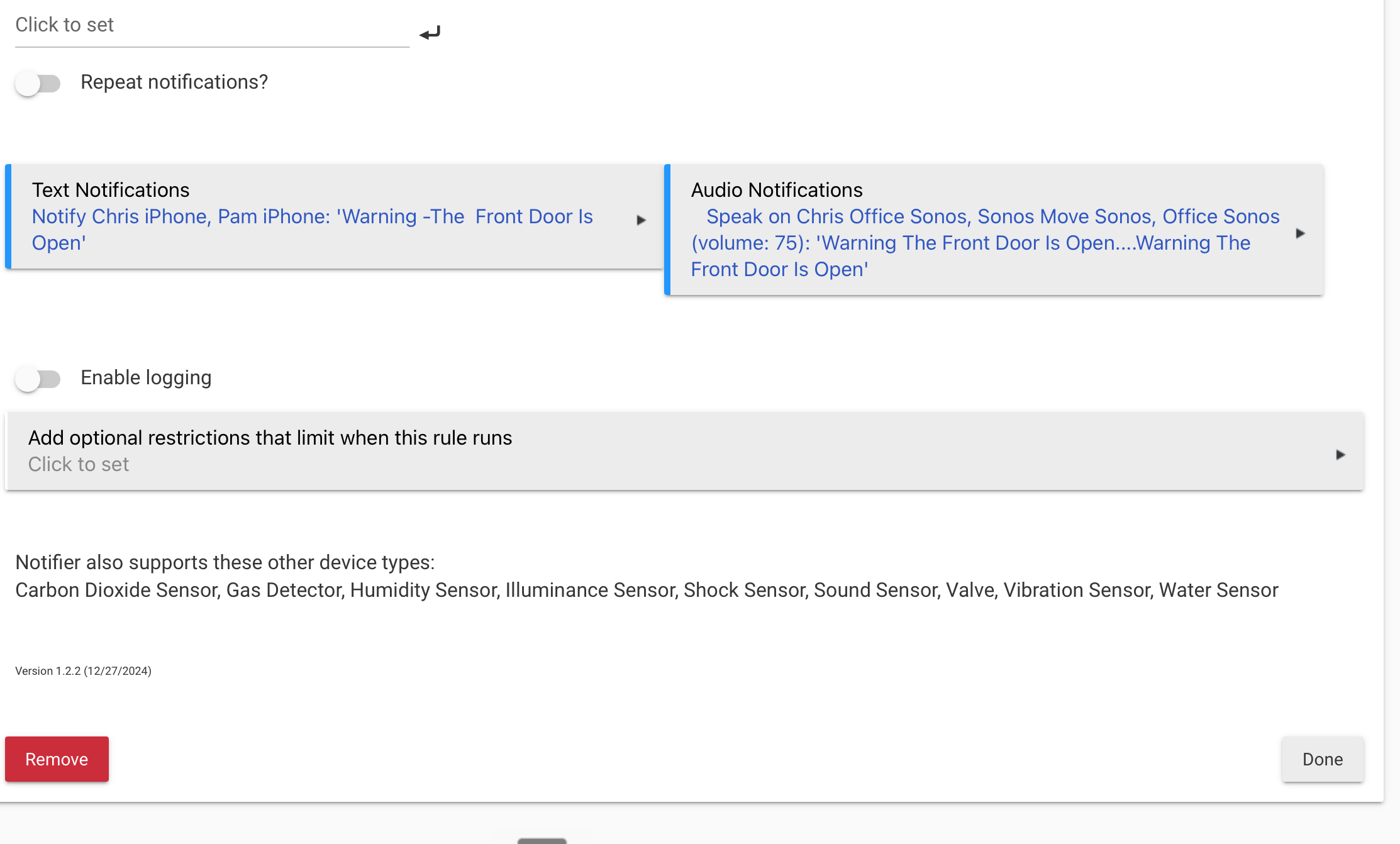
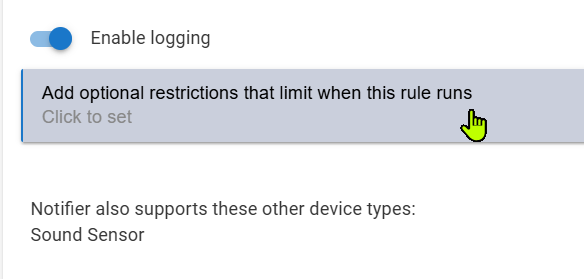
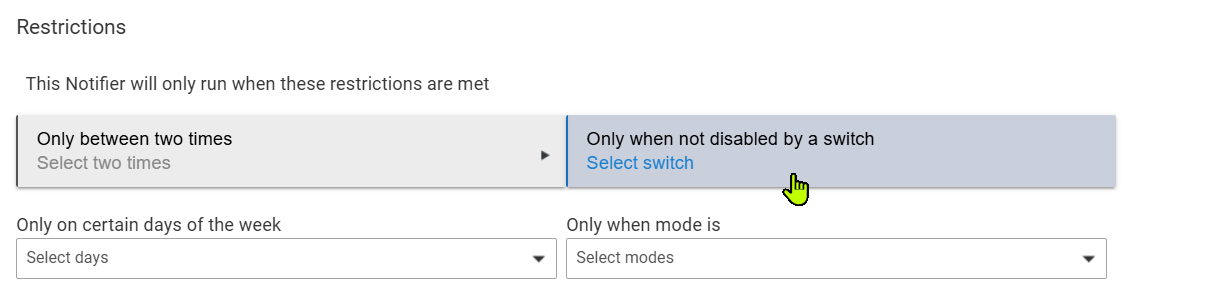
I have door open notification alerts that play over our Sonos speakers as well as sending SMS messages to our phones when the grandkids are here. I currently have to log into my C5 Hub and toggle the notification off and on by using the Disable feature, but looking for a way to toggle this with one of our Pico remotes if possible.
What exactly are you trying to do, what do you mean by "toggle?" Not clear (for me, anyway) from your title.
Do you mean disable the door open warning if you don't want it to be triggered when the door opens? Disabel it at the same time of the day every day, at variable times, or after you've been warned x times?
The more clearly you describe your use-case be better we can help.
We only want the door notification to run when the kids are at the house, but not when they are not here. I currently turn the Notifications off by toggling the "Disable" App is Enabled button there in the Apps section.
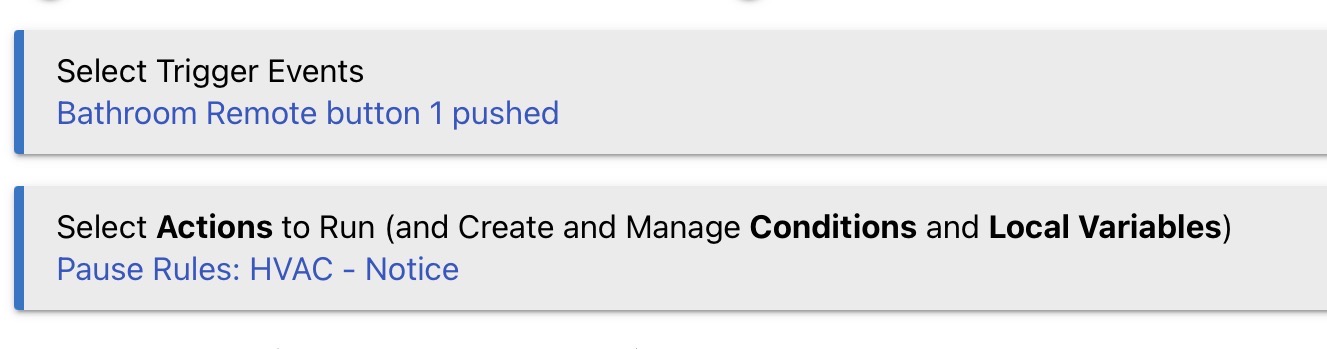
I was hoping there would be a better way of disabling and enabling the notifications, like with a button configuration on one of our Pico remotes.
Yes, that’s exactly what I’m trying to do, but I don’t see a way to do this with the trigger being a notification vs a rule.
I just realized though that I can also create a rule that performs the same actions as a notification, which can then be tied back to a trigger event to be toggled by a pico button.
Optional: Regardless of how you turn the notification on/off, if I was doing this I'd want a visual indicator that I've turned the "don't notify" virtual switch on, via a light/LED in a room I spend a lot of time in. One way to do this would be using something like the Shelly US Gen4 plug that has a built in LED that you can control color and turn on/off independently from the plug power, or the Third Reality Night Lights. Lots of similar devices/options discussed here.