We have a wakeup automation in Rule Machine that would run when a virtual switch called, “WakeUp Switch”, was turned on. This virtual switch was exported to Apple Home, and we would tell Siri to turn on “WakeUp Switch” at the desired time the following morning.
This worked well enough, but I wanted something better that would:
- Set an alarm on our iPhones for the desired time, and
- Pass the desired wakeup time as a DateTime variable to Hubitat.
@xavib57905 made a suggestion in this thread by @montyonthebonty that prompted me to put the following together that has worked really well for the last fortnight.
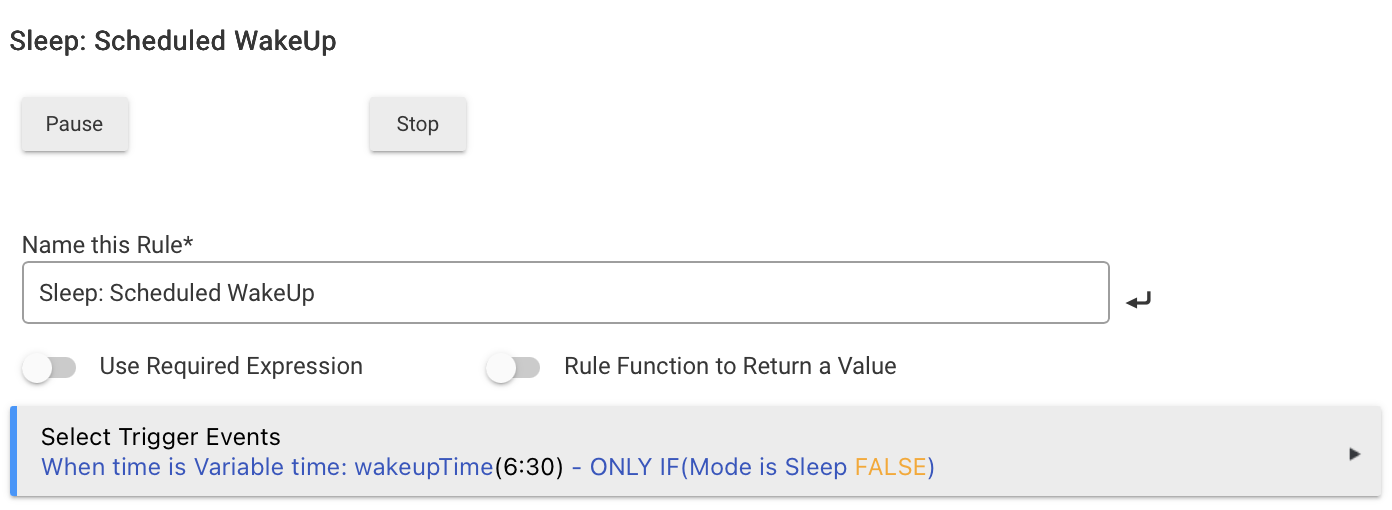
- There's a DateTime variable called "wakeupTime" that's exposed via MakerAPI.
- The following shortcut was created in the iOS Shortcuts app:
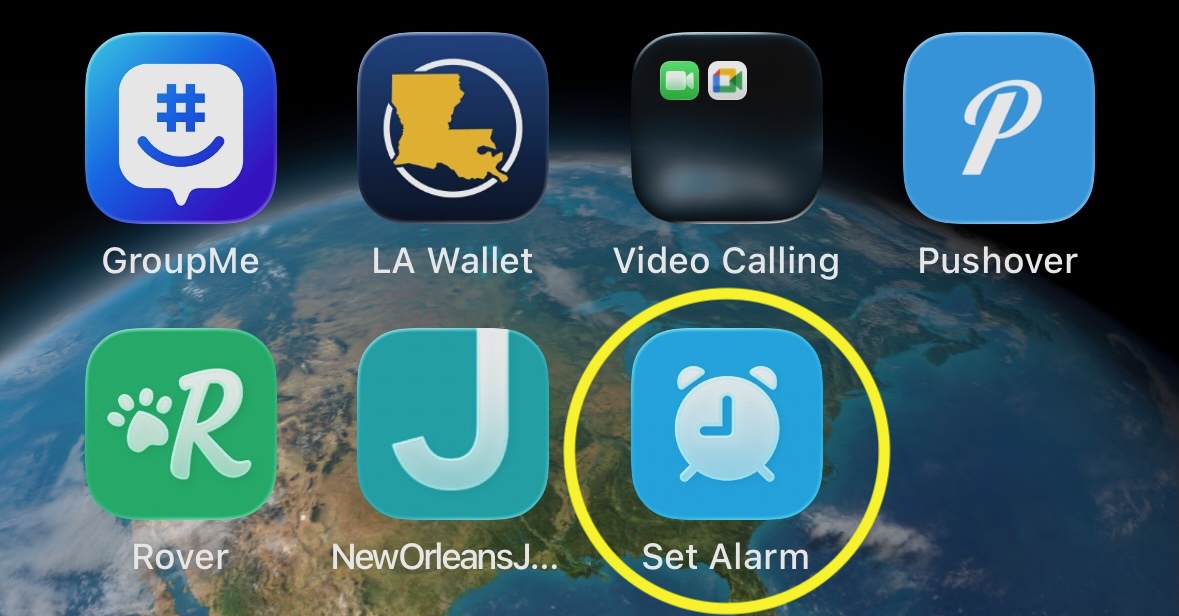
- The shortcut is exposed to the home screen so it can be run by tapping an icon in place of opening the Shortcuts app:
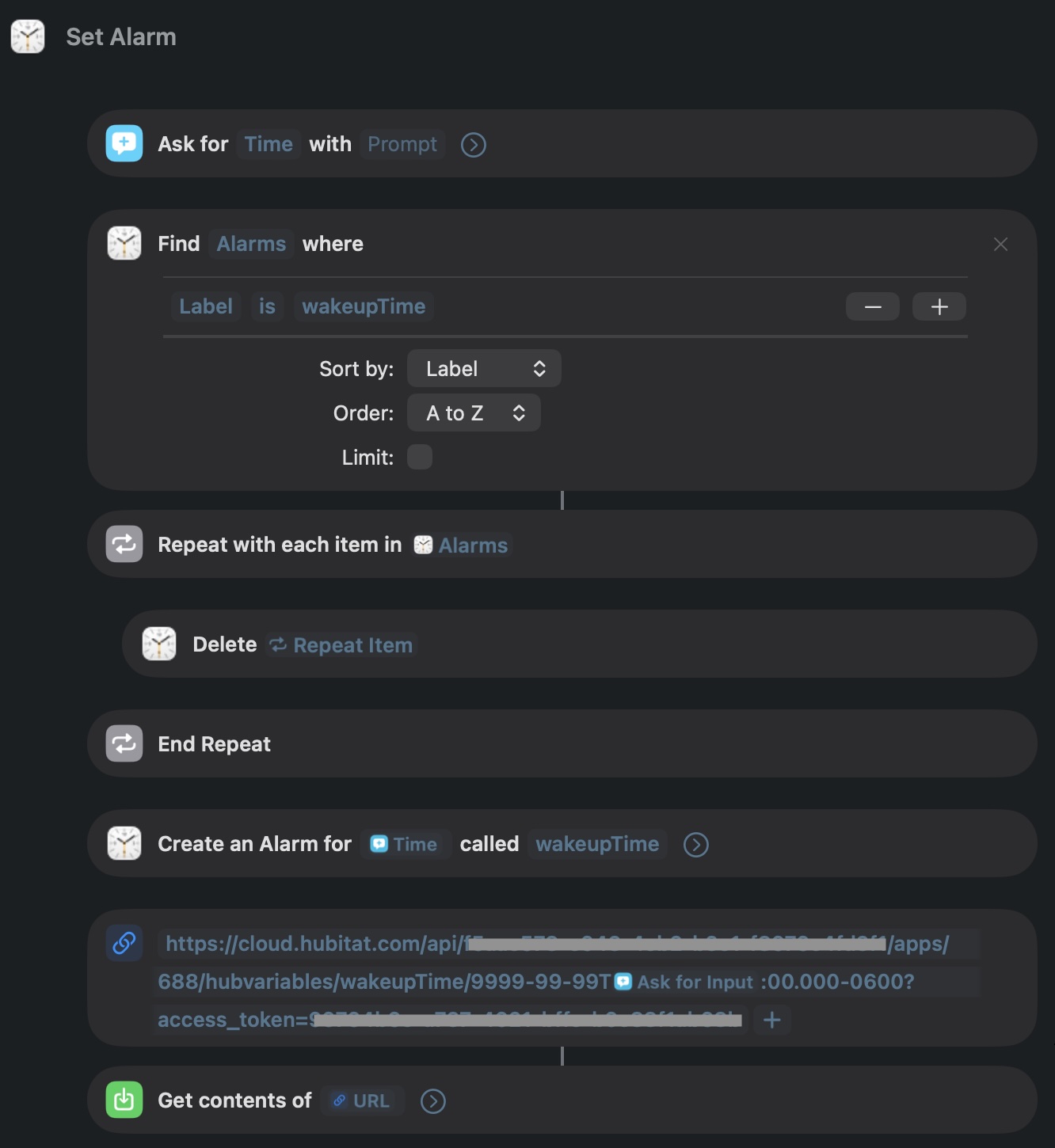
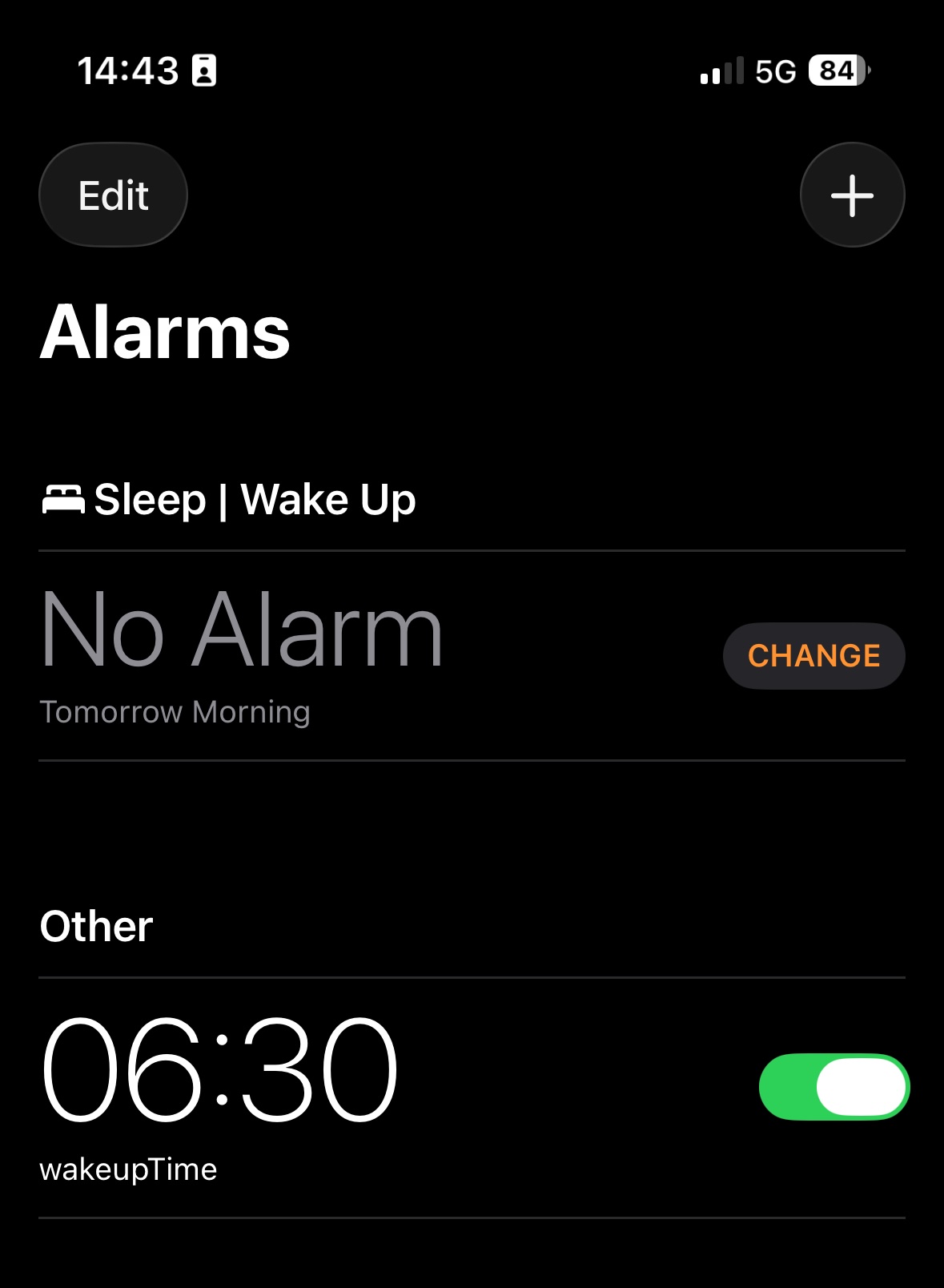
When run, the shortcut sets an alarm on the phone and passes along the DateTime variable to Hubitat, where it is used to trigger our wakeup automation.
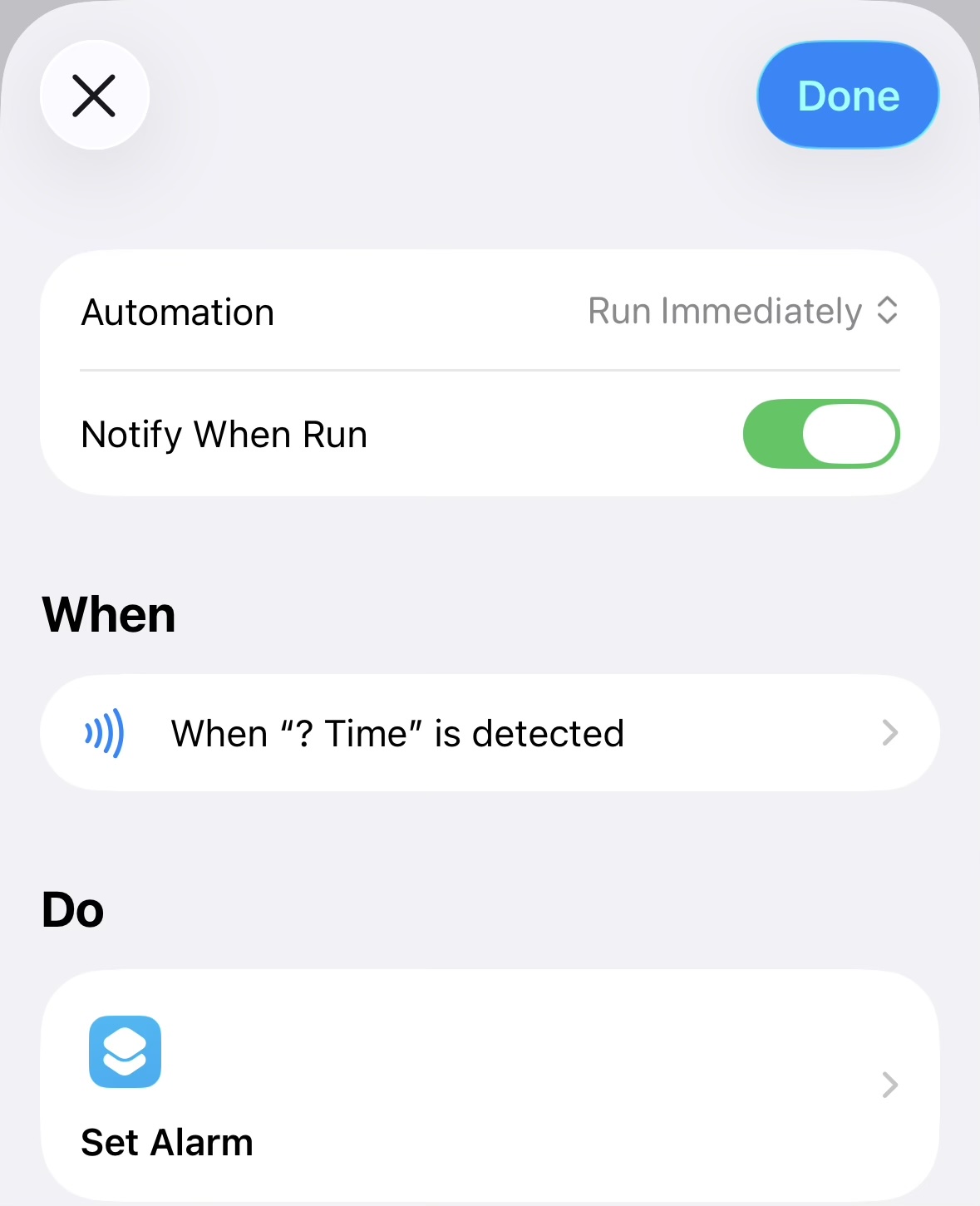
We make use of NFC tags quite a bit to add items to a grocery/shopping list etc, so I added NFC tags to our nightstands that can be used to trigger the shortcut when our phones approach the tags: