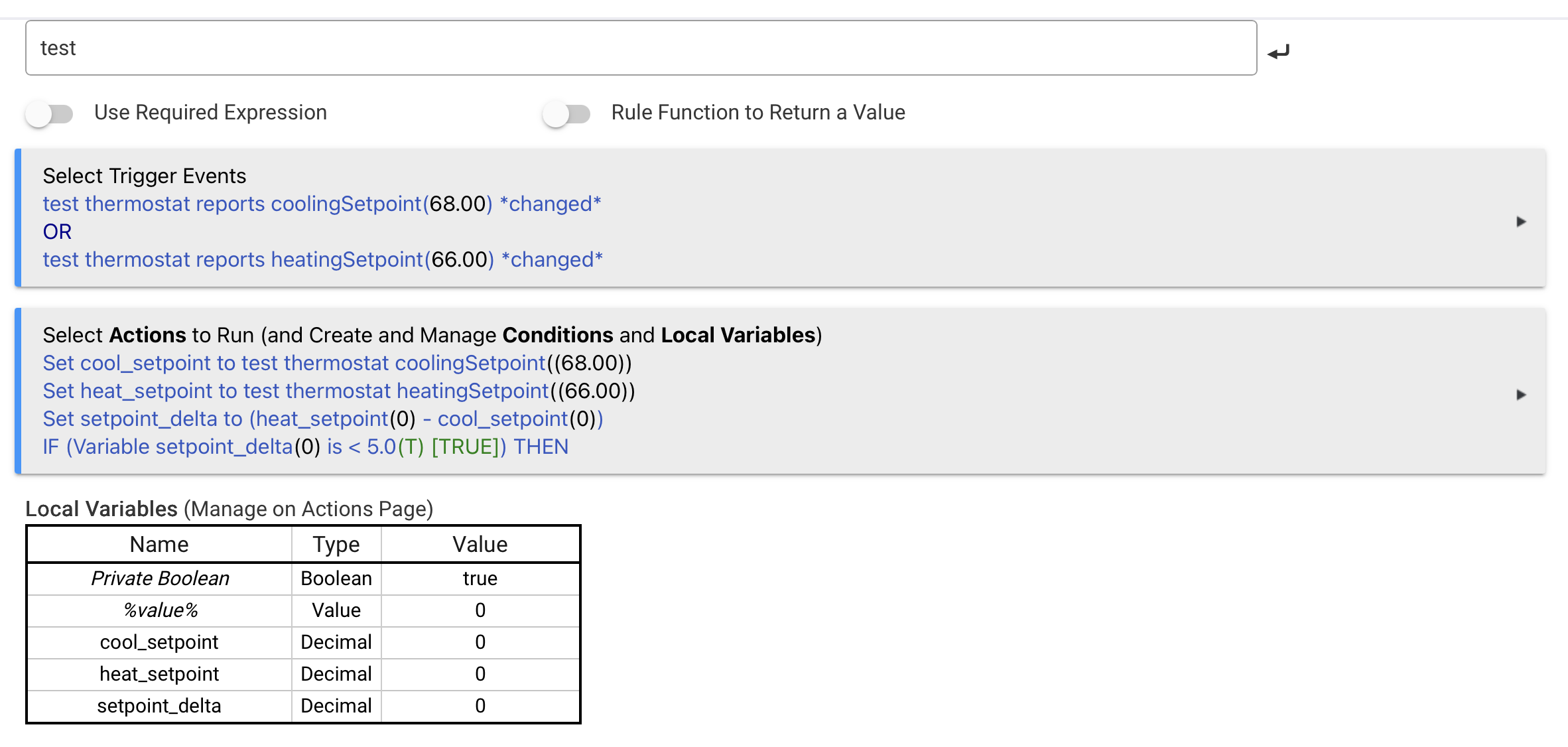
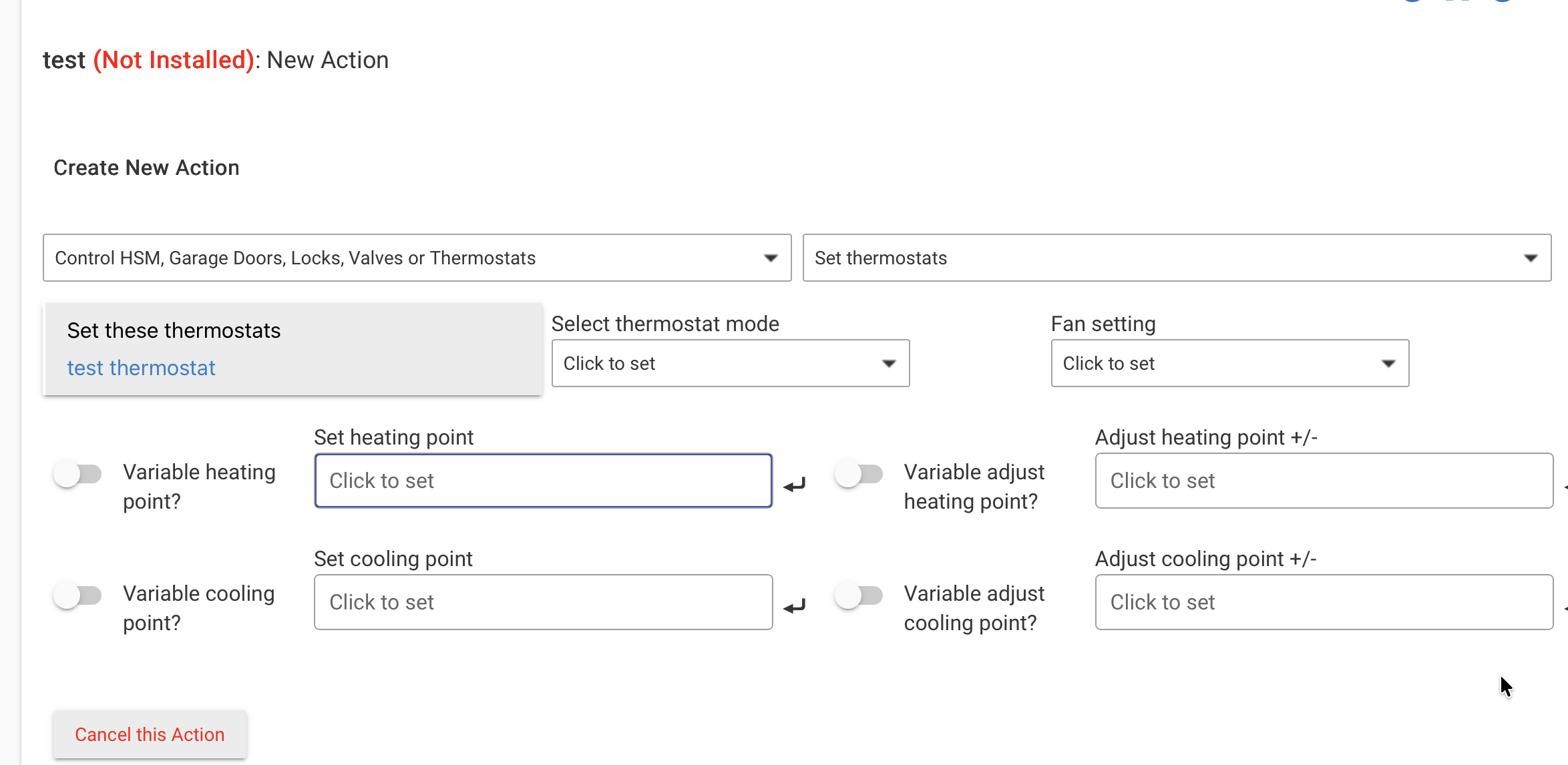
I'm using a Honeywell T9 Thermostat, and every once in a while, people in my house play with the temperature settings. Unfortunately, sometimes the spread between the heat and the cool threshold (in auto mode) gets too low, so that the system starts swinging between heating and cooling. I want to avoid this happening by correcting the spread between the two setpoints.
So my question is: How do I access the current heat and cool setpoints (and maybe put them in a variable)?
I'm on a C8-pro and would like to use Rule Machine.
Please have mercy if the topic has already been addressed elsewhere, and I simply didn't find it...
I was looking at thermostats the other day.
How about something like this?
If the delta got too close, would you set it to some defaults?
Anyway. I'm no whiz though, so there's that.
AI may be wrong here, but is the auto differential not working correctly? It also gives contradictory statements about accessing the ISU menu to change this setting, saying it needs to be done by special equipment and then stating that the user can access it.
Adjusting the Auto Differential on a T9
It's important to know that the Honeywell T9 is designed for simple, automated use, so you cannot adjust this "Auto Differential" setting from the standard user menu.
It's Automatic : The T9 handles this automatically to balance comfort and energy efficiency. It uses a fixed default setting of 3°F (or a minimum of 1.5°F if you try to set both modes to the same temperature) to prevent the system from short-cycling and wasting energy.
Installer Configuration : The setting is configurable (usually between 0-5°F), but only through hidden "Installer Setup" (ISU) menus. Adjusting it requires access codes and knowledge of your HVAC system. If you need a narrower or wider temperature swing, you'll need a professional installer or a detailed guide on accessing the ISU menu.
Then it seems to say you can get to that menu:
This is the primary method to access the installer settings for the T9.
Wake the Screen: Touch the thermostat display to wake it up.
Open the Menu: Tap the menu icon (three horizontal lines) at the bottom of the screen.
Navigate: Scroll down and select "Advanced setup" .
Enter Setup: Tap "modify configuration" .
You are now in the ISU menu. Navigate the settings by touching Next or Back at the bottom of the screen.
To save your changes and exit, touch "Done" in the top-left corner of the display
Well, first of all, thank you al for the recommendations. In my case, I went with @velvetfoot 's solution, and it works well.
@chrisbvt , unfortunately, my Thermostats do not have the Auto Differential setting, maybe they're too old and only the younger ones have it, but for sure that would've been tha most elegant solution.