As you can see in my previous reply, Disconnected from cloud again this morning. However, as I was posting my screenshot to you, I noticed the error alert had disappeared, and the hub went online before I ran the gateway ping.
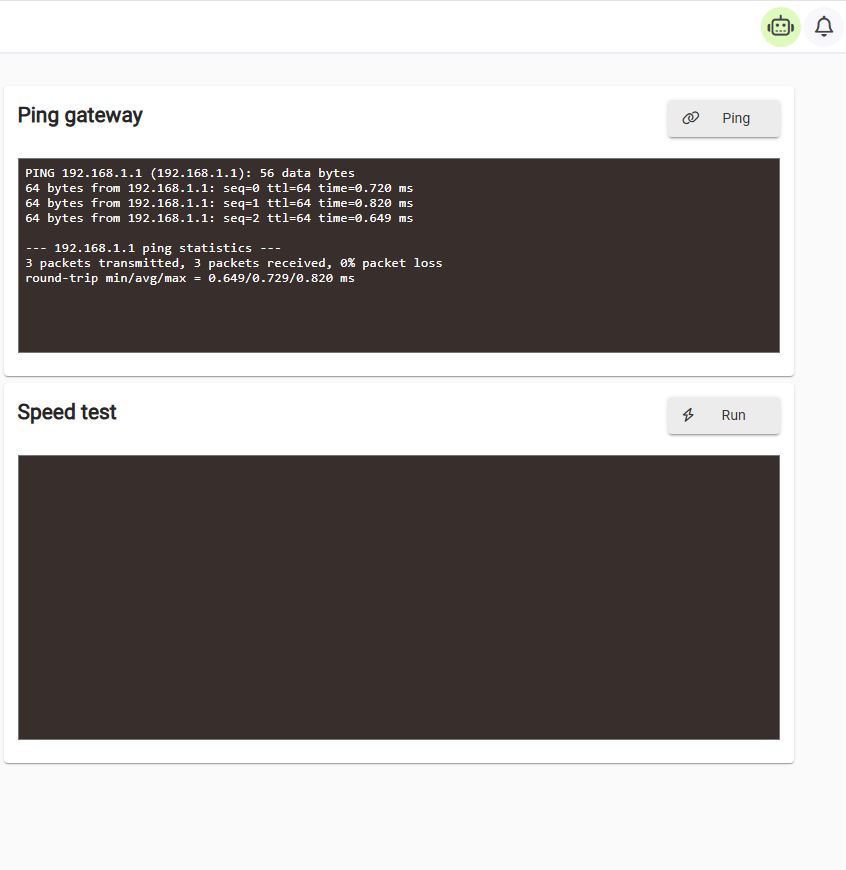
You mentioned the possible solution was setting a static IP in the hub. Assuming I did it correctly, that is something I did prior to jumping on this forum over a week ago.
I can't offer much more advice today, other than repeat my previous suggestions.
#1
One possibility is that when the switch goes into low power mode, it is causing the gateway address to be lost. Fortunately this is the easiest theory to prove. Simply plug the hub directly into the router, and it works for several days, then that possibility is confirmed.
#2
If that simple procedure doesn't resolve the issue then configure the hub with a static IP.
Setting a static IP should never be a requirement., but based on the limited knowledge we have so far (i.e. Invalid gateway address), it might be a useful diagnostic test. Especially if you can provide the screenshot when the problem is occurring.
There may have been some bad data in your previous settings which would have been cleared when you pushed the reset button.
If you decide to try this as diagnostic test, please provide a screenshot so that we can verify your settings.
Thanks for all of your help. For the next two nights, I’m going to bypass the dumb switch and see if it stays connected to the cloud. As for settings, all of those are shown in the previous screenshots of both my router and hub. Thanks again.
As an update, I connected Hubitat directly to my router, bypassing the dumb switch, and there was no loss of connection to the cloud. As a result, I switched to a TP-Link managed switch. Since doing so, the issue has disappeared. So I’m fairly confident the dumb switch's energy-saving protocol was the culprit. Thanks for all of your help and time.
5 Likes