You have to edit the file too... Just loading it into a file doesn't change anything.
I do not understand it, sorry
If you look at the the files already stored on your hub, listed in the File Manager page, you should see a file that includes "smartly" in the name and a lot of other characters. That is what you need to name the JSON file on your PC before uploading it in the HE File Manager page. If you are still having problems I can take a closer look when I get home from work.
Wont install.on android 13 doesnt.come up when.i search and if i try from the link above install hangs.
Just right click the link in this post and save it then upload it to your hubitat using file manager.
2 Likes
thank you very much for the help everyone, I don't manage well with the computer, if you think it's okay let's go by parts as jack the ripper said, here I show you the file image of my file manager
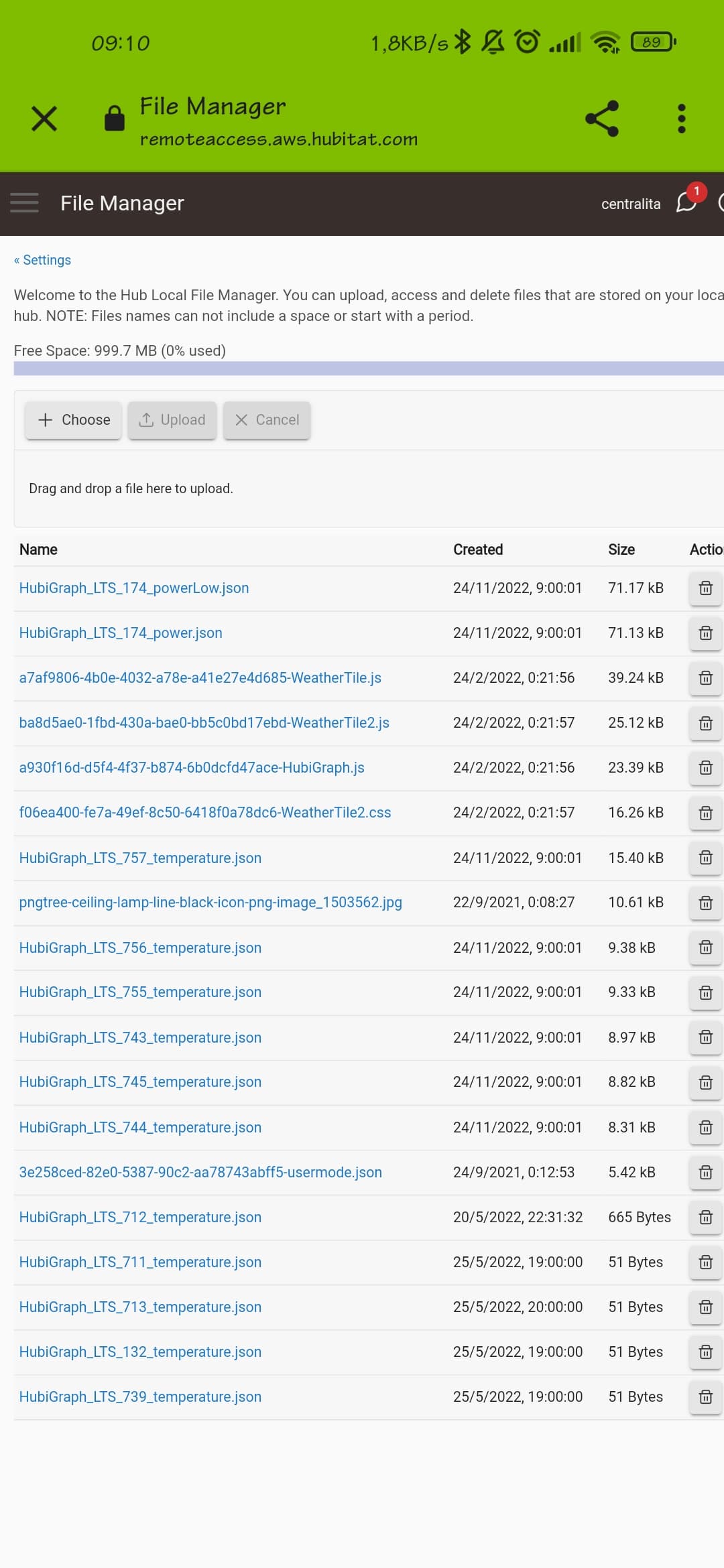
I download the link and upload it to file manager you mean?
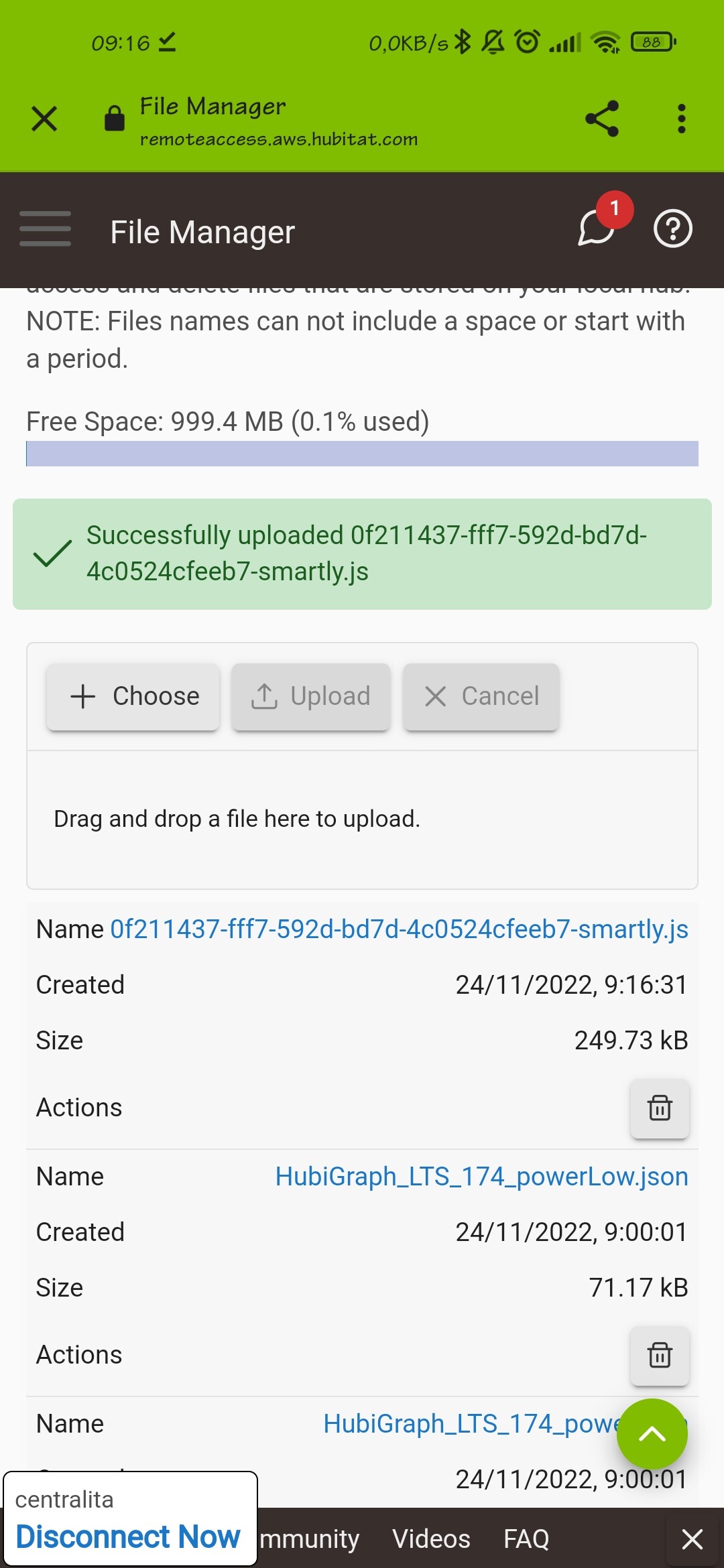
That looks correct
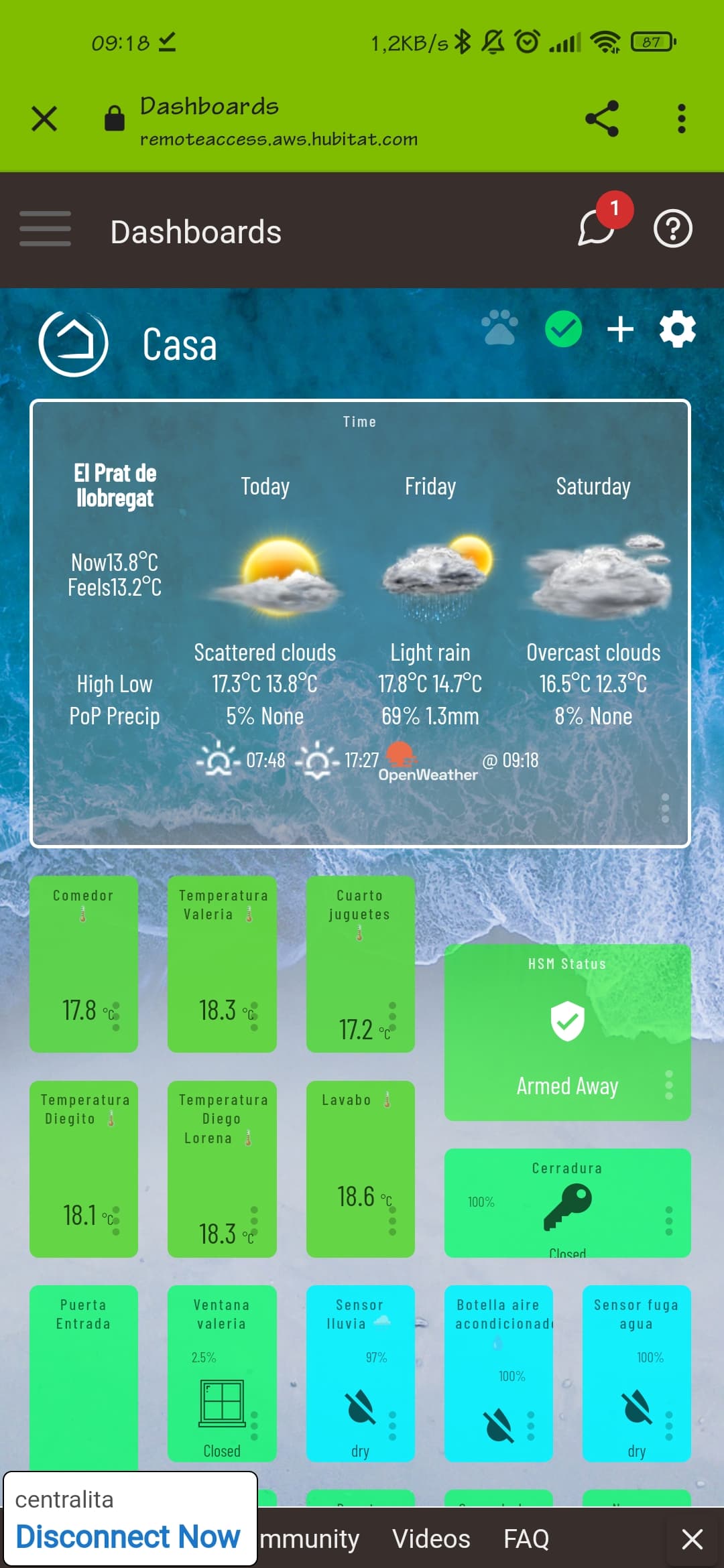
Try closing your dashboard and re-opening it, then clicking on the paw
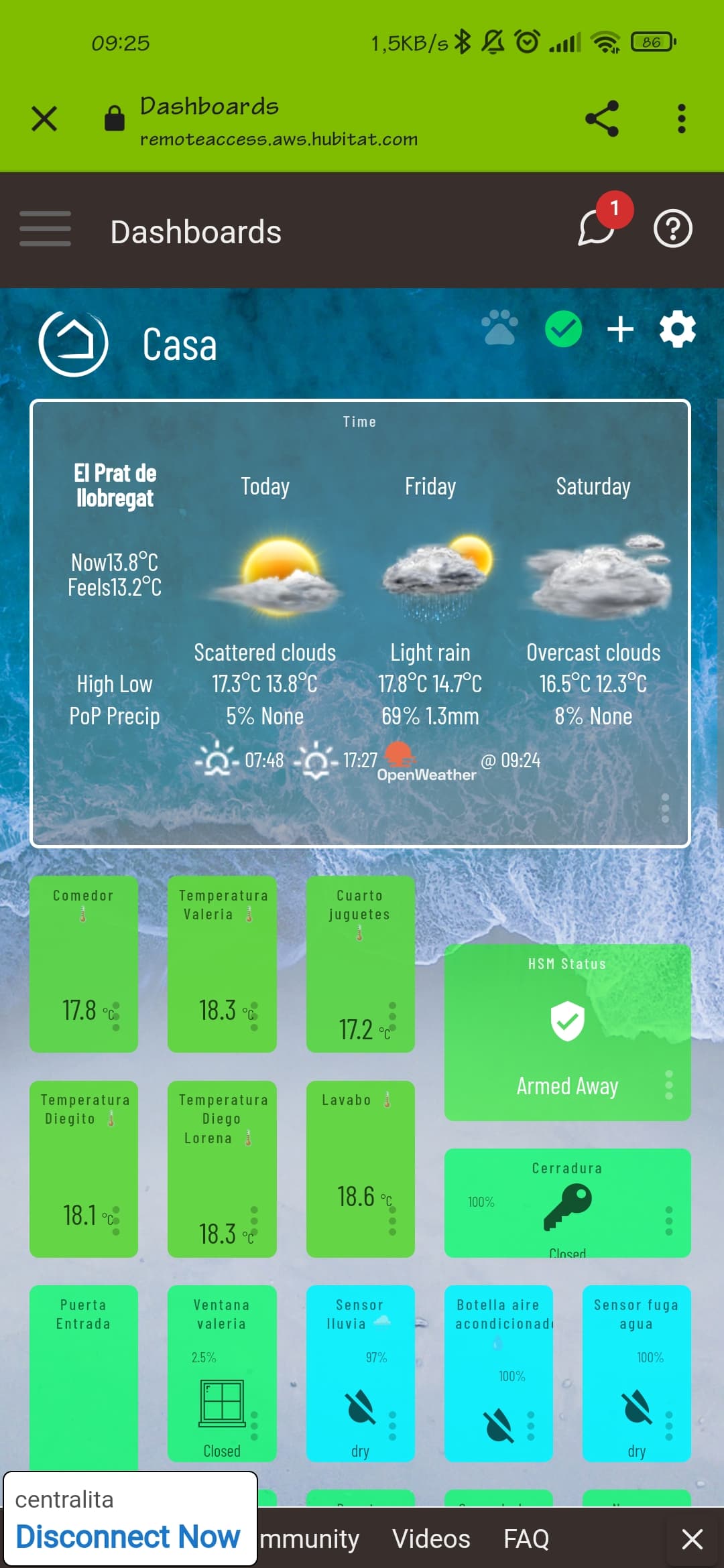
Hmmm... I'll need to look at it some more over the weekend unfortunately, unless someone else can assist.
1 Like
if I delete the file, the fingerprint works again... something strange is there
You're right, that is strange
1 Like
thank you for helping me and sharing your time
1 Like
@gslender wanna chime in on this?
Does anyone have any idea what could happen to me?
I think if someone actually wants help they can ask in a better way than just throwing out cryptic one liners like this. There’s an entire community site and page with helpful and friendly people there, so if the user is genuinely interested, then I’d be happy to invest the time.
As such, I’ll avoid cross posting tips here as clearly hubiVue offers a quality native app that works on more platforms than anything else available.
2 Likes
It still not working for me. When I clicked on save change button, the message appeared but nothing was copied to clipboard. Ctrl-V was blank. What did I do wrong?