Quick summary of late-night test results...
- Brilliant. It works!

That is all...
Quick summary of late-night test results...
That is all...
Twins!
I can also confirm that the latest you posted here now works for me (On Save, copies the latest JSON to the clipboard).
FANTASTIC.
Thank you so much!
Now get save working in the old way 
I would like to have another go, now that I worked out I was using the wrong version 
ya i wish we could see some sort of error when save is done.. I am sure we/i could fix it in that case, but without any indication of an error it is very difficult.
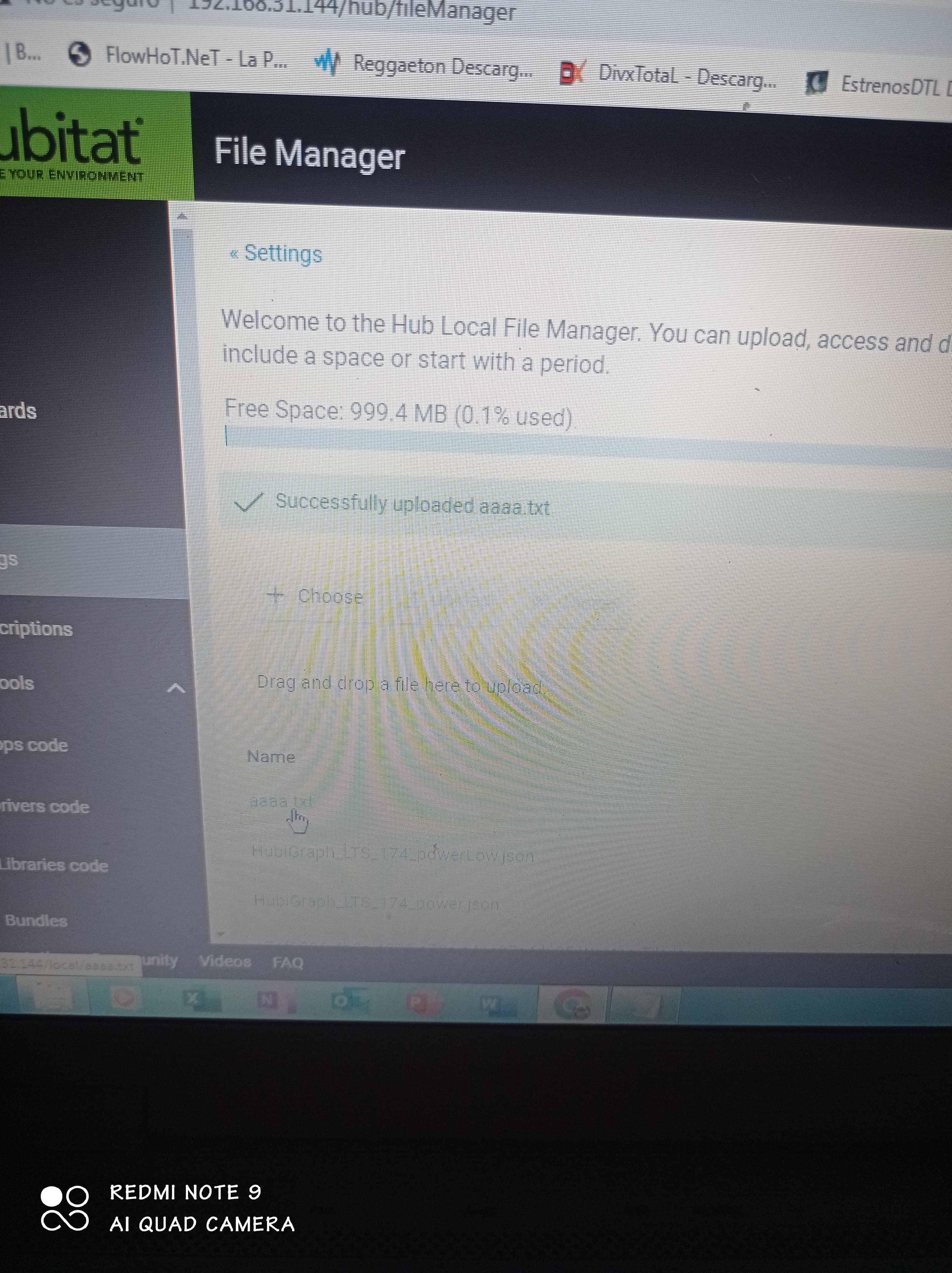
I'm a bit confused, according to what I read, you have to download the json and put it in the file manager, but how do I download that file if the browser opens?
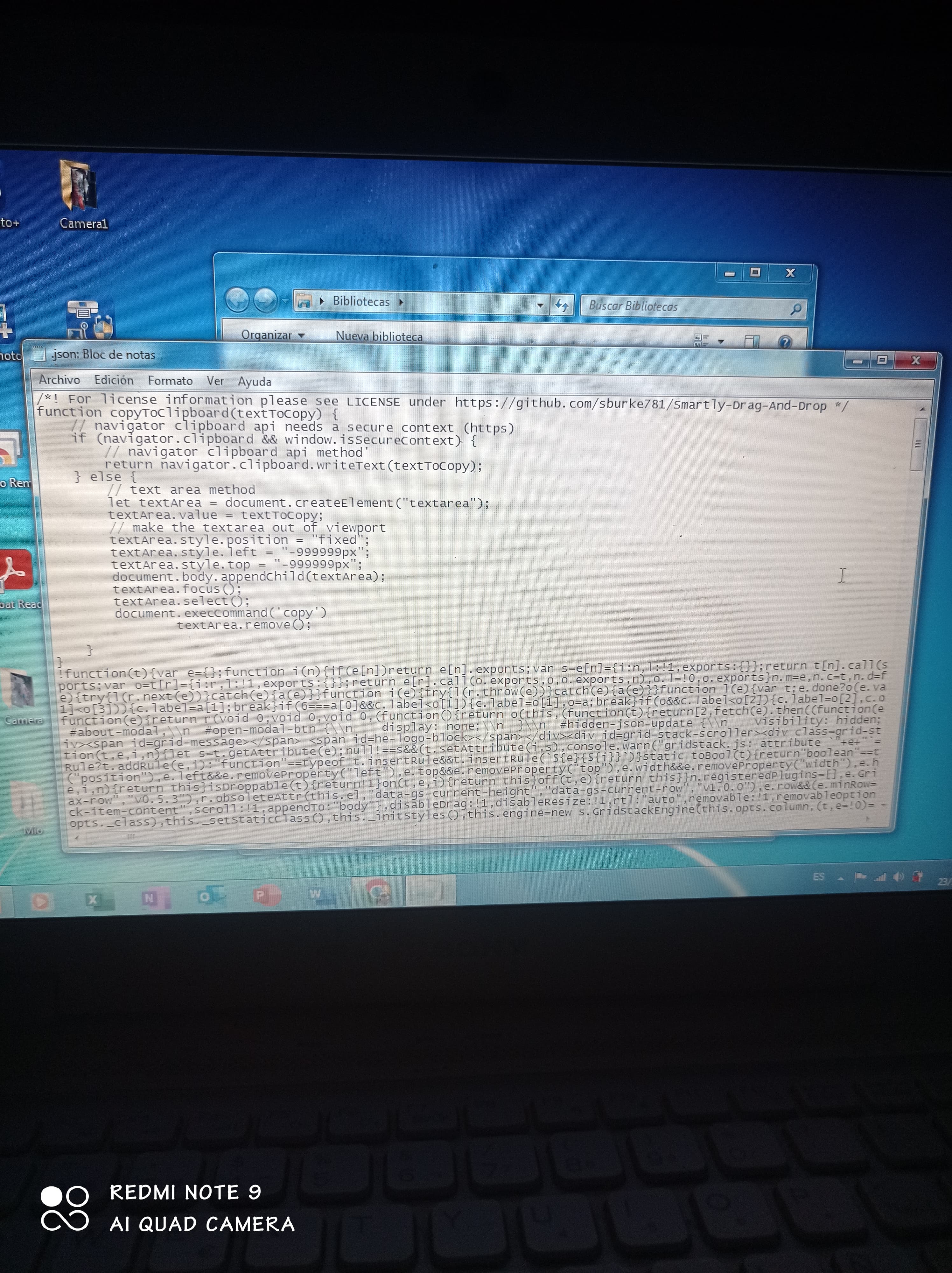
You cut and paste the json to a file and save it (use notepad)
I open the notepad, paste the code and save in .txt.??
Yes and just edit in note pad then cut and paste back to the dashboard json.
But really why keep using something that's not going to be repaired? You should look at @gslender 's Hubivue. Available at www.hubivue.com. 100% local, works on Apple, Android, and Windows. Even the free version does way more than Smartly
and how do i delete smartly from my hub?
Just create a new Dashboard. Or if you backed up the old json, just paste that in.
i prefer to stick with smartly i just need a little help from a newbie
Have you looked at Hubivue? Easy to work with... Eventually Smartly will take that site down...
I have looked at it but I prefer to stay son smartly, could you explain to me how to cut and paste the json?
Select all, ctrl-c, click in notepad, ctrl-v
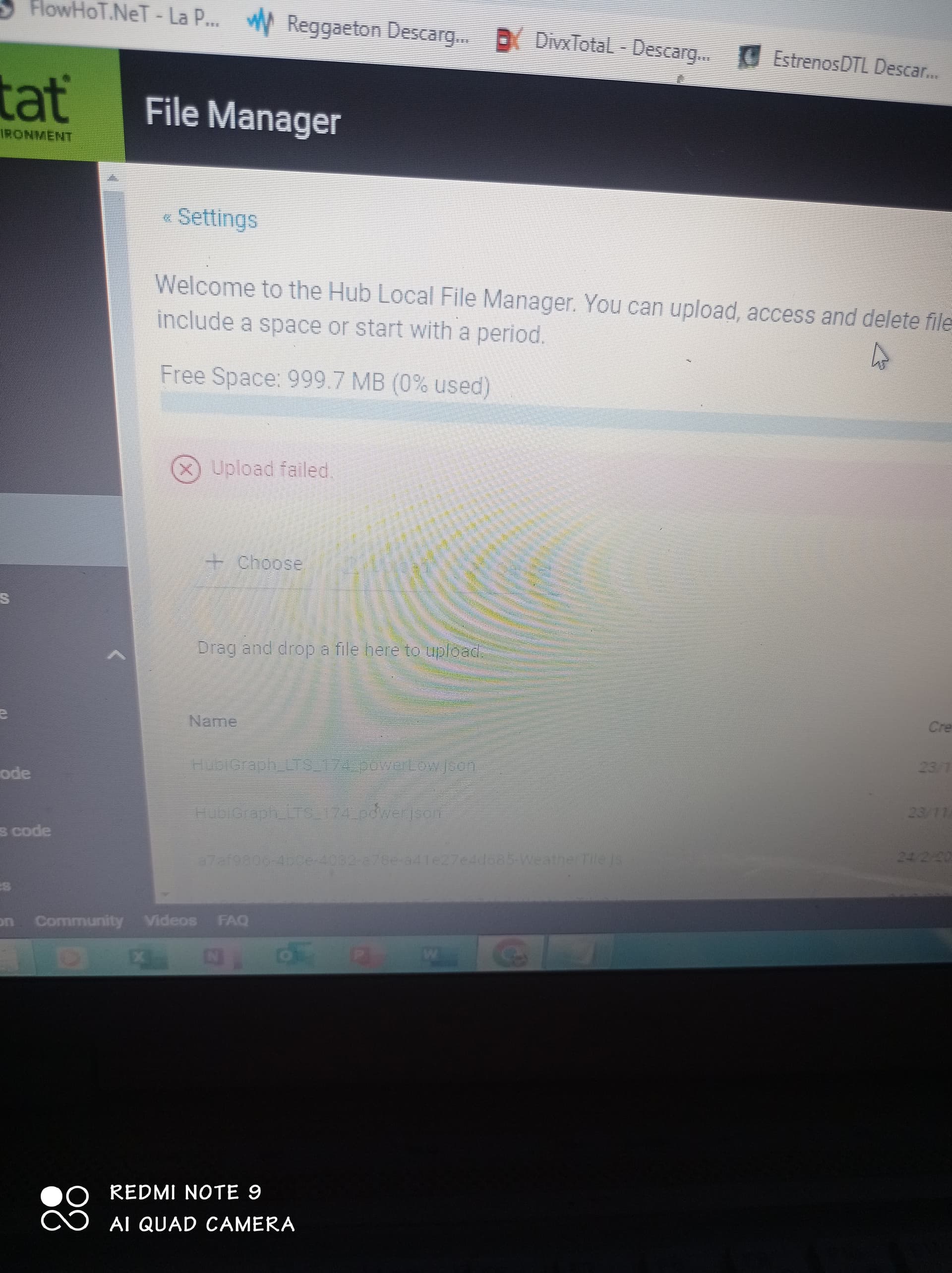
I load the file but it doesn't work.