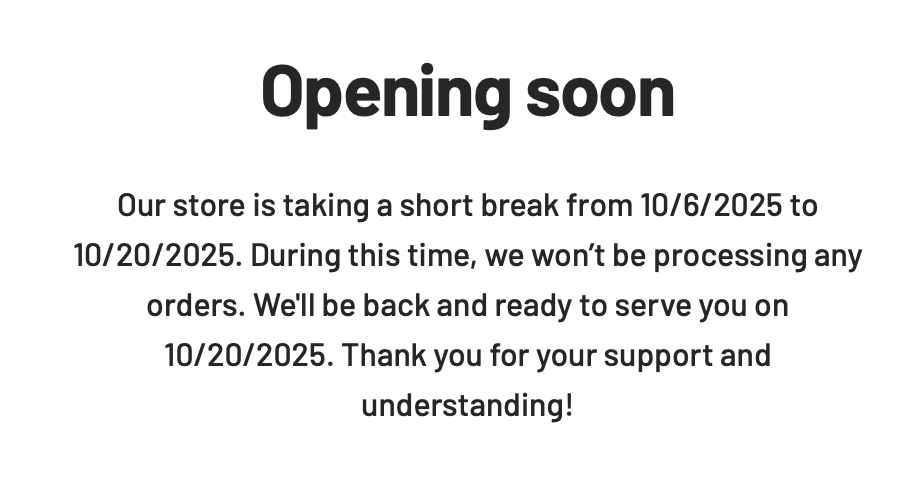
Given that this maintenance window was over 2 months ago, I gather that the store is not going to be opened any time soon.
We have many of their bulbs and love the way they behave on the Zigbee network. I just lost one of the CT bulbs -- it's got the flicker! I went to go order another and found this.
Anyone have any insight?
Better yet, does anyone have a newer source for Zigbee CT bulbs that:
Mesh correctly as zigbee leaf nodes, so they're never used as routers
Restore state when power is restored
This unique combination is what's driving a lot of our home lighting.
I fear you are correct. I also use a ton of Sengled bulbs throughout my home. When the above topic was brought up a while back I went to check and was getting the same error message you posted. Fortunately, the bulbs I use are just the straight daylight so I am still able to get them off Amazon. I ordered enough then to have enough backups to do my entire home. I checked Amazon and I don't see any color temperature bulbs on there from Sengled.
There is a few instances that I need a brighter bulb than Sengled so I purchased the Innr brand bulbs. These do act as repeaters however, they don't do so very often. According to Zigbee Map App I only have a couple that repeat for "child devices" and those only have usually one device on them. Those child devices always work flawlessly. I have 8 of these bulbs in service. I have had zero issues with any of them in two years. They are expensive to be honest but they are a color temperature bulb and from my experience even though they are repeaters would make a good replacement option for your needs.
I do want to note though they do not for me restore state when power is restored but there is a possibility that is more me than the bulbs. Just wanted to note that.
Amazon seems to think so also, since they discontinued their Sengled skill from Alexa back in August of 2025. Although they are still selling a lot of Sengled. Some of those are pretty basic ZigBee... but some still obviously list Alexa integration.
Wow great idea. I had not thought to visit Amazon and order remnant stock.
I’m not convinced I actually want to though. I’d much prefer to order a bulb from someone that’s still in business, so they don’t go the same way!
Aqara is advertising a bulb that might do what I need. The description says it supports Power Off Memory, and it’s tunable white. It’s also 75W equivalent instead of 60W, which is a plus too. I’ve ordered one or these but I think it’s a long shot that it’ll play correctly with the zigbee network.
I never thought about the Aqara bulb but that is am option. I have never used one. Please reply back and report your results.
I ordered the remnant stock fully expecting some day to have to switch just trying to post pone it. However, almost all my Sengled bulbs came from Amazon.
I also believe @hydro311 is correct, Sengled was the only bulb that did not act as a repeater, or at least I have ever heard of.
I think you're right, aside from using Hue bulbs added to a Hue hub and then shared to HE via the Hue integration. Work perfectly. That's what I'm doing for all my bulbs, which I do not want to Zigbee repeat. I had Sengled for a while but they suddenly became unreliable so I had to retire them.
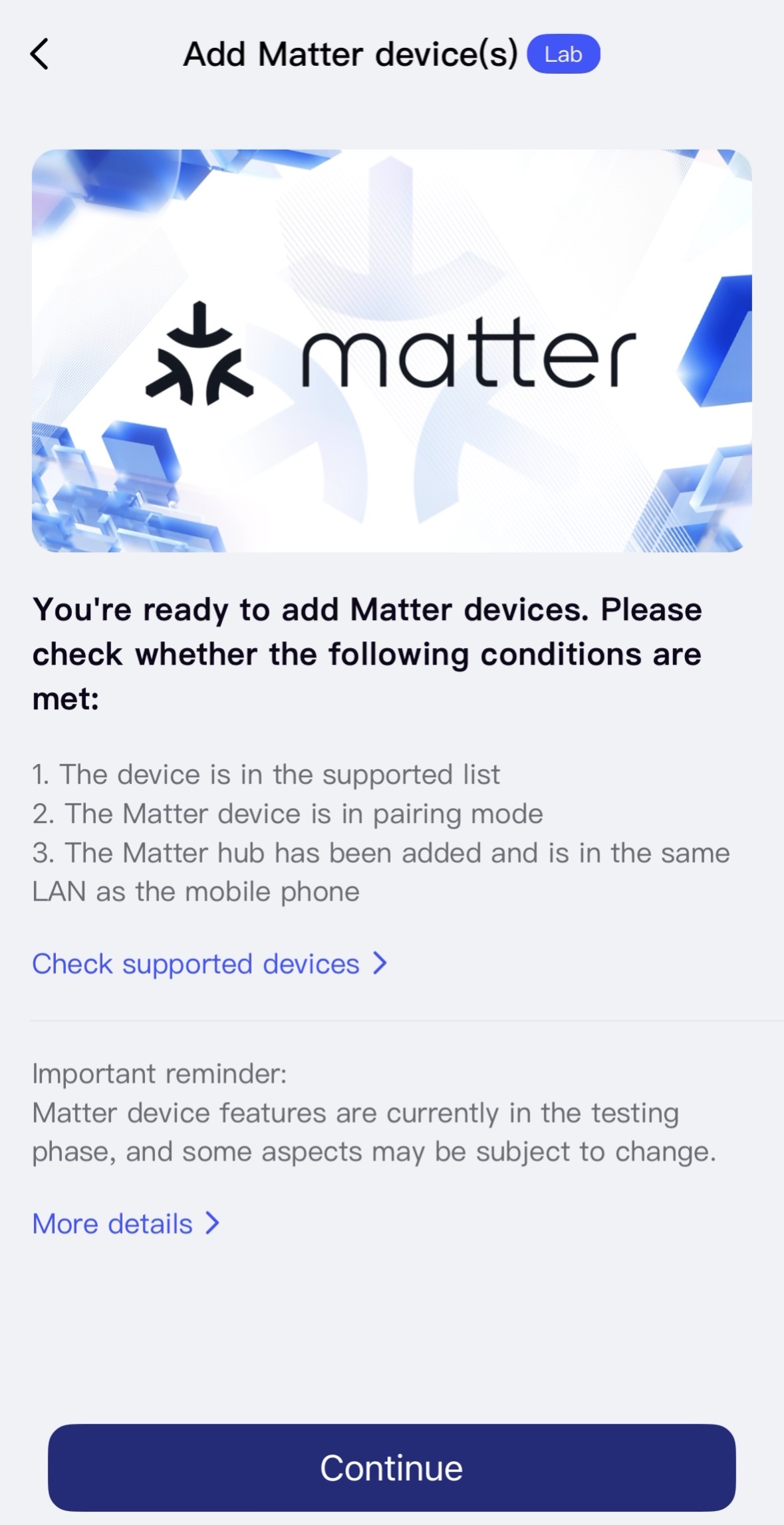
I bought one of the Aqara bulbs, but according to the instructions it needs to be paired first in Thread mode and then “protocol switch” can be used to put it on a zigbee network. Hubitat doesn’t have a driver for the bulb, so this button wouldn’t exist.
I’ve never taken the time to learn about matter and/or thread, so when I tried to get it to pair with matter it failed… and I have no idea what I’m doing! Hah.
The bulb itself seems nice enough — it’s well built and emits a nice even light pattern. It get hotter than the Sengled bulbs I’m used to, and I guess that makes sense because it’s rated for significantly higher output. If it were possible to put it on a zigbee network with Hubitat, I might do it. I have no desire to put light bulbs on my wifi, which is the real root of why I haven’t learned more about this newer networking. I digress. At this point it’ll go back for a return.
You should be able to download the Aqara home app and create an account. Then put power to the bulb and your phone should connect to the bulb initially with Bluetooth. Then through the Aqara app you can change the connection from thread to zigbee. Then when that gets completed close out the app and try connecting the bulb to Hubitat then. I believe the bulb will still be in pairing mode but you may have to put it back into pairing mode before connecting to Hubitat.
I have a few lights that are matter over wifi and honestly they work great. Well one bulb and two light strips. The thread however isn't wifi. It is a 2.4 mesh network like zigbee that has to have a thread boarder router such as some Alexa product, Apple TVs and some speakers, Aqara M3 hub, etc. I have tried thread in the past and my experience was not good. I am sure they have greatly improved it though.
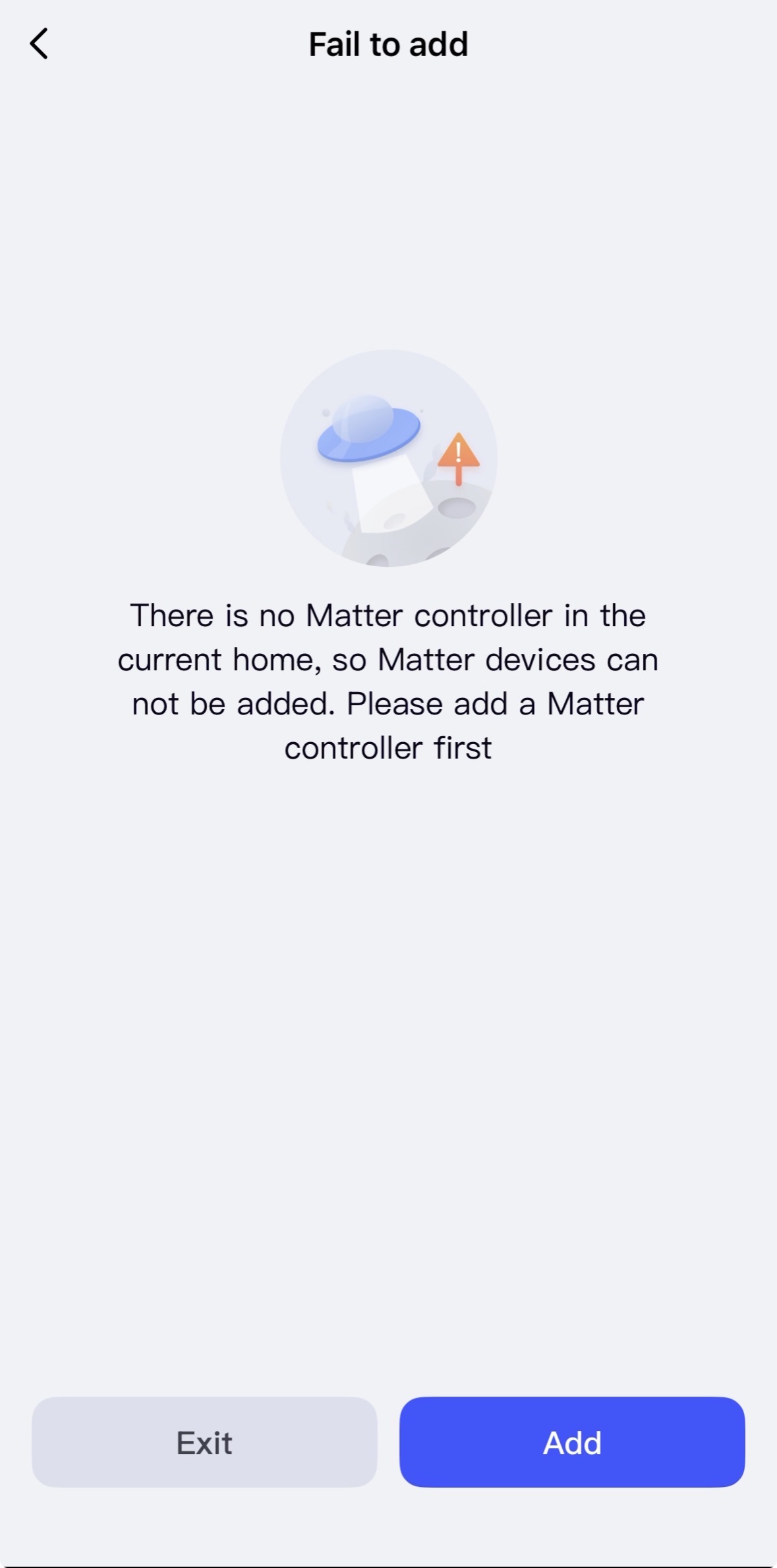
I attempted as you described, but without an Aqara approved matter controller, it stalls after the initial connection. I tried a few different ways but was never able to get past it, unfortunately.
Does it let you change the bulb from thread to zigbee? If so that is all you need to do with the bulb in the Aqara app. You would then close out the app and join the bulb to HE as you would any other zigbee device. Not sure if you will need to put the bulb into zigbee pairing mode at this point or if it will already be in zigbee pairing mode. The rest is handled inside HE.
This has worked for several members with the new Aqara FP300 sensor so I would think it would work with the bulb.
Not really something I’ve tested or deliberately tried to do, but when I had an Aqara bulb, operating in Zigbee mode, inadvertently connect to Hubitat, I could not control it with Hubitat. I never intended it to join to Hubitat, so I didn’t really try to see if other drivers, etc., would work, nor did I give it more than 5 minutes of effort, since it was really a mistake on my part to have it in pairing mode when trying to add something completely different to my Zigbee mesh. So it could be that it needs a custom driver or just may not work.
It does not. I believe this to be because I don’t have a Matter hub, or if I do I have no idea how to add it to Aqara. When I signed up for Aqara, it added itself to the Apple home but never found any devices
My Hubitat is a C7, and the AppleTV we have is ancient.
Try closing cut the app completely. Resetting the bulb. Should be like a power cycle of 5 times or something like that. Then go back into the app and start the process again. See if that then gives you the option to choose thread or zigbee.
I appreciate your suggestions, but I have crashed the app several time, logged out and back in as well, turned the HomeKit integration off and on again several times, and factory reset the bulb by flashing it 5 and then 10 times.
I find the Third Reality Color Zigbee Bulb ZL1 has nice whites and you can set color temperature, it doesn't need to be used as a color bulb, but having color available would just be a bonus.
Right now you can get four for $30 on Amazon.
The built-in Driver is a bit buggy, and power state restore does not work with it, so I use this driver from kkossev, where power state restore works, and it just generally works better in general.