Yeah nothing so far. I had a similar connection issue with my Envisalink board - you could ping it all day but a telnet connection would fail. I ended up disabling spanning tree and lldp on those ports. No such luck here. I might try posting something on the Unifi community board but it's kind of an obscure issue. I still think it might have something to do with spanning VLANs though. That's my next shot.
Bingo. I switched the port to which the samsung is connected to the same subnet and VLAN as HE, and it all started working just fine. So something about spanning subnets and VLANs was messing it up.
Thanks for all your help. You definitely pointed me in the right direction. And should you see this issue again you know where to start 
Hi Guys,
Hope you're all well!
Cut a long story short, I've integrated my TV with hubitat - mainly so that at nights my living room lights fade out when the TV is switched off.
All was working great, but randomly my lights started to "turn off" when TV was on.
I've done a bit of troubleshooting ( not really sure what I am doing, but still... ) and figured out that the TV is sending "off" signal to hubitat.
I then reliased that in the instalation process I have not set a static IP for my TV - issue which has now been rectified.
However, I am still experiencing the same problem and the static IP doesn't seem to have fixed anything.
Could you please help me to figure it out? I can provide any screenshots etc.
Speaking of screenshots... here is one of the events - none of which actually happened:

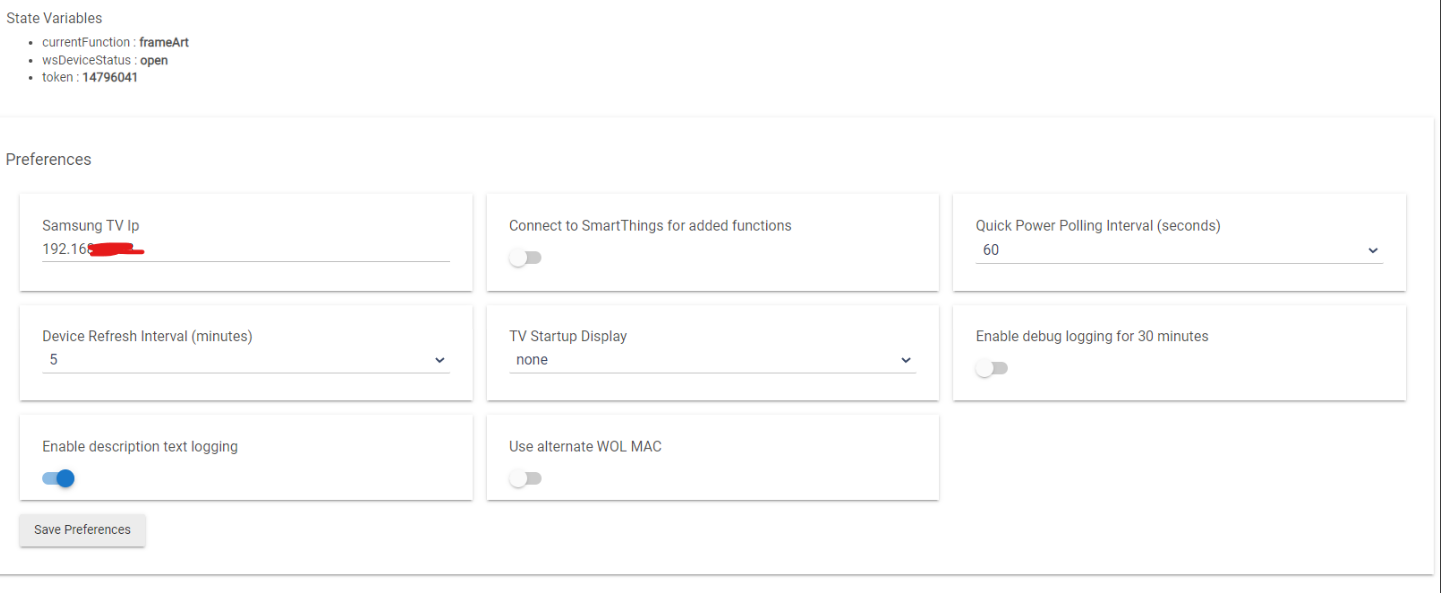
Here are the settings:
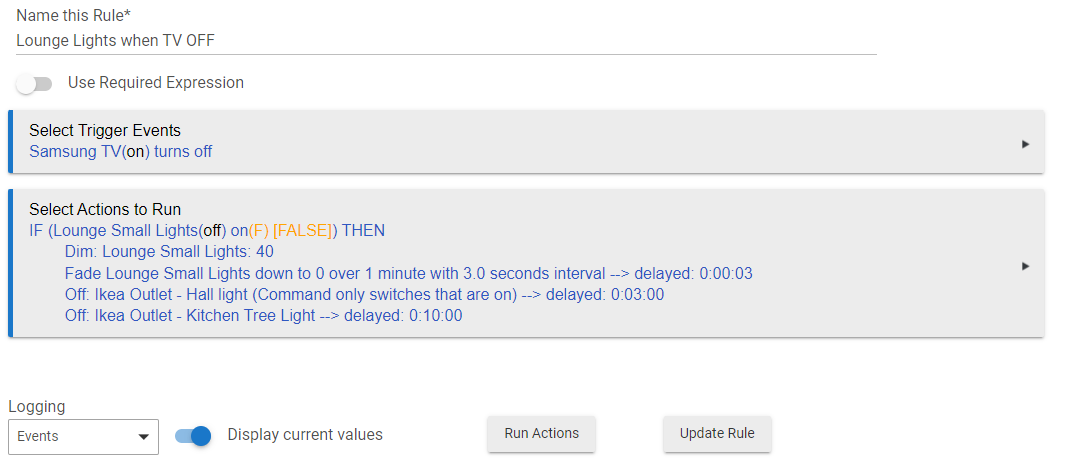
Here is the automation rule:
Here are a couple of logs where hubitat thinks TV turned off, but in an actual fact it was on and nothing changed:

Any help would be greatly appreciated, but please be gentle - I am not that tech savy!
Edit:
The TV is a Samsung Q85 - if that makes a difference.
Also, the integration seems to work as I can turn the TV on/off, volume up/down etc.
Status is also displayed correct - just these random "off" signals that are being sent to hubitat are an issue.
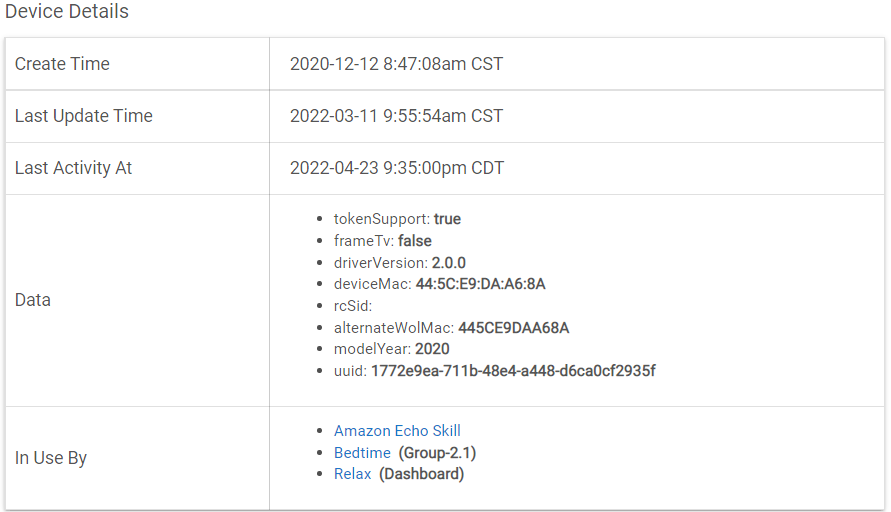
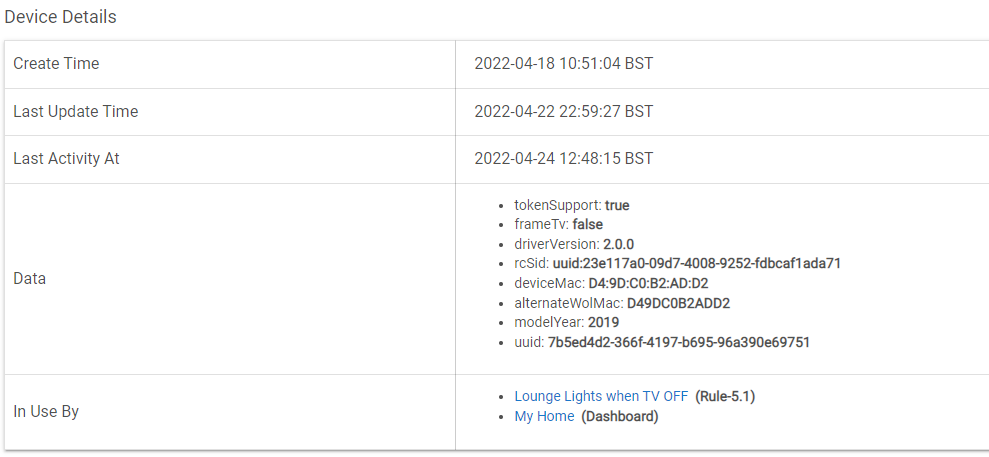
I can see how this happens although I can't duplicate. So; I need your assistance. I will provide some potential code changes that you will need to test to see if they fix the problem. Then I will update the code with the fix.
Quick Test: Turn your tv on and open a browser window on you laptop/tablet. Enter the following in the address bar:
YOURIP:9197/dmr
The screen should rapidly display the UPNP information page which I use to validate the TV is on the Wifi (and therefore ON). Example of the top of the page:
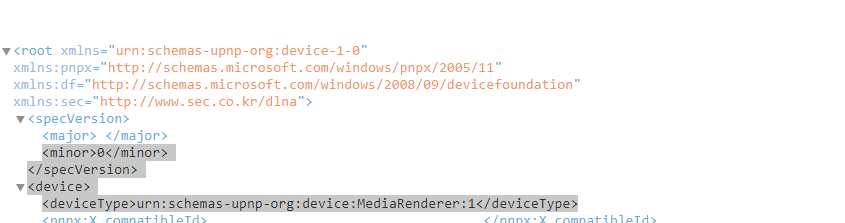
First fix attempt (If the above is successful):I send a specific message with a 2 sec timeout to test if the TV is still connected to wifi (the only indication that the set is on or off). This timeout may be too short, so, we can try changing it.
- Open the driver file and go to line 583 (or near there), you will see the below code:
def quickPoll() {
	asynchttpGet(pollParse, [uri: "http://${deviceIp}:9197/dmr", timeout: 2])
}
- Change the value for timeout to 4 seconds (to read)
def quickPoll() {
	asynchttpGet(pollParse, [uri: "http://${deviceIp}:9197/dmr", timeout: 4])
}
- Save the changes and exit the editor. If the code will not save (it should), tell me.
- Run this for a while and see if it solves your problem.
Hi there,
This is the message i get from the browser, If I am honest - I am not really sure what it is I am looking for here?
Screenshot deleted
Hope this screenshot doesn't reveal any sensitive info?
It is as expected. DELETE THE MESSAGE.
Perfect, thank you.
I've updated the code as per your instruction and it saved without a problem.
Will run things for a while and come back to update you.
Thank you so much!
EDIT:
How on earth do you guys understand what you are doing is beyond me, credit where credit is due!

No impact to operation. I will fix in next revision (The code is querying on wifi when the TV's wifi is shutting down and the interfaces are closing.)
Dave

You have some wifi delays. I will look for another fix this next week.
Thank you, I'll wait patiently
In the mean-time, try setting the preference "quick power polling interval" to 10 seconds and see if that helps. Some quick questions:
I am looking for ethernet/router problems that may be causing the problem. A lot of things can cause this.
Turn your tv on and load whatever app you are running while watching TV. Wait a minute or two.
- Ping the device using the window's ping tool (if possible). Open a command prompt and type ping IPADDRESS
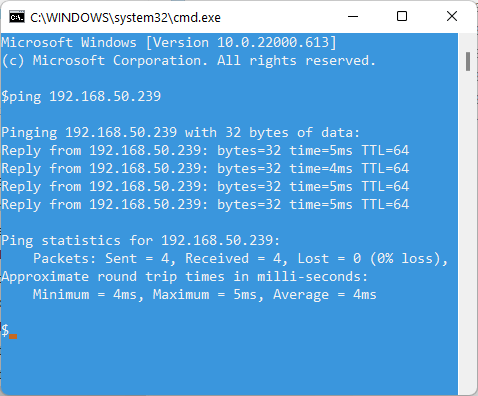
Some questions on your configuration:
- Are you watching stream content on your TV using the native samsung apps?
- TV Connection: Wifi or ethernet cable?
- Router manufacturer / model?
- Did the system ever work OK? If so,
- Any added wifi item since when it was working OK?
- Any changes in your router's configuration since when working OK?
Hi there,
Thanks for the further tips!
I didn't initially think this was relevant, but now I am doubting myself...
I am in the UK and SKY ( Broadband provider ) router.
However, this route is only used as a modem and wifi is handled by mesh system - TP-Link Deco S9 which is set up as access point.
I am more than happy to carry on with the tests, but not sure if I am not wasting your time or if this changes things?
EDIT:
Here it is anyway:
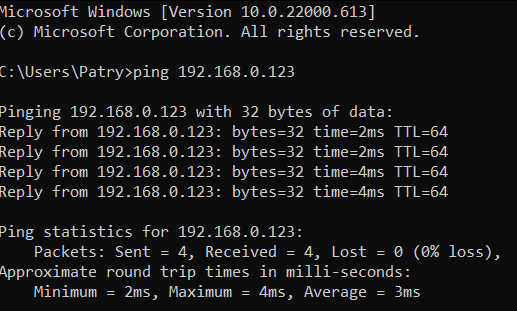
- Are you watching stream content on your TV using the native samsung apps? Yes, but also HDMI input
- TV Connection: Wifi or ethernet cable?Wifi
- Router manufacturer / model?Sky ( TV/Broadband provider ( in router mode ), DECO S9 for Wifi )
- Did the system ever work OK? If so, I don't think so, I only noticed once the routine for the lights was created - but this was within a day or two of setting it up )
- Any added wifi item since when it was working OK?
- Any changes in your router's configuration since when working OK?
You are not wasting my time. Done with questions. An update is in testing and will be out shortly.
What I am fixing and why:
Apparently, your tv is not responding to some wifi commands while operating. (I see similar on my Kasa LAN integration). Code will change to look for three consecutive failures (very fast) to declare the system "off". I have to use this unique method to determine on/off since there is NOT return message from the TV with on/off state. In this case, on/off reflects the LAN connectivity.
It's been an hour since your advice to change the polling and so far all seems good.
Funnily enough I am actually controlling Kasa bulbs in this automation, with your integration of course.
I don't do much else with the bulbs, but never had any issues with them.
Is there any way to adapt this driver to work with the Samsung soundbars?
There is a driver for some of the wifi soundbars already. It was developed several years ago when the Samsung Multiroom app was being used.
What is your soundbar model?
Is it wifi?