Food for thought...
When I create a rule, my goal is to always keep that rule as tight & narrow as possible, especially with respect to when and how often it will trigger.
Triggers that can happen either in high volume or rapid/sustained back-to-back "bursts" (like motion active) can result in a rule getting re-fired over & over, so like many folks here, I'm keen to rein that sort of thing in.
In theory, a rule re-firing on itself numerous shouldn't really be a problem per se, but in reality (for a variety of reasons), it can be.
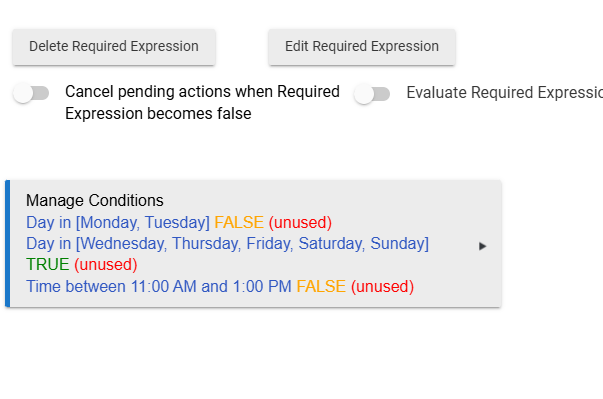
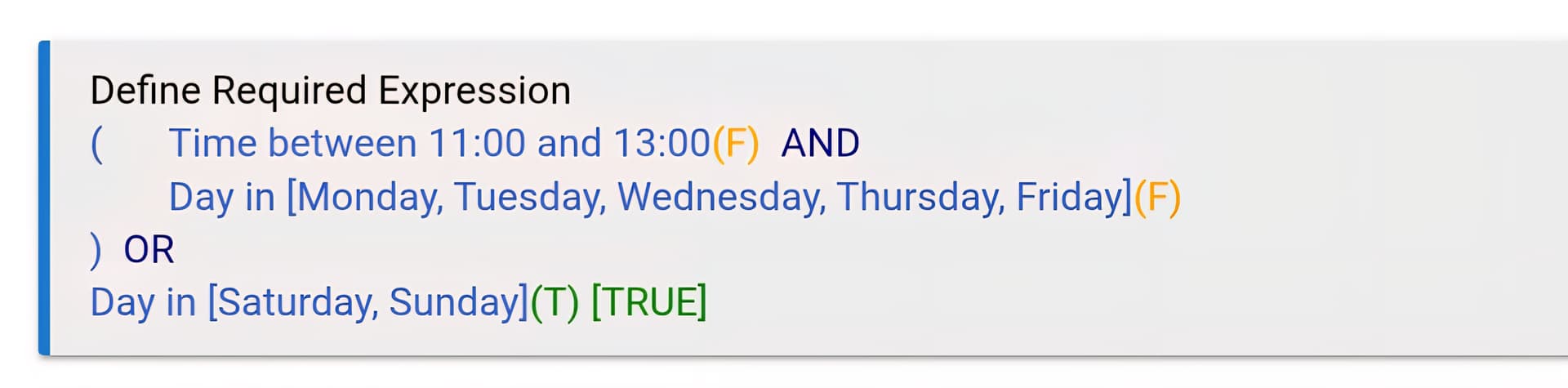
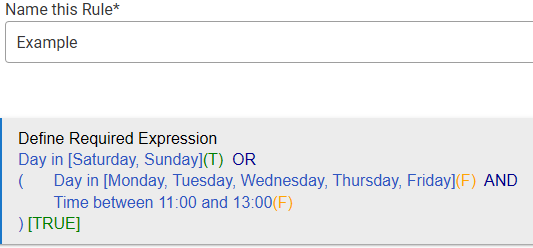
A Required Expression (RE) is the most obvious tool to help -- an RE acts as a "live or inactive" switch for the rule...
When RE is True, the rule is live & in play -- any trigger event will fire the rule. When RE = False, it's as if the rule doesn't even exist, and the trigger event won't ever fire it.
But there are some edge cases where the timing of things can potentially gum that up just enough to be meddlesome. So Hubitat's architect of Rule Machine (Bruce R) gave us a new option - a condition for the trigger (a.k.a Trigger Conditional). That condition is evaluated immediately at the trigger event.
So, for rules with a "bursty" or high-volume trigger, that's why many of us here like using a Private Boolean, hub variable, or a virtual switch as a Trigger Conditional to act as another gatekeeper for the rule. You can still use a RE if you want to, but it shouldn't be the same/similar as your Conditional Trigger.
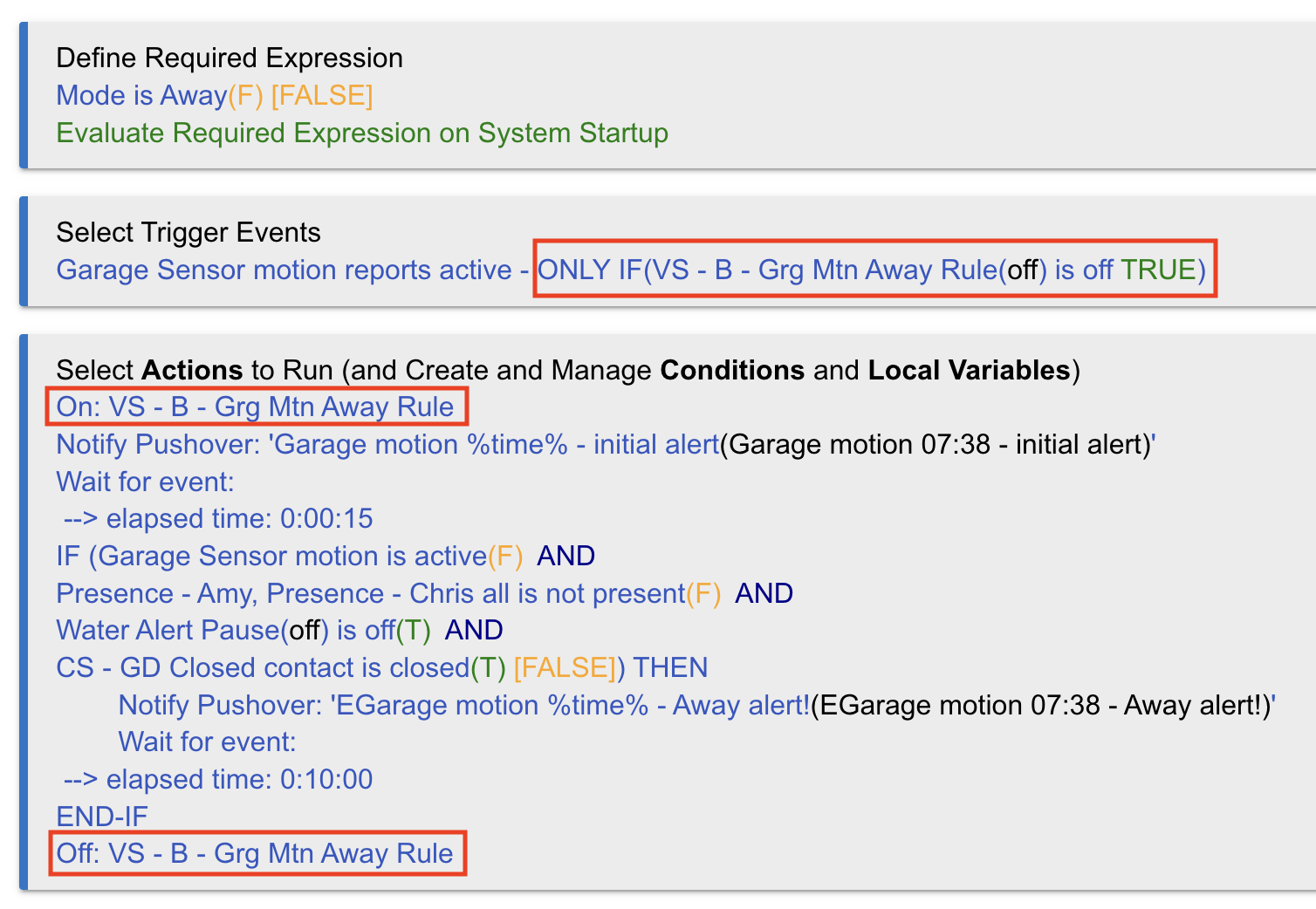
I myself prefer using a virtual switch (VS) instead of a Private Boolean (PB), but the end result is exactly the same -- the VS or PB is set as the Trigger Conditional, and then the first and last Actions in the rule are setting/re-setting the state of that PB or VS.
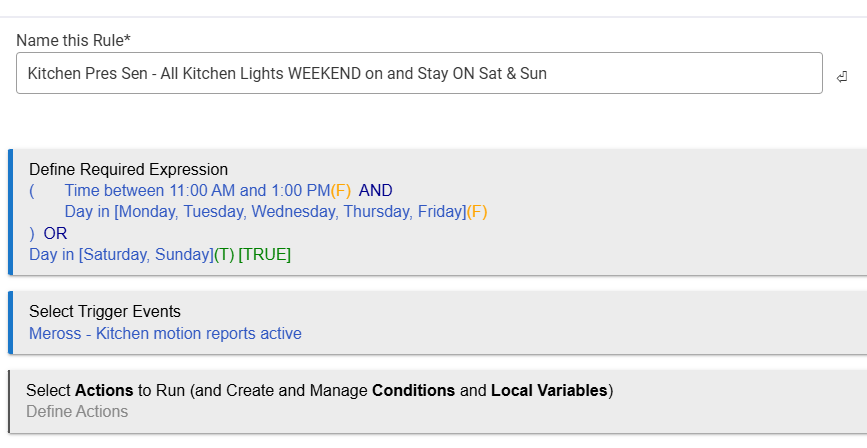
Here's one of my motion rules that use a VS in that way (note that I have a RE here too - it acts as the first / wider gatekeeper for the rule):
Summary
This kind of setup ensures that the rule doesn't get put in the position of re-firing on itself / stepping on itself.


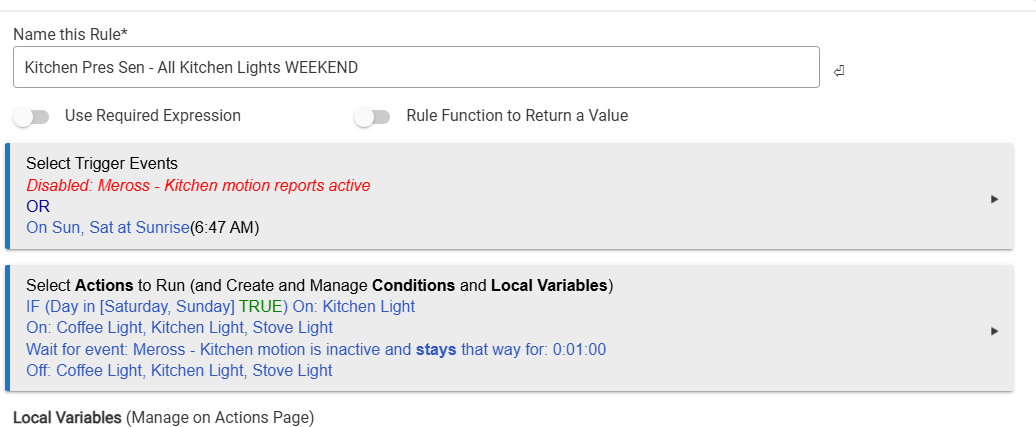
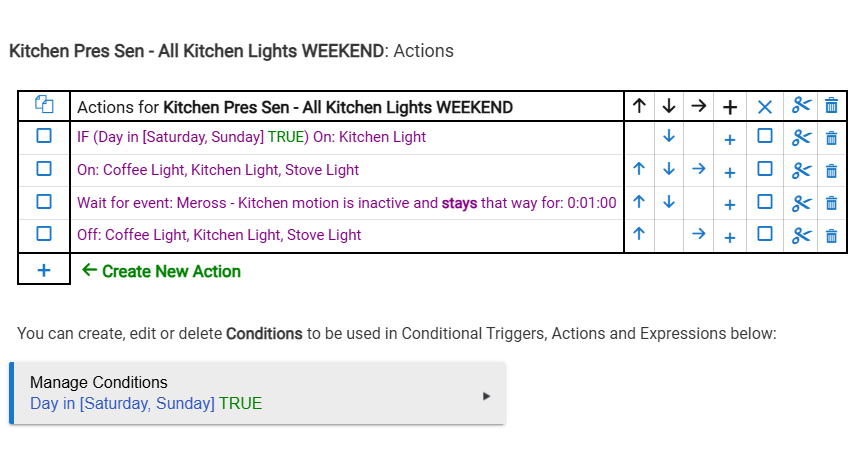
 (But it depends on what you actually want to restrict.)