Check your logs to see if one of those RM Rules is causing it. Looked like a rule was changing the mode.
The initial rule at the bottom of that event log is the one that commands to disarm the ring system. The other rules you see referenced change my Hubitat mode, not the Ring mode. I use the Ring mode to set my Hubitat modes.
Since it's happening randomly and not always, my guess is there is some kind of polling timing issue between the actual Ring alarm system and the hubitat integration.
I have a Ring solar floodlight. The new app allows me to set on/off but not brightness. The Unofficial version lets me set on/off and brightness. Can the brightness be added to the Official version?
This just started happening to me, any idea if they are working on it?
I am wondering if any work in being done on this integration as well. I haven’t seen any response from support to this thread in several weeks now. Maybe it’s all getting buried in this one. Perhaps you should start a new topic for just your specific issue?
Maybe… I never had any issues with the community integration, maybe they should talk to whoever made it 
I’m going to have to switch back to it as the only thing that makes the official one start working again for me is rebooting the hub (seems disabling and enabling the integration works as well). Either way it isn’t stable.
In my case it stops reporting changes to the base station and all sensors (which I use as triggers).
I was running this beta integration on a separate hub, but I uninstalled it this morning because the problems I reported earlier in this thread are blockers to using it.
I’ll reinstall it when there’s an update indicating they’ve been addressed.
In the meantime, I continue to use the “unofficial re-release”.
Marc
Unable to carry out the ring integration login failed
Hi
Sorry I'm totally new to Hubitat moving from Vera. The first thing I'm trying to do is connect to my ring cameras so I can then add my devices so on motion my external lights come on, but I'm not getting past the first step, l am on the latest version. I’m able to log onto ring.com so I know my credentials are correct
At the risk of jinxing myself, since the latest beta updates, it's been reliable with no issues. Could it be that the so called “http call regression fixes” corrected the problem?
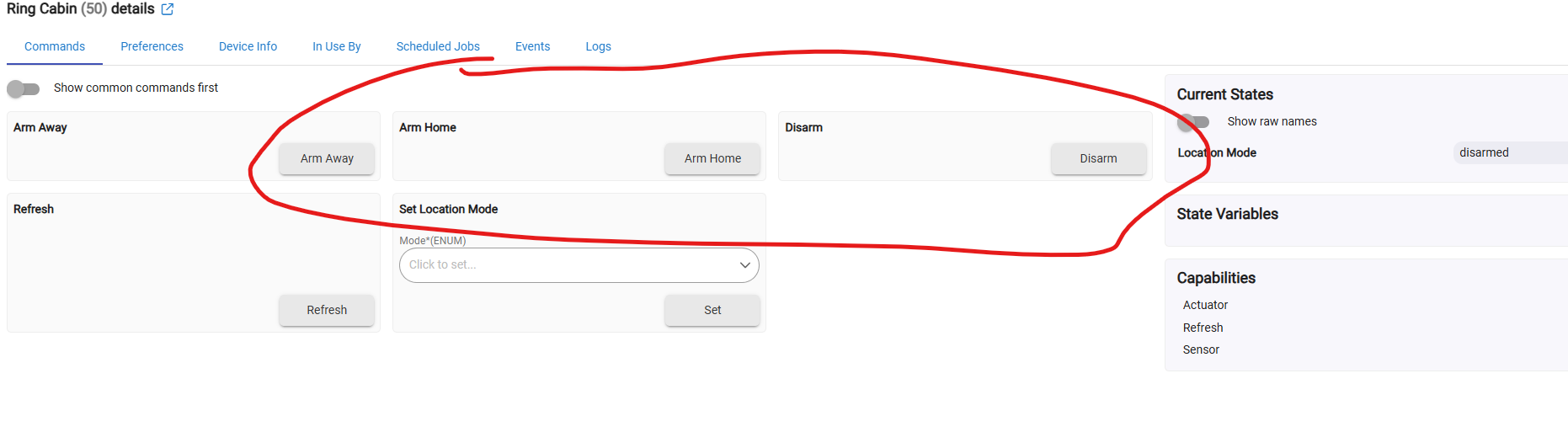
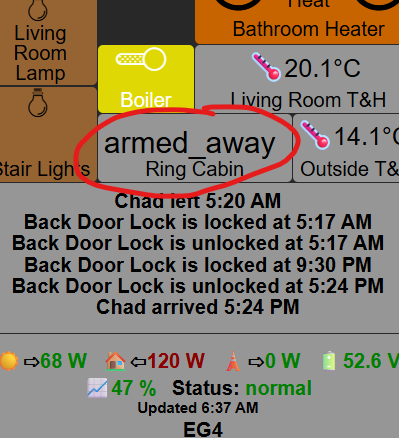
So far, integration is working perfectly and reliably now. Whatever was done in hubitat updates has worked. I am now a happy camper.
What version are you now on? The latest I have available is 2.5.0.159.
I am on the latest beta 2.5.1.128
Looks like you are using the Ring Location device. Try the base station device instead.
Thanks! I am using that one, Ring Location. I thought the base station was for the ring alarm system portion, not the case?
What is the difference of the two?
The location one is status only. Base station allows direct control.
Hmm. I can control it from the Device Page using Ring Location, I can hit the buttons in the device page and it works. No base station or alarm. Just don’t know how to get that control to a dashboard.
But you are saying Ring Location should be for status only?

I don’t see any option to install Base Station. But it does mention it in the App, that Ring Location covers that (assuming automatically if it detects one) on your system and Mirrors the alarm.
I guess I need a little clarity around this.
Actually, I have been using the base station device for a while now and it does seem solid lately on the mode tracking. I am still waiting on the keypad motion and volume attributes to be implemented. That’s the only thing holding me back from finally letting go of the community drivers.
@bcopeland I have to hit refresh to update the location mode, sounds like it was an issue before but also sounds like it was fixed? I am almost certain when I originally installed it, it updated right after I changed it on the phone app but it’s not doing it now.
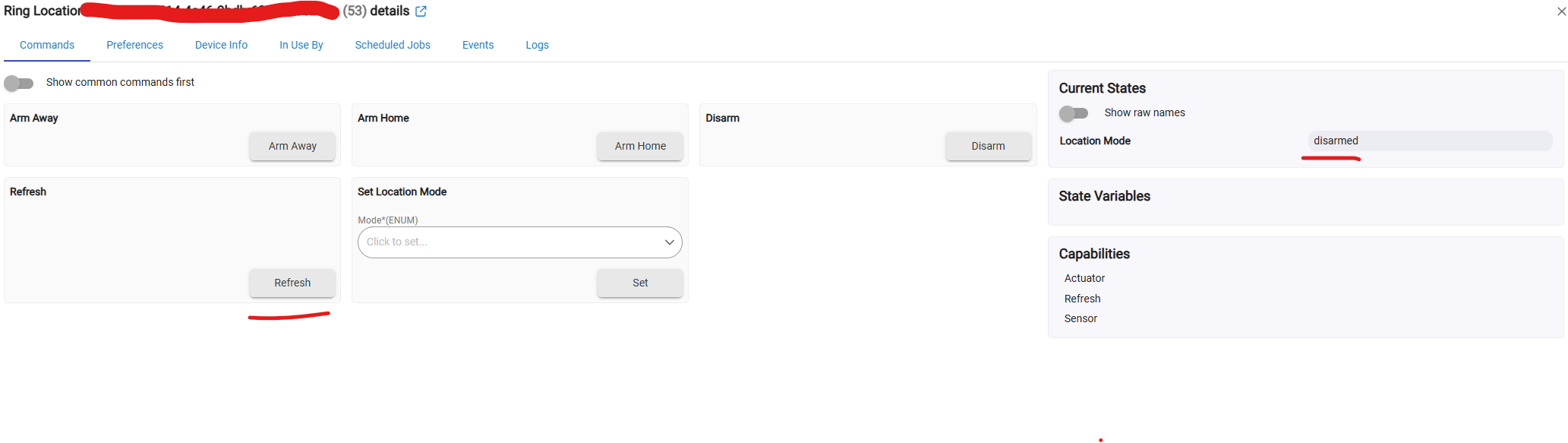
It’s polling properly, I sat and watch it for a bit in the integration page but it doesn’t update the location when it polls. Should this be unknown?

On a related note, I tried to uninstall and reinstall the integration to see if the updating would start working. Oddly, when I reinstalled it, it didn’t start from scratch like the initial installation. All my data and devices were already there, I just had to update the location mode. Should that be the case?