I don't know of any command that does what you want. Maybe asking the router device to leave the network with the "rejoin" flag activated might "reset" the router.
I see you've been busy at purging Zigbee from your life 
I don't know of any command that does what you want. Maybe asking the router device to leave the network with the "rejoin" flag activated might "reset" the router.
I see you've been busy at purging Zigbee from your life
It doesn’t unfortunately.
I'm getting the spinning wheel on both Neighbours and Routing map, hub on 2.4.1.141. Anyone else having issues?
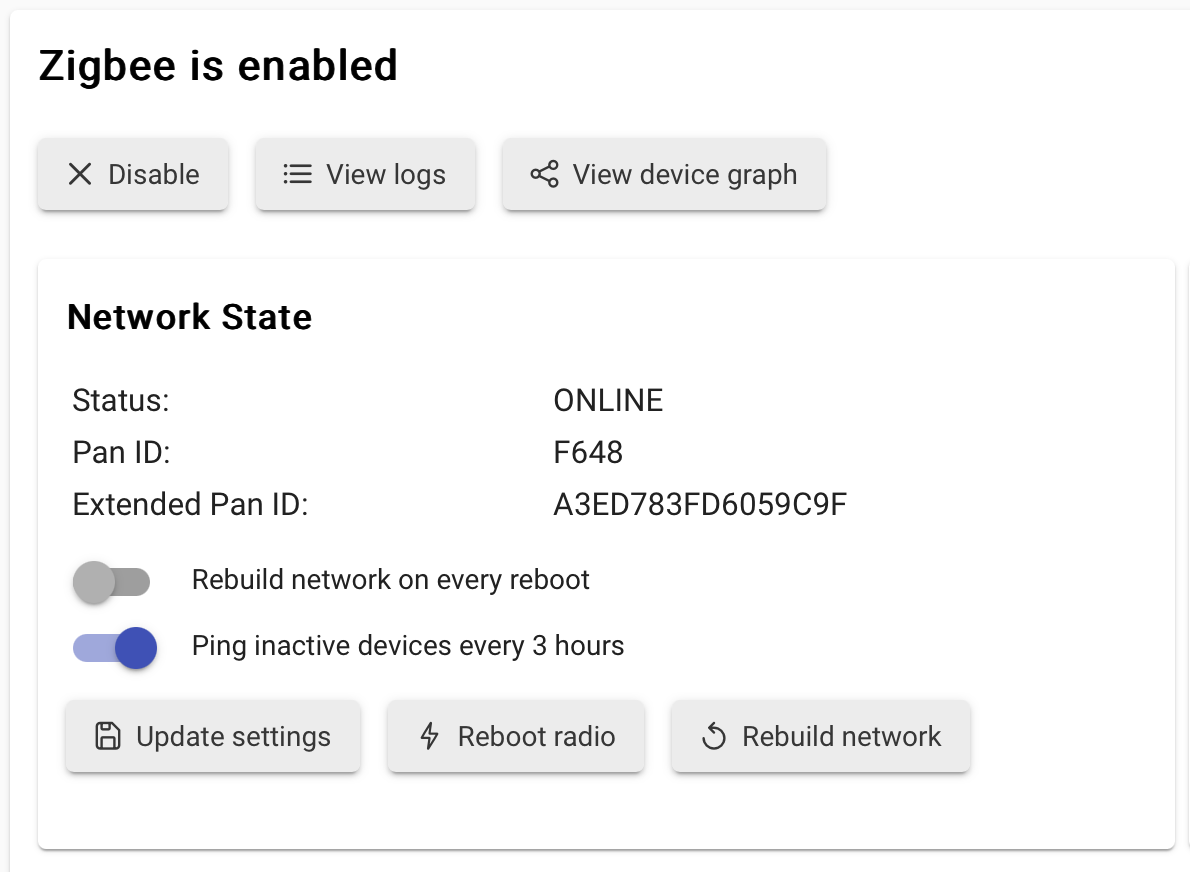
It's working fine for me on my C8 Pro. I did have some issues a while back that prevented me from adding some new devices, it turned out I needed to rebuild my Zigbee Network. I assume it was some sort of post c8 to c8P migration glitch.
No joy, tried Rebuild Zigbee Network and also tried to repair the app. If yours is all good I'll investigate further, starting with the old faithful reboot of the hub.
Edit - reboot did not fix. I will resume after dinner.
Try a full shutdown and power off to ensure the Radio’s ram gets flushed.
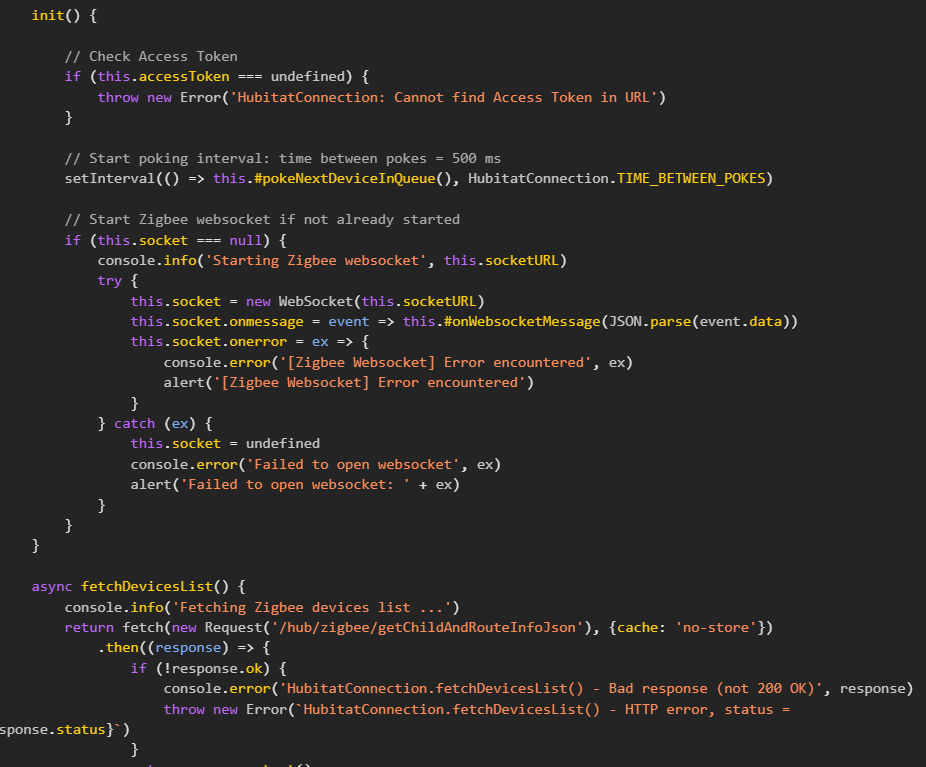
Maybe there is some browser issue... Open the browser/javascript console (see how) and check if there are any errors there.
Tried full shutdown, no good. The Hub Mem graph works as does the inbuilt Zigbee map...
Edit: Same on Edge and Chrome, cache cleared.
And IOS.
Just discovered that I too have this problem. Zigbee Map 2.2.1
I've tried several browsers. Rebooted hub, Repaired app using Hubitat Package Manager.
I also get a 404 error when trying to look at the change log.
Oh nuts! I wasn’t actually on 2.2.1, after I upgraded, I too now have the eternally spinning thing. 
Ugh - I installed the app a few days ago and it worked just fine but I'm getting the spinny wheel thingy as well. I'm guessing the install was v2.2.1 since I haven't done any upgrades since then. I wonder if removing the app and reinstalling it will get it working (even if it is a temporary fix)?
EDIT: Others have tried install/reinstall with no change...
Released version 2.2.2 with the following small fix:
If update is not found by HPM, just uninstall and reinstall the app (then update any bookmarks you might have to the map).
Have fun!
Funny, just started using the app (installed 2 days ago ver 2.2.1 on C8Pro) and it worked fine that day.
Tried it today and got the spinning wheel. No other changes to hub, reboots, app installs, etc. No changes to browser on workstation either. Just added a ZB device (existing driver, other same devices)
HPM saw ver 2.2.2 so I updated through it and works again.
Yeah, I have no idea why the app stopped working, I saw a JS error in the browser console.
The map HTML page loads a JavaScript lib file from the internet (jsDelivr CDN now, unpkg in 2.2.1) into your browser window. This file is the library that draws the nice graph with the Zigbee data that the app gathers.
I guess the learning point of this is "don't rely on CDNs"  I'll see what I can do to make the HTML page fully locally to the hub (like Watchtower).
I wondered how these images were created and update live.
It looks like the lib may have been updated. This is the github releases.

The app imports a fixed lib version from the CDN, so new releases of the lib should not break anything. It's more likely that the CDN changed the packaging of the old file.

@dandanache All fixed, thank you.
HPM is not showing any update for me. I am on version 2.2.1. Do I use the uninstall feature in HPM to uninstall the app? Then I just reinstall and it will be the updated version, correct?
I had the same problem. Did a repair and it still showed 2.2.1.
Deleted and re-installed via HPM and it downloaded 2.2.2. 
Download the Hubitat app