I have a number of TS0207 sensors by _TZ3000_mugyhz0q. They often report "Water unknown" under Current States. I've been clicking on the "Push" command which causes the state to briefly report "tested", then "dry" (which is the expected state for my units).
I'm not sure that I fully understand the "Push" command: is it actually determining the wet/dry state of the sensor, or is it artificially just setting the "water" state to "dry" regardless of the actual state?
My leak detectors are the round ones and I can push on the middle of them and actuate a physical button. Maybe that is the what the push function emulates.
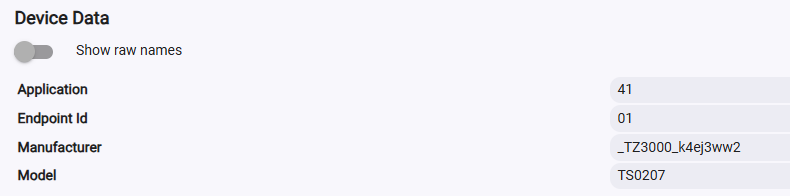
i just bought 2 _TZ3000_k4ej3ww2 water sensors with the leads.
When I pair near the hub and test it, it works great.
If I move to the den (30' away with some walls) ..it will not react to wet or dry
..it may show wet but after drying is stuck on wet.
I've repaired numerous times...I'm using the latest 1.1.4 NEO Coolcam Zigbee Water Leak Sensor
Any suggestions so that they are reliable?
I'm not sure i follow.... i push the pin into the tiny hole so that the led blinks blue, I then have it search for zigbee and it finds the sensor by name.... are you saying to get it blinking blue and clicking configure? what would that do? Thanks for the help
Yes click the pairing button on the sensor about 1 second after you click configure on the device page after it's paired. That causes the sensor to "wake up" to receive the configuration message that HE sends.
I do not have an option under settings zigbee to rebuild network I have a C7 is that only for a C8?
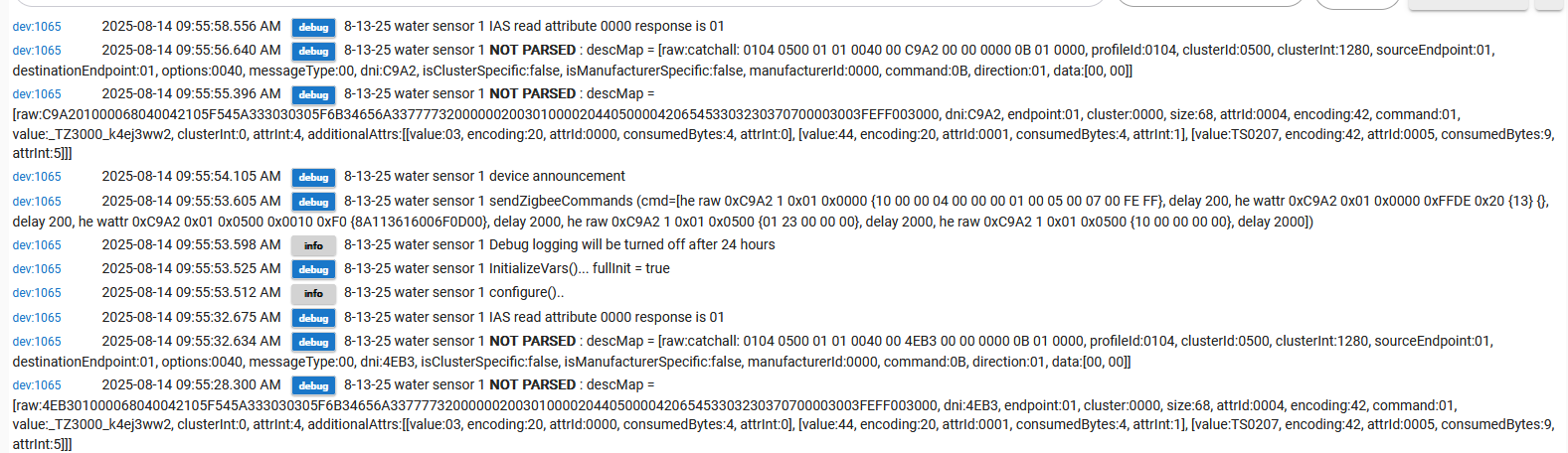
I think the key to my problems is that there is messages not being parsed as shown in the earlier picture..... @kkossev are those errors causing the problems of it not seeing wet and dry reliably?
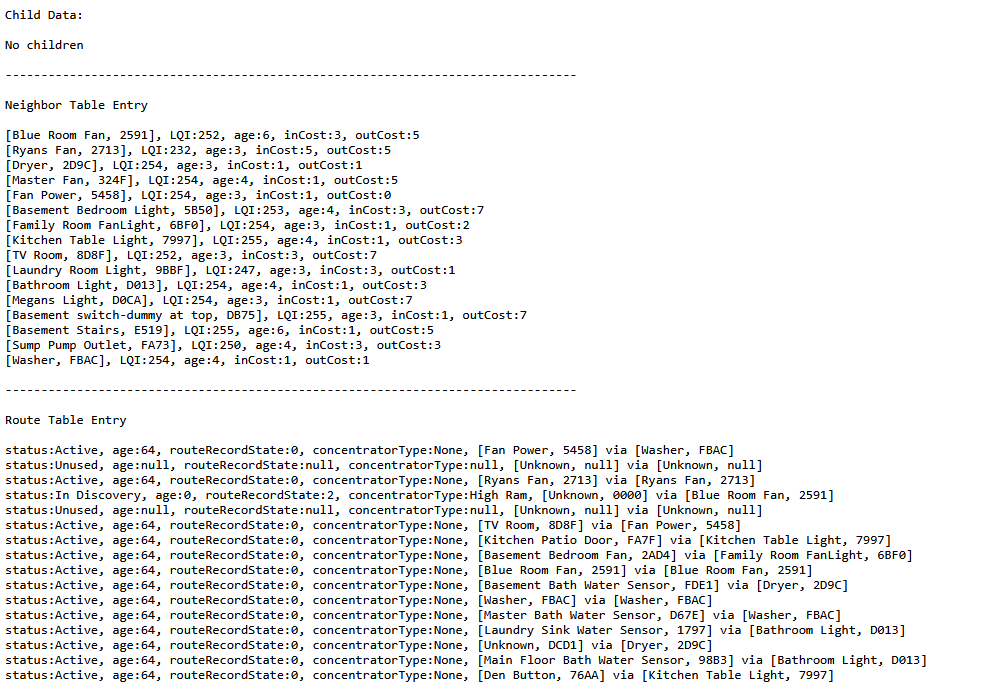
Do you have a mains-powered Zigbee device in the same room where the leak detector final destination will be? Place the sensor very close to the Zigbee repeater and pair it again with the hub (without removing it beforehand). Often, just removing the batteries, waiting 30 seconds and inserting the batteries again forces the end device to choose a nearby repeater during the device announcement process.
These are just normal debug logs, so you can ignore them. The issue you're experiencing is related to Zigbee connectivity. There may be 2.4 GHz interference in the area where you're trying to install the sensor, while the channel may be less congested at the C-7 hub position.
A properly placed Zigbee repeater (router) in between the hub and the end device usually helps in such an environment.
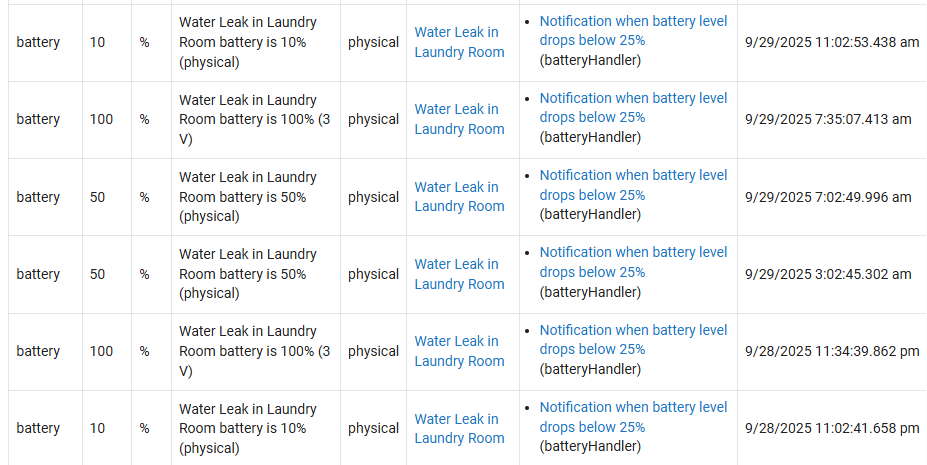
Is there anything that can be said about this other than battery reporting is always wonky? This device just seems to rotate between 10/50/100 all day long, every day. Putting a new battery in doesn't fix it.