app:342024-01-21 12:31:13.603 PMinfoSkipping a bad manifest Sonos Advanced Controller. java.lang.NullPointerException: Cannot get property 'betaLocation' on null object Please notify the package developer.
app:342024-01-21 12:31:13.597 PMinfoSkip download of https://raw.githubusercontent.com/DanielWinks/Hubitat-Public/main/Package%20Manifests/SonosAdvancedController/packageManifest.json: groovyx.net.http.HttpResponseException: status code: 404, reason phrase: Not Found Please notify the package developer.
app:342024-01-21 12:31:13.266 PMinfoChecking for updates for Sonos Advanced Controller
So it shouldn't be trying to get anything at the path with a space (or the %20 version of space).
The whole point of the intermediate manifests is that it's there to allow me to move things around without breaking anything. But it seems like your HPM is using an old version of the intermediate manifest.
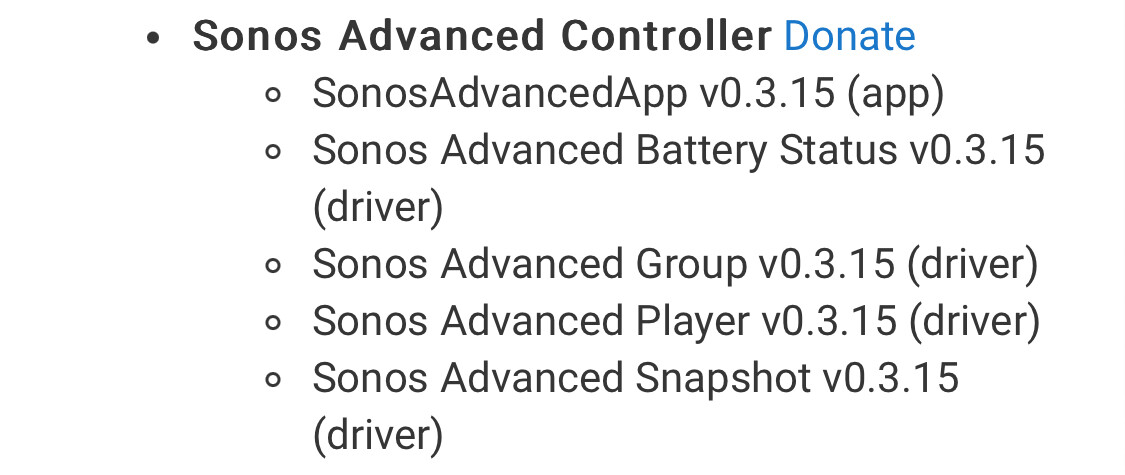
That's odd, because I updated the controller via HPM just four days ago. However, when I look at the HPM app status page, I definitely see the url with the space buried amidst the long lists of manifests.
EDIT 1: Your comment gave me an idea. I performed an HPM "Un-Match a Package" and then a "Match Up" and was finally able to update. Thanks.
EDIT 2: If you're reading this, per Daniels' comment below , be sure to user "repair," not update, after performing the "Match Up"
I did, from the early days, but the first day updates stoppped working (last was on the 18th).
All good, I installed from HPM now and swapped my devices, remove code dupes, etc. Should be good now.
I performed the Unmatch and Match without adding a custom repository. I just unmatched my existing Sonos Advanced Controller package in HPM to clear the cached manifest.
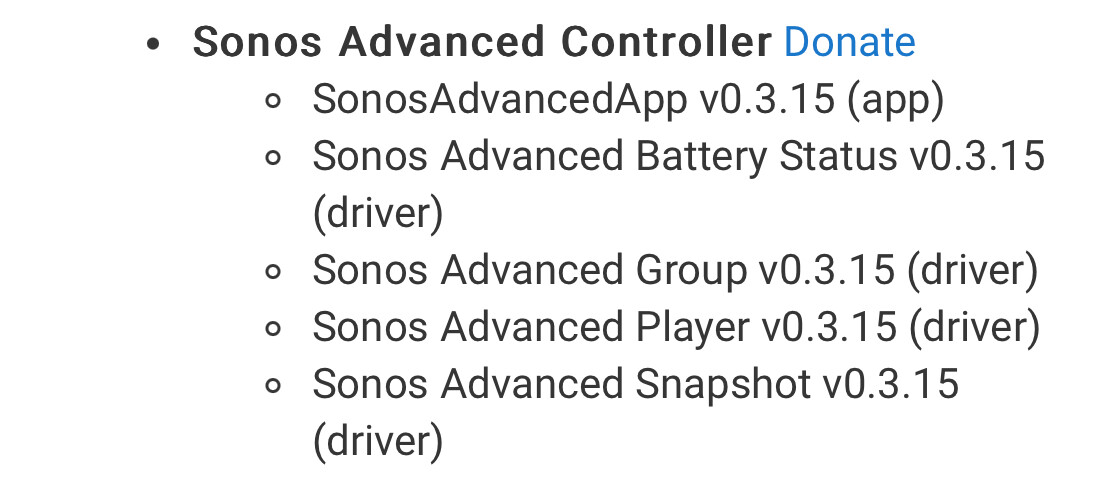
Check your "Apps Code" section... there's an issue that I've run into, as well as others, where it seems that HPM installs a second copy of the app code rather than updating what's there.
I'm guessing HPM thinks you have the latest, and you do... for the second copy of the App code. But the issue is that the one you're actually using isn't getting updated.
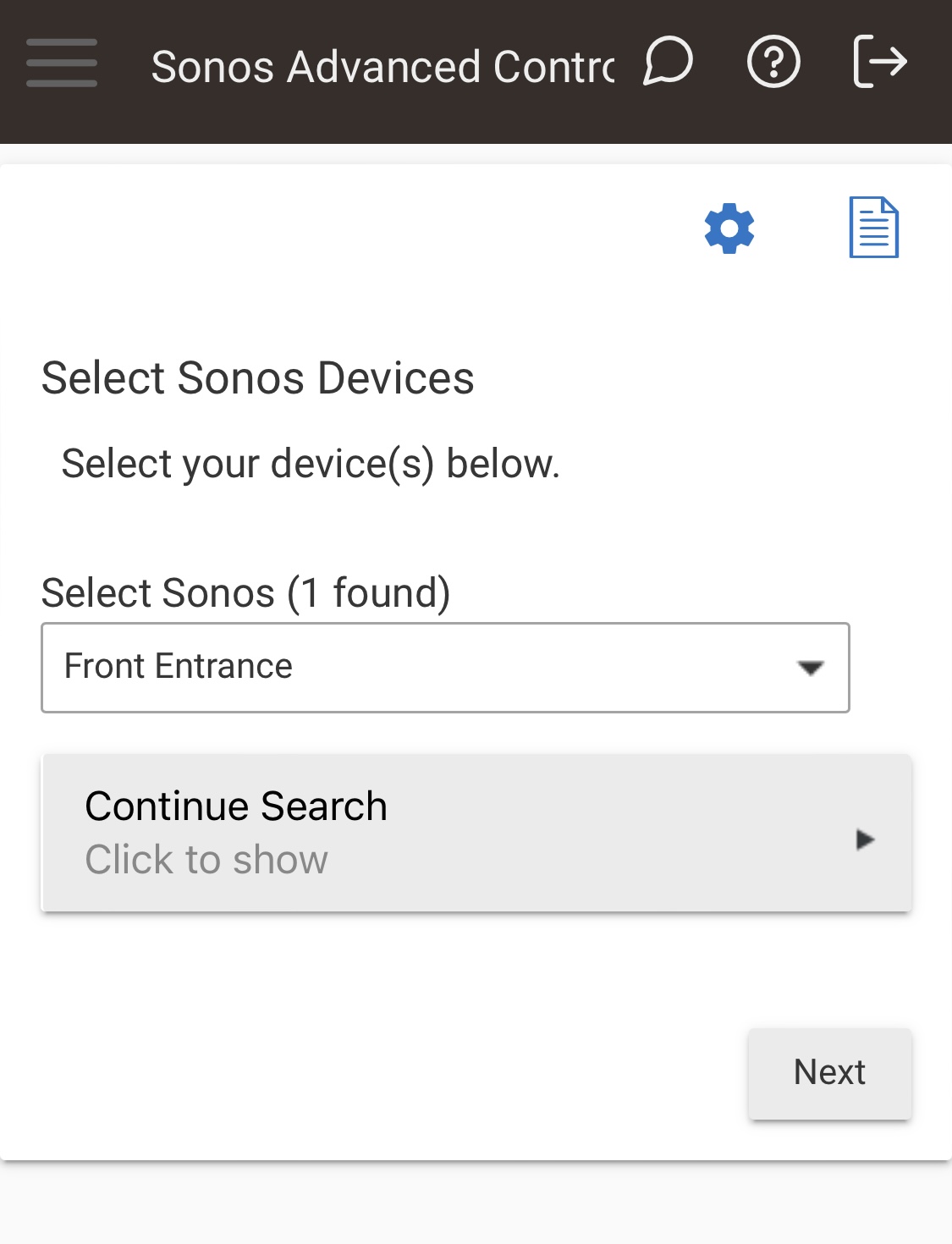
There were 4 x sonos advanced apps, I uninstalled then deleted app code and drivers then reinstalled and reboot hub but now discovery is not finding any sonos systems
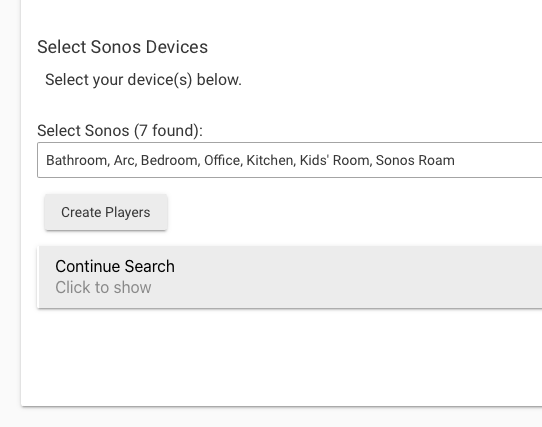
I'm having a unique challenge. I can't seem to discover all of my 17 Sonos devices. Several attempts seem to stall out at 15 or 16 and with different combinations of them. So when I hit advance, I can chose to add the missing ones that showed up in the last search, but then it want's to delete the one or two it didn't find on that run.
Kinda frustrating... I should be able to just discover additional devices and not have to remove what it didn't see during that particular search...
I've tried playing music through the devices and changing settings hoping that will cause your app to find the missing players... But no go... If I restart it, I might find the missing one, but then another doesn't show up and when I hit next it wants to remove what it didn't find.
EDIT: I ran it for the 9th time and it finally found all 17... Still maybe there could be something to prevent removing a previously found device... I've been playing with adding devices for about two hours just trying to get it to discover all 17 at the same time... But all good now... Gonna start playing with your app... Thanks again
I can add a toggle on the creation page to have it 'only add'. Whenever you change your speaker config, such as adding a stereo pair mate, adding a sub, etc, it removes the old MAC/RINCON entirely and make a new one. So if you had a single speaker, and added a stereo pair mate to it, you end up with 2 entirely new MAC addresses on your network, and the old MAC/RINCON disappears entirely.
The current logic is to find such 'orphaned' devices and remove them. There's nothing I can do about how Sonos handles the logic behind their virtual MAC/new RINCON stuff in this regard... tho at some point when I have some excess time on my hands, I could probably code up a device migration helper for just such cases. It should allow me to update the DNI, all the "Data" fields on the device, and effectively replace the device anywhere it might be used in Rules or other places.
But adding a quick "don't remove anything, only add" toggle, that'll take less time than I spent typing this message.
Edit: It'll take a few minutes longer than I thought, because the reason it's wanting to remove them is that these devices aren't in 'settings.playerDevices' for the app. I'll need to make sure that running discovery 2+ times results in everything being added to that, and not having the most recent discovery simply replacing it.