Any better now? I had a bad path on one of the manifests it seems.
1 Like
I have a feeling the reason there has been some issues is because you have both a bundle in your manifest and the apps and drivers. where as it should be one or the other? @csteele am i correct with this?
I based mine on the manifest for the ESPHome app/drivers:
It's got a bundle with and apps and drivers.
Has anyone ever run into phantom devices blocking creation of virtual devices?
Below is from the logs where it states it
Will not create the virtual Sonia device as it already exists, but if I look in my device list no such device exists
2024-01-20 08:18:15.748 PMdebugSonos Advanced Controller: Not creating Front Entrance, child already exists.
Click on the gear icon next to the app name:

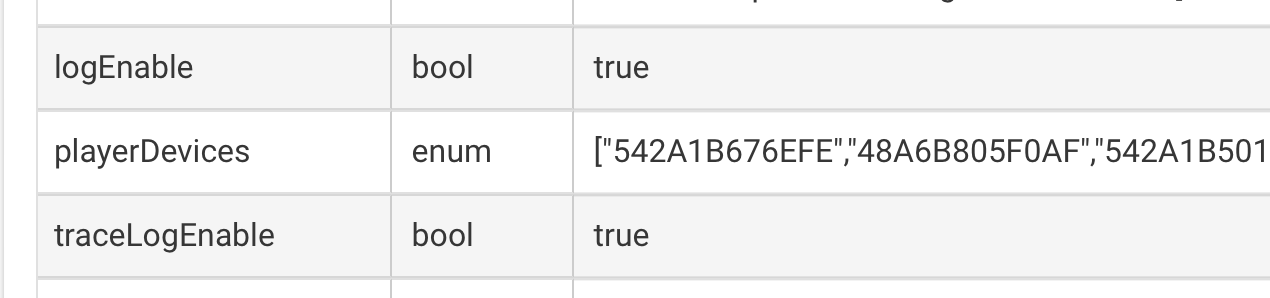
On the 'Sonos Advanced Controller Status' page, what does it list next to "playerDevices"?
And down at the bottom, what does it list under "Child Devices"?
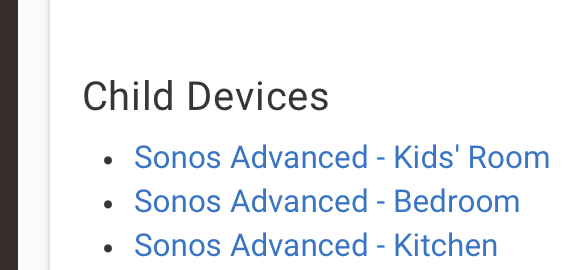
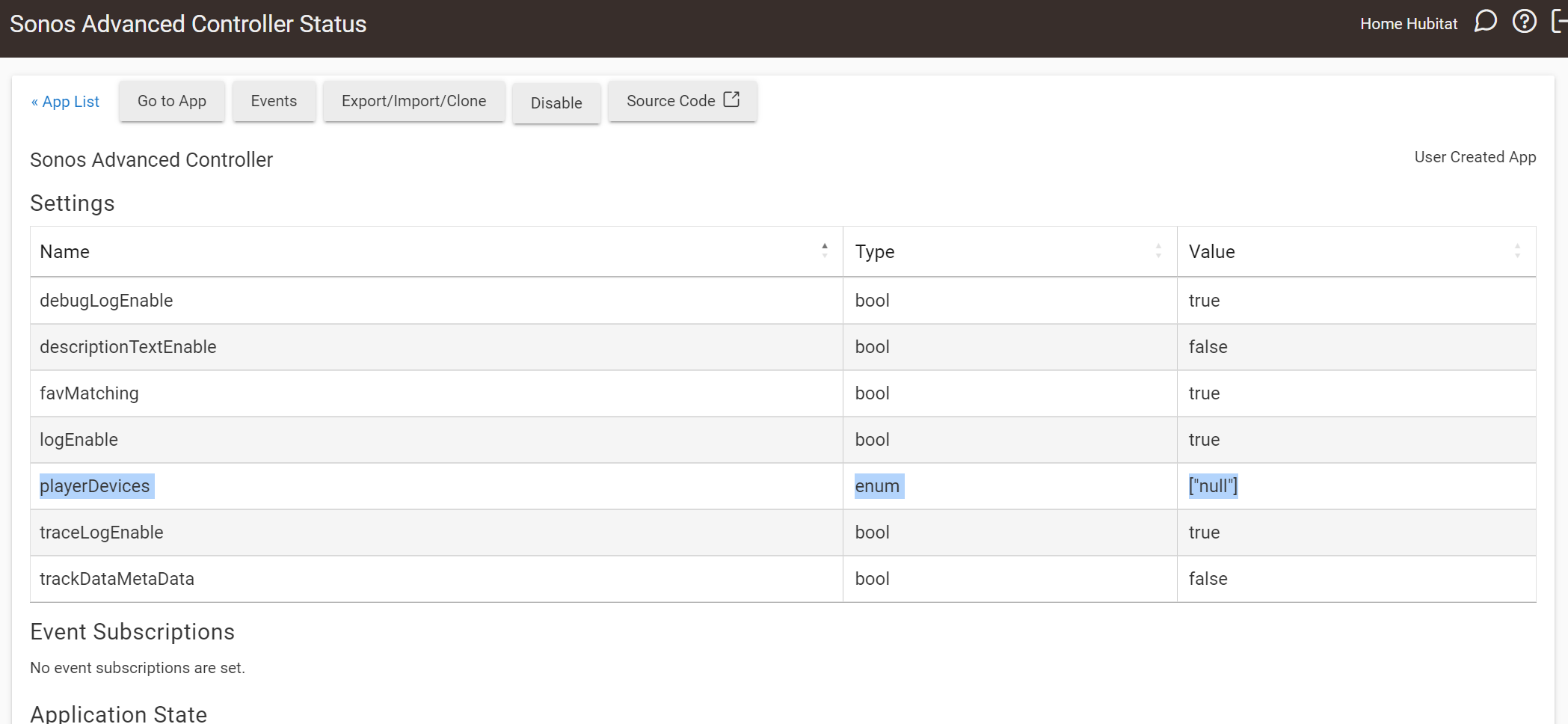
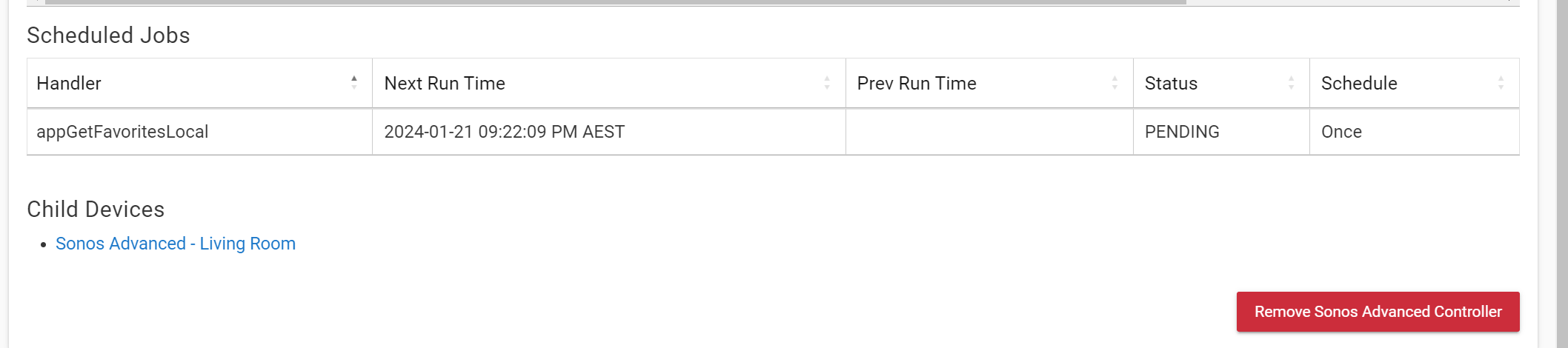
Hmm... maybe somehow having a null in there is causing the code to fail somewhere. Give me a bit here and I'll wrap up these changes to the device creation code that should hopefully make it more robust. Not sure if it'll fix your issue, but we can see.
1 Like
New version up on HPM.
Device discovery now uses the dynamic page updates provided in Hubitat update 2.3.7.114. If you're somehow running a months-out-of-date version of Hubitat, you'll need to update your hub to at least 2.3.7.114 to use Sonos Advanced.
Put in more checks to prevent 'null' devices in discovery.
Added a button on the Player Device creation page that creates devices when clicked. Devices are also still created when exiting the app as usual.
Added a few more lines of Trace level logging to the Device Discovery code. If you're having issues with discovery be sure to turn Trace level logging on the App settings and provide all of the logs from when discovery is running so I can troubleshoot better.
Some previous changes that might not have been mentioned are that I moved the "ZoneGroupTopology" message parsing back down to the driver level. Now each Player device parses its own ZGT messages, and only sends the parent app the minimal information needed to update any sibling devices. Along with this I set the Player driver and the main app to single-threaded mode. With each driver processing more and the parent app processing less, there shouldn't be any need to have the parent app multithreaded and doing so removes any possible race conditions.
1 Like
For some reason, I'm not seeing any updates on HPM. (Confirming I'm on HE 2.3.7.145.)
Hi Daniel... Sonos Advanced is amazing! I think I am missing something - I don't see all of the options available in Rule Machine that are available in devices -> Sonos Advanced, like load favorite... Can someone help me with this?
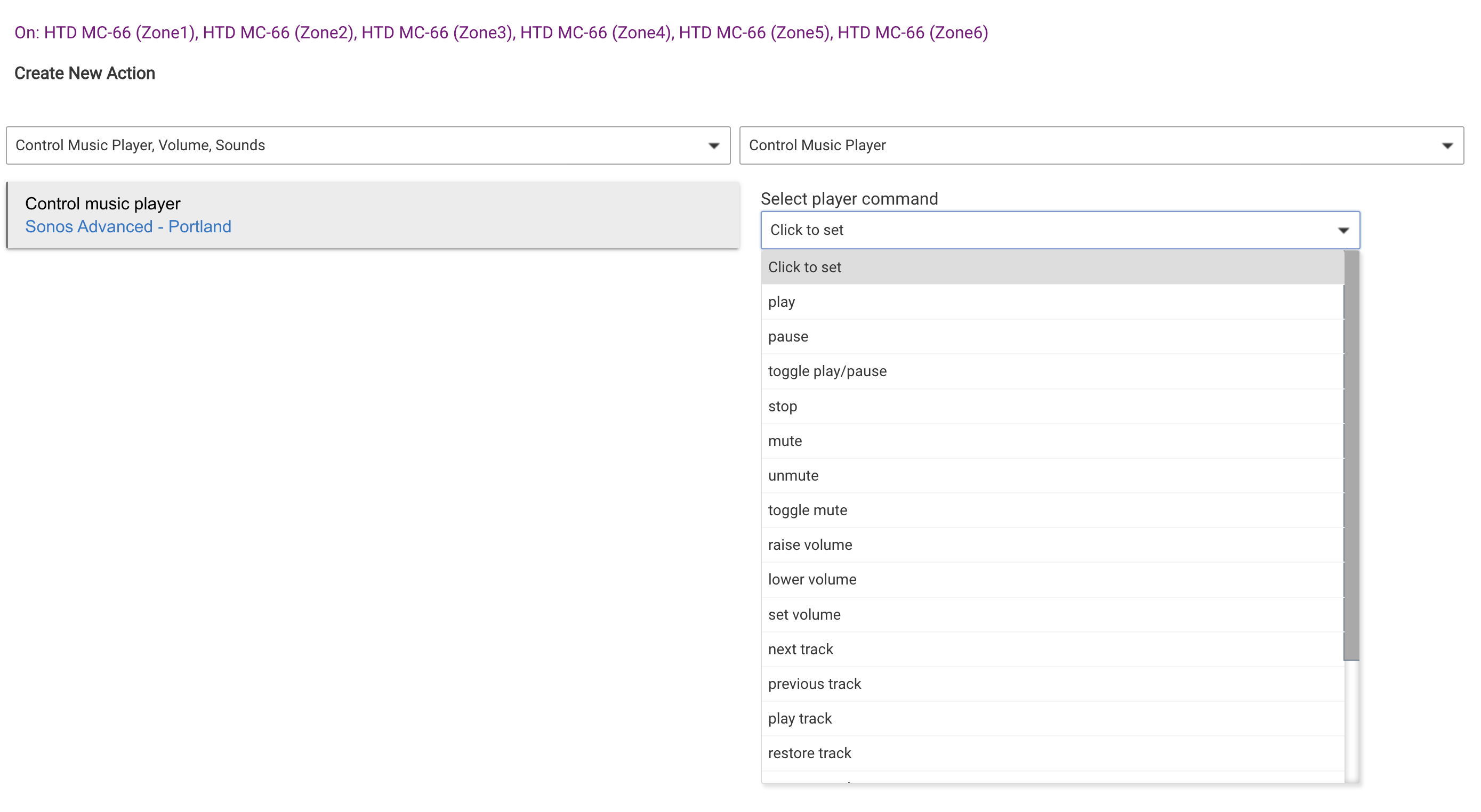
I apologize for the lame user name... I don't know how it was set, and I can't seem to change it.  Mike
Mike
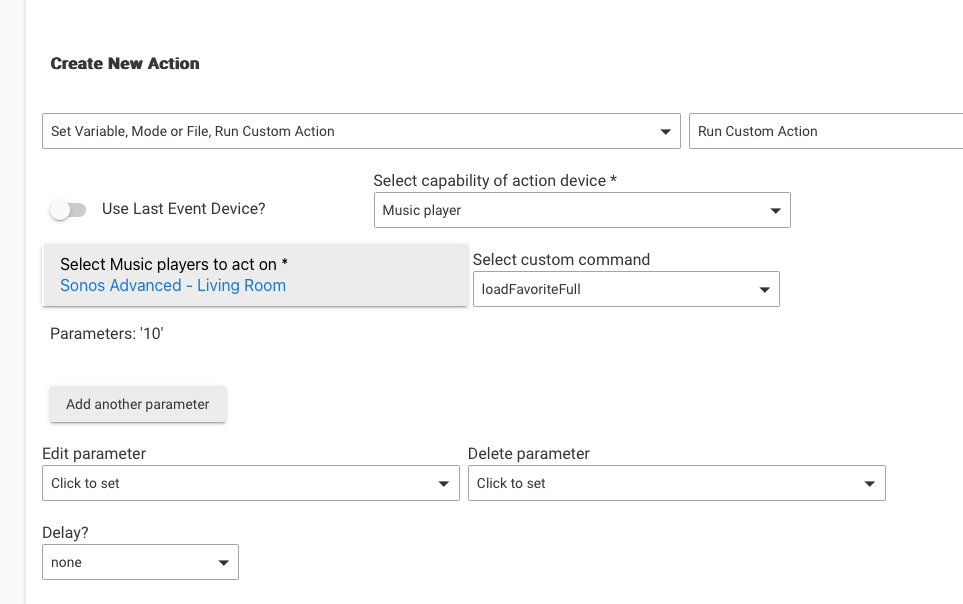
You have to select "Run Custom Command".
I can add commands to a device for things like "Load Favorite", but in Rule Machine you have to interact with them via the custom command option:
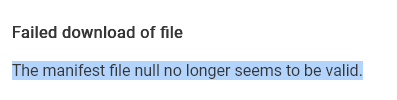
Any thoughts on the missing HPM update? My last update was on 1/17, but nothing comes up under for Sonos Advanced Controller. Tried a repair just in case, and got an error.
Are you on the 2.3.8 beta?
No. 2.3.7.145
I've been having issues on 2.3.8, but that's related to the beta.
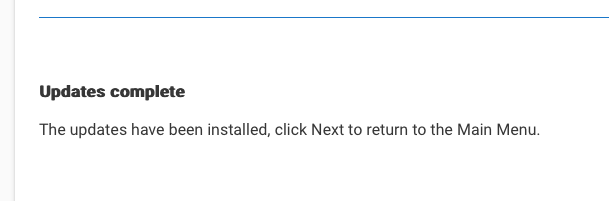
On my main hub (2.3.7) I just pulled in the latest version I have on GitHub:
Awesome... I had been banging my head against the wall for months trying to play SXM stations on Sonos with the default integration. I just set a station as a favorite and used LoadFavorite and it worked! The grouping feature is also amazing. Thank you!!!
Mike
Dumb question, but where can I check what version I have installed?
Checked the app source as well but no version in the code.
Hitting the same as others, as not seeing an update in HPM
I'm at a loss, then. I updated another package today without issue. For now, I'll just have to leave it be.
Click on "View Apps and Drivers" in HPM.
Do you have my repository added as a custom repo? I've had in the official list in HPM for a while now.

