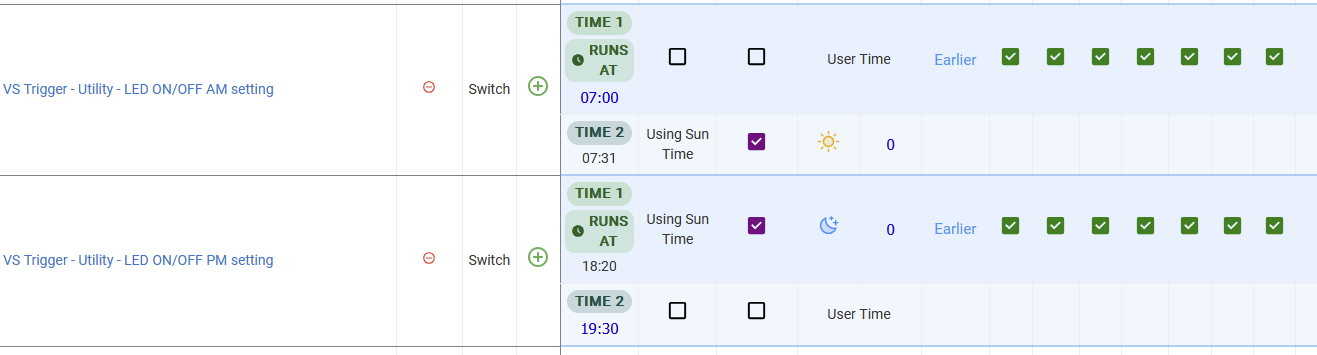
It would be great to be able to use Hub Variables for the dimmer value.
Have several Hub Variables for different shade heights that I used in multiple RM rules. A rule for all the shades in a room. 5 rooms with shades. Made sense to use Hub Variables so one change would update each rule. No rule updates needed.
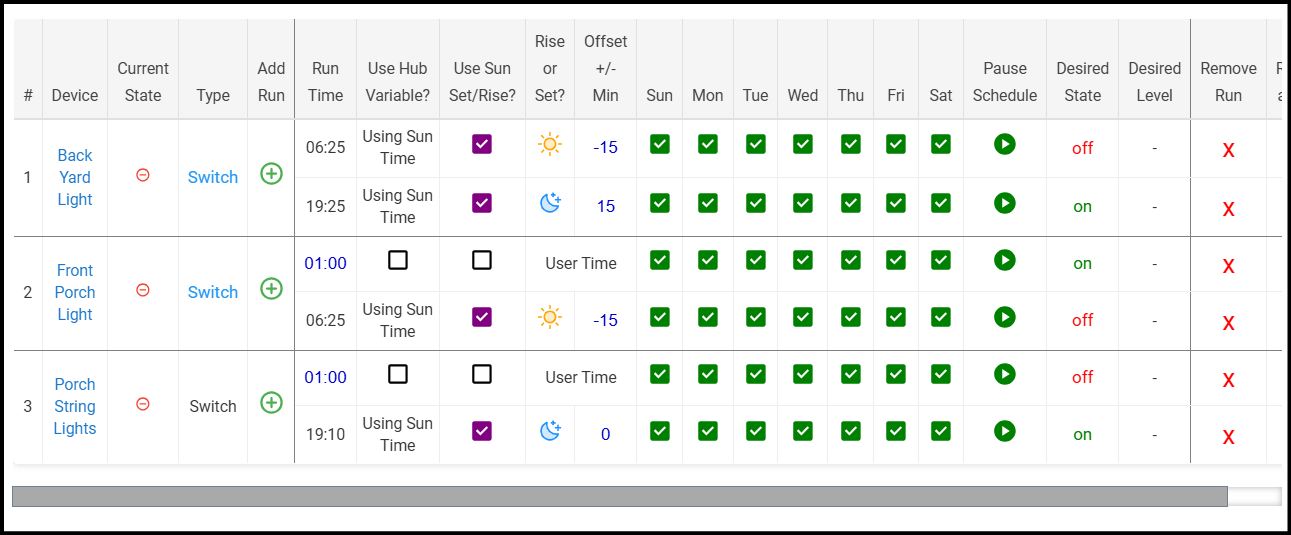
Randomly, the front porch light doesn't come on at 1am, and/or the porch string lights don't turn off at 1am.
I commented out the logsoff function so debug logging would remain on, and I think I know what the problem is. At line 1654 you have: schedule("0 0 1 ? * * *", updated)
but there's also two scheduled jobs that call switchHandler() at 1am. So there's three scheduled jobs for 1am and the order they are called in is random. If the one that calls updated() runs first, the other jobs are either unscheduled or somehow interfered with, and one or both of the lights that should turn on or off at 1am does not occur.
I'd probably check to see if there's anything scheduled for 1am and if there is, back off the time by a few minutes and keep checking until there's no conflict. But there's probably several ways you could handle this.
For now, I'll just change the time to 12:50 am instead.
Also, there probably should be a way to allow debug logging to remain on until manually turned off.
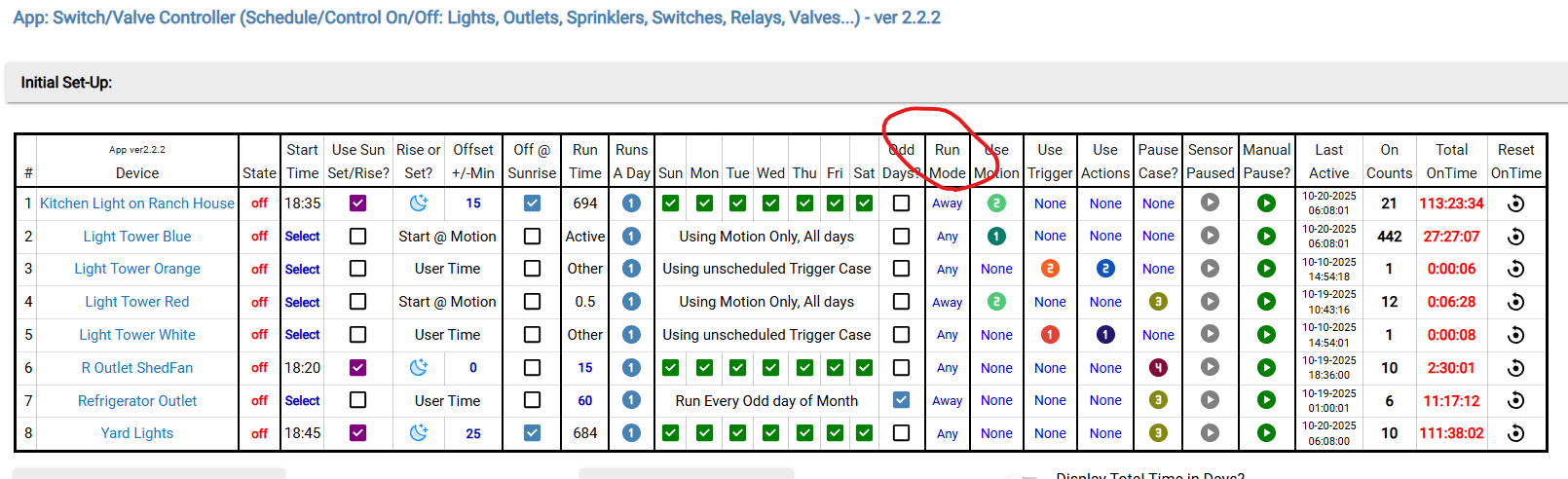
Anyhow, thanks for the great app. I'm trying to move away from RM for things that just need fairly simple scheduling. Seeing everything in a single interface is much clearer than having things spread out across a lot of different rules.
Definitely a race condition here depending on which 1am schedule gets run first. I like your proposed solution of backing off the refresh until it doesn't conflict. I'll get a fix out for that and include the logging suggestion as well.
Yes, I have a version of this I'm testing now. Seems to be running well for me. Need to find time to do a little clean up and get a release together but I'm happy to push what I have if you'd like to test it out as well.
@evcallia I have something I'd like to move into Schedule Manager, but not sure it's possible.
I have a bunch of various lights on a schedule, but I only want that schedule to run when mode is Home. If mode is Away or Sleep, I want the lights off (and turned off if they're on). Is this possible?
I created two schedules, one for home and the other for away and sleep. The away/sleep schedule has all the devices and the desired state is 'off' but there's no run time selected. I don't know if this is allowed, but there weren't any error messages when I saved the schedule. But it didn't have the desired effect of turning everything off, regardless of time. I'm assuming device states are restored on mode changes. Maybe that's not the case.
Would it make sense to have an option under "Only run schedules during a selected mode" like "Turn off all devices in unselected modes"?
The goal here is to only have the lights on during the desired times if mode is home. If mode is away/sleep and changes to home during the scheduled time, I'd like the lights to come back on as long as the time is between the on and off times.
I can (and already am) doing this in Room Lighting, but RL is a bit ornery and I like your interface better.
If your only modes are Home, Away and Sleep, then my suggestion is to:
create a virtual switch that is in one state for Home and the other for Away/Sleep
use that virtual switch to turn on the appropriate schedule by the state of the switch
create a Hub Variable that is a date/time variable
use that Hub Variable for all lights in the Away/Sleep schedule
create a rule that triggers on any mode change
the rule should change the virtual switch appropriately and if the mode is Away/Sleep set the Hub Variable to current date/time plus an offset of 2 minutes
The Hub Variable must be date/time so it will only act once. A time-only variable will act every day at the variable time.
You need a 2 minute offset.
the first minute is needed because scheduling in Schedule Manager is by the minute. That means current time is already in the past for Schedule Manager. (by milliseconds)
the second minute is needed because if the rule runs in the last few milliseconds of the minute, current time could be in the next minute by the time Schedule Manager sees the updated Hub Variable and sets the chron value.
Have found that if the offset is only one minute sometimes Schedule Manager misses setting the lights
Thanks, but that's way too many moving parts to move something I already have set up in RL to Schedule Manager. RL does exactly what I want and has been working fine for a long time, I'm just not a fan of its UI. I probably ought to leave well enough alone, but I like the simplicity of Schedule Manager's UI.
@dcaton1220 This isn't currently possible without some work arounds. I'll respond to a few things below, but we could add two features to this app that I think would make it works for you.
An option like you mentioned to "Turn off all devices in unselected modes"
An option to "Restore to latest schedule after mode change" that would use the existing "restore" functionality of the app to set devices to the latest schedule when the mode is set to a desired state.
I've got a couple things in flight so probably wouldn't get to that for a little bit, but let me know if that seems like it'd satisfy your use case.
The away/sleep schedule has all the devices and the desired state is 'off' but there's no run time selected
It is possible to save a schedule in this state, but if there are no times set then they are ignored.
I'm assuming device states are restored on mode changes.
This is not the case, but is something that could be added. The 'restore' functionality exists, but the app does not currently subscribe to mode changes (only checks for mode before taking action on a switch).
Perhaps. The key functionality is that on a mode change, the devices have to sync to whatever state they would have been in, had the mode been active when the triggers fired.