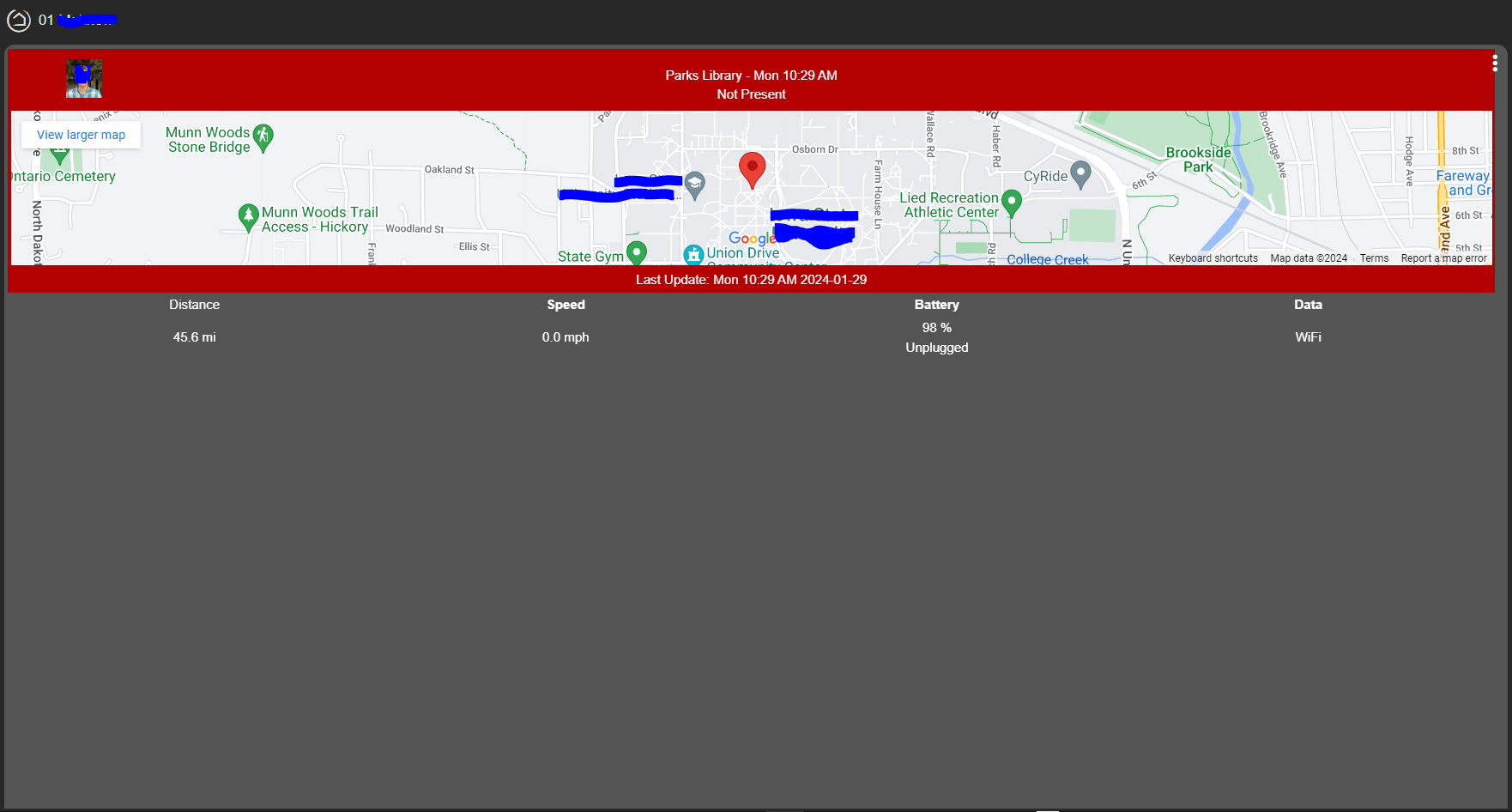
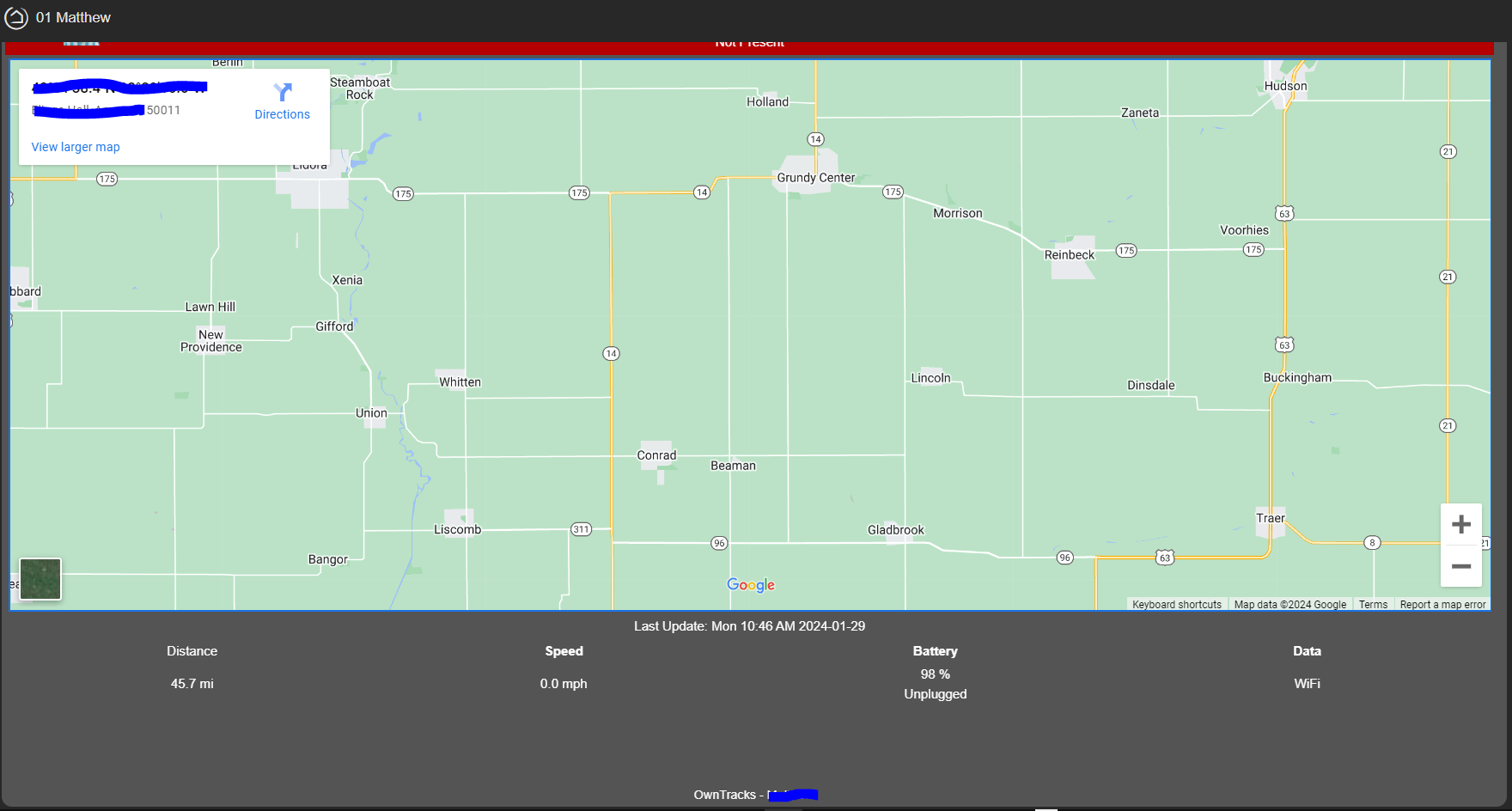
No changes were made in the past versions that impact user location performance. Are you seeing any errors in the hubitat logs around owntracks or the impacted users? If there is errors at the times that updates didn't occur, that would block the presence update.
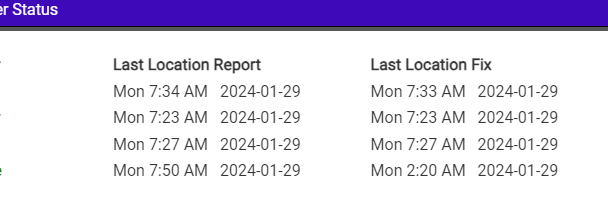
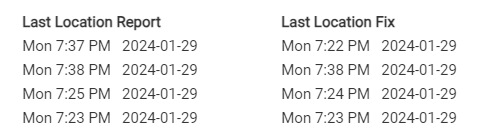
In the OwnTracks app, what does this table look like:
Is the last location time current? How out of data is the last location fix (that would be the last time the phone reported a new location).
If you check the status->logs in the mobile app, any errors showing in there?
Pushed a new version that address the geocode rounding that was raised by @JustinL . This version will also re-use the past address if the new location is 10m/33 feet.
Ok, pull the latest version. In some restructuring, the SSID was getting "stuck" so the member had to leave the default 750m/2460ft before it would ignore the "SSID keeps you at home" check. Sorry about that.
It did look like two of our four devices were updated but those other two were stuck 20min behind. Three devices were in the same car and only one of them was sending updates.
I forced location update from app to all four devices. My device was updated in 1 minute. Wife's phone was updated in 2 minutes. Kid's phone was updated after 5minutes and the last phone was updated after 10minutes. It seems like owntracks gets sometimes stuck and they can be rather long periods. It's weird.
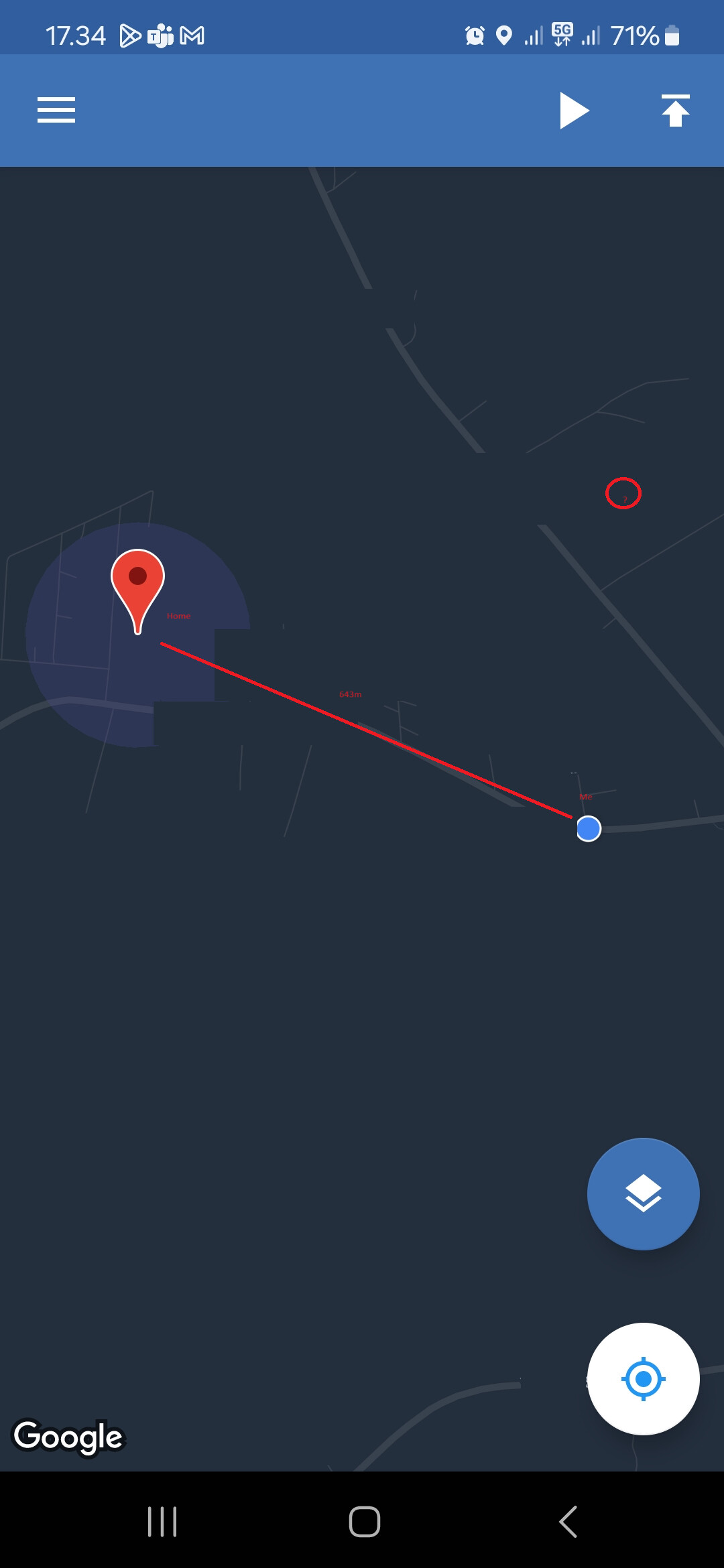
Weirdest thing happened just a moment go. I'm 643m away from home and I get notification about me arriving home. I have a webcore piston which sends notification:
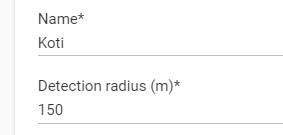
My home is set 150m radius.
I'm that blue dot in the map and at that moment I was really standing there. Home radius is showing in a map too. That red circle is where the log says my location at the moment was and in the same log line it says I'm 0.0km from home.
Red circle in the log is the same moment where my location was that red circle in the map according hubitat log. I wasn't there. And in same exact minute it suddenly changed from 1.0km distance to 0.0km from home..
What is the difference between Jani is at home and Jani arrived home. That first one isn't true..the last one is and that is the moment when presence should change to "Present". Let's put it like this: Jani cannot be at home before Jani first arrives home
Is this using the latest version? I had an issue where the SSID wasn't getting cleared so it would claim "you were at home" even though you had been disconnected from wifi (or even wifi off).
"Jani arrived home" is a transition event where the phone is saying it entered one of the regions stored on the phone.
The "Jani is at home is a location update that places your location within your home radius stored on the Hubitat App OR you are connected to a home SSID (broken on the previous version).
This happened with previous version. I updated the new version at the same time I wrote that message
Ok I did not know that arrived home is same as entering any region.
Let's test and try. I'll report more as I learn
I must of skipped a beat somewhere... In these posts I'm seeing those with actual 'street addresses' and not gps cords. I've searched for 'reverse geocode' to find post that reports how to activate it, but cannot find what's needed.
I have latest HE app version and do see the attribute in device, but it shows as: streetAddress: lat,lon
Quick question -- I'm testing this out and have a username = "joe test" but realized File Manager doesn't allow spaces (for the thumbnail). Is there support for spaces or would I be better off just changing the username so no spaces?
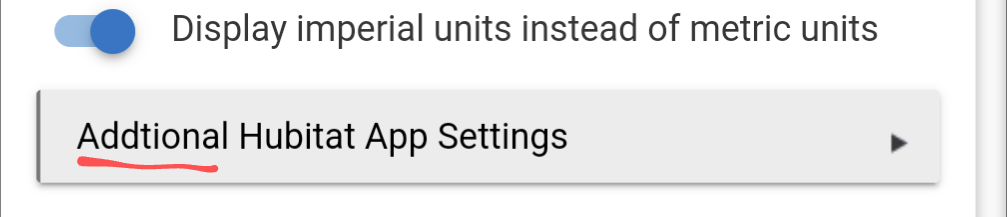
What are the settings that we should check on device side.
GPS slider is on and settings are on in every device.
Lowest three devices are now moving in a same car.
7.38PM device reports location change basically every minute.
Those last two devices are once again 15min late and nothing is coming towards hubitat.
So some of the devices just like to chat more than others right? Most of these devices are samsung phones. GPS is on, mobile data is on, battery saver is disabled, high accuracy in gps settings are on. Is there something else that needs to be checked?
Just playing around with the Google API key for geocoding. Do I have to restrict the Google API key? If yes what are the correct settings for that within Goolge Cloud Platform?
thanks - I ended up doing that too. But, then I noticed both the old and new user showed up in the Hubitat app. I was able to delete the previous user in the Hubitat app but I now see both of these devices (friends) on my phone. I'll probably just clear data and re-install and see if that clears things up