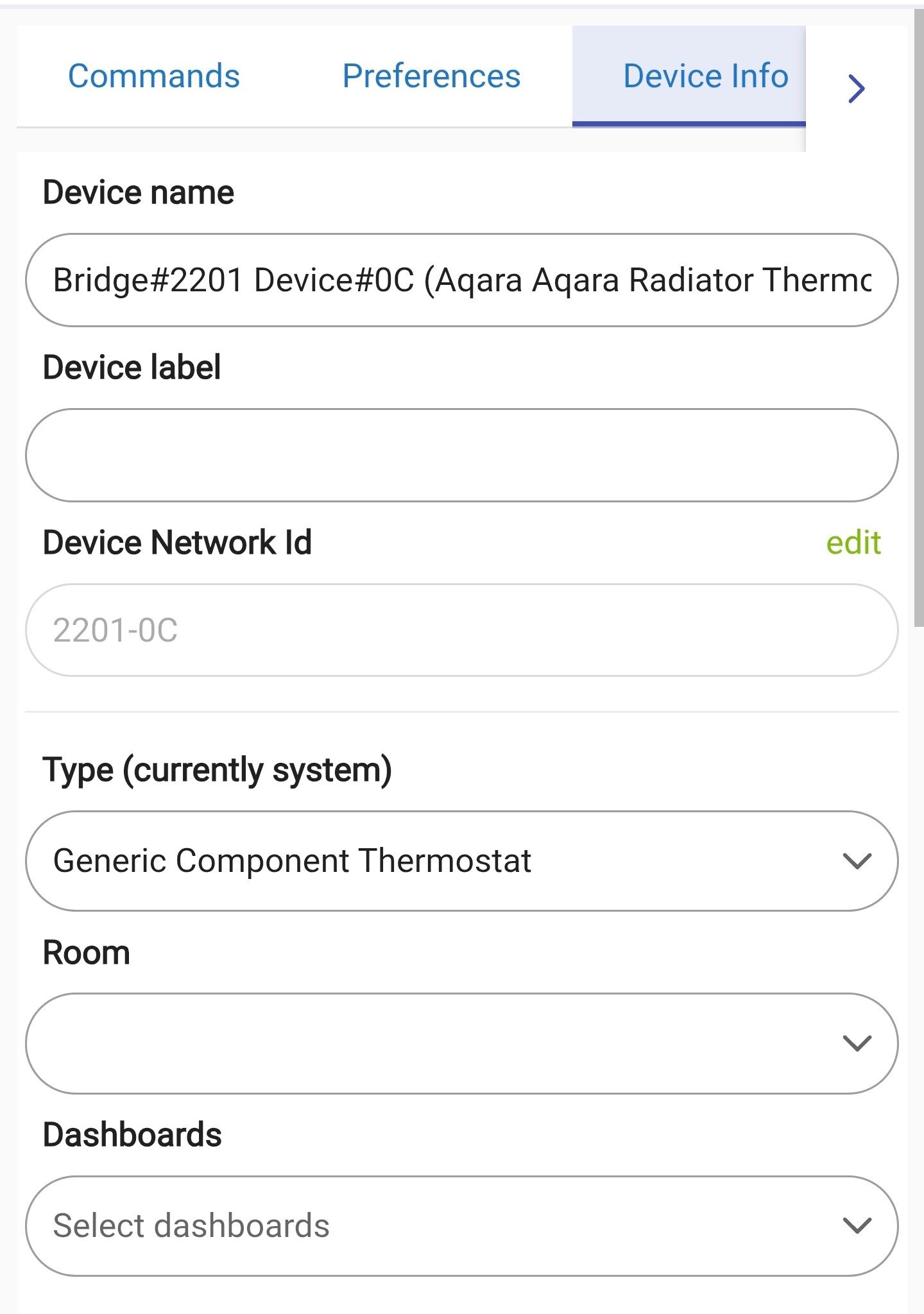
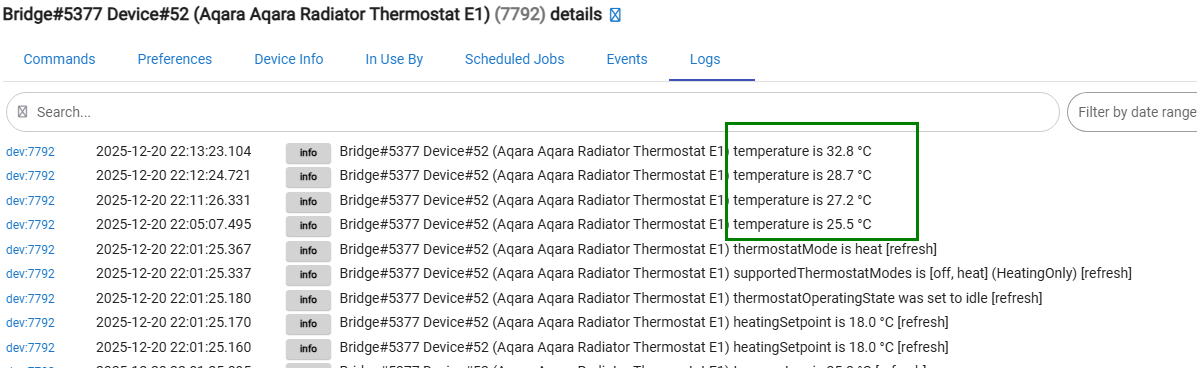
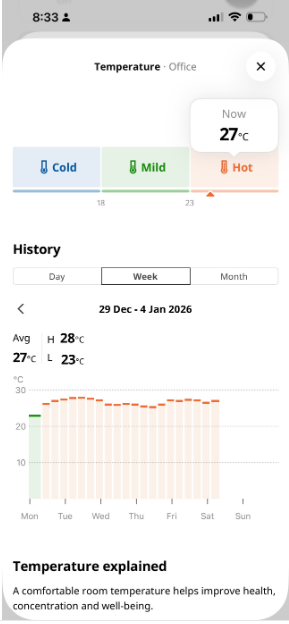
My external sensor has not yet arrived so it's just the internal sensors at the moment. What driver should I be using for the child E1 device do you think?
It will be very interesting to compare the overall performance of the TRV when using the internal sensor against the paired external temperature sensor.
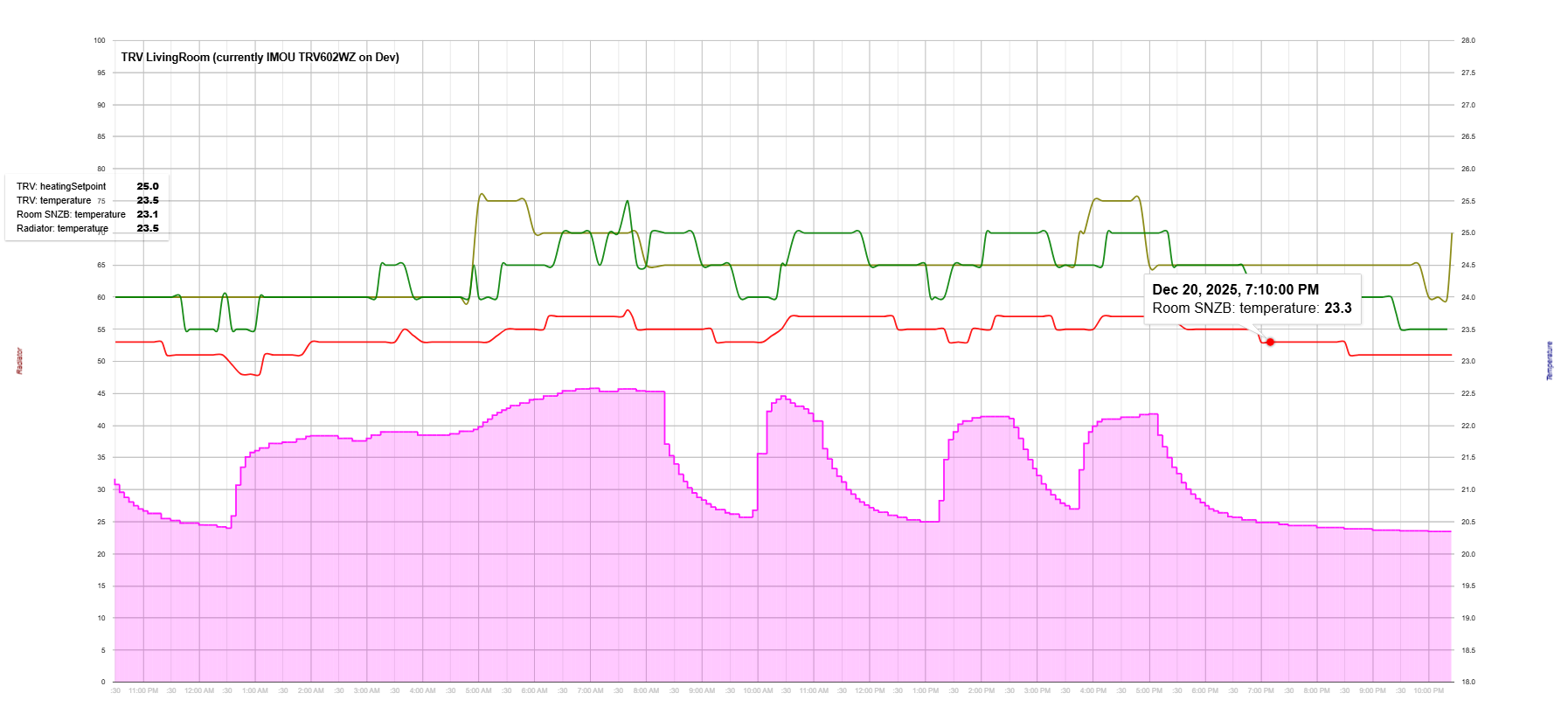
My experience is that the TRV internal temperature sensors are working pretty well - for example, see the graph of how the room temperature is kept within 1 degree range using a simple on/off TRV (the red line). The pink area shows the radiator temperaure over time (on the left axis) :
This is awesome and you've been extremely helpful yet again Kkossev.. You've fixed my issue and you're correct that temperature changes are slow, therefore updating equally as slow. I'm a happy man with a happy wife. Let me buy you a beer, can you supply your PayPal link please. Really appreciated
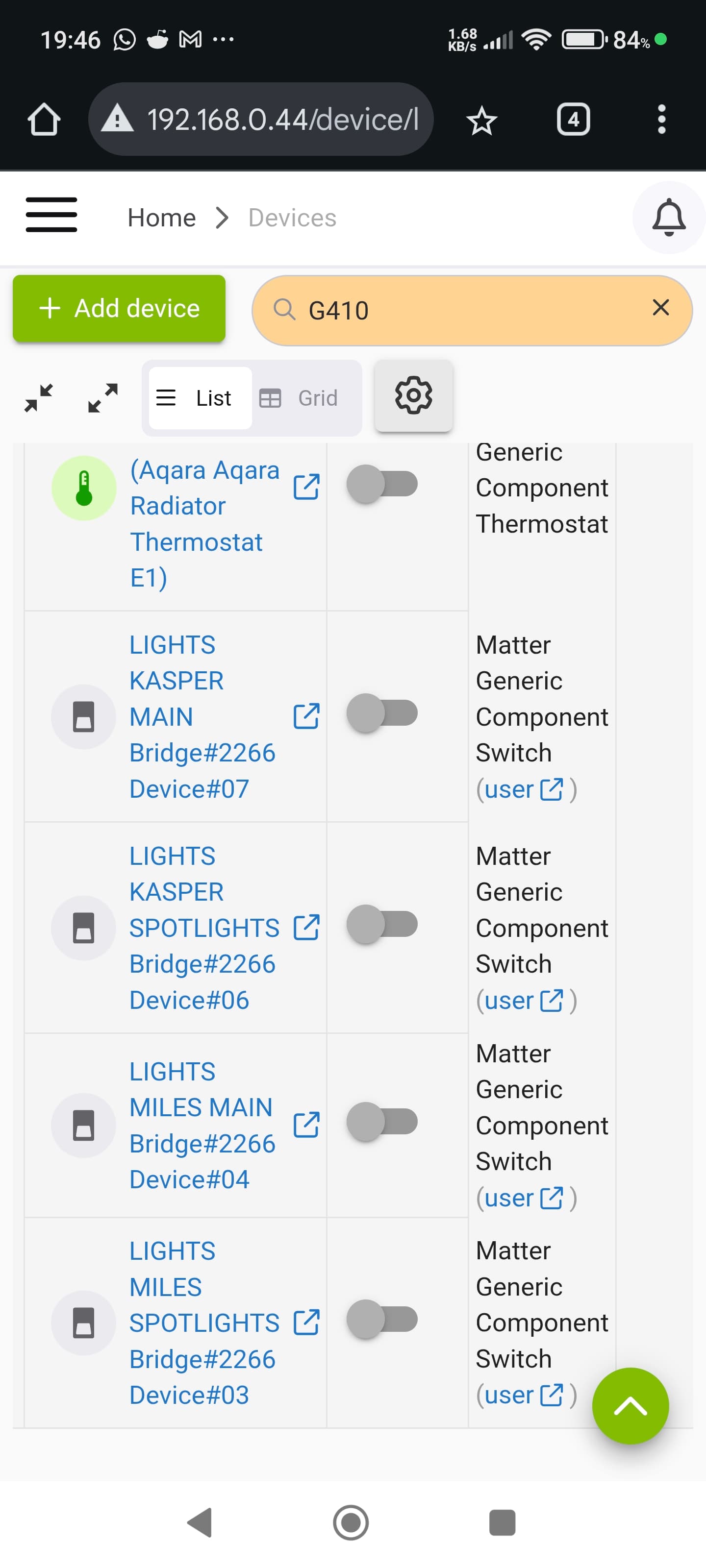
@kkossev, my 4 aqara wall switches don't appear to be updating their state via matter. Any ideas, is this the correct driver for the Aqara wall switches. I'm sure these were updating in the past? I'm using the matter advanced bridge driver as the parent and then matter generic component switch driver for the child light switches?
I need to know which device it is; Aqara probably produces 30 different wall switch models... Some of these devices are expored from Aqara Matter bridge as binary switches (on/off), but some are exported as buttons. Currently, the Matter Advanced Bridge does not handle buttons very well.... Does the HE stock 'Generic Matter Bridge' handle these switches OK?
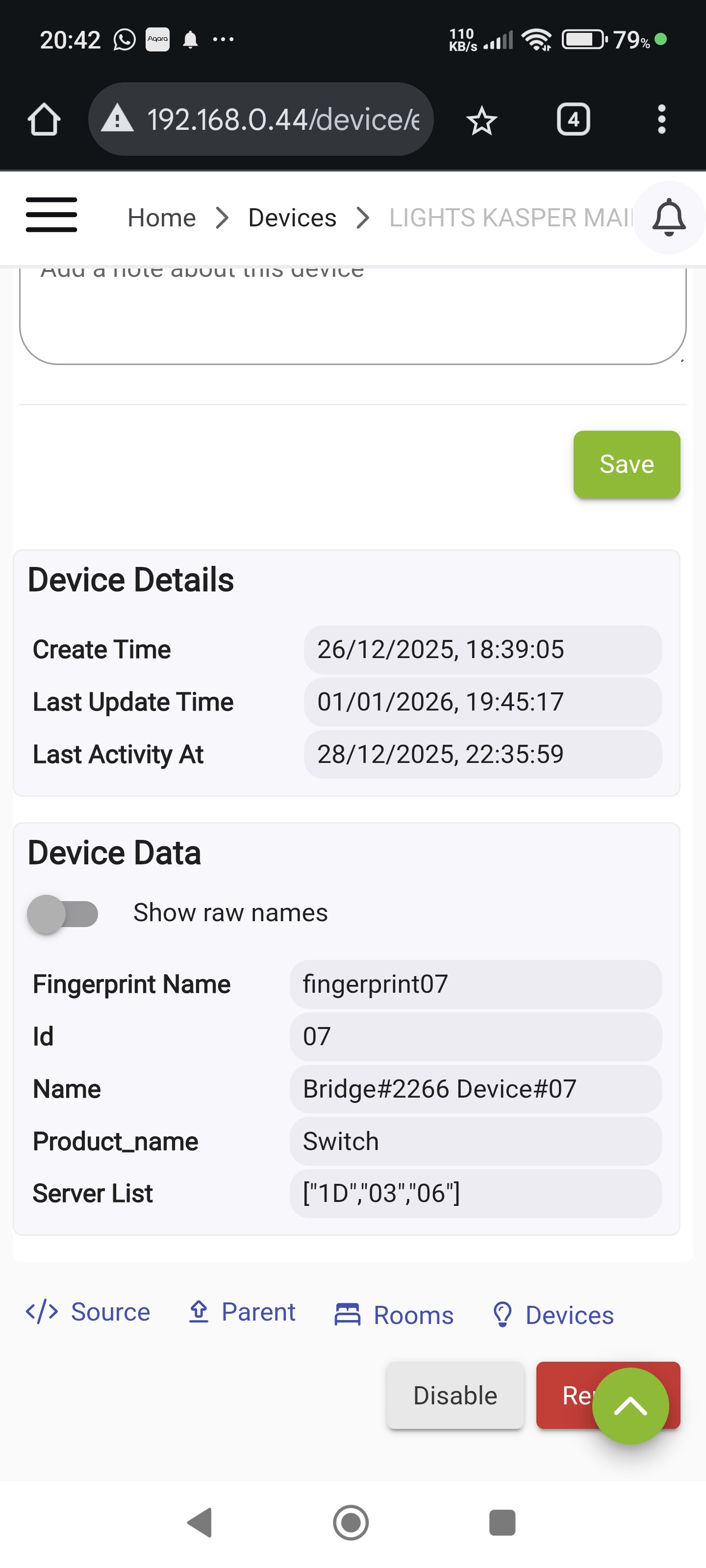
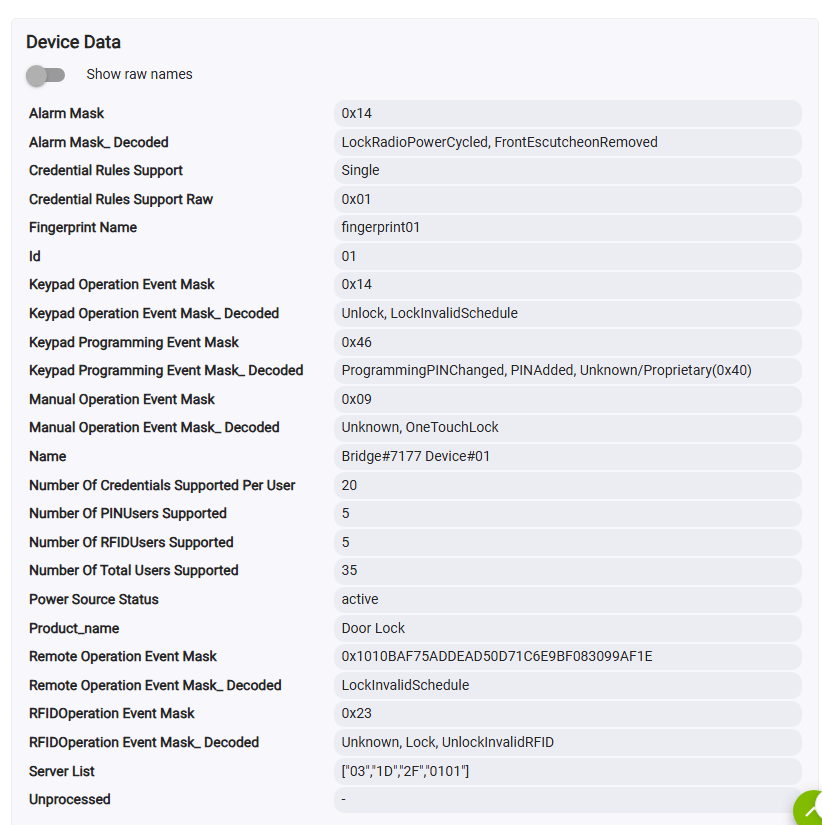
Please make a screenshot of the child 'Device Info' tab, 'Device Data' section.
Hi, I'm not having any luck with the Generic Matter Bridge. I'm unsure if I'm missing a trick here. I've screenshotted the data details as below. Hopefully this information can help. Appreciated in advance Kkossev
Sometimes I have this exact same issue with some of my Aqara devices that I bring in from my M2 hub. If you are bringing the devices into HE via matter from an Aqara hub go into the device created for the hub. On the command page for the hub click the initialize button and see if the switches start updating their state.
This is using the built in Generic Matter Bridge. You can try this and see if it helps.
Hi, I appreciate your help. I'm using the Matter Advance Bridge Driver from KKossev because it plays nicely with my Aqara E1 TRV's. For this reason, I'd rather not revert to the Generic Matter Bridge Driver at this stage
However, I'm just thinking that the wall switches are ZigBee and I can probably bring them straight into Hubitat without going via the aqara app if they remain stable.
@kkossev what are your thoughts here on my options based on the model? Appreciated
I use the Matter Advanced Bridge for my Switchbot matter devices. They stop responding after I update the firmware on my Switchbot hub. I also have to go into the hub device and click initialize on the command page even with the Matter Advanced Bridge. I assume you tried it with this one as well. If not it's worth a shot.
The screenshot indicates that this is a switch child device, not a button. However, it is still unclear why it is not working.
I will need much more details - screenshots of the bridge State Variables, logs when you click on the '_Discover' button, etc It may be a good idea to send me a direct message with as many debug logs and details as you can provide.
Hi @kkossev ,
Happy New Year!
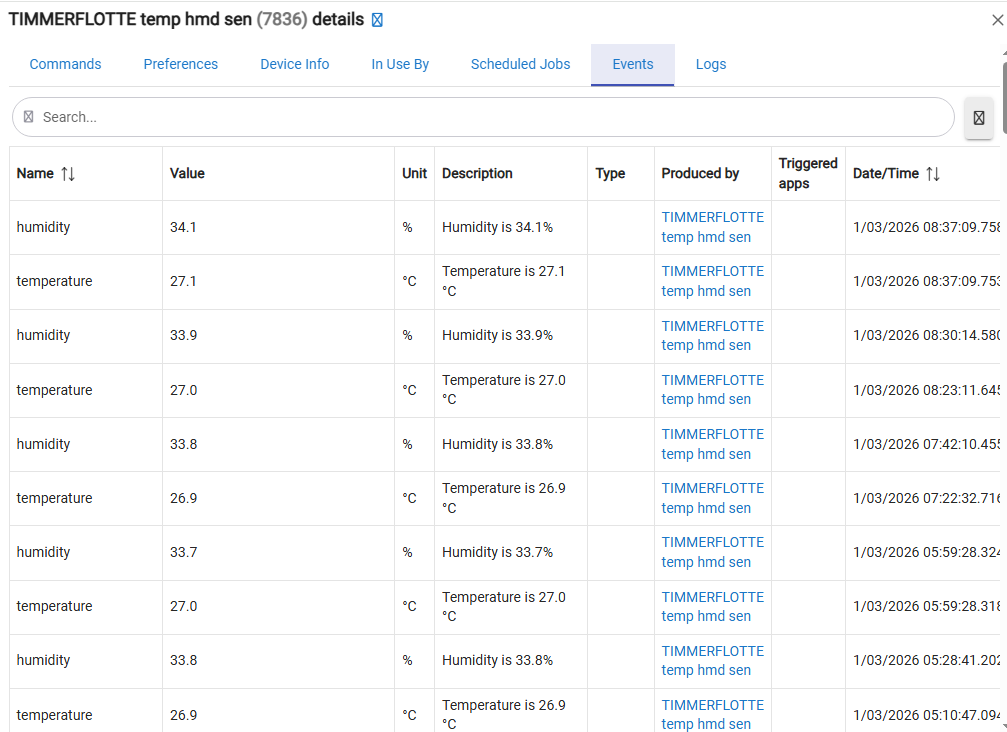
can you please confirm whether IKEA TIMMERFLOTTE temp/humidity sensor (Matter logo) been tested with DIRIGERA Hub.
I do not think it's working.
I paired few zigbee sensors and they found by driver but not the TIMMERFLOTTE sensor.
any logs I can provide to help with troubleshooting, provided that detection is possible in the first place?
The MAB package could be an overkill for a single simple temperature & humidity driver, although it should work too. The new IKEA Matter over Thread devices are slow to respond during the discovery (interview) process, you need to ensure that the device is awake when discovering it. To keep a battery-powered device awake effectively, start the multi-admin pairing process by generating a pairing QR code at the Matter controller where the device was first connected. This will ensure that the device responds quickly to command queries for a few minutes.
IKEA TIMMERFLOTTE temp/humidity sensor works OK with the DIRIGERA Hub :
I noticed that the IKEA TIMMERFLOTTE device fingerprint is not currently in the ChatGPT simple driver, so you will need to manually assign the driver (the 'device type') to use it.
Thanks @kkossev , it was due to my misunderstanding of matter/thread... it's clear now. I have also vibe-coded my own, slightly cleaner TIMMERLOTTE driver and it seem to work great. Looks like I am going to keep DIRIGERA around, may try couple more matter devices and of course longer term testing for TIMMERLOTTE. My driver is on HPM. Thanks again.
Pushed for an update via HPM version 1.5.4 2026-01-08 :
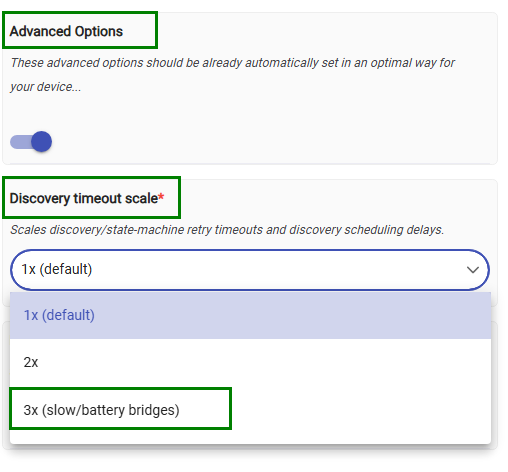
added discoveryTimeoutScale;
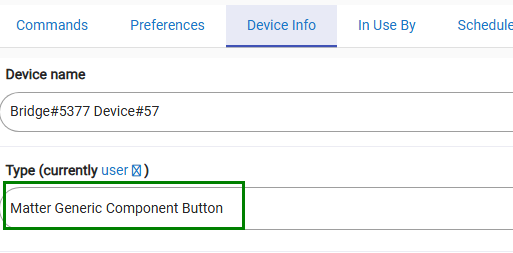
added 'Matter Generic Component Button' driver
The new 'Discovery timeout scale' is hidden under the 'Advanced Options'
Set it to a value different than the default if a sleepy, slow-responding battery-powered Thread/WiFi Matter device can not be 'discovered' because of timeout errors (such as Meross MS605).
Button support is experimental. The known issues are partially mitigated by ignoring historical events that are reported after a hub reboot or during a re-initialization / re-subscription process.
The MAB package does not automatically replace any drivers that are already assigned. If your button controllers were discovered before this update, you’ll need to manually change the child device driver — or simply delete the child device. A new discovery will then recreate it automatically with the correct driver assigned :
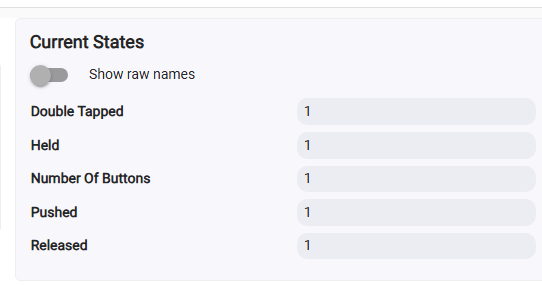
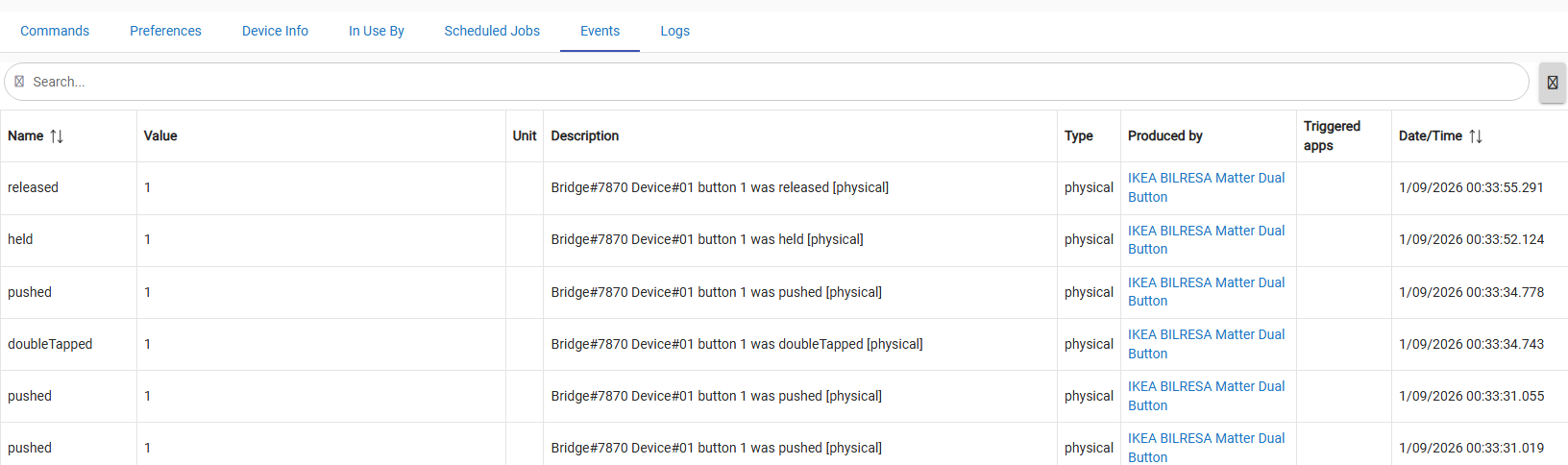
The Matter Button driver supports pushed, doubleTapped, held, and released events — but only if those events are actually sent by the Matter bridge. Not all bridges, and not all buttons, expose these events correctly.
Tested to work OK with the new BILRESA dual button :
The package was updated to version 1.5.5, timeStamp '2026/01/10 11:21 PM'
I have added a ping() command to the child devices that are using custom component drivers ( switches, buttons, door locks, blinds, motion sensors, air purifiers, power reporting plugs).
Now Matter locks are compatible with this driver as well.
There are two remaining issues with the InvisOutlet reported, these will be hopefully resolved with the next update.
Note that this version is not set for automatic updates via HPM. If anyone wishes to try the Matter Locks, please perform a manual update or, preferably, a 'Repair' from HPM.
FYI - Getting Started - PIR, mmWave, Button Controller
{Moes Hub w/AHK - w/Moes app would not 'install' Matter Service, Tuya Did Ver 1/6/26}
.
Many thanks to kkossev for putting this in work.
.
-Started with 2 different PIR's - Looking Good
-Added 3 mmWaves of Different flavors - all appeared with different UI in tuya app
-Added 2 4 Button Scene Switch to 'try' as said experimental
= Discovery log only has one exception - Button fingerprint - time...wait...for Cl.. 0x1D
= Button Log - driver installed and bunches of 'unprocessed' 003B
= Button Event - Is showing pressed
4 Button Scene Switches - RSH-Zigbee-SC04 (?tuya) and ESW-OZAA-EU (Moes)
If you have installed the package via HPM, please make a "Repair" - I updated it a few minutes ago, the bridge driver version should be 1.6.0 now. These are still Beta versions and not pushed for automatic updates.
If you still see timeout errors during the discovery phase, try increasing the timeout - as in the post above.
I haven't tested any Tuya scene switches / buttons with Tuya bridges yet, will check if there are any 'Tuya specifics' during the weekend.