[RELEASE] Life360 with States - Track all attributes with app and driver. Also supports RM4 and Dashboards!

Hi @bptworld - I just updated my hubs after a long time of nothing. I installed package manager and updated this app - wound up with an error every minute. I ended up removing and reinstalling.

The point of the post is to suggest adding a method to remove children devices when the parent app is uninstalled.

thanks as always.

1 Like

All set...

App:
2.0.6 - 06/01/20 - Added code to remove devices if app is uninstalled

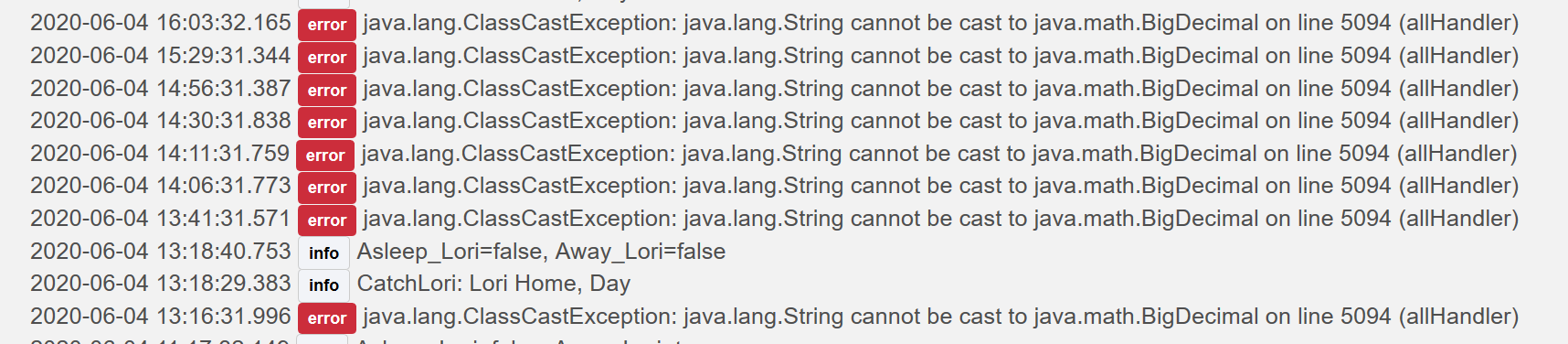
Did the data type for lat & long get changed? My use of those had been performing and now results with:

Edit: Okay... disregard, may be. I had rebooted HE and it did this for roughly 20 minutes. Now the error has disappeared and lat & long reads work.

Do I understand correctly that Life360 Examiner has replaced Life360 with States? I noticed that Life360 with States is no longer in @bptworld's github--only Life360 Examiner and Life360 Tracker. I also noticed that there is a separate Location Tracker alpha out there too.

It's a full time job just tracking all the new work, which makes me wonder how the #&%$@ Bryan finds the time to ummm yknow do it. :stuck_out_tongue_winking_eye:

Absolutely not!

Life360 with Stats is right where it has always been, in the Port section of my GitHub. That's how it got started and it still contains a lot of the original code.


The differences in each app and what they do is in the first post of this thread.


Highly suggest to use Hubitat Package Manager to install/update any of my apps. Makes things MUCH easier!
Ah, of course. The subtle Ported section. It all makes sense now. Thanks Bryan.

1 Like

New version on GitHub...

Driver:
1.0.6 - 06/17/20 - Added code for address1prev, other adjustments

1 Like

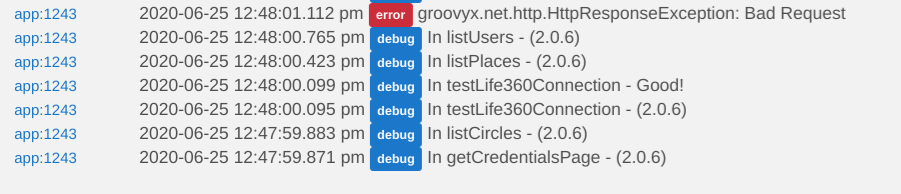
Looks like there may be a problem with connecting to the Life360 circles?? Anyone seeing this?

app:162020-06-25 12:23:58.598 pm errorgroovyx.net.http.HttpResponseException: Bad Request on line 234 (getCredentialsPage)

@cwwilson08

@bptworld I am not having any errors at the moment. I have it set to refresh at 5 minute intervals and it just refreshed successfully at 11:36am CST.

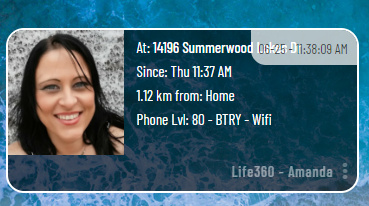
Is it updating? I first noticed that I wasn't getting updates on peoples whereabouts.

@bptworld My wife just went to the grocery store I'll monitor it.

1 Like

image
Yep, still updating.

1 Like

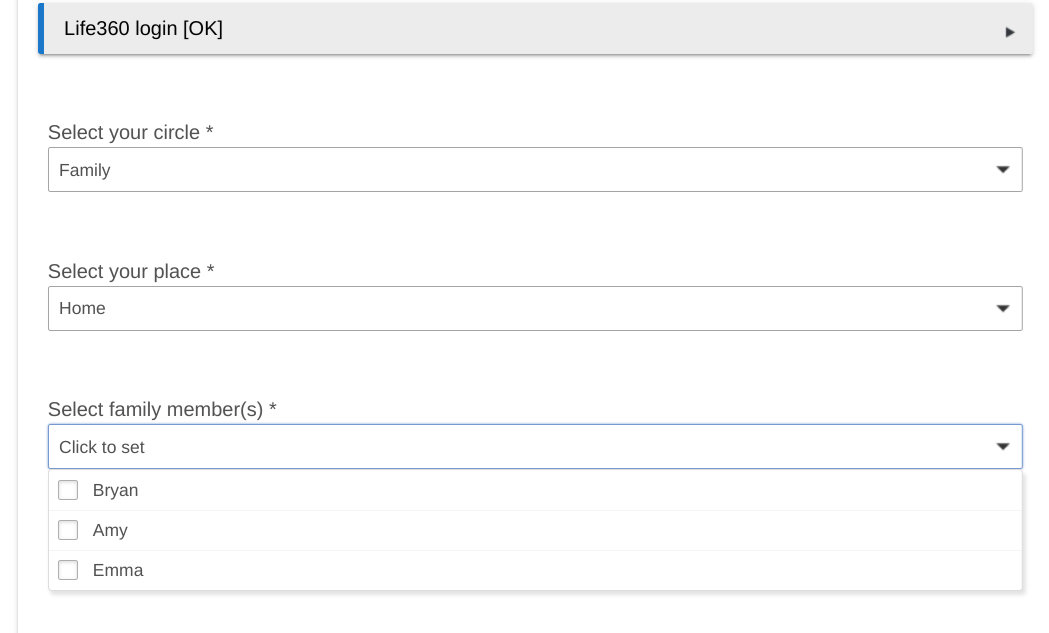
Hmmm, I just put some traps in the code. For me it's getting the Circles and Places, then shooting out that error when trying to get the Members.

@bptworld While I have you, is there a way to update the distance to mi instead of km?

Yes, go to each device

Got it! Thanks!

1 Like

I haven't noticed any issues all my notifications have seemed to be working.

I'll have a play with it when I get home and see if anything jumps out at me.

I don't know for sure but I think the built in app has identical code. May be worth testing it..

1 Like

Built in working :slightly_frowning_face:

@cwwilson08

Deleted Life360 with Stats, rebooted, downloaded life360 and it's working again. Weird! Hopefully false alarm.

Thanks

1 Like

Just an FYI for anyone that might have this issue in the future. The problem was on Life360's end.

I had to: (on each phone, 3 in my case)

  • log out of each phone app
  • force close each phone app
  • turn phones off for at least two minutes
  • turn phones back on
  • log back in to the app on each phone

As the admin, I got a warning message that each person had logged in on a new device. Seems to have cleared up all my issues.... hopefully!

1 Like