Sorry, I haven't had a chance to look at this any more.... Hopefully others may be able to chime in.... I expect it will be some adjustments to those preference settings in terms of width, height and general HTML / CSS styling to get what you want.
1 Like
try CSS
}
#tile-1 .tile-contents,
#tile-1 .tile-primary,
#tile-1 .tile-primary>div {
margin: 0;
padding: 0;
height: calc(100%);
width: calc(100%);
}
Note : #tile-1 is the number of the tile # in your dashboard.
2 Likes
Great thanks, it works !
1 Like
Thank you !
1 Like
I'm having an odd problem, with an iFrame Launcher working on one dashboard, but the exact same tile not working on another dashboard.
Is there anything I should be looking for? I turned on debugging for the dashboard, but nothing appears, on either dashboard.
working tile settings:
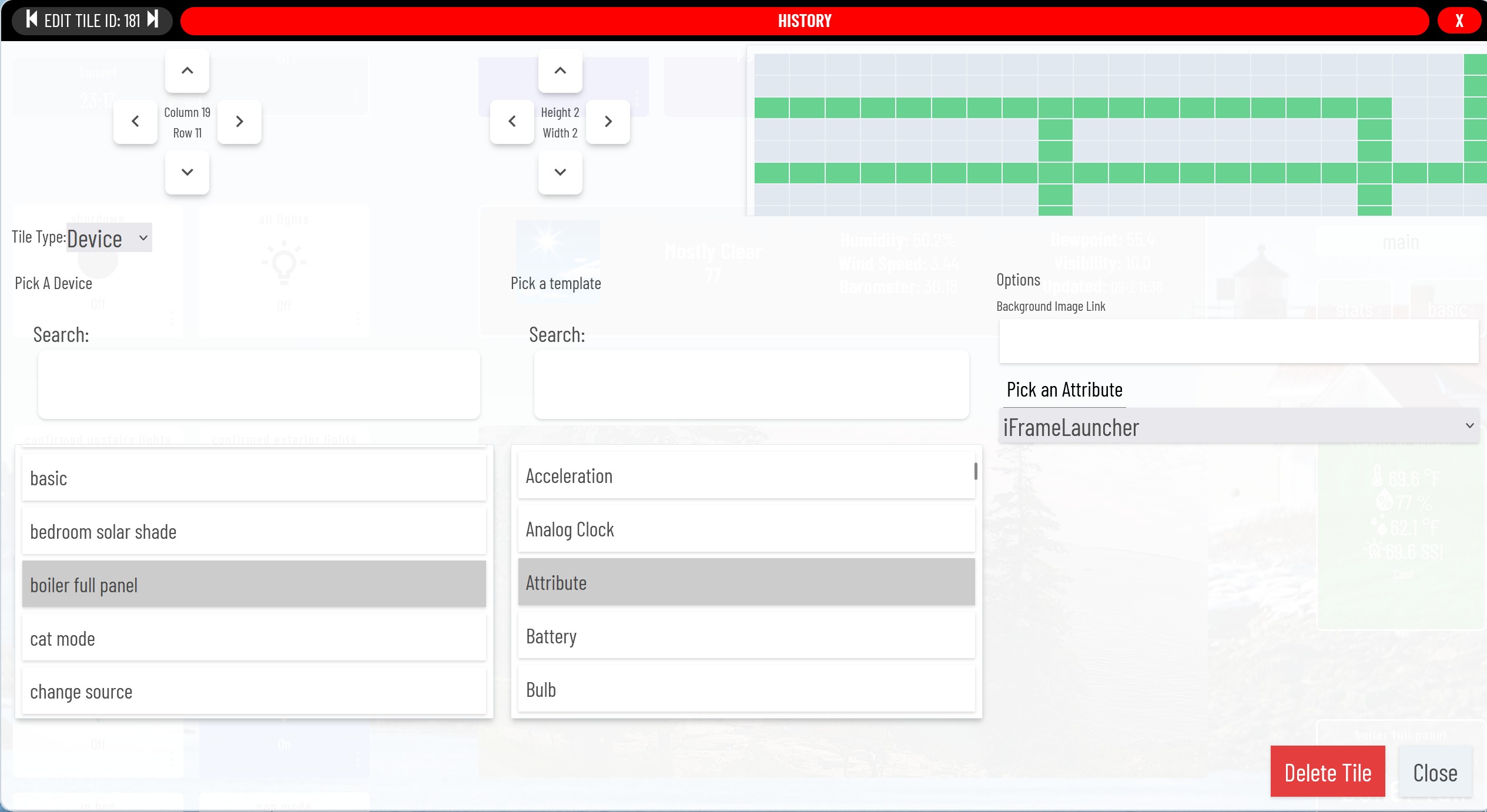
non-working tile settings:
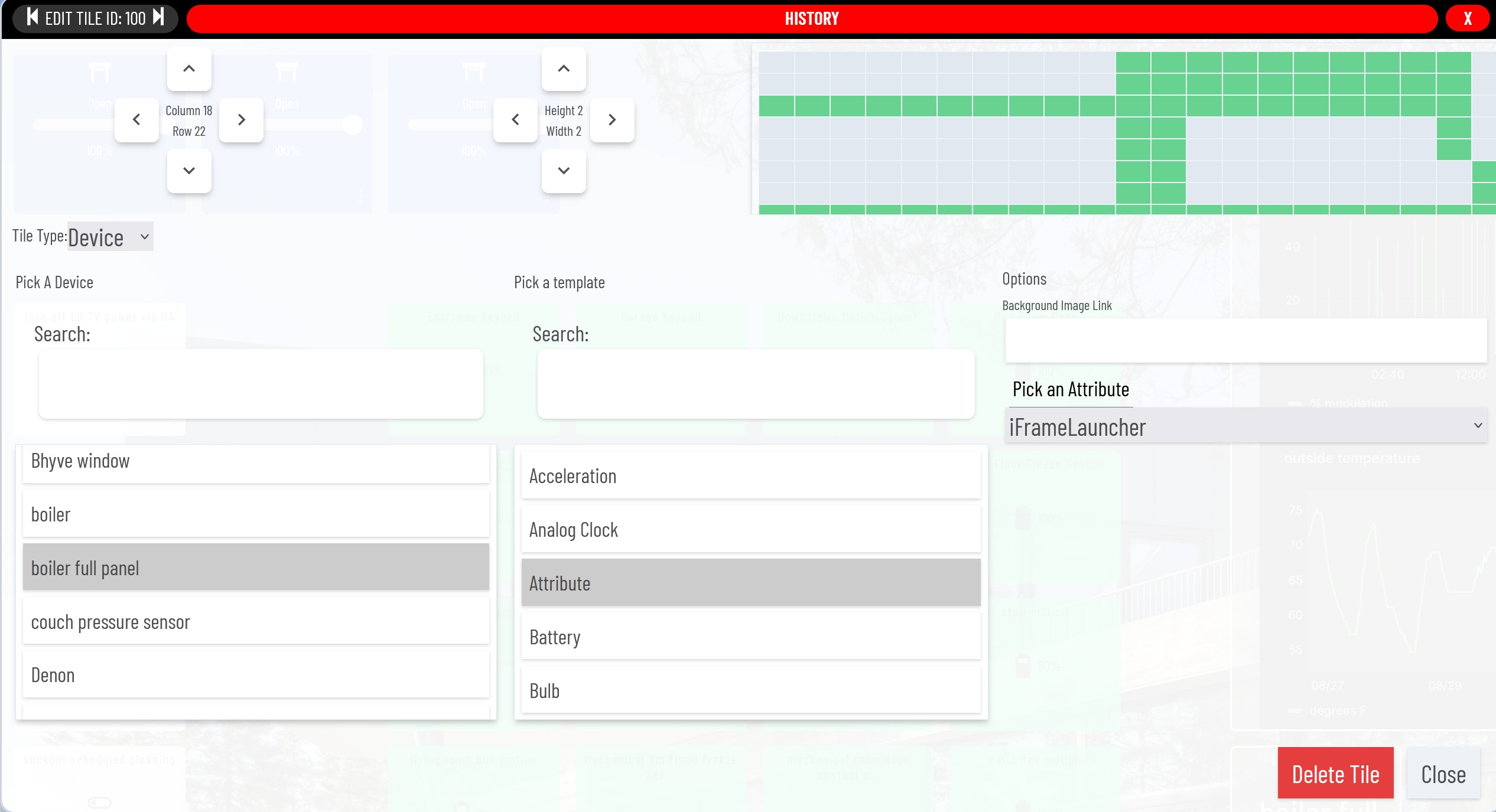
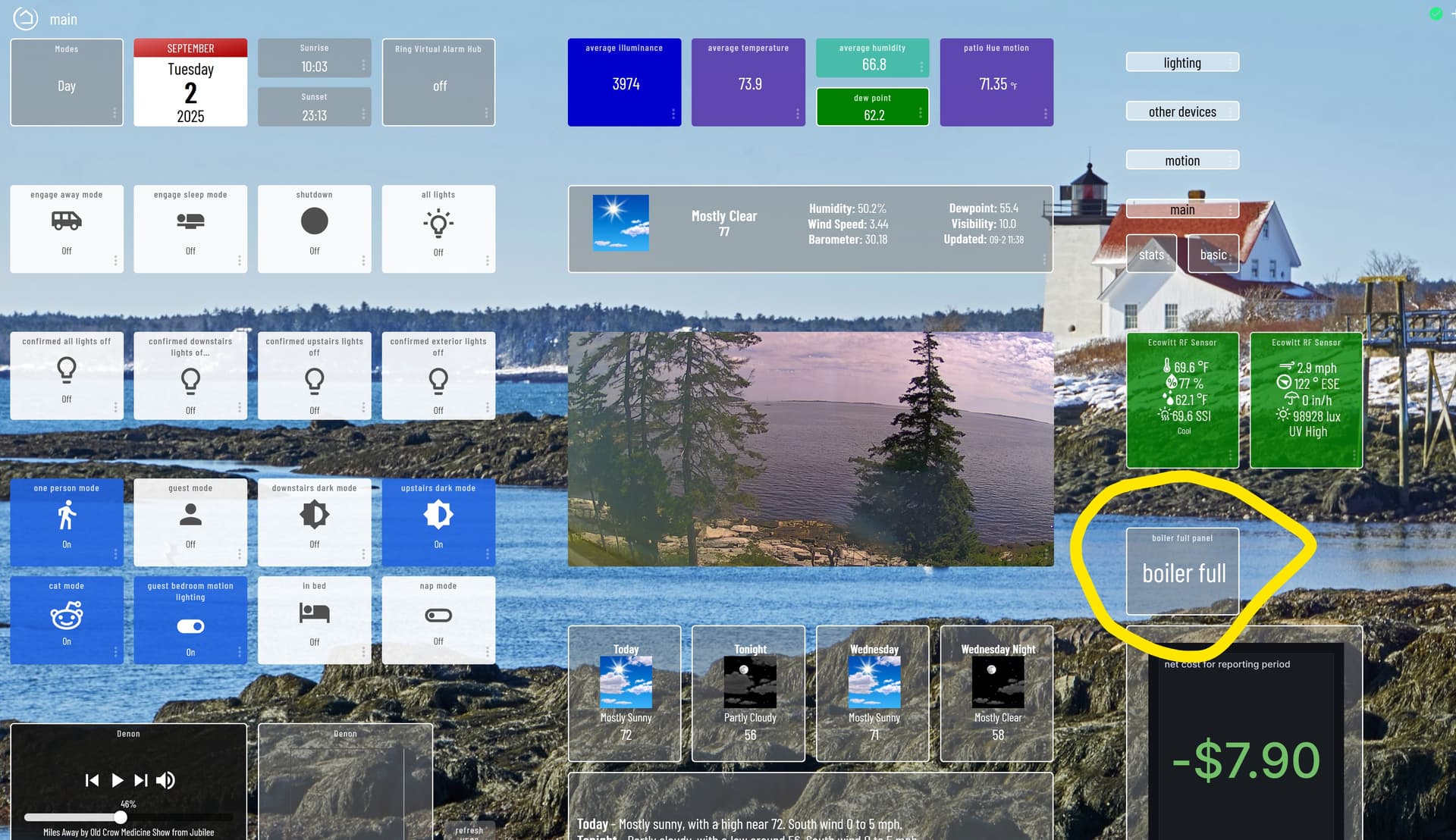
working dashboard:
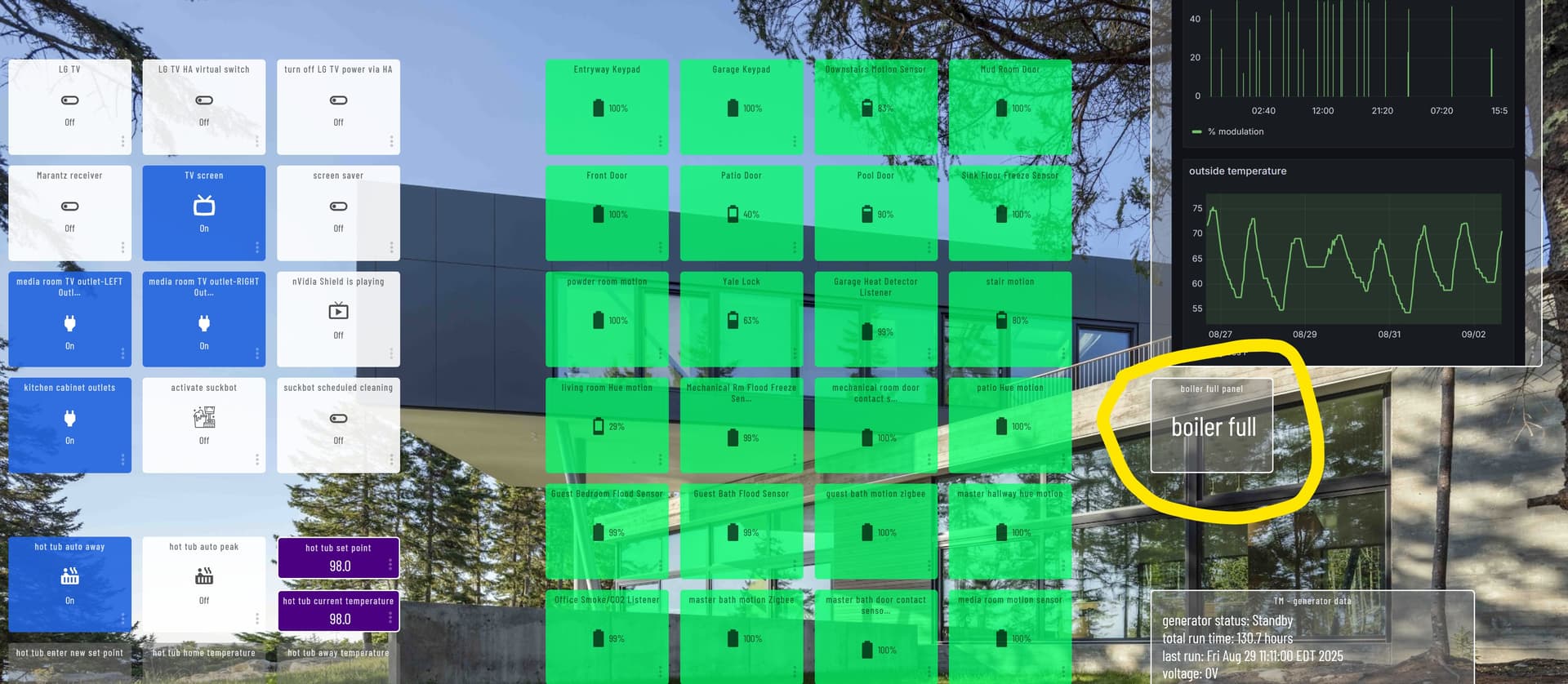
non-working dashboard:
Hm, i dont see anything obviosly wrong with the setup. Curious, if you try to add it to a 3rd dash, does it work or not? Im womdering if there is another issue with the non-working dash maybe?
This works by injecting javascript into the dashboard for the iframe functionality and visuals, but there may be some conflicts or length issues on the non-functional dashboard. Seeing if you can replicate the issue on another (more simple) dash to help troubleshoot further.
Thanks for that info--it turned out to be very helpful.
I tried the tile on two other dashboards, and it worked. But your statement about injecting javascript made me think of Smartly--which I believe does something similar, and which I have used on my dashboards. I thought it might be interfering so I removed it from the problematic dashboard, and now the iFrame launcher works. I'm not sure why the other dashboards behave differently (they all have Smartly), but I'm happy as things are.
Thanks again!

