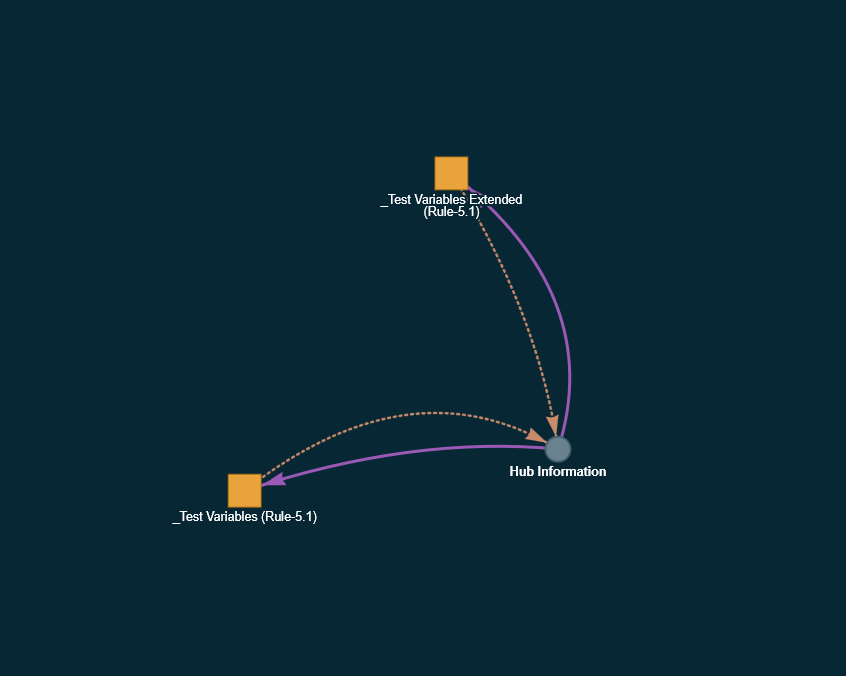
I am looking more closely at the missing rule references. My approach is quite different from @thebearmay's Rule References Rule Table. His app scans Rule Machine appSettings for a fairly broad set of known reference fields such as ruleAct, stopAct, pauseRule, privateT/privateF, ruleActMain and valFunction, then effectively reverses those references to determine what uses what.
Automation Map takes a semantic approach. It correlates the Rule Machine action type and subtype with the corresponding target setting before creating a relationship, rather than treating the presence of a recognised setting as sufficient evidence. That reduces the risk of reporting stale or unrelated settings as live dependencies, but it also means there are some Rule Machine storage variants that I have not yet accounted for. I am working through those now using those findings as additional evidence rather than simply adopting the same parser.
The deleted rule you found is also a useful case. Rule Machine can retain a reference to the installed-app ID of a rule even after that rule has been deleted. The target then no longer resolves to a rule name, but the calling rule still contains the reference. Automation Map already detects this condition internally, so I am changing it to surface these explicitly as broken/deleted rule references rather than leaving them looking like an unresolved rule ID.
Thanks again for testing this - these are exactly the edge cases I was hoping people would find.
PS: I am pushing the current work directly to the Dev instance you now have deployed, so probably hold off on further testing for the moment. I will let you know when this round of changes is ready for another pass.
@jimb - the rule-to-rule mapping is ready for you to try, if you have time to
give it a run on your hub.
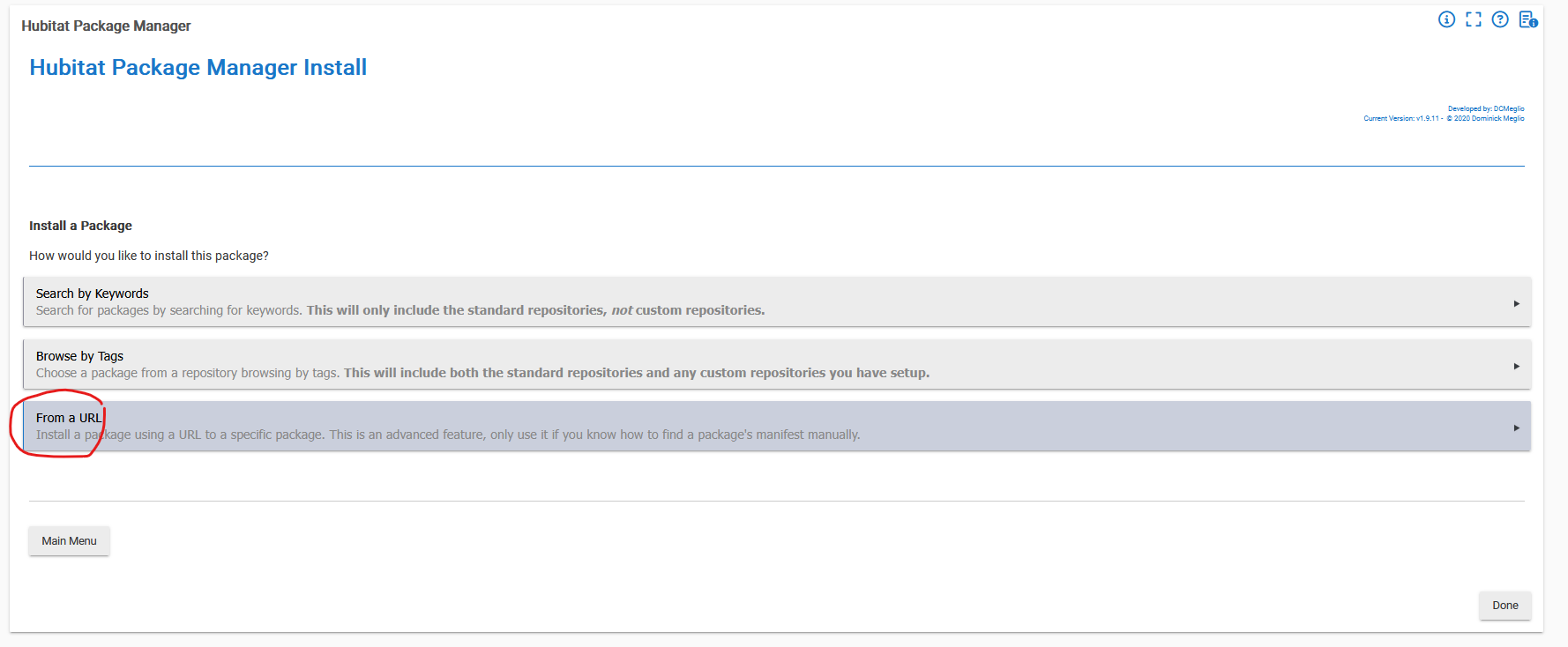
You can pick up the latest code v1.8.x by HPM update and selecting the update off the dev repo (assuming you used HPM to install)
To test: Run a scan and then open the map.
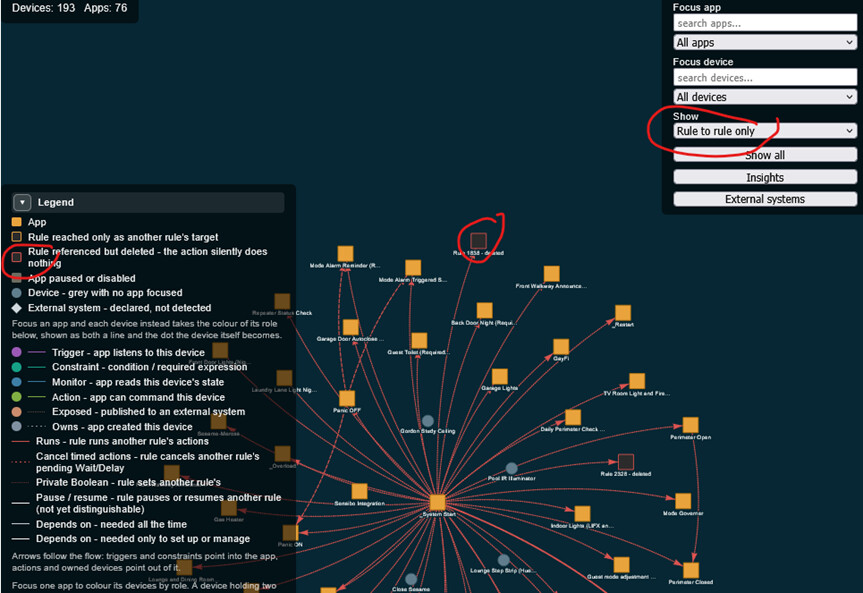
Set Show to "Rule to rule only". Rule links are the red edges, one
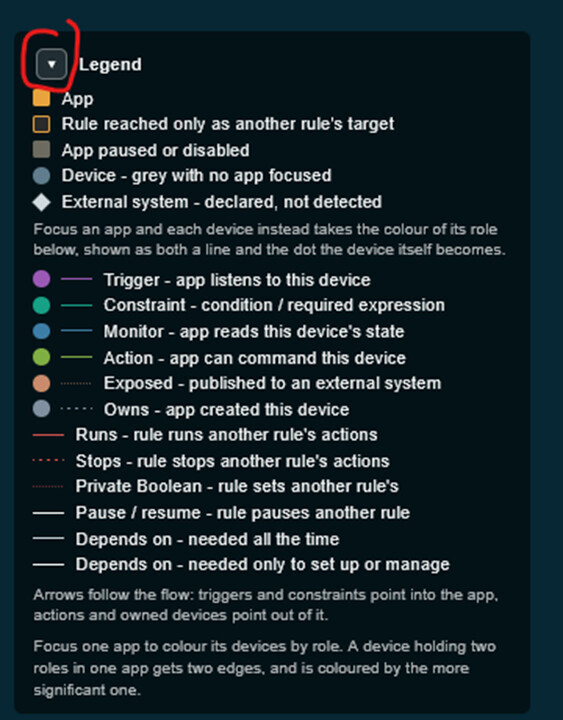
dash pattern per action type, and the legend explains each.
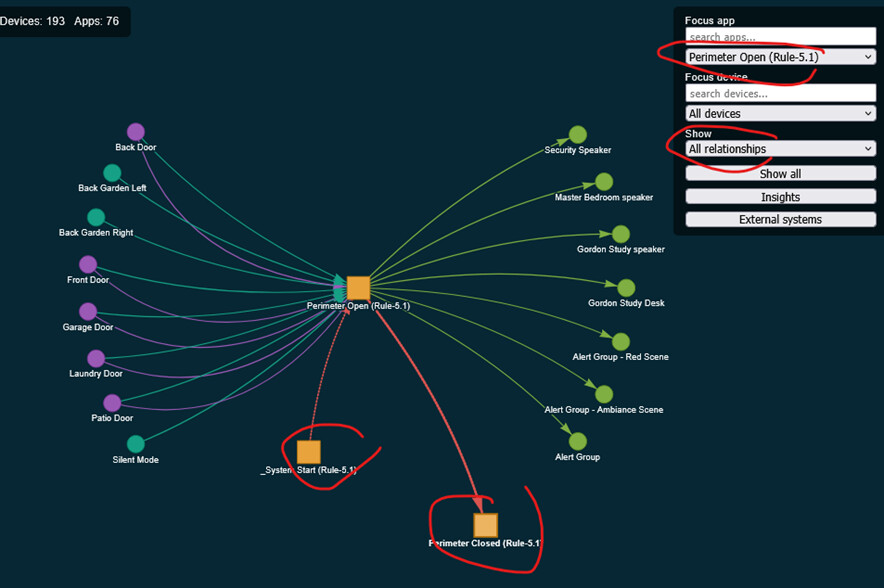
Focus a rule that acts on others. The flow panel names the target rule
in the action step, in execution order.
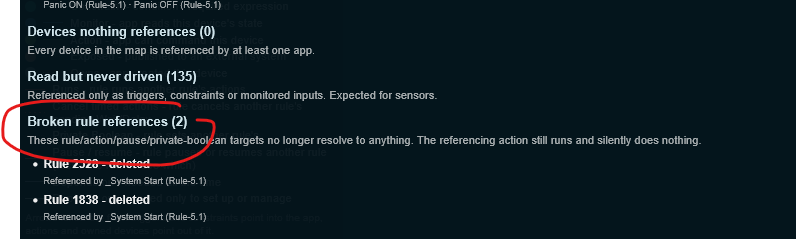
Insights now has a "Broken rule references" section listing actions that
point at rules which no longer exist. Those still run and silently do
nothing, so it is worth a look even if the rest is of no use to you.
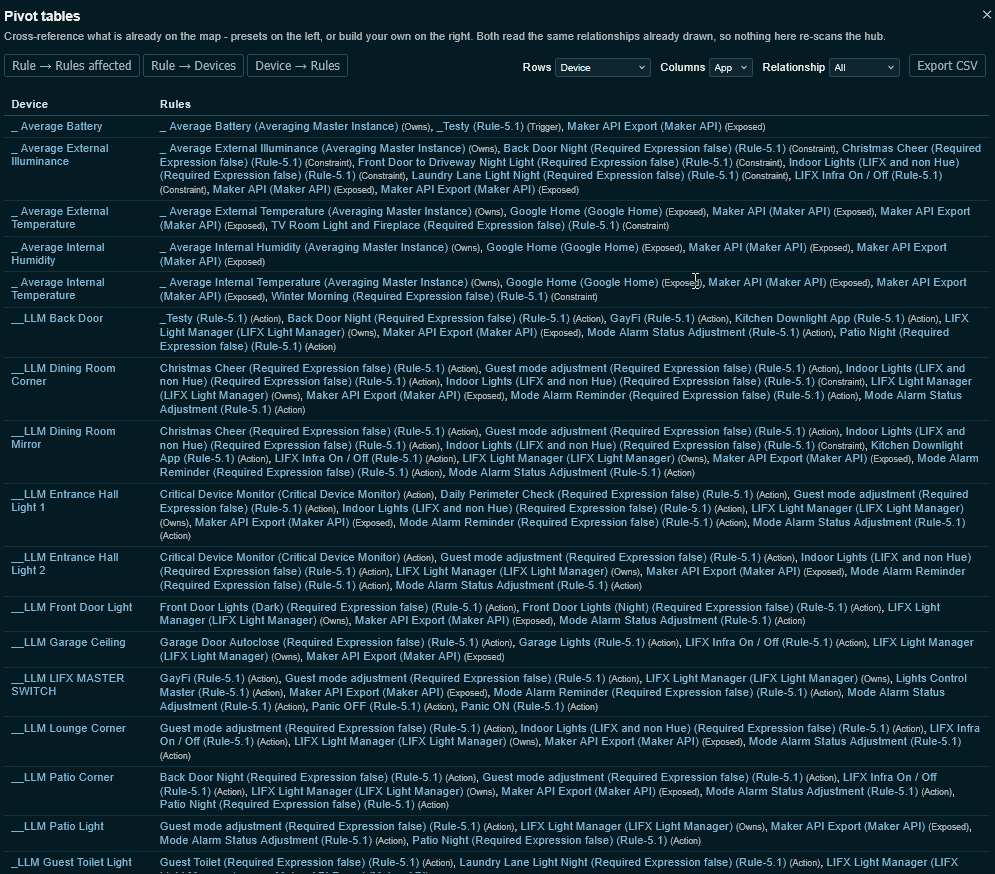
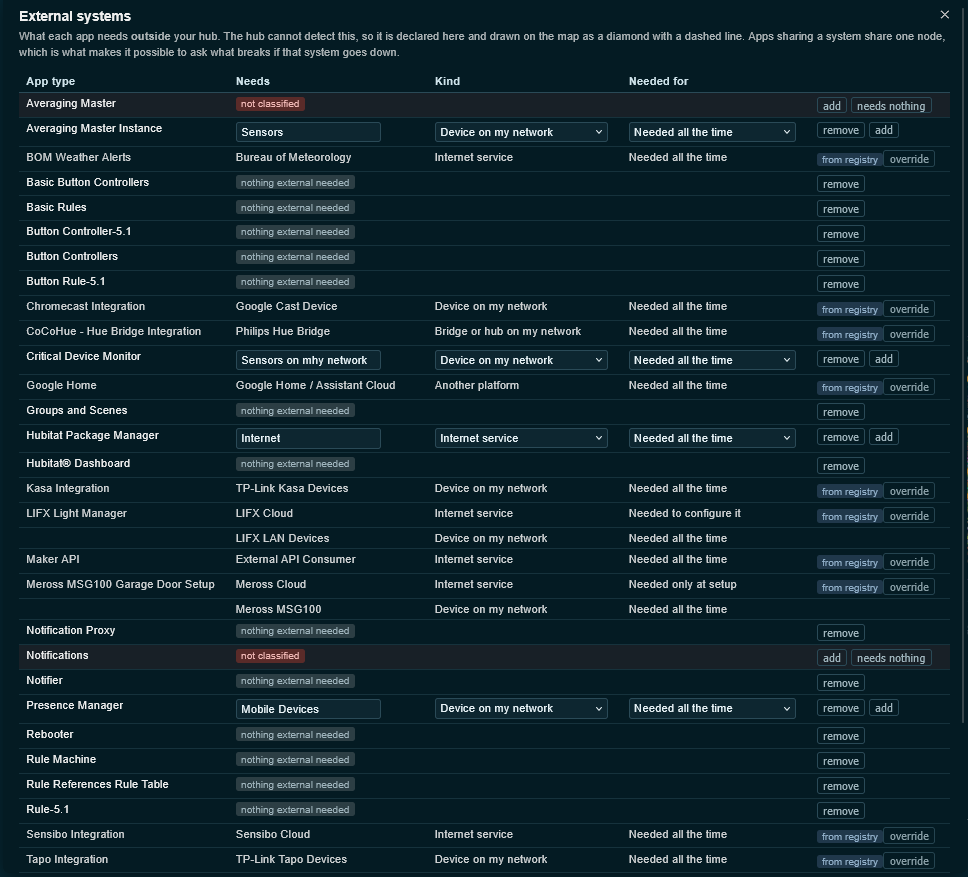
Thank you, appreciate your feedback - I have also just added a 'pivot table' capability with export to CSV + a more advanced External System discovery capability in test v1.8.5
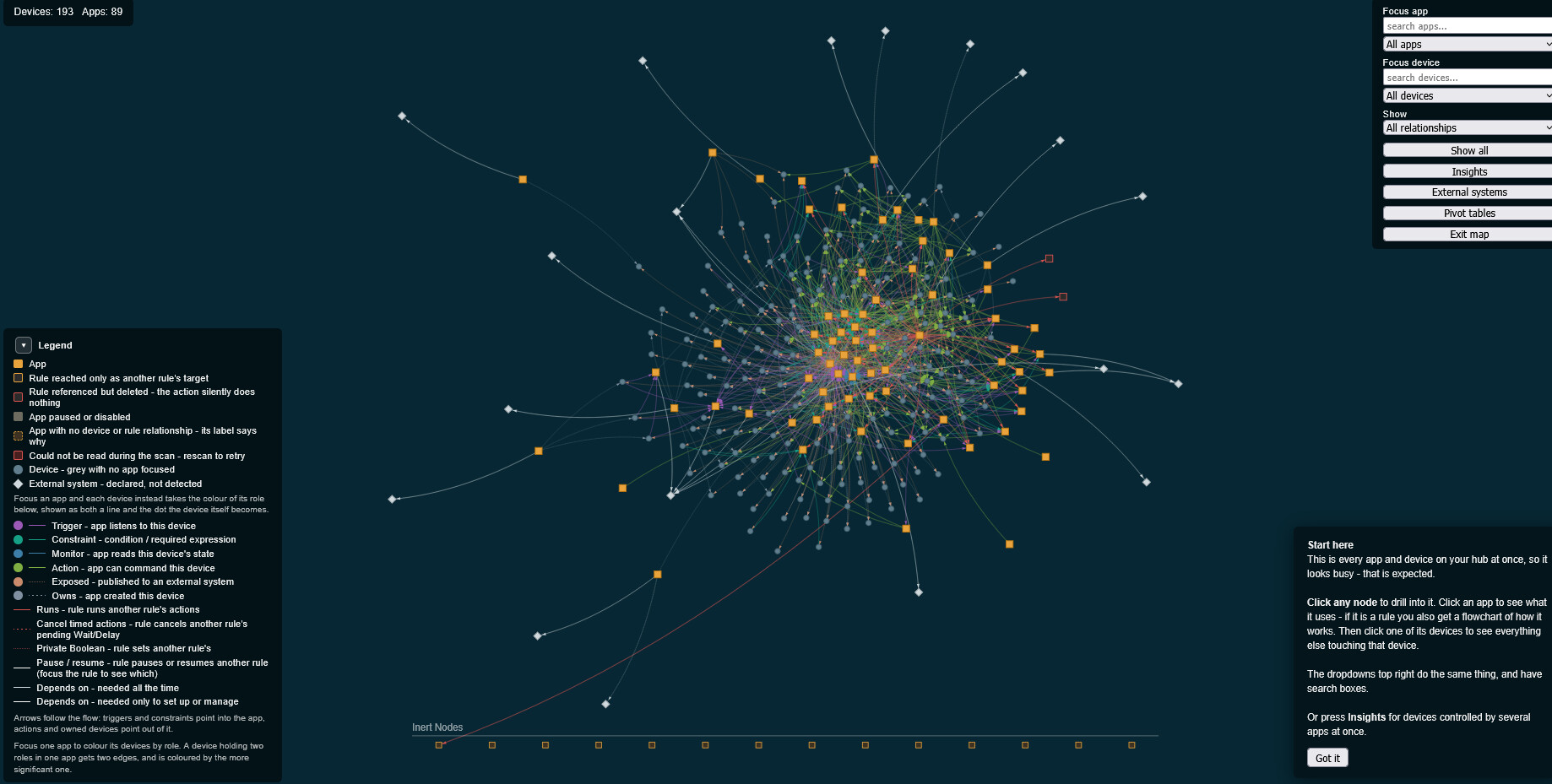
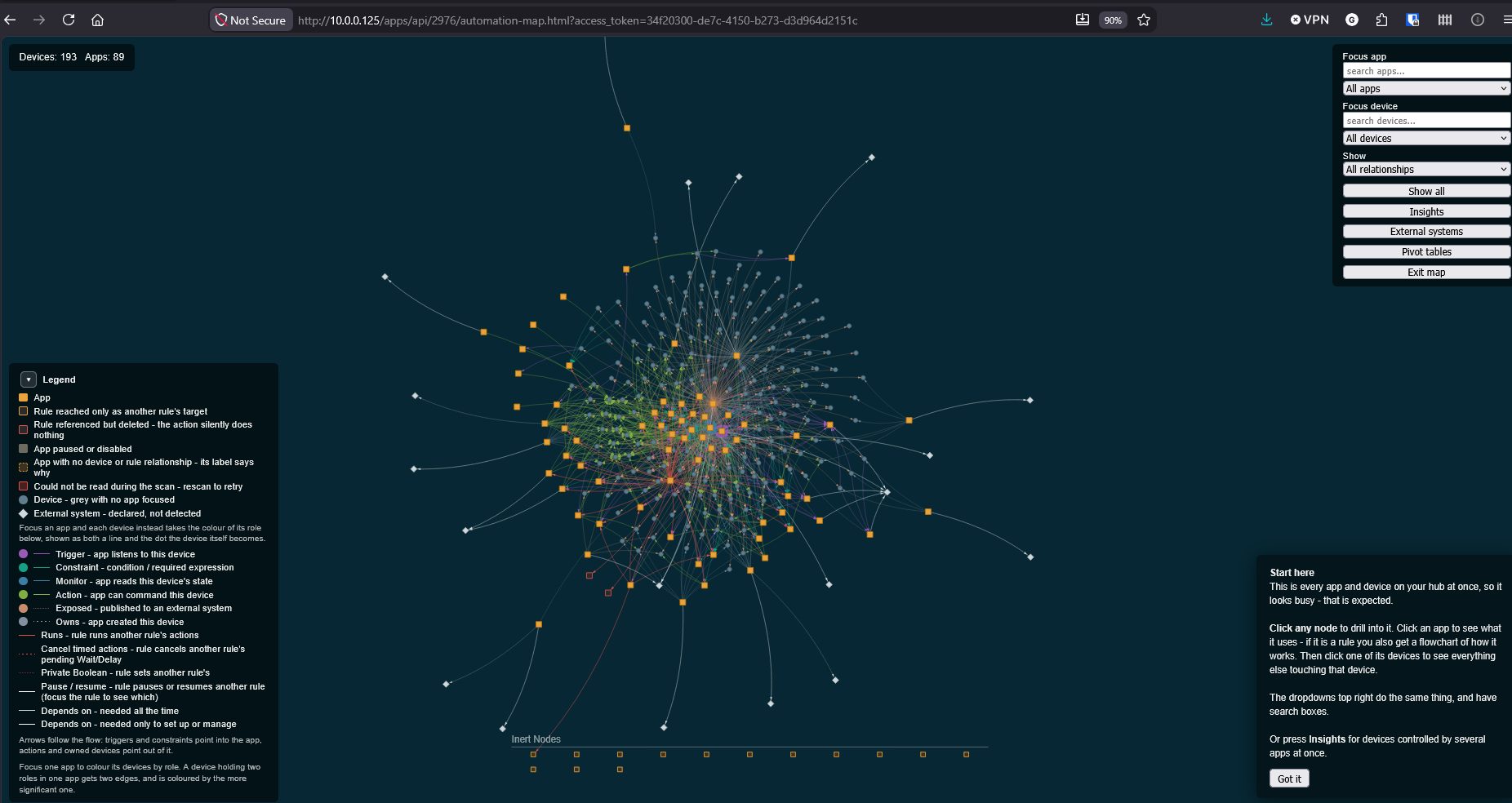
Please keep the full map on a specific web page and the device or app map on a different web page so we can go back to the full map without having to regenerate the map. The inert nodes come out nicely at the bottom of the map when first generating the map. After that, the inert nodes are in the middle of the map.
Using Chrome.
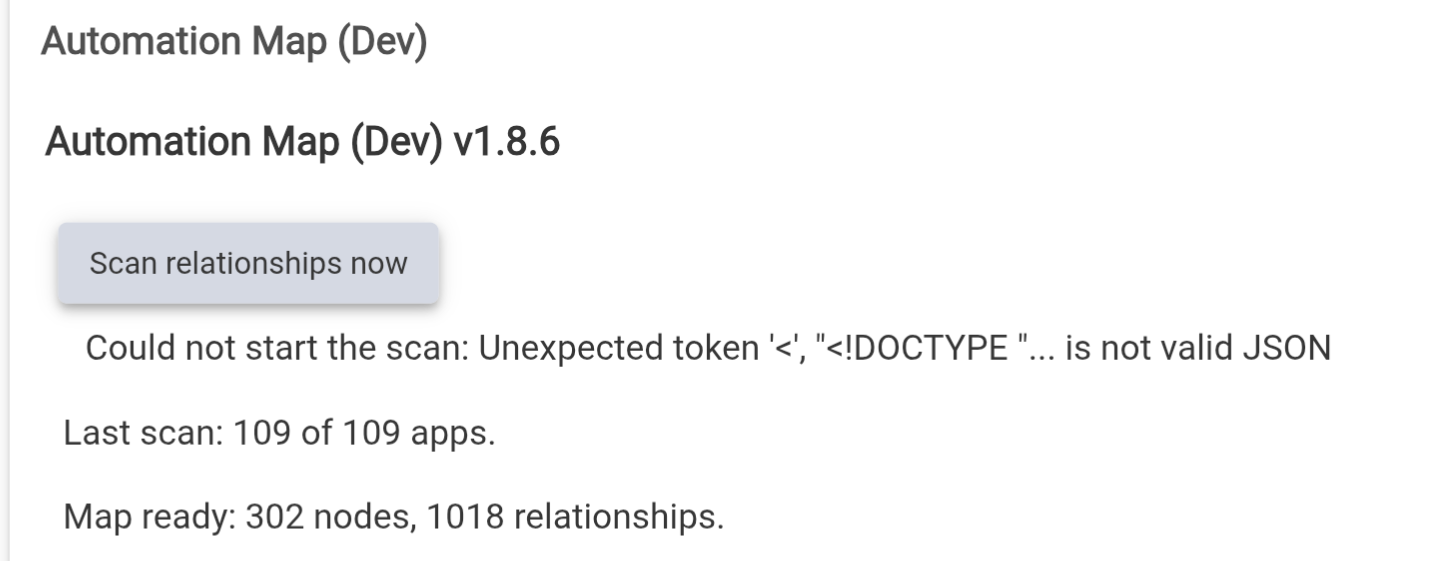
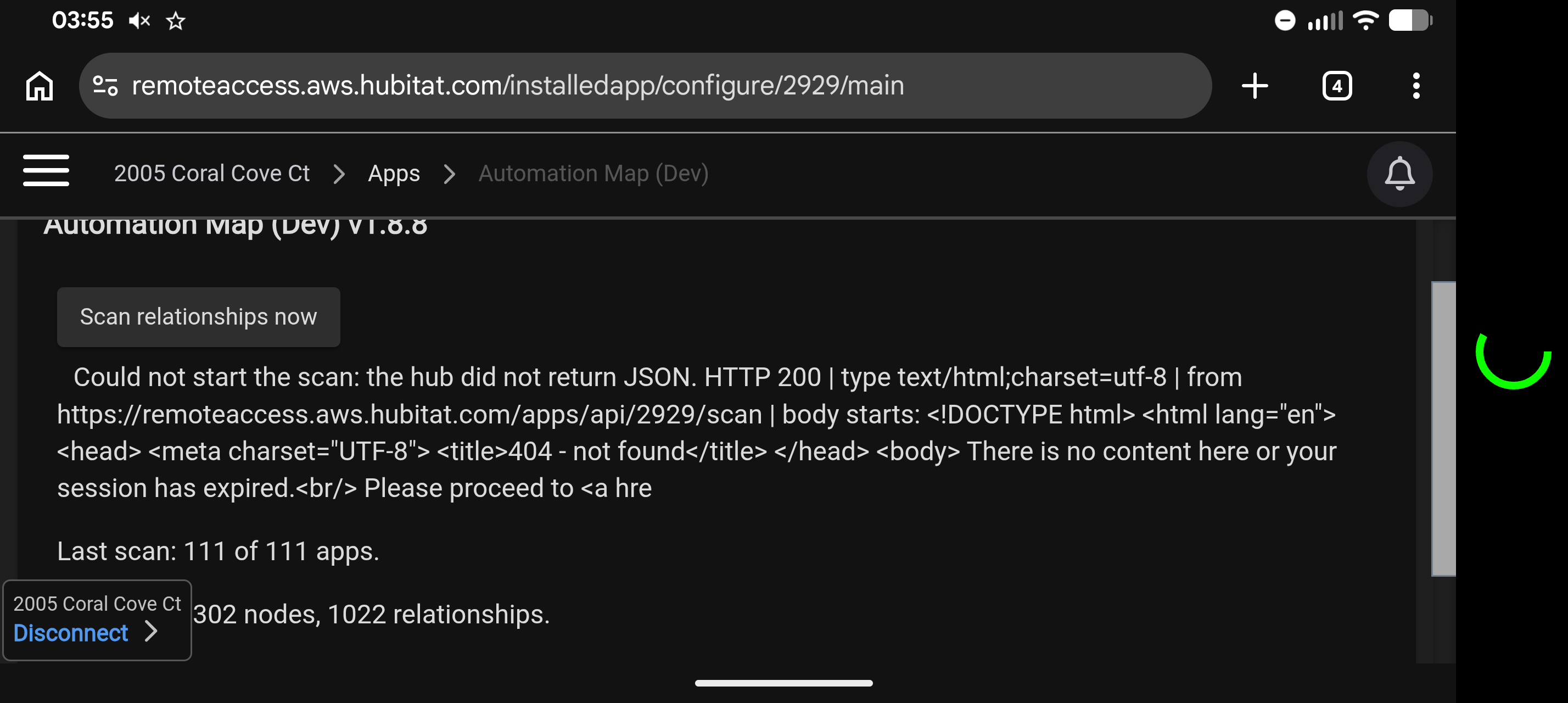
Another thing is that I deleted several rules that were bogus. Tried to scan again and got this error "Could not start the scan: Unexpected token '<', "<!DOCTYPE "... is not valid JSON".
Also, the device selection method disappears after the first scan.
The scan error: that message is a browser parsing error. Your scan request hit something that returned an error page instead of the expected response and the app crashed trying to read that error page as data rather than showing you what it was. Fixed in dev v1.8.6 - it now checks the hub's response before reading i, and hopefully shows the real error if something goes wrong instead of a raw parsing message.
Device selection: that's not a bug, the current release picks all devices without a picker option.
btw, it would be great to reference Hub Variables and Custom Attributes. I have rules that read CA's from Hub Information Driver and save them in Hub Variables.
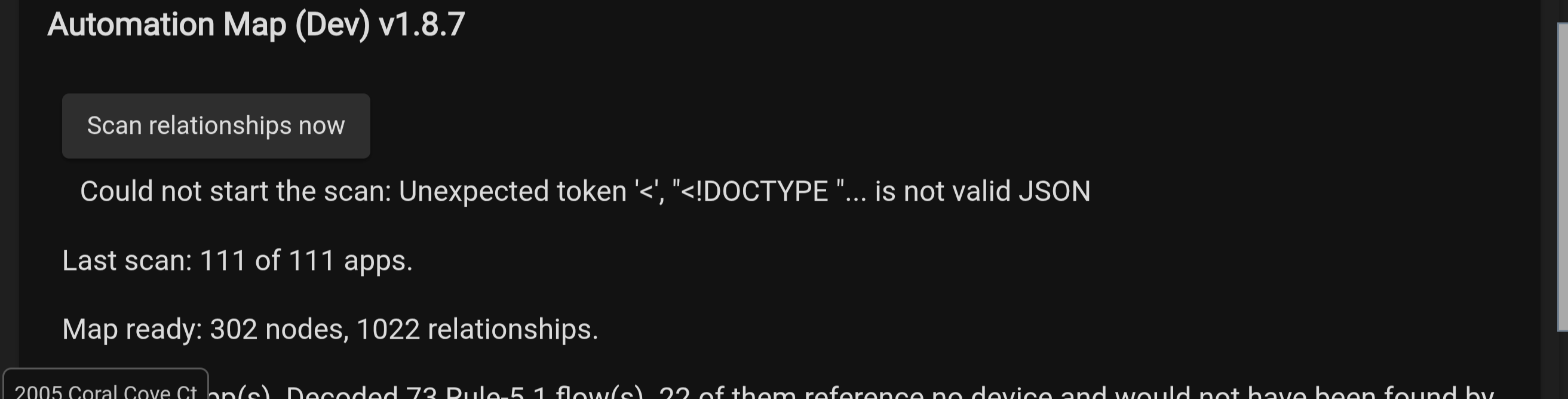
Installed version 1.8.7 on my C8 hub running 2.5.1.152. Got the same results. Tried Edge and got the same results. I'm running on my Pixel Tablet. That could be the difference.
Thanks for sticking with this Jim. Here's where we've got to.
What we've ruled out:
Unlikely to be browser-specific, same result in Chrome and Edge.
Not the scan engine. Your map built fine on install: 302 nodes, 1022 relationships, 111 apps. That first scan runs directly from the install, not through the browser. So scanning works on your hub; it's specifically starting a later one from the button that fails.
Not app version. Identical error across 1.8.5, 1.8.6 and 1.8.7. Two of those were server-side fixes, and if the request were reaching my code, 1.8.7 would have produced a different message even on a genuine failure. It didn't change by one character.
What I found: the 1.8.7 fix had a bug of my own. It built its error response the wrong way, so it may have been throwing while trying to report the error, which means 1.8.7 never got a fair test. Fixed, along with a token-leak in my first attempt at the diagnostic.
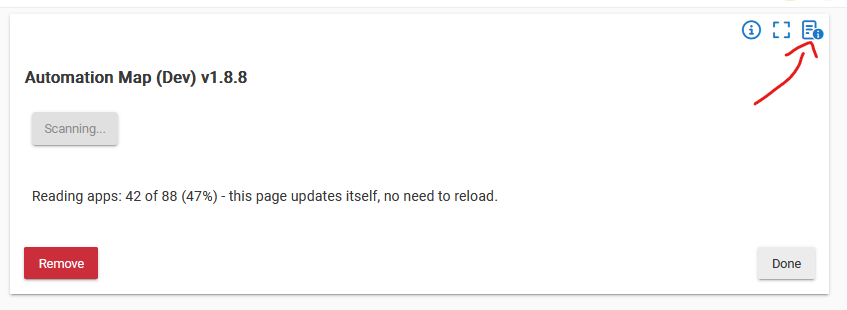
1.8.8 is a diagnostic build. It now reports the HTTP status, the responding host, the content type, and the start of whatever actually came back, instead of choking on it.
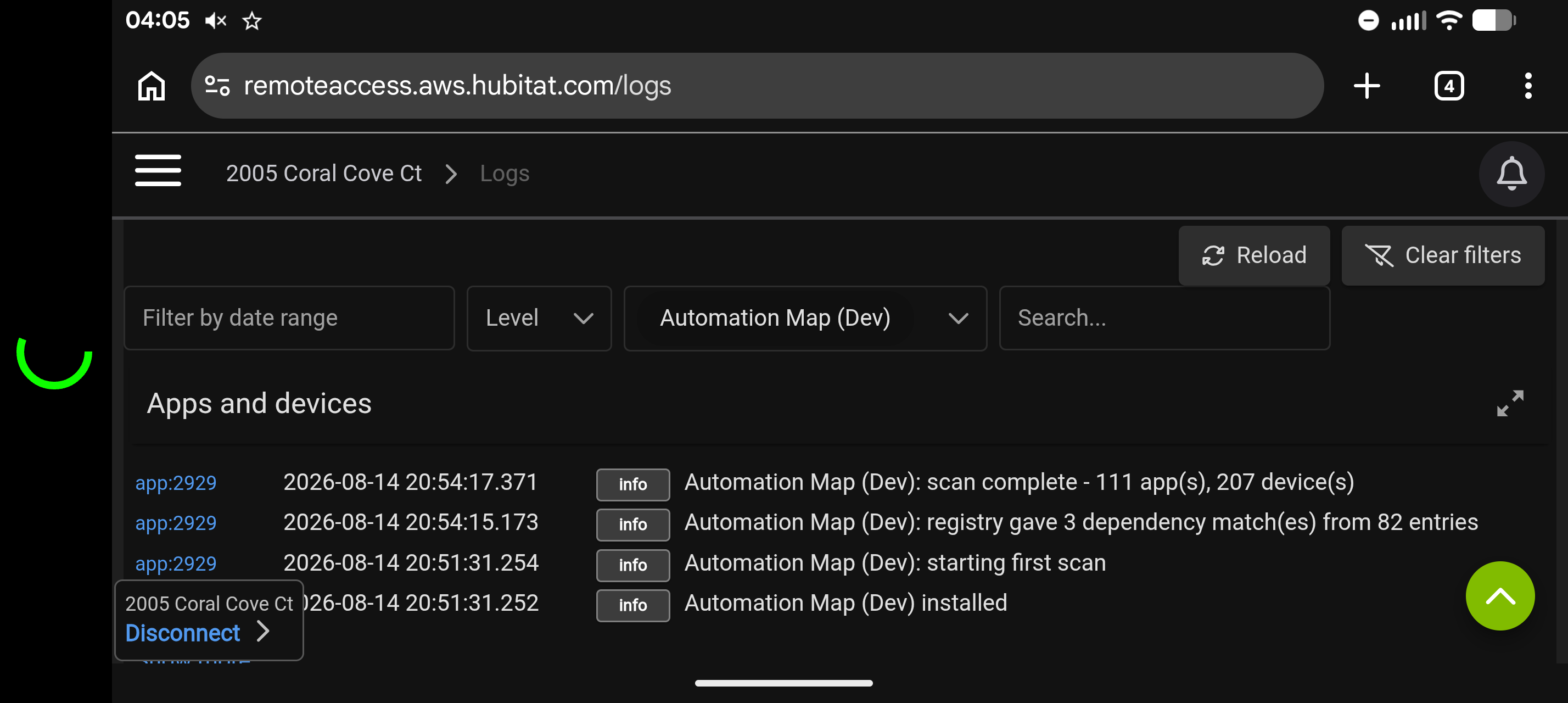
The most useful single test: open Logs in a separate tab, leave it running, then press Scan and screenshot both.
A line saying /scan endpoint reached means the request got into the app, and any following warning names the real fault.
Nothing at all in the log means the request never reached the app, and it's authentication or routing rather than my code.
Are you installing via HPM, or pasting into Apps Code? HPM enables OAuth automatically from the manifest; a manual paste doesn't, and without OAuth the scan request can't authenticate at all.
Do you have Hub Login Security enabled? Mine's off, which may be the whole difference, as the scan request deliberately doesn't send your login session, so if security is on the hub may be answering with a login page.
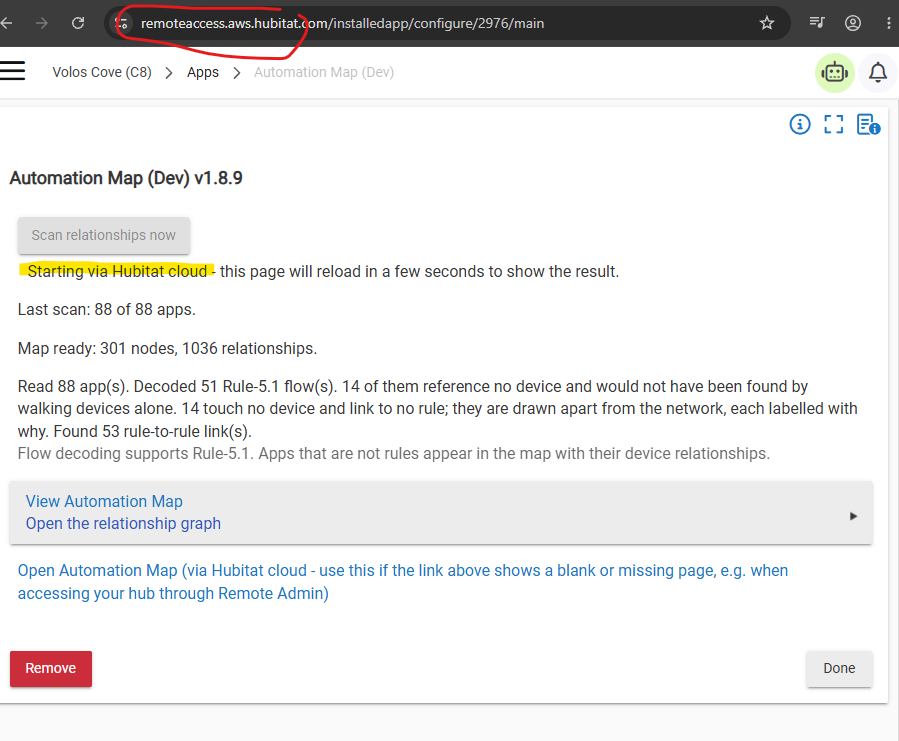
What's the full URL in your address bar on the app page: the hub's local IP, a hostname, or something with cloud.hubitat.com?
Does the View Automation Map link work on that tablet? Not quite the same auth path, since normal navigation can carry your login session whereas Scan deliberately doesn't, so if the map also fails that points hard at OAuth. If it works, that's useful but doesn't fully clear it.
Does Production v1.2 still rescan on that same tablet? It uses the same mechanism, so if Production works and Dev doesn't, that isolates it to the Dev install rather than the tablet, network or hub.
Bingo - I did not realize you were working remotely and that was the issue that i could now replicate and test.
The issue was that the app builds that request as a relative URL, so it resolves against whatever address you're browsing from. Locally that's your hub's IP address, but remotely it resolves to the remote access portal instead, which doesn't serve the app's API endpoints at that path, so you get its 404 page.
I have applied the following fix on v1.8.9 and it works on my side.
Now, when Scan is pressed, the browser matches its current address against the hub's own local address. If they match it works exactly as before: a direct request to the hub, and the response is read normally to show progress or errors.
If they don't match, meaning you're on Remote Admin, the browser can't read a direct response from the hub's cloud address. So instead it loads the same scan request through a hidden frame on the page, which still reaches the hub and starts the scan, but the app can't see what came back. It then waits a few seconds and reloads the page itself, and that reload then shows the true state, scanning, progress, or finished, straight from the hub, rather than from that request's response.
@JimB Once you've confirmed 1.8.9 is solid for you (Scan button and both map links working through Remote Admin), I've got something to show you. v1.9.0 is already built and waiting.
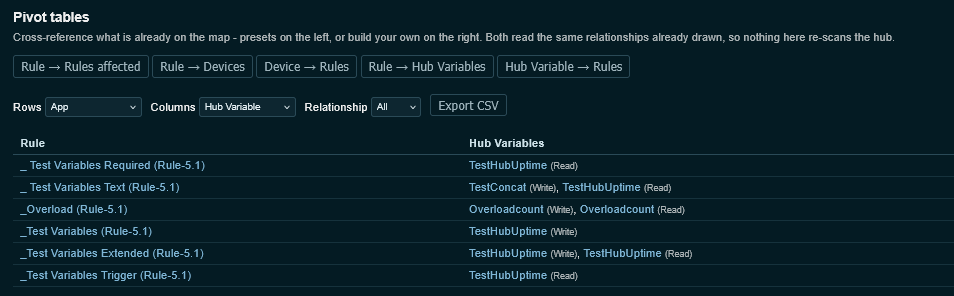
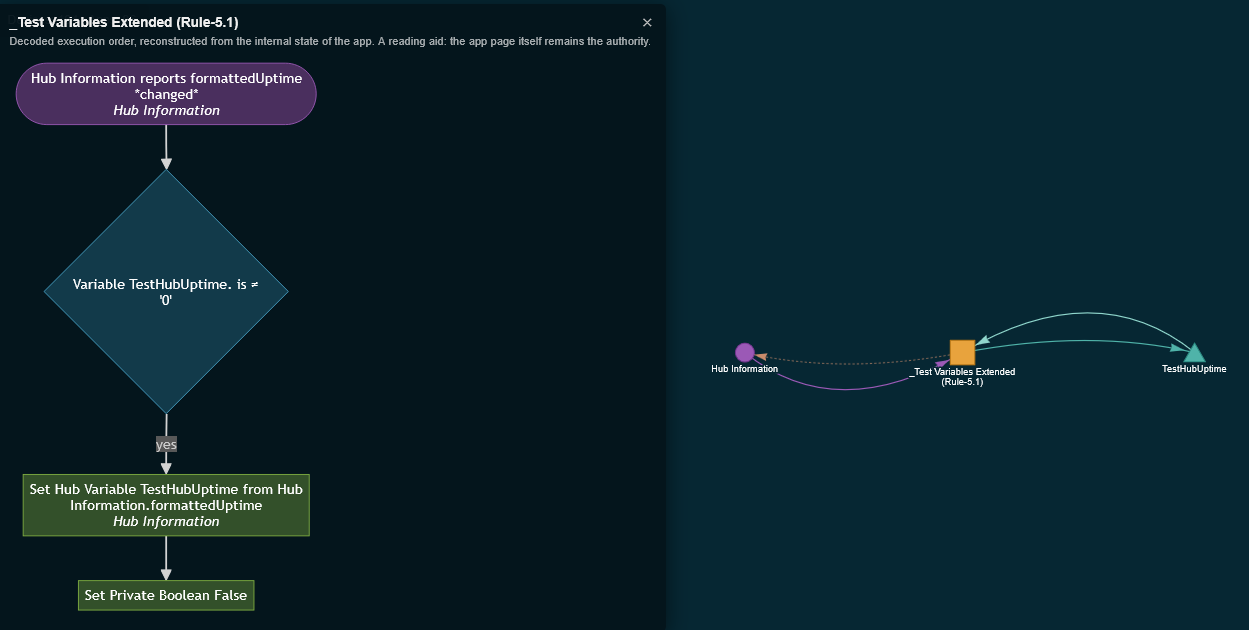
Hub Variable lineage tracking, the thing you'd flagged as missing. It draws Hub Variables as their own nodes on the map now, with directional edges showing which rules write to them and which read from them, so a rule quietly talking to another rule through a shared variable is visible. Screenshots below.
Not pushing it out until 1.8.9's confirmed solid on your end first.
V1.8.9 works just fine. Both rescanning from the button and openning the map the standard way!!
Again, I am sorry that I didn't let you know thst I was using remote admin.
Looking forward to your next development....
Excellent news, and no worries at all - remote access is a real scenario I hadn't considered for this app.
I've just pushed v1.9.0 to dev, which adds the new Hub Variable functionality. I only have a small sample of these on my own hub, so I'm hoping your setup helps validate the implementation and maybe turns up some edge cases mine doesn't.