Status Updates Stopping After a Few Days - Fix in v3.3.21
Hey everyone, thanks to those who reported that status updates stopped working I think I tracked down the root cause and have a fix ready.
What was happening
The V3 integration uses a single Server-Sent Events (SSE) stream to receive real-time updates from Home Connect for all your appliances. When that stream dies (which can happen for various reasons - token expiry, network blip, Home Connect server-side timeout), the driver is supposed to automatically reconnect.
The problem was several scenarios where it wouldn't recover:
- The health watchdog could stop running entirely. It used a one-shot timer chain where each check scheduled the next one. If any link in that chain was lost (hub restart, Hubitat state hiccup), the watchdog stopped permanently - no more health checks, ever.
- The watchdog only worked when already connected. If the connection status was "failed", "error", or "disconnected", the watchdog would see "not connected" and skip its check entirely. So the one component responsible for recovery would do nothing in exactly the states that needed recovery.
- The reconnect attempt counter could permanently kill the connection. After 10 failed reconnects, the driver gave up with "failed - manual reconnect required" and never tried again.
- An internal flag could get stuck, silently causing all disconnect events to be ignored.
- Hubitat can report the stream as "stopped" while it's still alive. During testing I discovered that Hubitat fires
eventStreamStatus(STOP)while the SSE connection is still delivering data. The driver would set status to "disconnected", schedule an unnecessary reconnect, and potentially create duplicate connections - all while events were flowing normally.
The net result: the SSE stream would die, reconnection would fail a few times, and then the driver would give up permanently. All appliances would stop getting real-time updates simultaneously.
Why "start from Hubitat" still worked
Some of you noticed that starting a program from Hubitat still showed status updates, but starting it physically at the machine did not. This is because Hubitat-initiated commands use direct REST API calls (which have their own token refresh and error handling). Physical button presses only generate events via the SSE stream - the exact thing that was broken.
What the fix does (Stream Driver v3.3.21)
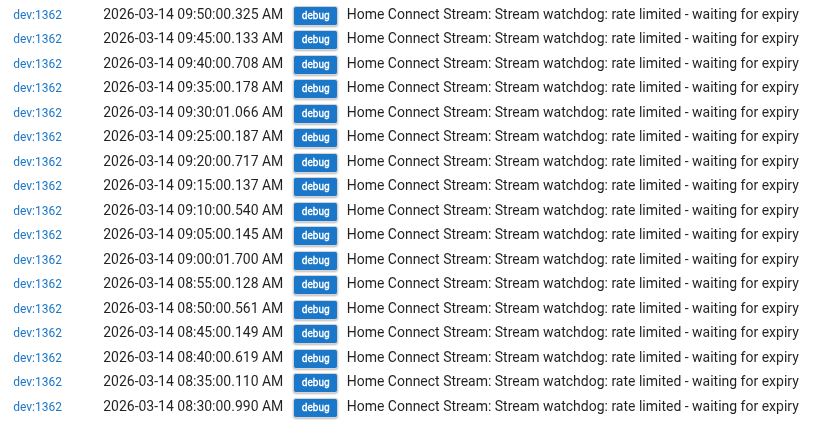
- Watchdog now runs on a persistent cron schedule (every 5 minutes) instead of a fragile timer chain - survives hub restarts, disconnect/reconnect cycles, and driver updates
- Watchdog now auto-recovers from ALL non-connected states, not just "connected"
- Stale "connecting" state is detected after 60 seconds and reset
- Reconnect attempt counter is reset by the watchdog so the driver never permanently gives up
parse()now corrects stale connectionStatus - if data is arriving, the stream IS connected regardless of what Hubitat's eventStreamStatus reportsdisconnect()no longer kills the watchdog cron schedulerefresh()andreconnect()no longer use blockingpauseExecution()which could create duplicate SSE connections when called twice near-simultaneously- Clicking "Initialize and Configure" on any child device now also checks and reconnects the SSE stream if it's down
Also in this update: Siemens Ambient Light support (Dishwasher v3.1.12)
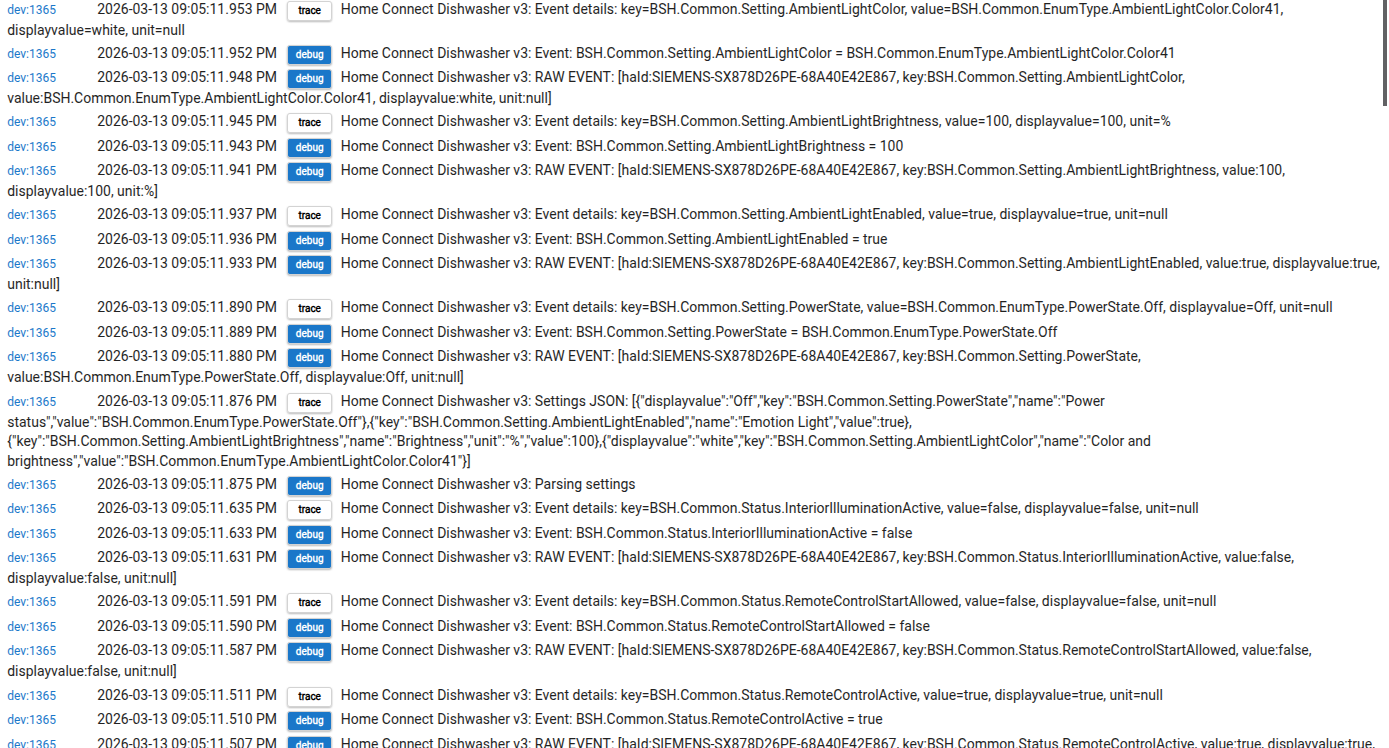
If you have a Siemens dishwasher with Emotion Light (e.g. SX878D26PE), the AmbientLightEnabled, AmbientLightBrightness, and AmbientLightColor events were previously logged as "Unhandled event". These are now tracked as proper device attributes. No impact on dishwashers without this feature.
How to update
Update via HPM as usual, or manually update the Stream Driver, Dishwasher driver, and the parent App code.
How to confirm the fix is working
After updating, follow these steps:
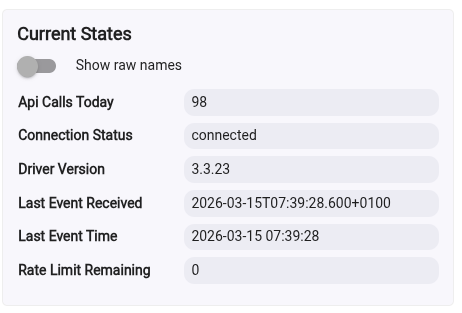
- Click Initialize on your Stream Driver. Go to your "Home Connect Stream Driver v3" device page and click the "Initialize" button. This activates the new persistent cron watchdog. Check that
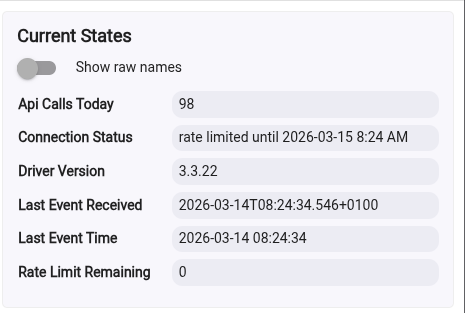
connectionStatusshows "connected". - Verify the watchdog is scheduled. On the Stream Driver device page, click "Scheduled Jobs" (tab at the top). You should see
streamWatchdoglisted as a cron job (0 */5 * * * ?). If you see it as a one-shotrunIninstead, click "Initialize" again. - Test with a physical action. Open and close your dishwasher/oven/fridge door. Within a few seconds you should see a log entry like:
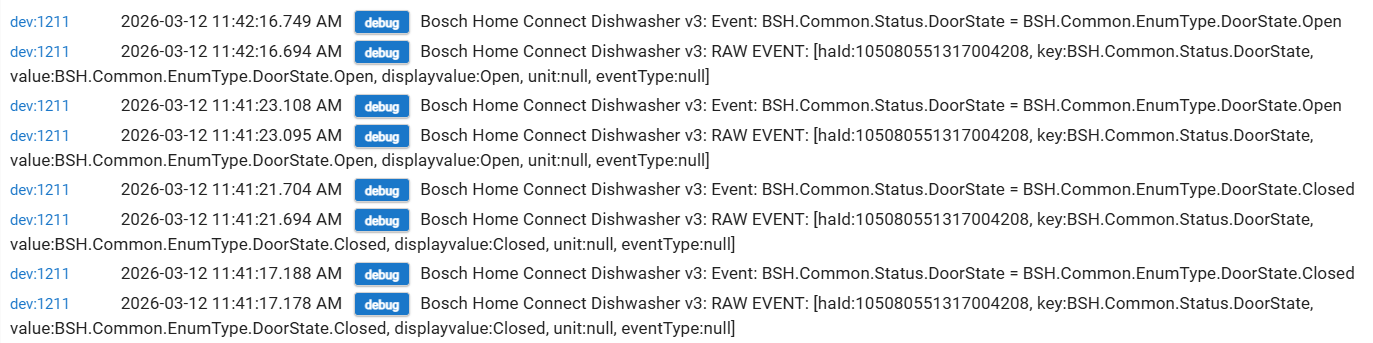
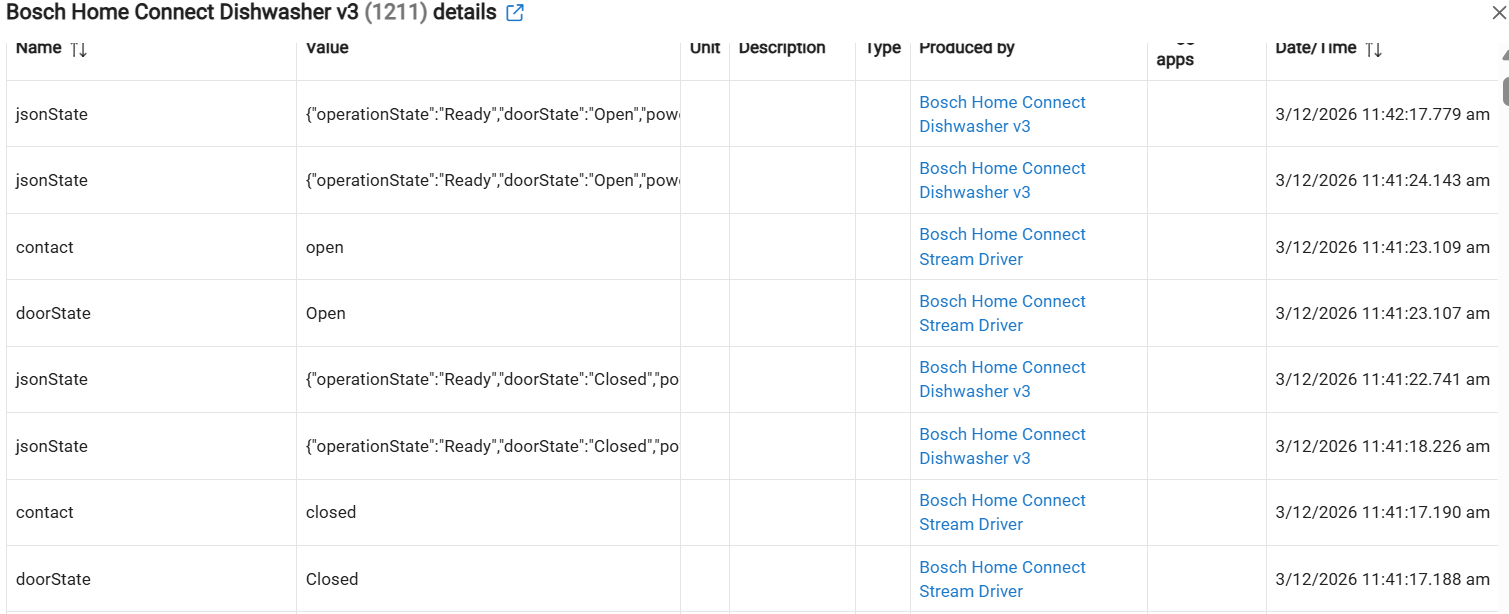
Event: BSH.Common.Status.DoorState = BSH.Common.EnumType.DoorState.Open
If you see this, real-time events are flowing from physical interactions.
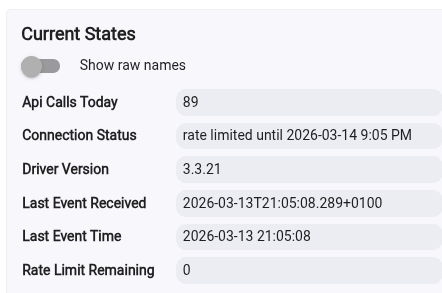
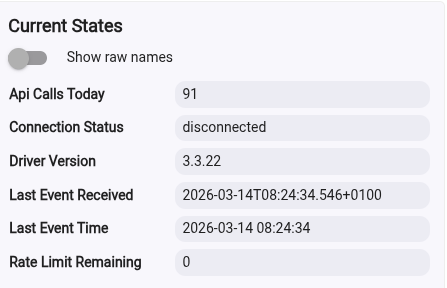
4 Wait 24 hours and re-check. The old bug typically took a few days to manifest. After a day, go back to the Stream Driver and confirm connectionStatus is still "connected" and that lastEventReceived has a recent timestamp.
A note on API limits
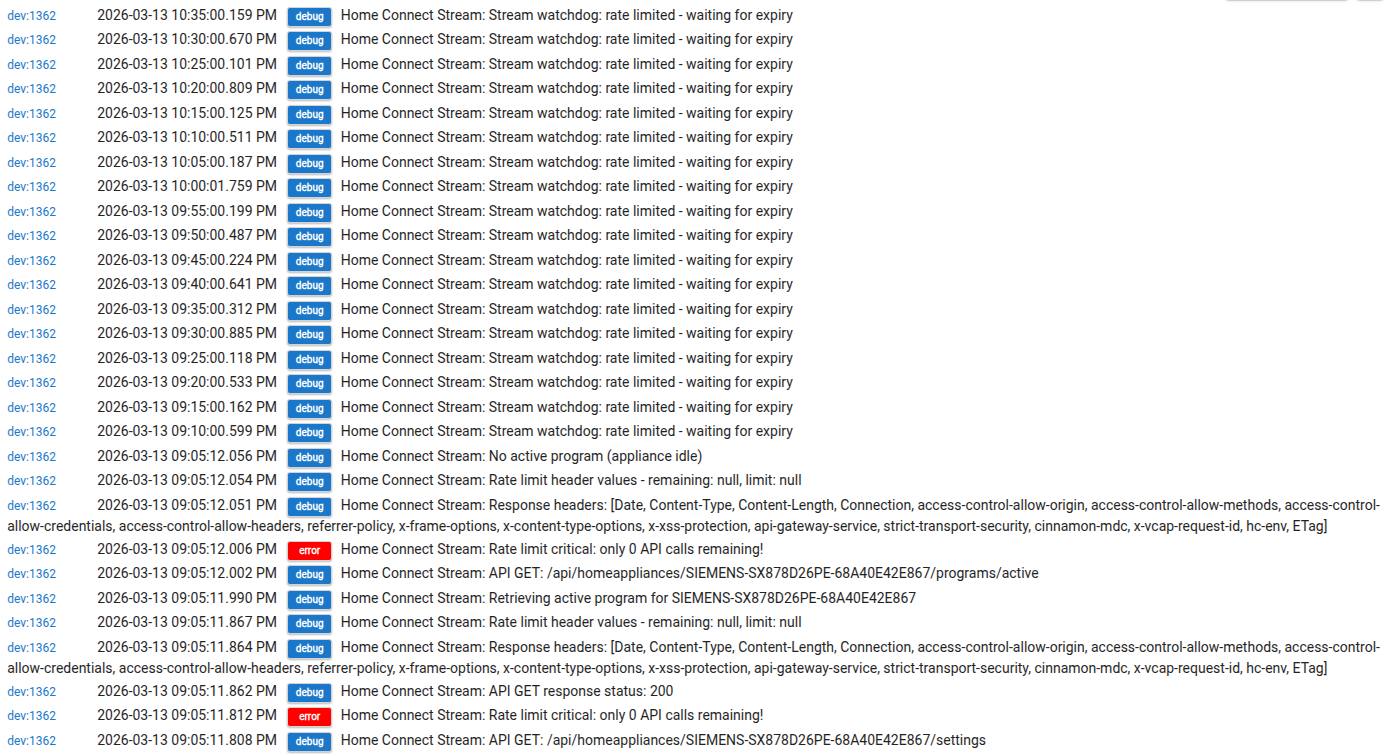
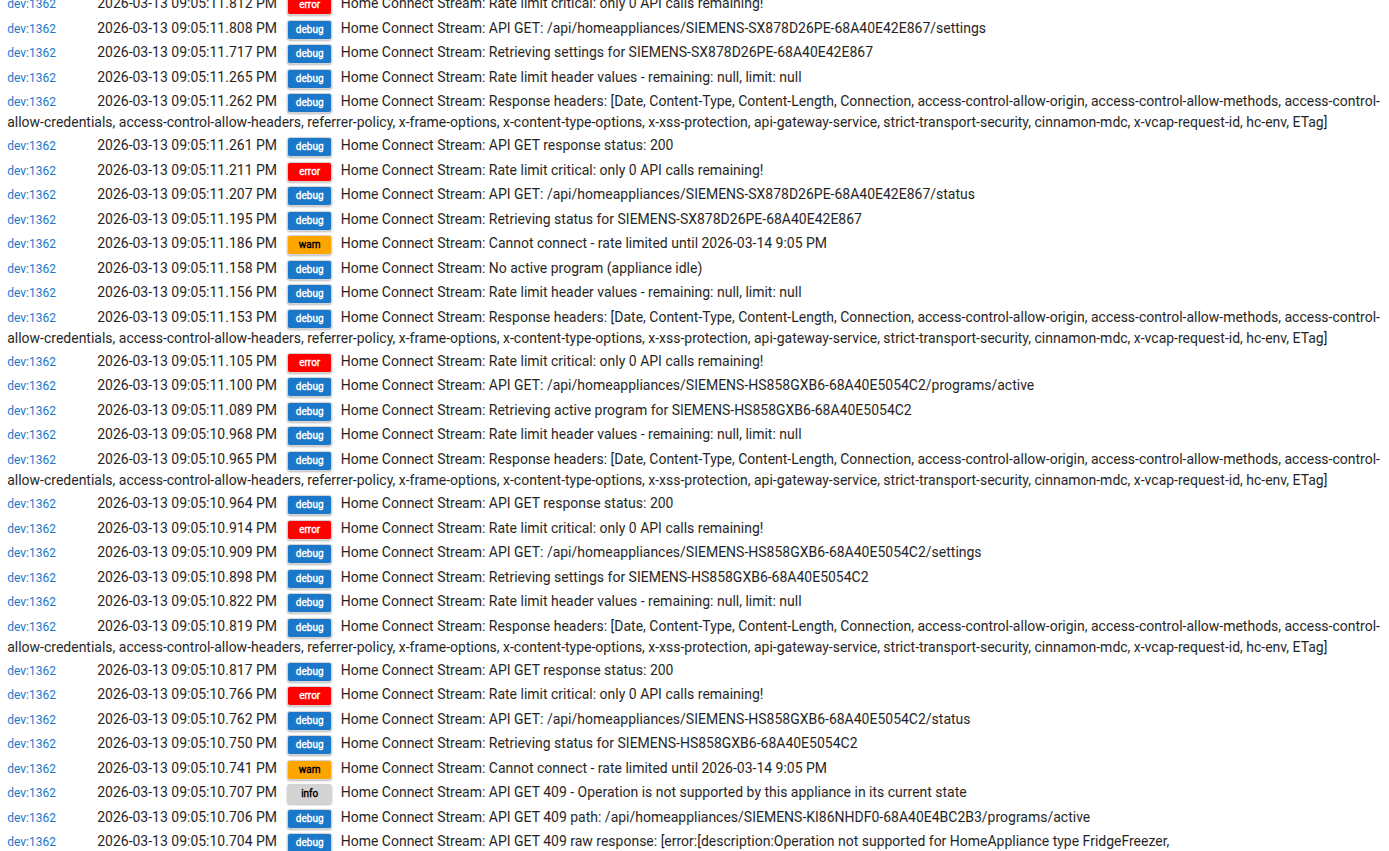
The watchdog reconnect runs at most once every 5 minutes, and establishing an SSE connection is a single API call. Even in the worst case (reconnecting every 5 minutes for 24 hours), that's ~288 calls - well under the 1000/day limit. The existing rate limit detection is still in place and the watchdog respects it.
Let me know how it goes! If you're still having issues after updating, enable "Debug Logging" on the Stream Driver and share the logs.