Access token and HA IP have not changed, I have removed the filter but still nothing showing. Nothing new on LAN or any FW rules
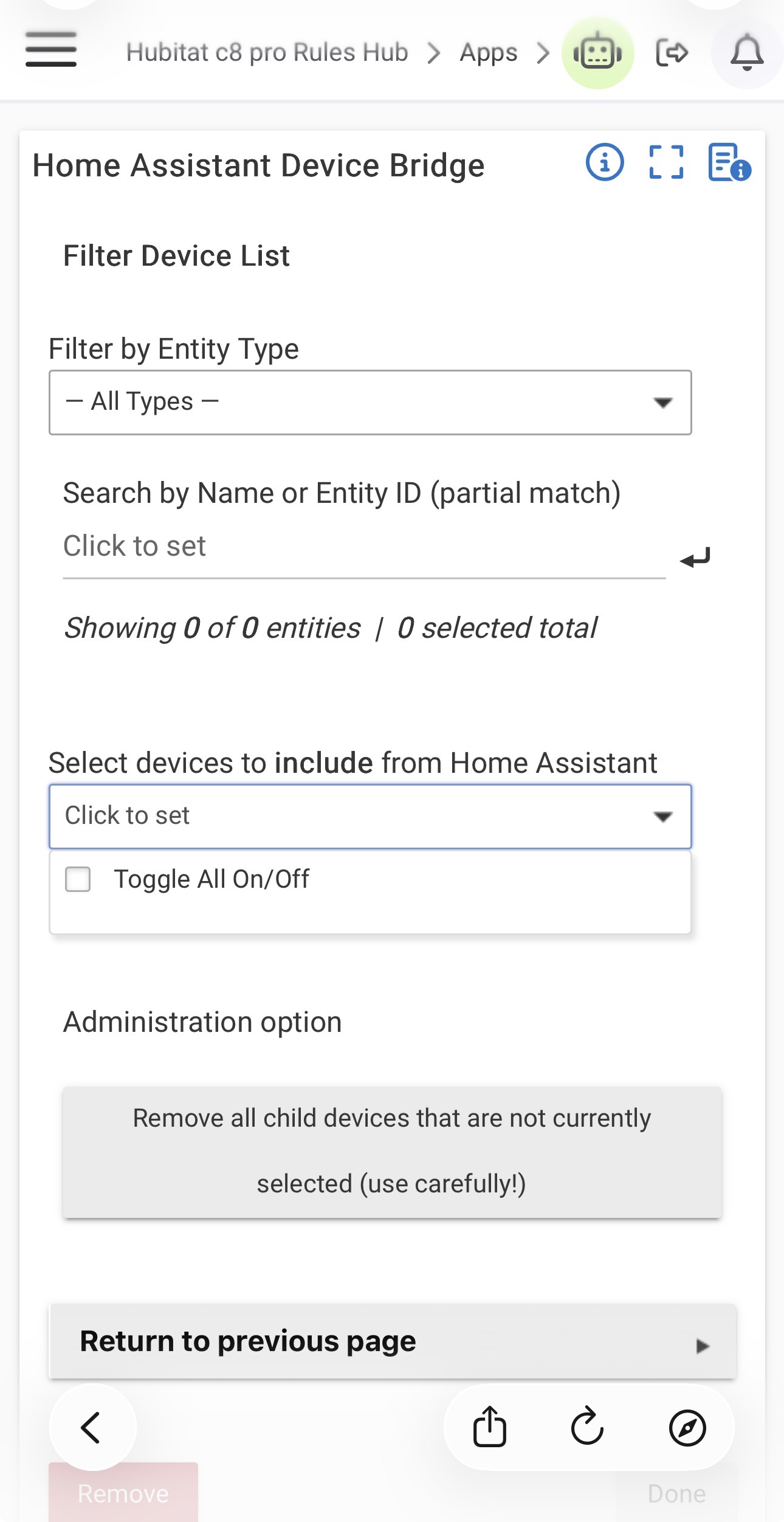
What does the logs says? (turn on debug logging on the app)
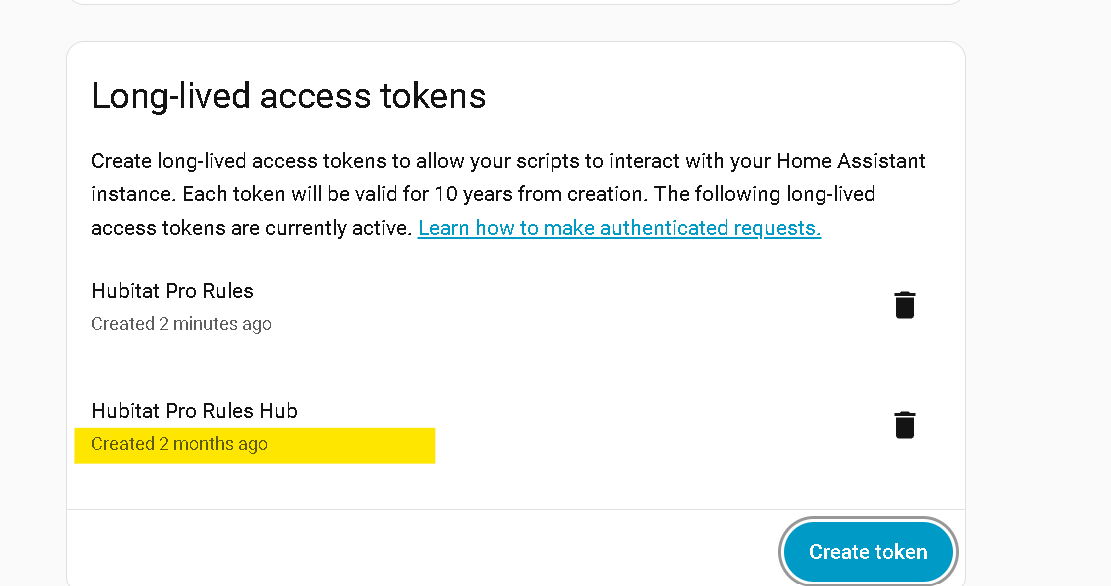
Turns out it was the auth token, i created a new token and tested, now working, even though the original token was not changed:
Might it be possible to build into the HADB app a flag to show the app can not connect or has issues in Hubitat? i can setup a notification but it would be nice to see apps health status from Hubitat similar to how HA shows app status and health
3 Likes
You can look at the HADB Parent device to see the current status of the connection between the HE hub and HA hub.
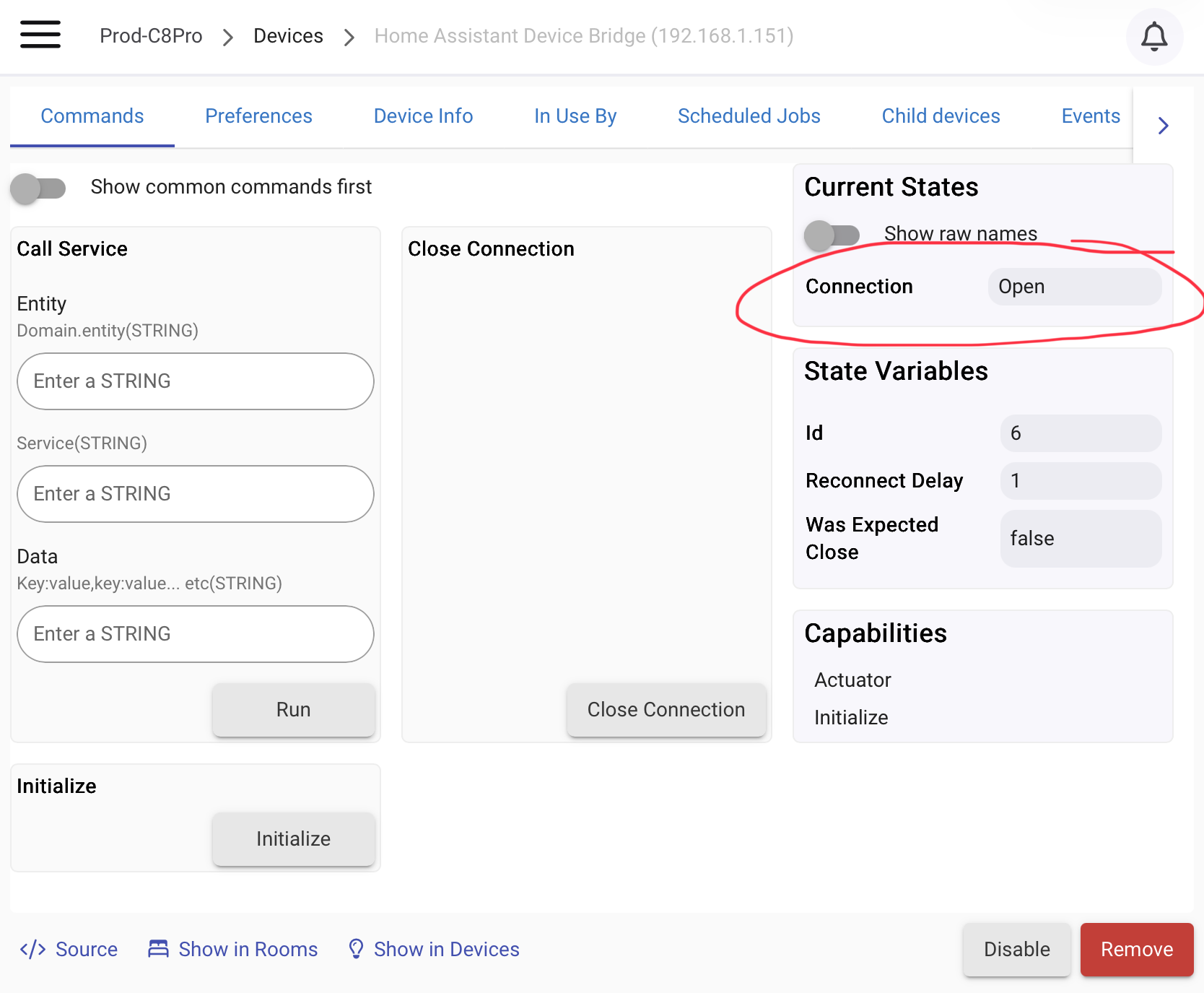
Not exactly what you asked for, but it is something. Having the HADB App somehow display this status would be an improvement for the user experience.
3 Likes
It seems that HADB closely parallels how Hubitat displays if the Lutron integration is connected to a Lutron bridge or not.
In that instance also the integrator "app" does not display the status of the connection; status is displayed by the Lutron Telnet device.
2 Likes
Unless I am mistaking, there could be no current status available when an app is not running beside maybe stating so.
Since the app is only running when a user start it to select devices, a status seems to me irrelevant as the user is allready interacting with it at this point. In which case the logs should reveal what is going on.
Also, the driver get its credentials from the app, so as @ogiewon pointed out, any connection problem should be reflected by this status.
1 Like
Has anyone here gotten this https://github.com/dlarrick/hass-kumo Mitsubishi Kumo (mini-split) setup working? I'm about to do an install of many mini-splits and would rather not fail by going down the wrong road to start with.
I'm trying to figure out how to run a Home Assistant scene from Hubitat when I have this integration installed in Hubitat. Outside of coding my own drivers/apps, I'm pretty experienced with Hubitat, but I'm only 1 day old in Home Assistant.
Any suggestions?
I know I can integrate both ways simultaneously, making the Hubitat devices also visible in Home Assistant, but want to know what other options there are.
Hubitat scene >HA = Makerapi + virtual switch HA>Hubitat = HADB
HADB does not support scene but I guess I could add it as a button since it is stateless.
Thanks @ymerj and @ThunderboltsRock . I think Thunderbolts was pointing me toward the HE>HA integration, which would let HA control the HE scene. However, the HE>HA integration (which is in Github) had an invalid link for the download.
Fortunately, I finally figured out HA "helpers", which from what I can tell is basically HA's version of HE virtual devices; and that really did the trick for me. I made an HA "helper boolean" (a.k.a.: virtual switch), shared to HE. HA Automation runs the HA scene when HE turns on the HA "helper boolean".
I'm still going to try getting the HE>HA integration going at some point, to fiddle with the HA dashboards, but have to wait for that link to be fixed.
LOL. "HE>HA". Sounds like a bad laugh 
I am guessing the broken link you're referring to is about installing HACS, correct?
HA changed the way HACS is handled a while back. You can follow this guide to get HACS installed in HA, and then proceed with getting the Hubitat -> Home Assistant Integration installed on your HA server.
P.S. I just submitted a Pull Request to update the broken HACS installation link.
2 Likes
Yay! Thanks so much! That is the issue I was referring to. I did submit it as a bug on Github, too. I'll try it out!
Version 2.22:
- Add support for scenes
8 Likes
This is GREAT! I have a Heat Storm room heater that connects to Tuya, and in Tuya I had a scene that turns the heater on with all the right settings. That scene pulled into HA as a scene when I added that integration. Very nice to be able to directly apply that scene in Hubitat instead of requiring a helper button to trigger that scene.  Keeps things simpler!
2 Likes
4 posts were split to a new topic: Connecting Tapo Cameras to Home Assistant
A post was merged into an existing topic: Connecting Tapo Cameras to Home Assistant
Next question, will the HADB allow me to get the motion trigger from the cameras?
Here we go again.
I installed the HADB. Seem to install and start up ok. But it keeps saying reconnecting. I have checked the IP, token, etc.
Logs show websocket error. Is there something else I need to enable? I am not that famialiar with HA.
EDIT: Never mind. And I plead the fifth as to what the problem was.
Hey, I just want to say that I'm two days into HA, and also am not that bright, but managed to add a z-wave outlet on HA, add a virtual switch on HA, create an automation on HA, and import both devices into HE with HADB! And it works instantly! Awesome! I'll be continuing my experimenting, lol.
3 Likes