It has a Flow Rate and a Water sensor on it. Currently it only supports Home Assistant and MQTT, I figured the HA route might be the best route to add it to Hubitat but can't get HADB to pick this device up so far.
@ymerj and others have contributed to the development. I'm just the enthusiast that helped with the inital post.
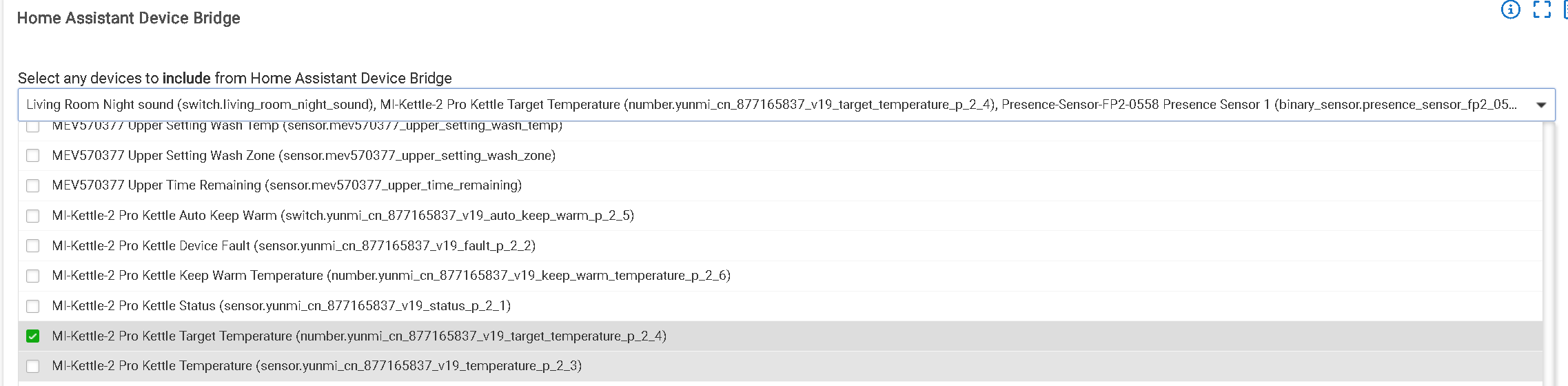
Having said that though, I will say that I would expect the "generic component unknown sensor" driver to bring in those values. Keep in mind that after selecting a device in the HADB list, there has to be a change of each entity that an HA device possesses before a separate device is generated on Hubitat.
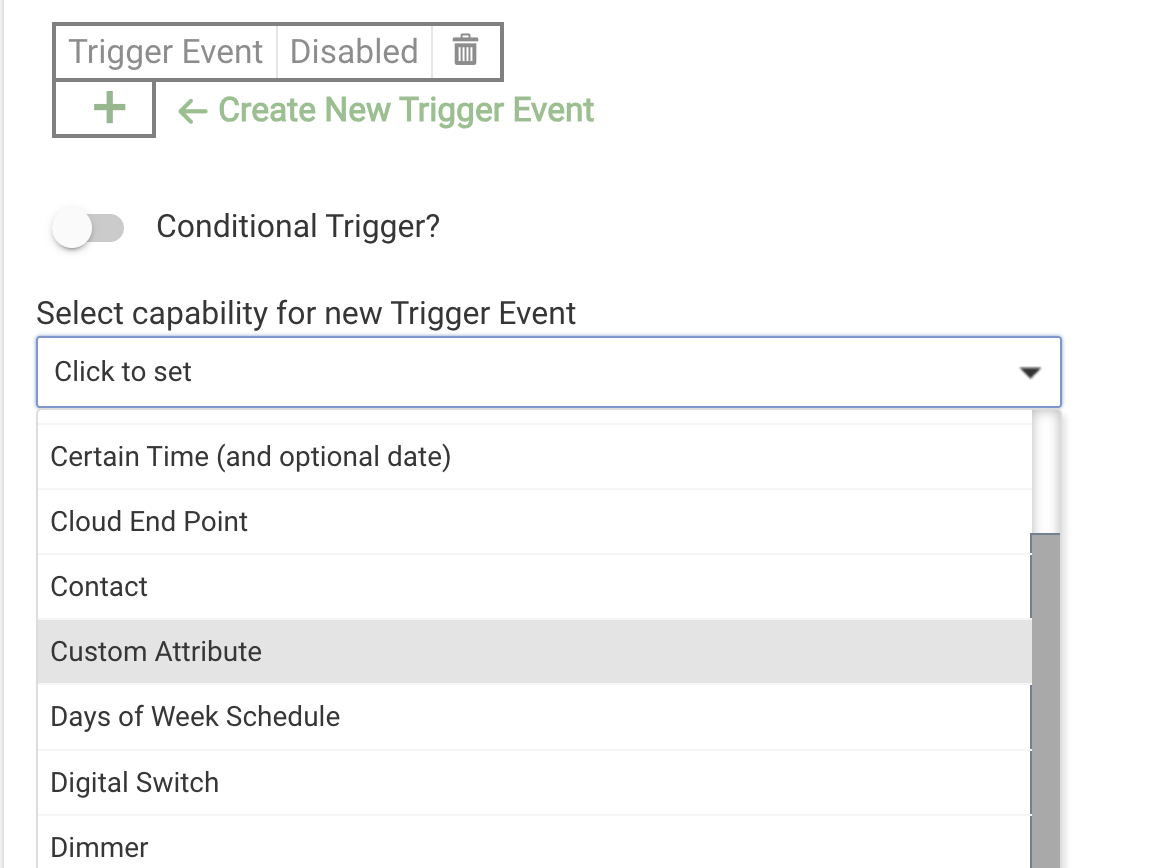
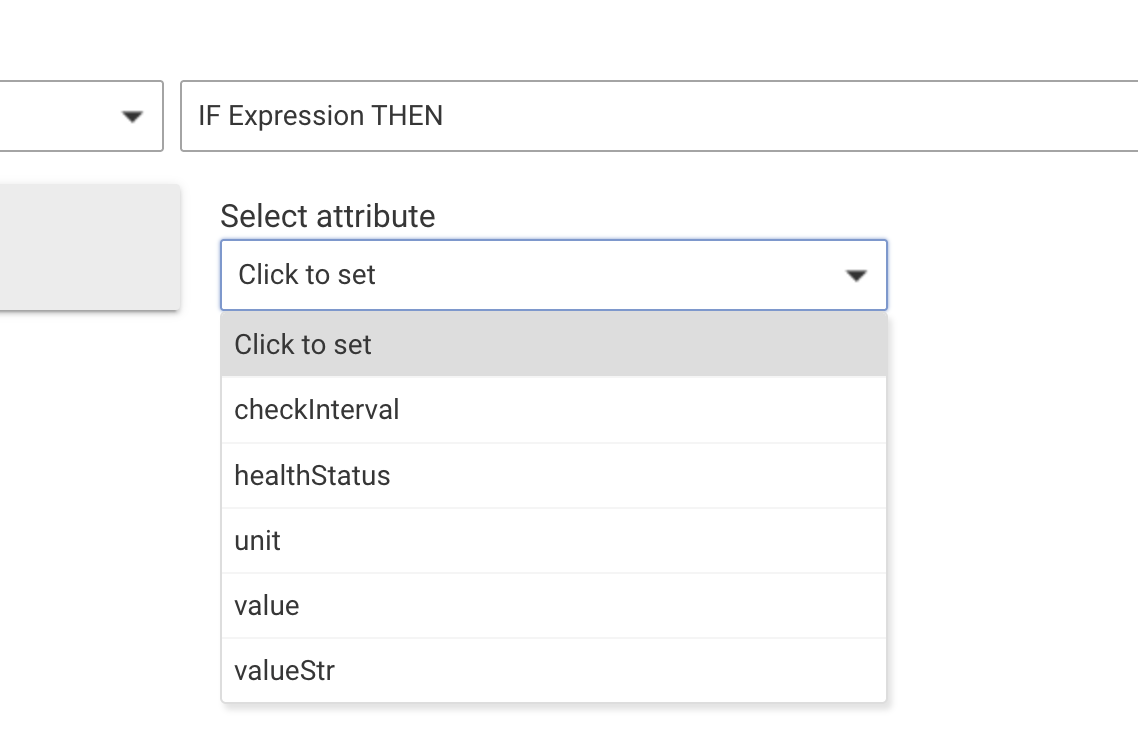
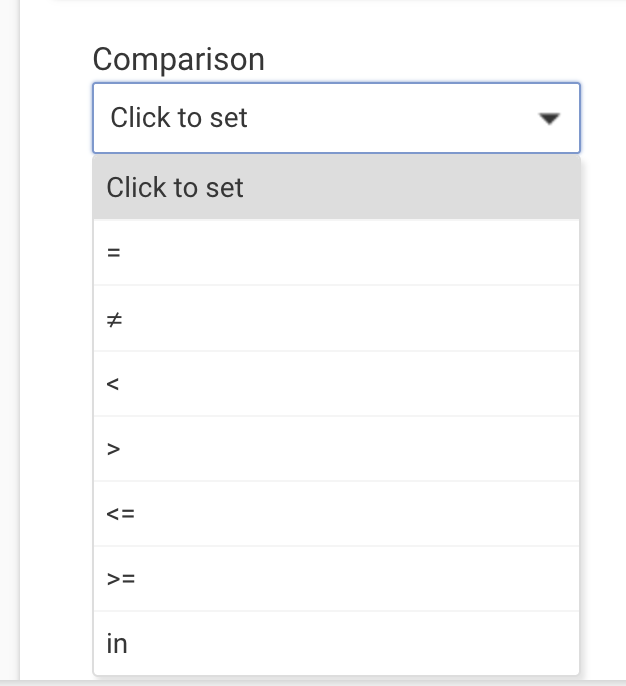
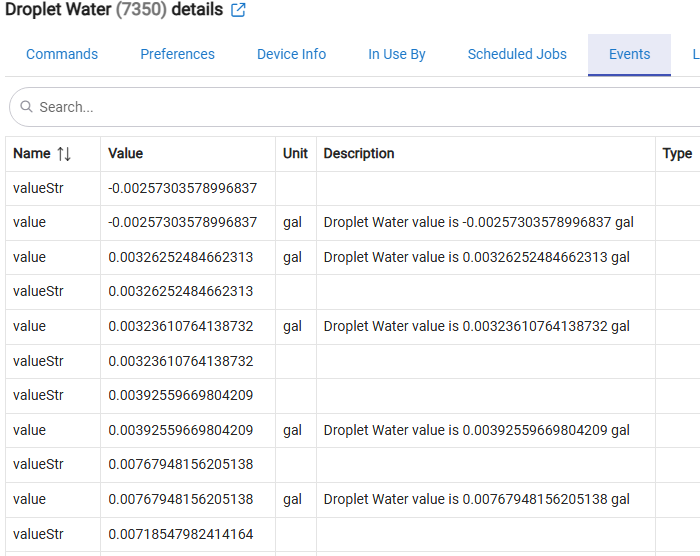
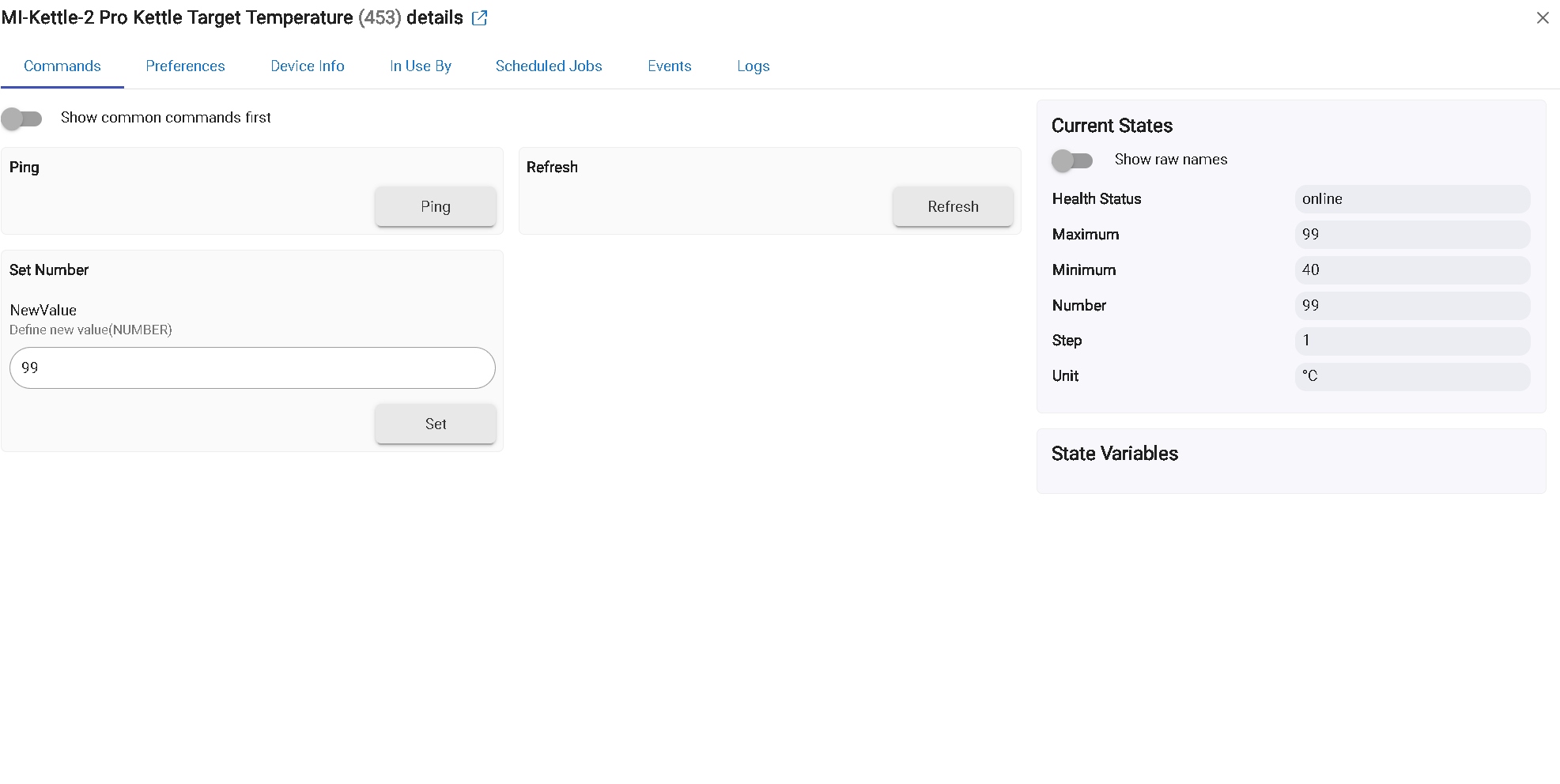
Try adding the device in HADB and then turn on the water so you see a change on the HA side. I noted it shows "0.0" for both flow rate and water usage on the HA screenshot you posted. If a device does appear on the Hubitat side, each HA entity will have a separate device with two values in the Current States field (under the "Commands" tab). They will be labelled Value and Value Str (value string). You can use Rule Machine "Custom Attribute" trigger event to trigger actions and/or update Hub Variables and trigger other devices with conditional actions using "Custom Attribute" as a condition.
I'll play around with it, in HA it has that long of a value too. Going to see if I could create a driver to make it a 2 digit decimal. The negative value that was showing sometimes does show in HA too so that part isn't due to this integration.
When you update a Hubitat Hub Variable, you can decide the decimal level you want to use. Personally, I would just build a rule that updates a hub variable to one decimal place and then use the hub variable in my automations.
Try rebooting your Hubitat. I have had the same issue with the Abode device driver. My issue seems to be something to do with Hubitat being overloaded but I haven't put my finger on it yet, Rebooting gets everything connected again.
Unless I don't know the definition of subnet (I may be misunderstanding), everything should be. Hubitat is 192.168.68.XX and HA is also 192.168.68.XX with the IPs reserved for the hardware so they aren't changing in my router.
Also, if it helps, HACS is seeing everything just fine in the other direction.
Is this a new installation of HADB or is it an old one that starting to act up?
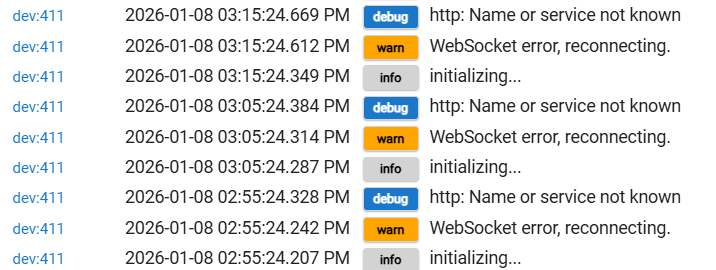
New installation. A few weeks old, but I haven't added anything to HA yet as I primarily wanted to use it for dashboards and to start messing around. I just noticed the logs throwing these as I've been messing with a couple problematic devices.
Are you able to select devices in the app?
Yes, to both HA and HE, but they're all HE devices.
Did you setup your HA to use https?
I did not. My browser likes to remind me that it isn't safe very often
HADB exit the initialize process when there are no device selected. However, I don't think this is what cause the error. I never tested the case since there is no point using HADB without device.
In your case, I suggest sticking with the HACS integration on HA side for your dashboard and remove HADB to avoid the risk of creating loops.
Sorry for the delay; new babies eat all your free time
I was preemptively setting up to try out getting matter devices making their way into HE and tinker with the communication before putting anything into HA that may work better through their integrations.
Not sure what loop I'd be creating, so I'll try to look out for any weird recursions as I try to move forward. I tried uninstalling and reinstalling through the package manager and it doesn't look like it did anything. Any other things you can think of to troubleshoot?
You dont need HADB to get matter devices to HE, you can pair them to HE directly (Edited to add: or pair to Hubitat via Multi-admin from another matter controller)
If you have devices that will be paired to Home Assistant and are not supported in Hubitat directly, that is only what HADB is for. Until you have those devices paired to Home Assistant there is no point in trying to setup HADB.
As for your error, its some sort of configuration or local networking error. Whatever you put in the App on Hubitat for the Home Assistant IP/PORT/Token is not working and the app cannot connect to the Home Assistant. Based on the error it seems like ether the IP/PORT is wrong, or there is a firewall blocking the connection.