Doh! You rock! Thank you.
It imported 555 devices, and I read in the notes it won’t show up in HE until it’s been triggered. I turned some of the switches on and off but do not see them in HE yet. Is there another place I need to add the devices after they’ve been imported?
No.
They should show up as child devices of the parent device. Click on the arrow left of the parent device name to expand the list or search for the device friendly name.
1 Like
I’m assuming I’m clicking on Home Assistant Device Bridge as the parent? I do not see a down arrow anywhere. I do see the devices after I click on that link in the device data box on the lower right under the device info tab. Nothing I can do with that box though.
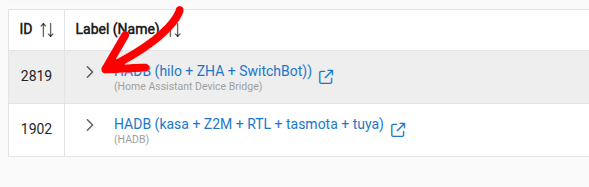
Thank you! Took a long while for it to show up for me, but it is now. Thank you very much for your help. I appreciate it.
1 Like
I've had my Home Assistant system hang a few times recently (probably because it is running on a rasp-pi). The problem is that I don't really use HA; after a few days I wonder why the devices from HA are not up to date and I discover the system is down and power cycle it.
What I'm wondering if there is some way HADB can update a HealthStatus so that I'd know if HA was still running. I could then put the HADB device into Device Activity Check (DAC) and it would tell me if HA wasn't answering.
I did just put the HADB device into DAC and hjope the Last-Activity check is good enough.
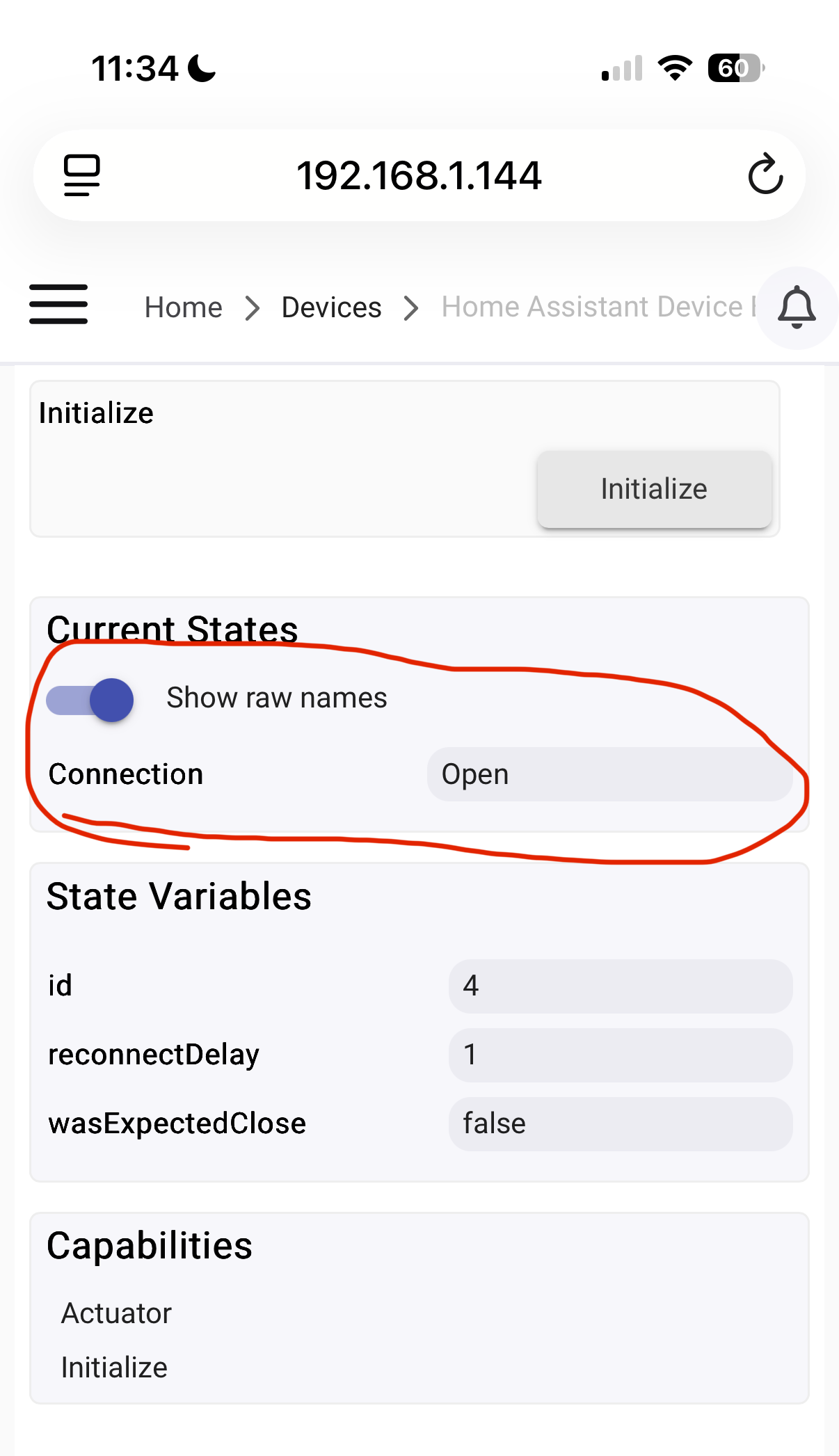
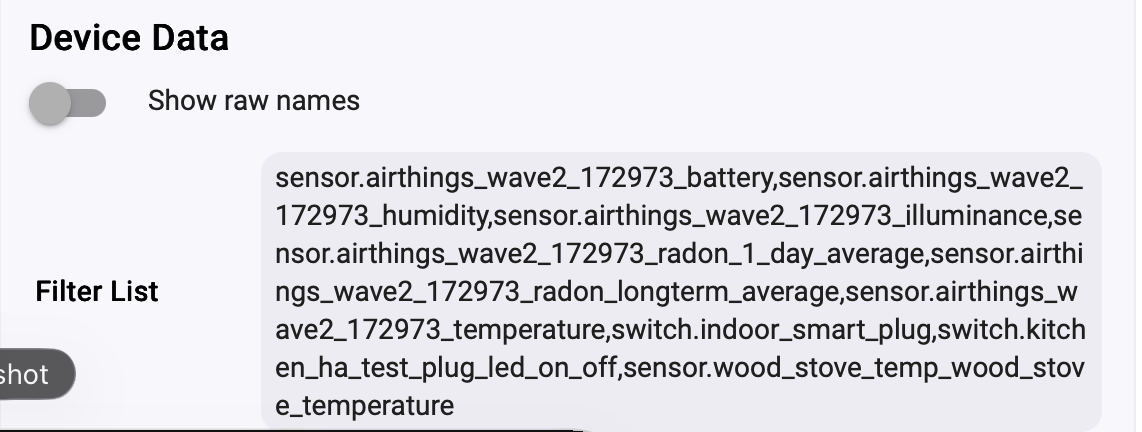
I am trying to bring over readings from an Anythings Radon Wave 2 sensor.
Humidity and Temperature came over so far but nothing else.
While still in the 24-hour waiting period for first radon reading, I would expect illuminance and battery would come over. The ambient light has been changing and I replaced the batteries with used batteries to get the % to change but no dice. Changes are seen in HA.
Device details below.
Thanks
It seems you did everything right. I would need to see the logs.
Enable dedug logging in the HADB parent device, make the offending entities change state and post (or PM me) the relevant logs.
1 Like
Thanks.
It occurred to me since I posted that changing the batteries would not simulate a battery state change.
I’ll focus on luminance.
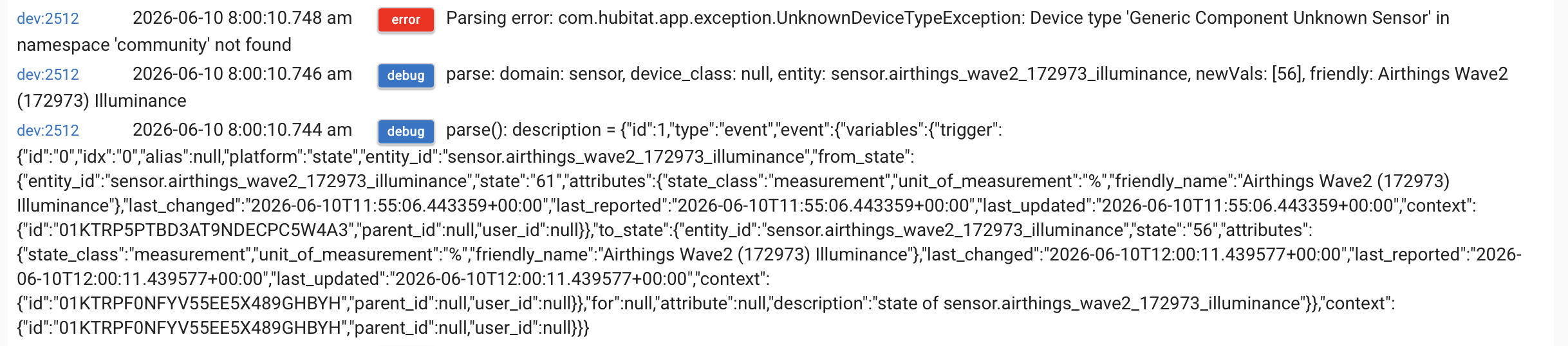
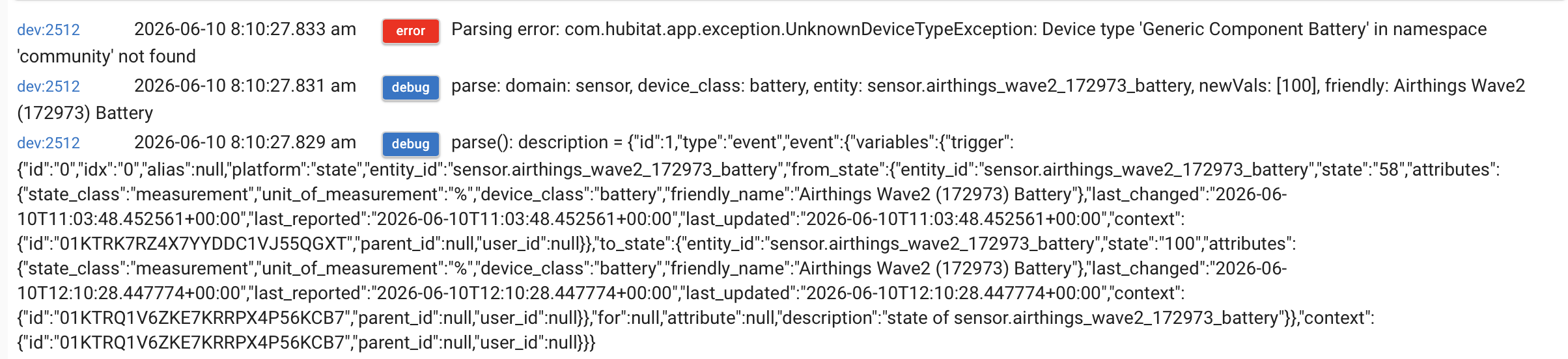
The error says it all: The needed components are missing in your installation. Do a repair in HPM.
If you installed manually, fetch the components from the github repository.
2 Likes
Thanks! I installed manually. Now I’ll have to figure out how to do it again! Short term memory is leaking slowly away. 
Here they are:
https://raw.githubusercontent.com/ymerj/HE-HA-control/refs/heads/main/genericComponentBattery.groovy
2 Likes
Sorry for the dumb question, but how do I integrate those components into the driver manually? If it’s a copy and paste operation, where?
Would HPM do this automatically? I’ve been resisting (for years).
Thanks.
Yes.
Add each one as a new driver in the driver code section.
Thanks, that worked (see below).
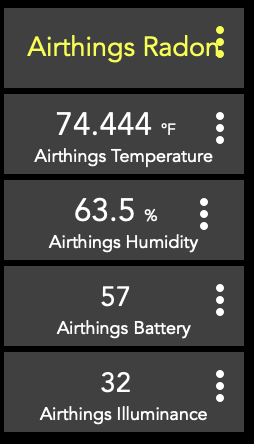
I wonder if you could help me understand: I didn’t have to add custom generic component drivers for temp, humidity, switch, kwh, etc. Why, for battery and luminance? Will I have similar problems when radon starts changing after the initial 24 hours? Will I be able to access the short and long term radon level reports? Is there a place where these custom generics are accessed?
I know, a lot of questions.
When installing manually, each component has to be copied as needed. For the ones you mention, You probably did it at that time. Most people use HPM (i don’t) so all these component are installed by default.
As for radon, it will require it’s own component:
They all sit there:
4 Likes
Thanks very much.
Awesome Integration!
2 Likes