Great - thanks. Yesterday I realized it's still an option to use the same RTSP library as the old app does. Since it was really built for this (live camera feeds) it might be easier to just use it instead of tweaking the FFMPEG library I'm using today.
I'll do a bunch of testing with my cameras to get it working as good as I can and then will push out a release for you or anyone else with cameras to try.
I don't remember if you said this already -- are you using the sideloaded apk version of the app? Sadly Google Play hasn't reviewed my app updates in several weeks (just says 'reviewing') so apk is the only way right now to get the latest. It's not a problem with desktop or iOS but this change would be Android only anyway.
android: replace video library with RTSP one from old app
desktop: update splash screen
I just pushed a new version -- only 2 changes in it but the video one is a pretty major change (android only)
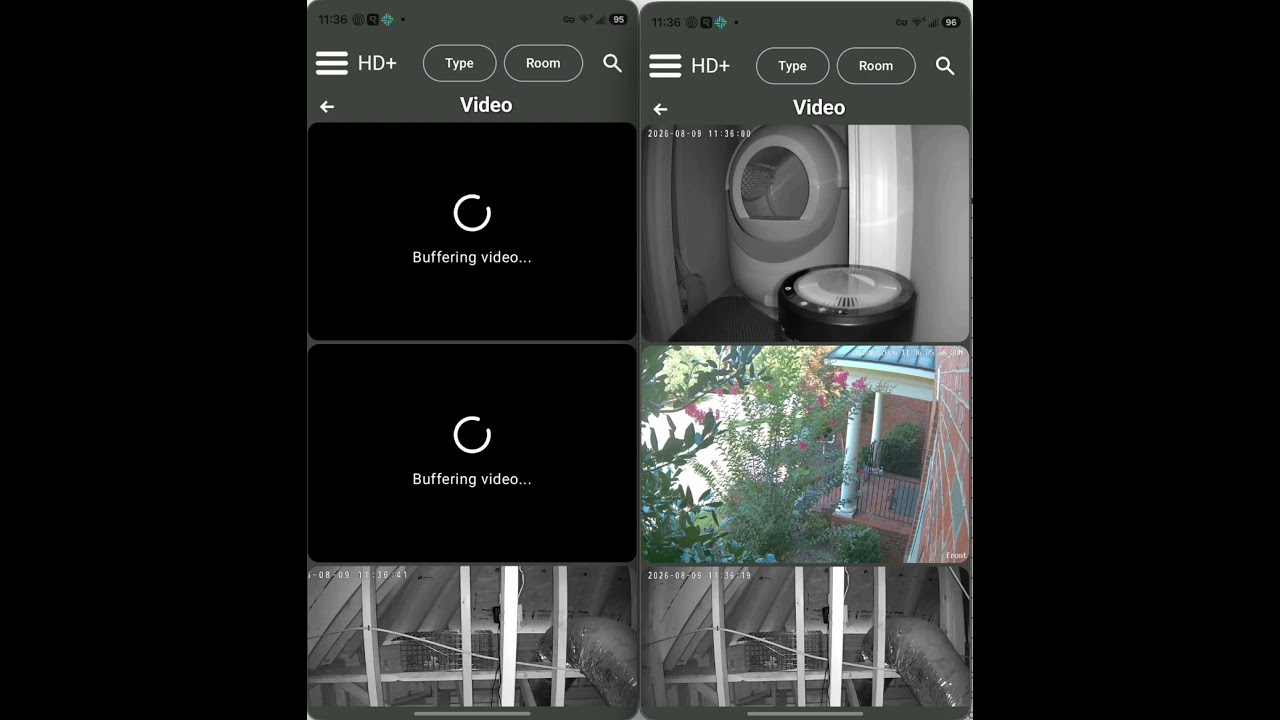
I tried to capture a video showing the difference -- left is using the previous video driver (FFMPEG) and right is using the same RTSP one as the old app did. Definitely faster loading from my testing.
If anyone is able to try it out let me know and please send logs too along with anything you see. There's a log entry every 10 seconds that looks like this:
There's a couple of useful info in here.. notably maxGap=2731ms which means during that 10 seconds there was 2.7 seconds where no video was received (ie: camera feed / network not keeping the buffer full). The other one is queue=0/60 which is how many frames are queued up to be processed.. if the CPU can't keep up, that queue will fill up.
EDIT: I forgot to note that when viewing a video full screen on this version it'll start muted (android). That's because with the new RTSP driver it has to re-connect in order to change the audio state. So, rather than re-connect I chose to keep the video stream open/playing. You can still unmute the video
Cool - glad it's working. I did notice some errors in the log (unrelated to video playback). A weather icon wasn't loading and the app was re-trying over and over to load it
Those tinurl images come from the Weather hubitat device and I've had to deal with this before since it just re-directs users to the real image which is actually here
I also am adding some additional stats while playing a video so it'll be more clear how hard the device is working to keep up with video.
For desktop users, the original log also helped as I made several changes to the FFMPEG video driver as well.
Hi @jpage4500 - Leaps and bounds down the road from the HD+ android
I've a feature request - Trying to be short and clear but I'm a verbose person ... so bear with me!
I'd like a new tile type that can be added. A 'container' of sorts. My vision of it:
I have 6 tiles all related to something. Lets use Weather. some are 1x1. some are 2x1. I lay them out on my dash moving them one at a time. If I could put them in a container, then I could move them as a group or team of icons without need to re-arrange. Does that make sense?
Just to further explain - I have 3 garage door icons. all 1x1. I put them all next to each other so I can watch the garage functionality. But if I shift a nearby tile - then they get moved around and I have to rework for a bit trying to get them next to each other again. If I had a 1x3 container, I could put all 3 tiles into it and 'lock it'. Then, when I move a tile nearby the container moves, but the group stays ordered and static within the Container.
It's an idea that you might consider for both HD+ IOS/Win and Android
PS - my Android hasn't updated since July 7.. I was in the dev/beta group and would see updates a few days after you announce - but lately - Googles been keeping your code in the doghouse! I see all these cool things you do, and drool hoping I get to see them too (on the android anyway, the auto update works sooo nicely on the windows version!
Hmm.. I think Google saw your post because I just got a notification that the Play Store apps (production and beta) were updated. The versions that were approved are several weeks old but at least that let me submit the latest version.. hopefully it won't take as long (note: I submitted to beta.. the production version will probably always be weeks/months old)
If I'm understanding this correctly it's really just used to help re-order tiles. If so -- yeah, re-ordering tiles can be a pain.. part of it is just how the whole 'flow' works.. the app tries to fill the space so if there's a 1x1 space available but the next tile is 2x1 -- the app will pick the next 1x1 tile to use. Anyway, while it prevents empty rows it also makes live sorting/reordering tricky as things don't always move the way you think they will.
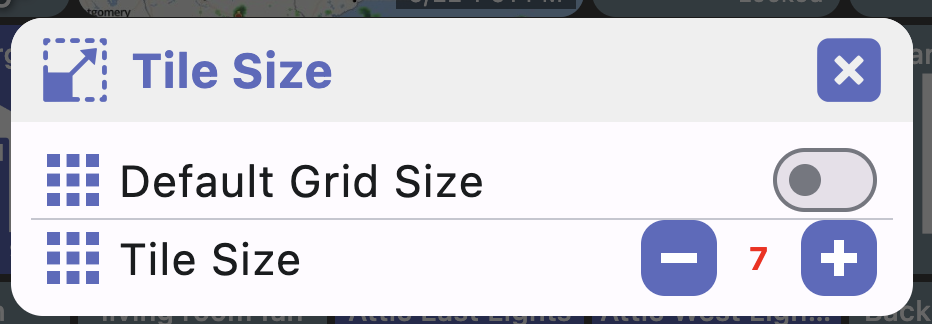
If I ever want to come up with a new layout that involves lots of changes I personally use the desktop app.. the trick though is to uncheck 'default grid size' (menu -> display -> tile size). This forces the desktop to use exactly X columns. Make X whatever you want to use in your phone. Alternatively, you can just resize the window so that there's X columns displayed.. that's probably easier now that I think of it.
Anyway, once configured how I like it, I use Backup and save to the Hub. Then, restore on the phone. You can have the phone auto-sync to that backup going forward too if you make lots of changes.. that way, you just make it in the desktop app -> save it and the phone/tablet will auto-update.
Not exactly what you were asking for but just something that might be worth trying
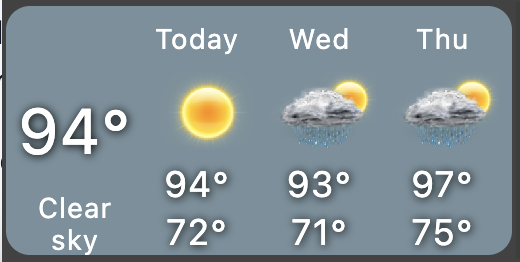
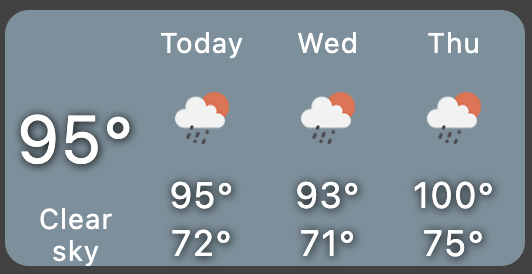
I was going to suggest OpenWeather Alerts device in case you didn't use it but I just noticed it's been deprecated.. that's too bad - I've been using it for years and really like the 3-day forecast. It is still working for me so I guess not all that bad..
I also submitted Play Store feedback because my version hadn't updated since June 4th! I'm in the beta but simply never got updates (until today!! Yay!!).
Perhaps if more of us users submit feedback when they aren't publishing updates, it might help.
@Pantheon I'm the person who wrote the OWM multi-api - Im concerned my part in the play. You say not with BlueStacks. I used bluestacks for a long time, but recently switched to Memu (don't ask - just as buggy). Thats an Android emulator. Does the new HD+ IOS etc. work inside that? I've never tried it! I still use the other HD+ for Android for that. Whats the result failure- what can I look at?
I am moving to the newest multi-platform version, and one tile doesn't work the same as it does in the old version base for Android only. Can this be moved/created for the new app? I sure hop because I would hate new tile. Thanks
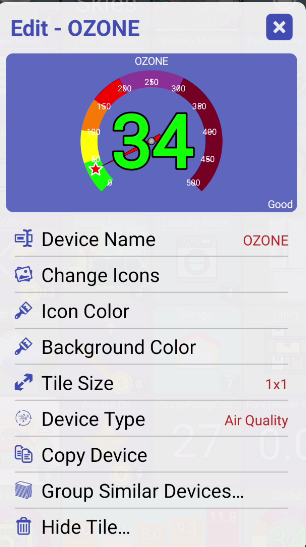
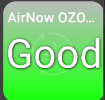
This is the default Air Quality tile.
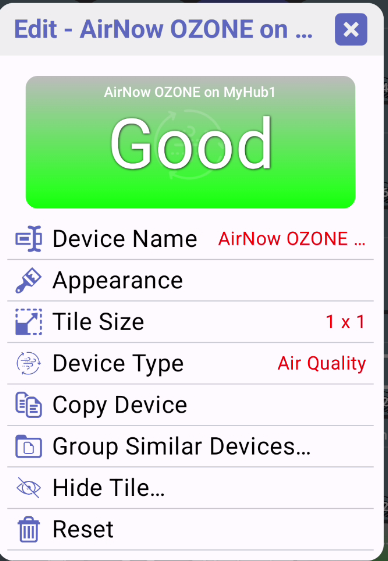
and this is what I get on the Android only version
Isn't BlueStacks an Android emulator that you run on Windows/Mac/Linux? There's a desktop version of this app which should be a lot better than emulated Android running on a desktop.. unless there's something I'm missing



 and this is what I get on the Android only version