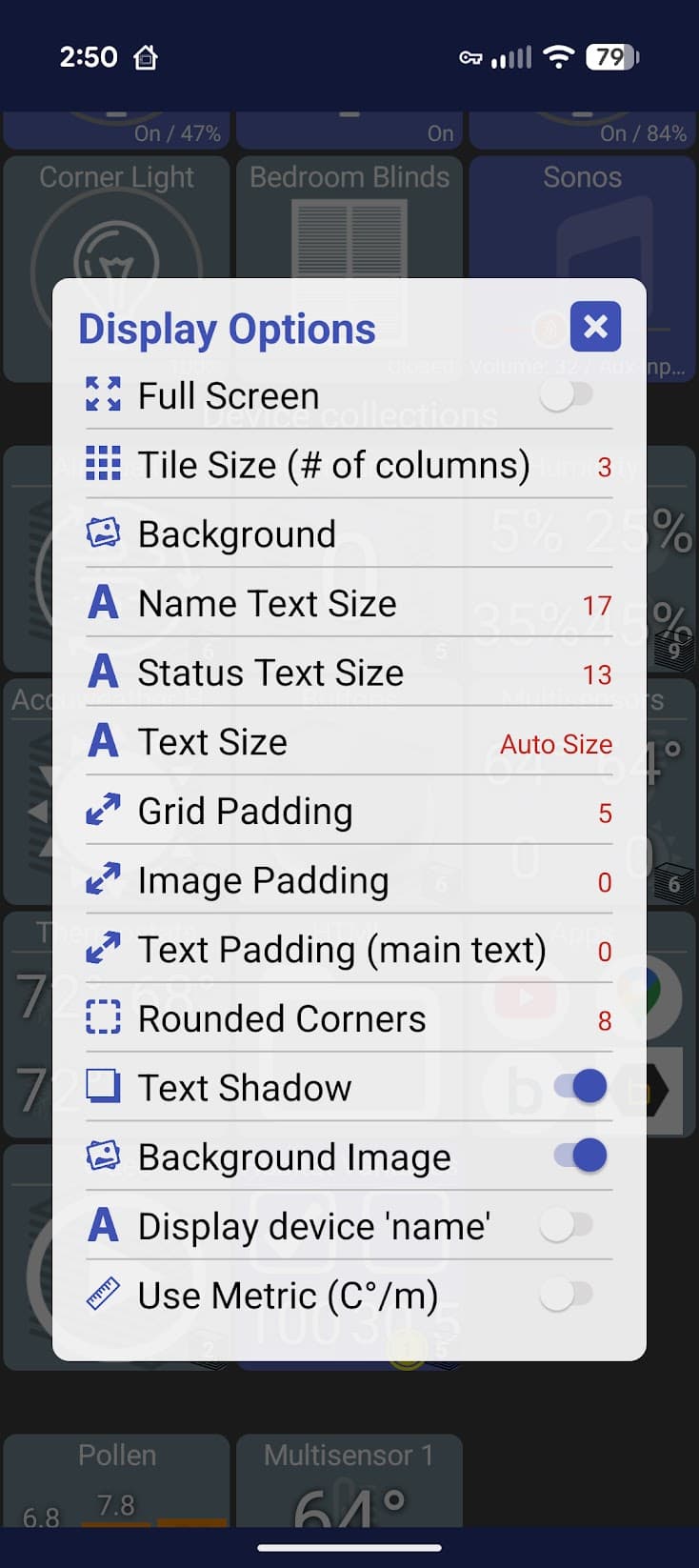
I understand your point, but I have a different opinion. I think that more settings (more user control) is better.
Getting a dashboard the way you want takes time, changing some more settings is a drop in the bucket, or three :). Once it is ready, you'll probably hardly ever change settings again.
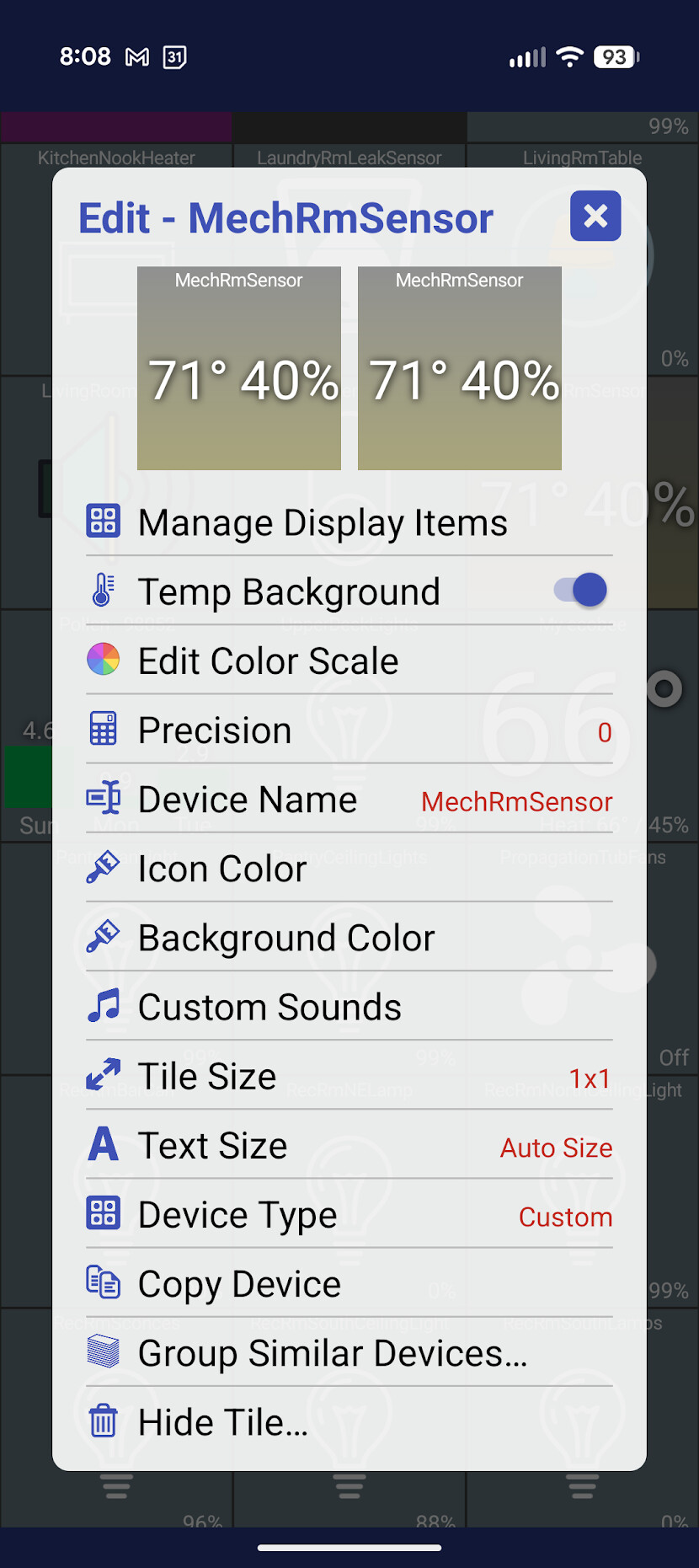
I've once proposed a fully configurable tile feature, that would be nice, but something in between would be an "advanced settings" feature for regular tiles. If one wants simplicity, it is just a matter of ignoring this option.
I am running HD+ on a Samsung Tablet. I have a few folder tiles setup, each on a 2x2 tile. The tile only shows a max of 2 icons despite more devices in the folder and the max number to display is 3 or higher. Yet in the edit window for the folder, the icons are all show, It's obly on the desktop that I cant get more that 2 to show up. Also if there are more than 2 icons devices in the folder, the desktop view icons stay white (on or off) so there is no visual indication that a state has change. Yet if i go into the folder the icons work fine. If i remove all but 2 devices from the folder than the the icons on the folder show correctly.
I try to auto-detect the weather app and I wonder if something changed.. typically that "Custom" device type is only used if I can't guess what the tile should be.
It's also possible though that the custom tile was previously auto detecting the HTML field and displaying it.. when I refactored recently I might have broken an edge case there. If you want to send logs I'll try to fix it so it's handled automatically again.
I can't quite understand this one but I haven't done a lot of testing with large tiles like that. If you can send device logs I'll try to reproduce and fix.
I just pushed a small change (1.0.2793).. if there's only 2 items to display and BOTH are text, I'll show them in a vertical layout. It should be there in a few minutes (or day(s) for Google Play Beta)
EDIT: crud.. I just realized my change wasn't just for 1x1 tiles so if you have a 2x1 tile and only 2 items to display it'll show them stacked vertically. I'll push a follow-up change to only do this on a 1x1 cell
Follow-up: I created a HD+ instance on my Note 24 Ultra and using 2x2 tiles Ican see more that 2 devices and everything appears to work correctly as far as icon states/colors. As I stated before, my issue is with Samsung Tablet S9. I created a display side that was 24 Columns wide, using 2x2 tiles. I will mess around with is later and try to create a smaller column size to see if that is an issue.
Hmmm....I just noticed that my Note24 version is 1.0.2791 vs my Tablet is 1.0.2785.
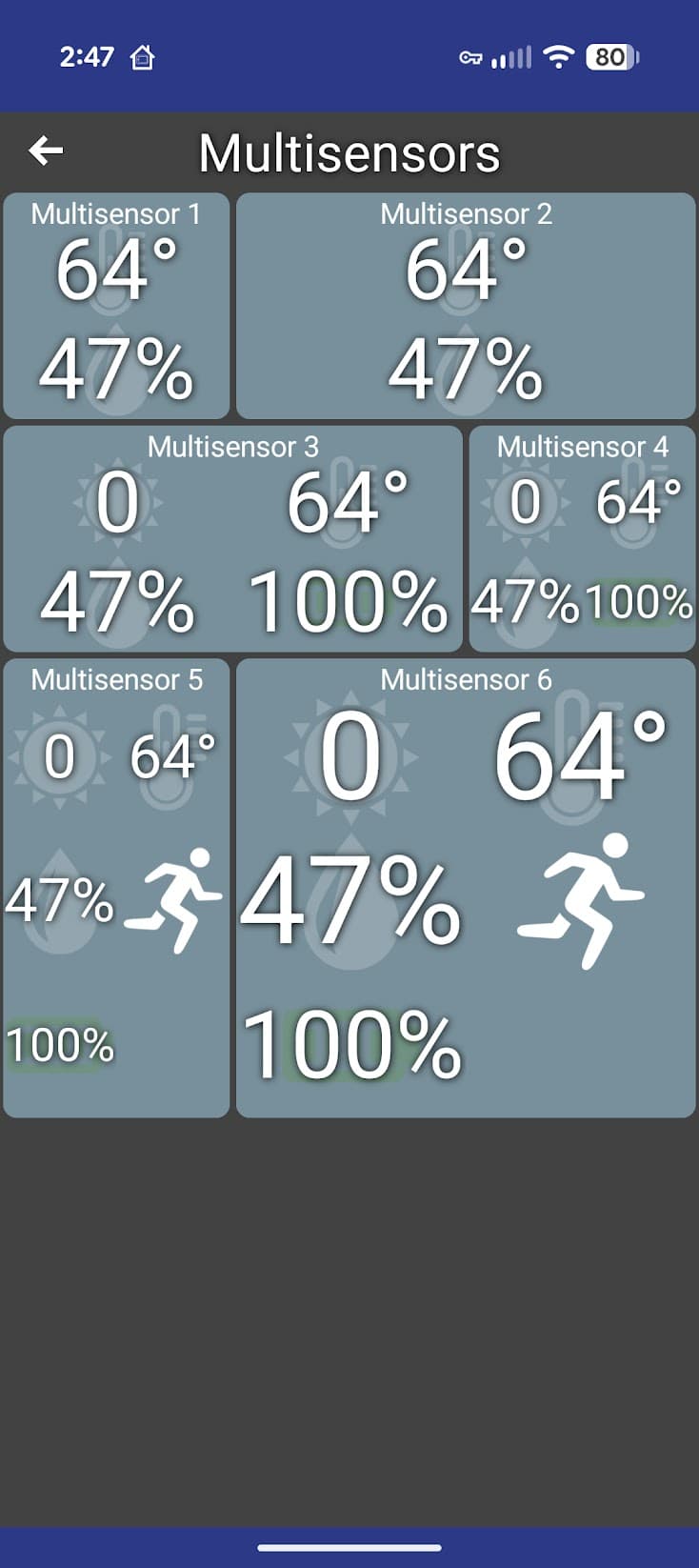
I also agree with 2 icons in one row and 2 text or numeric values in two rows.
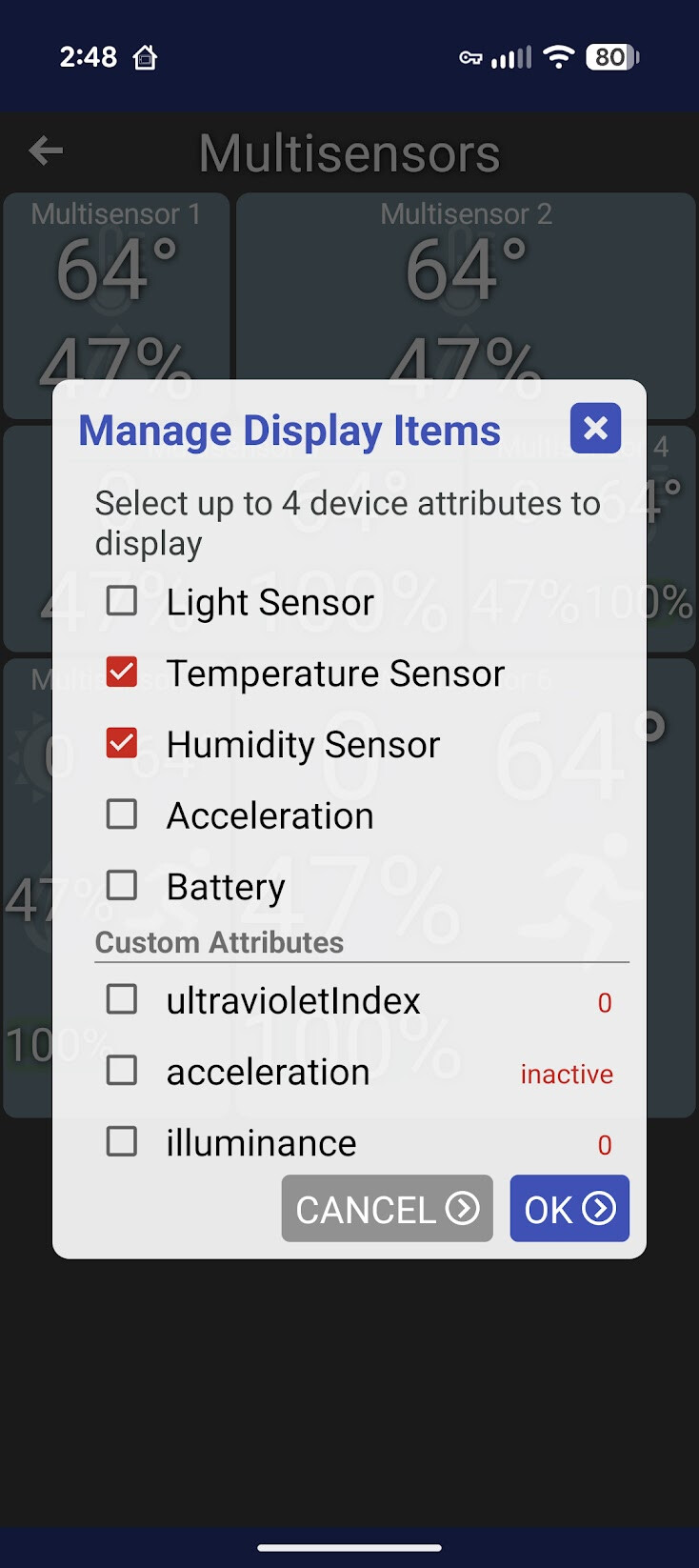
I use the Custom device on devices with multiple values, so I can choose the ones that I want to see. For WeatherFlow, Zooz Q11 multi sensors, thebearmay's Information Driver, apps like Wet-It. Especially when I can recreate a copy and use other values.
Look forward to larger tiles with more than 4 values and to selecting the value order.
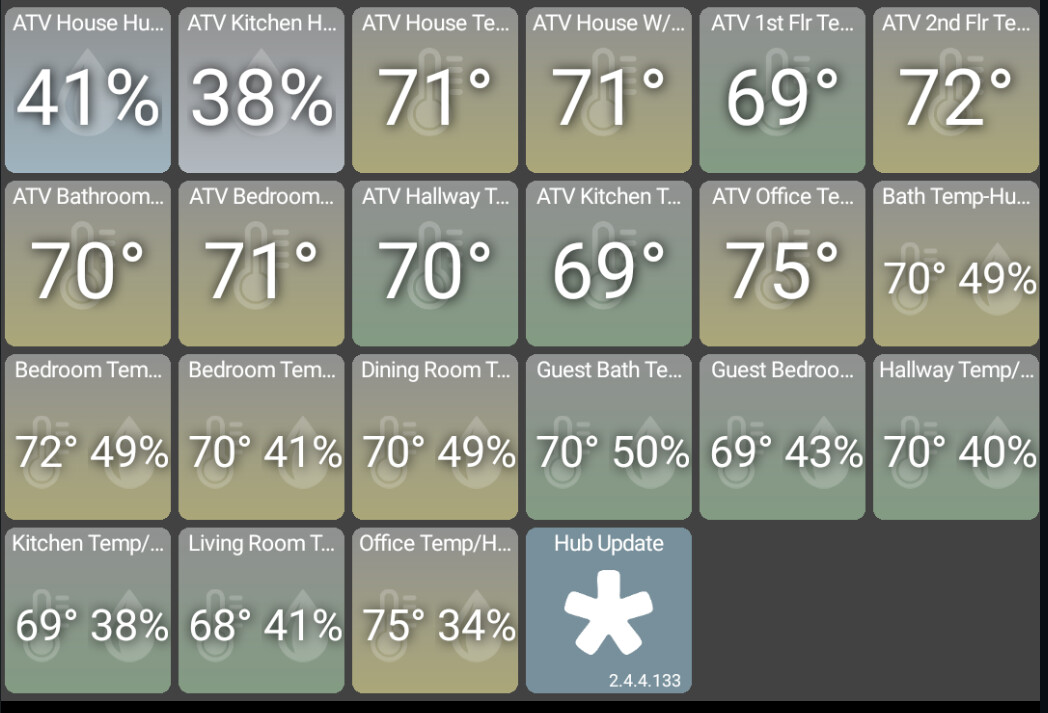
I'm seeing some oddities on my temp backgrounds - I can't say when it began but pretty sure it's recent - like the last month. Some tiles show shaded , some dont.
Side question - how are folks getting the watermark icons behind the temp/humidity/etc numbers? My tile is just blank. I feel like I'm missing some very simple setting... thanks!
I now wonder if I am using the "horizontal" and "vertical" terminology the same way you are.
I have a 2-wide x 1-high tile. I select 2 text items to display. They look like 2 separate lines of text. Each line of text runs the width of the tile. This is what I was hoping for. This is what I was thinking of as "vertical" because the lines of text are stacked vertically (ie, one on top of the other).
When I add a 3rd text item, I do not see 3 separate lines of text. Instead, I get something like this:
TextItem1    TextItem2
TextItem3    Unused
What I was hoping for was something like this:
TextItem1
TextItem2
TextItem3
If icons, I was hoping for this:
IconItem1    IconItem2
IconItem3    IconItem4
You have lots of completing requests here and I am not sure how well mine aligns with the rest of your requests.
@jpage4500 I've been thinking about my use-case some more.
I am displaying text items from a device that has a custom driver I developed.
I think I can make it work whichever way you decide to lay out the text items. If you let me know which way you plan to make it work when displaying multiple text items, I can adjust things on my end to make it work.
Something that may be of interest to some with a need to display multiple sequential or scrolling messages on a wide tile. Using thebearmay's 'message rotator tile' device driver as a starting point, I've made a new driver with ChatGPT to include some additional options. All information in this post (be gentle - I cannot code!):