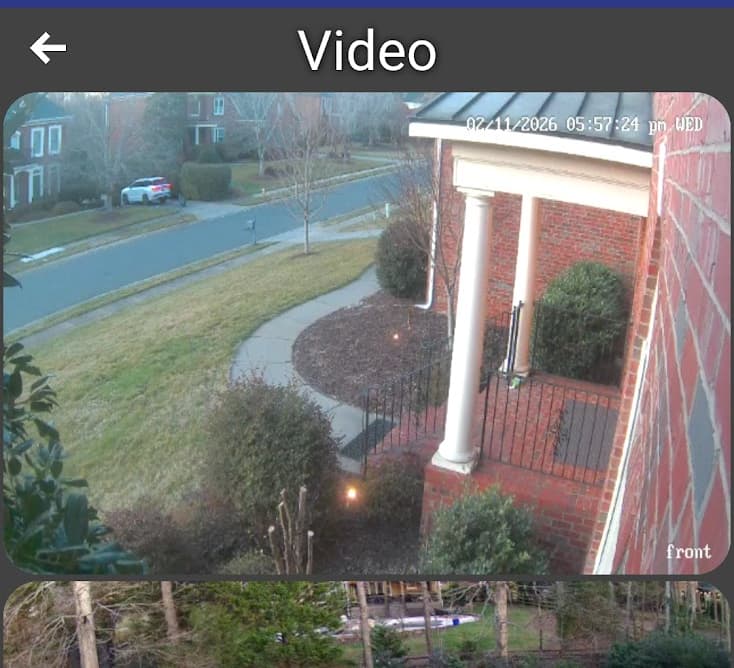
No, I've not yet found a way to show live Wyze cam views.
*sorry for the delay in my reply, I had family over the holidays 
How do I erase dashboard backups on my Galaxy phone?
Can you swipe out on the dashboard to see the side panel? If so go to
Backup/Restore, Restore where you’ll see the list of backups. Long press on the one you want to delete and you’ll get a confirmation prompt to delete it. I don’t think that it deletes the ‘quick restore’ links but they no longer work if the associated backup has been deleted (I’ve never been sure what clears those links)
It does remove the link on my phone. So this is what I wanted. Thanks.
1 Like
Hey @jpage4500 I just started playing around with this so far it's looks good.
Is there a way to stack 2 tiles (for example I have an image tile that is switched between 2 images depending on if a virtual button is pressed) this way it looks like you're clicking/pressing the button and the image changes.
I find the HD+ Dashboard really great  , but I’m missing one functionality.
Would it be possible to control a WLED LED strip (addressable LED strip) with the HD+ Dashboard?
I can select “Dimmable RGB Light”, which works for colors and brightness. However, it would be nice to also be able to control the "effects" and "color pallets".
The LED strip works perfectly in Hubitat using the community "WLED Universal Driver"
Thanks for taking a look at this.
1 Like
I have a similar issue with my RTSP thumbnails.
Wyze just released some new RTSP compatible firmware and the thumbnail tiles fail to load, but opening the tile loads the feed (eventually)
Did you ever find a solution?
I didn't find a fix but I did make an interesting observation.
If you place a couple of blank tiles at the bottom of the page, so that you can scroll the tablet up and down, when the rtsp thumbnail goes off the page, and back on, it then shows.
Hopefully that makes sense.
Thanks for the response
Unfortunately that didn’t work for me. The tile just says “Failed: Read timed out”, but the camera stream opens and displays properly if I touch the tile.
My TinyCam feeds all display correctly as a tile but I’d really like to transition to RTSP for everything
Enhancement Request
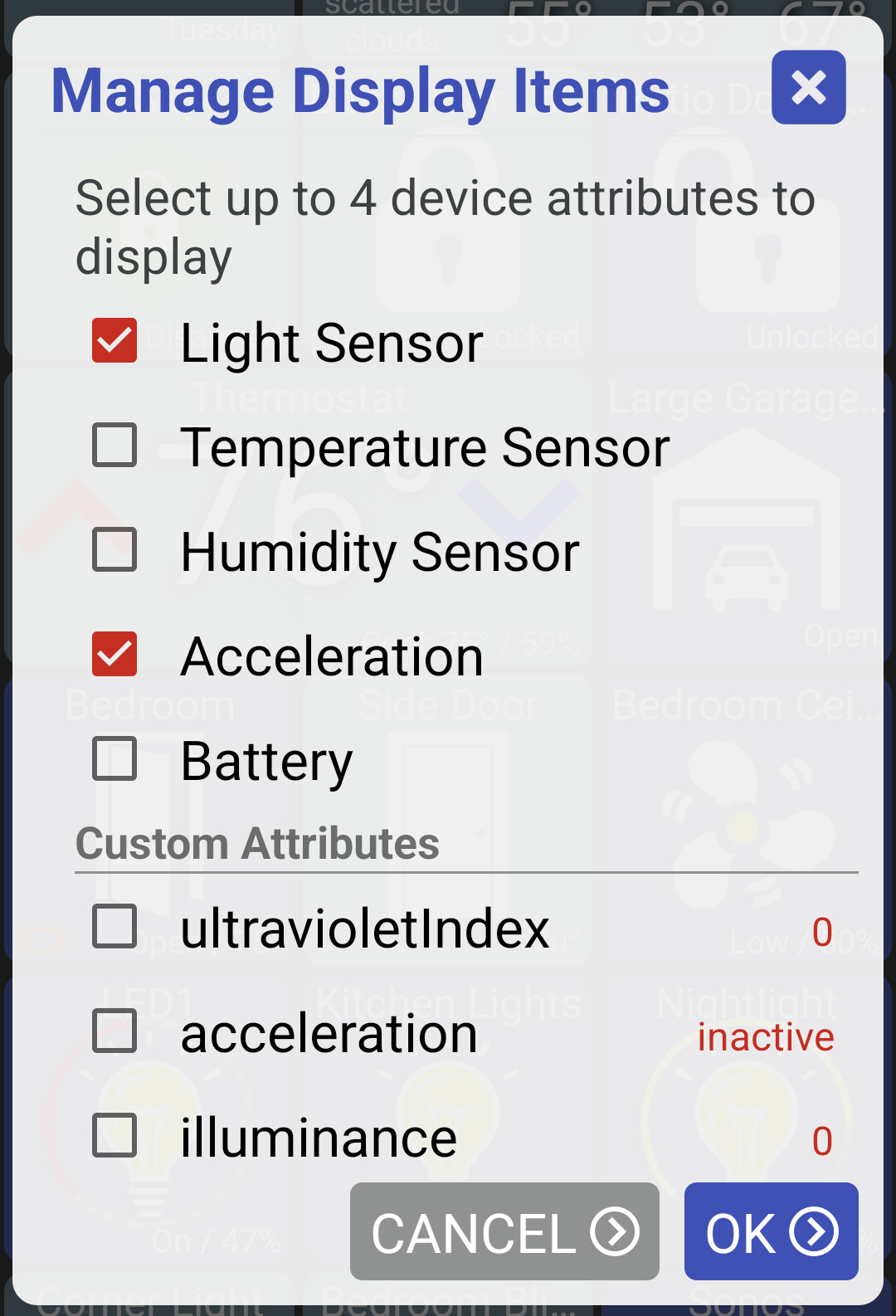
Would like to see more than 4 Display Items in a Custom Device Type tile.
Just added Marc Hedish's WET-IT app. Have 6 irrigation zones. Need at least a 8 Display Items to show the current status.
Also need to arrange the order of the variables.
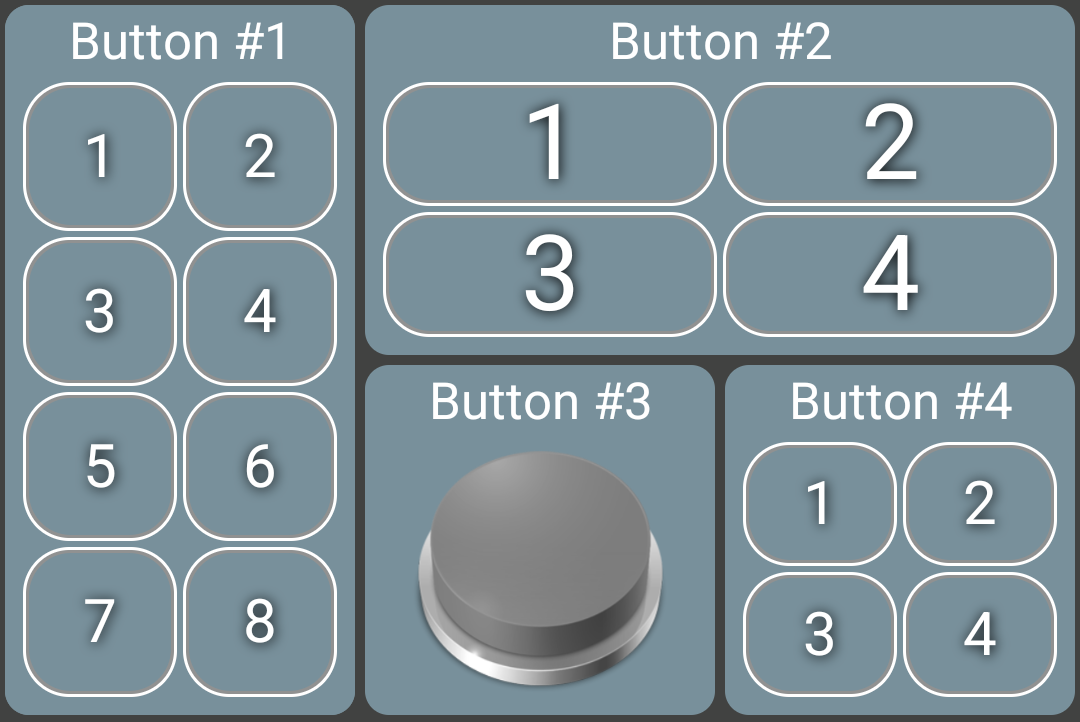
Yeah, that's one of those things I've had on my TODO list for a long time. Wasn't sure how many people wanted it though. Also, any more than 4 items aren't really going to really show up on a 1x1 tile. So, if I did add it it'd probably require the tile to be larger to show all of these fields.
I did something like this for buttons.. up to 4 buttons can be displayed on a 1x1 tile but it's possible to view 8 buttons if the tile is larger.
Also need to arrange the order of the variables.
That's a little more complex since I'd need to have some way to rearrange the order. I'd have to think about maybe some easy way to do that.
I have the same issue here with HD+ running on nVidia Shield. I just enabled RTSP on my Wyze cameras to try to see the streams in the HD+ dashboard and see the “Failed: Read timed out” message in the thumbnail, while the video loads instantly when that tile is clicked and expanded.
@jpage4500, are you able to look into this? Not urgent, but would be good to have. Since Wyze has enabled the RTSP on their v3 range, we would have more users using that here.
1 Like
My suggestion for arranging the attributes would be when there are multiple selected attributes to show them above the message "Select up to x device attributes", and have a handle at the right side of each attribute to grab and move
yeah that would be the best way -- just trying to think of something a little easier to implement
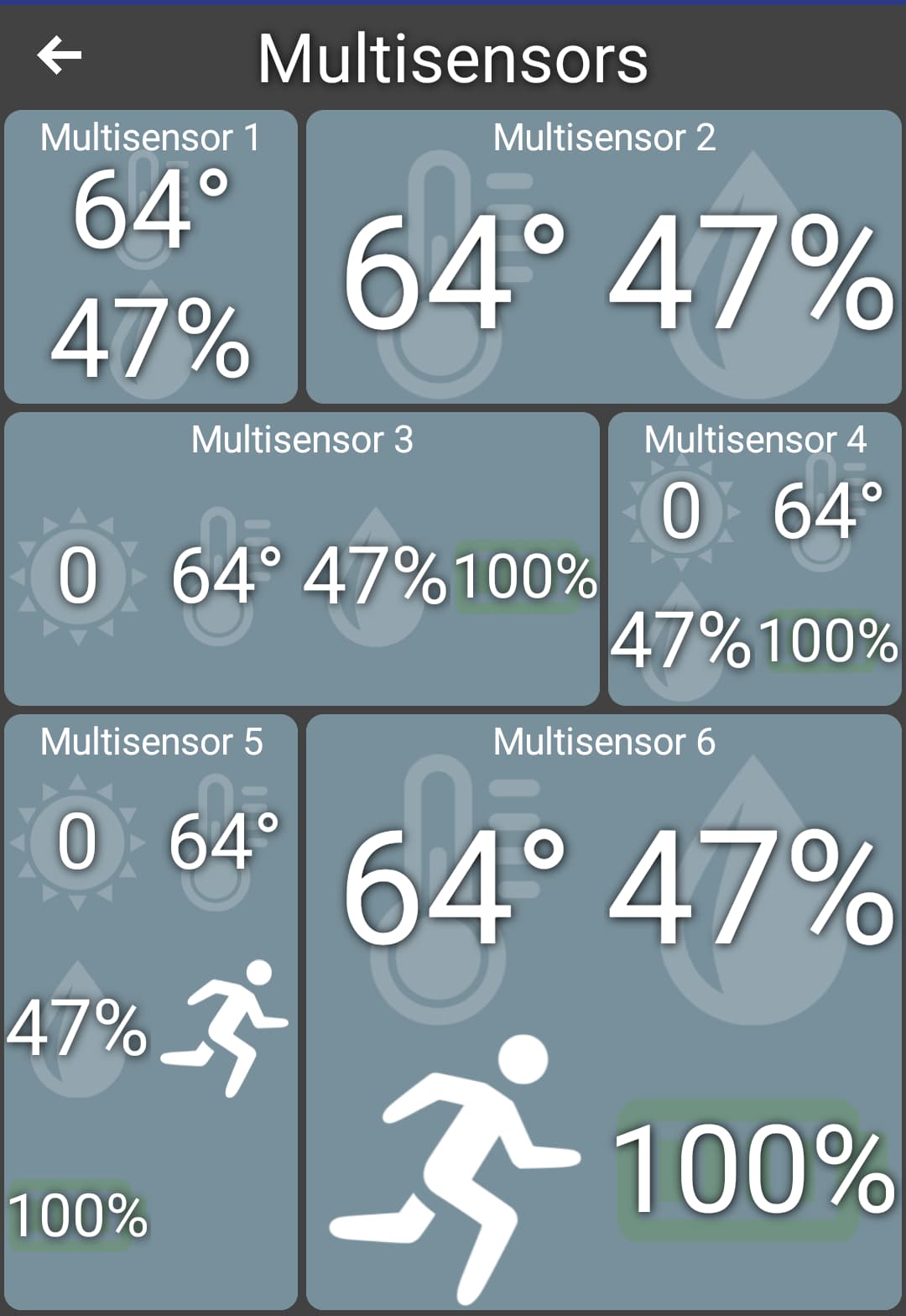
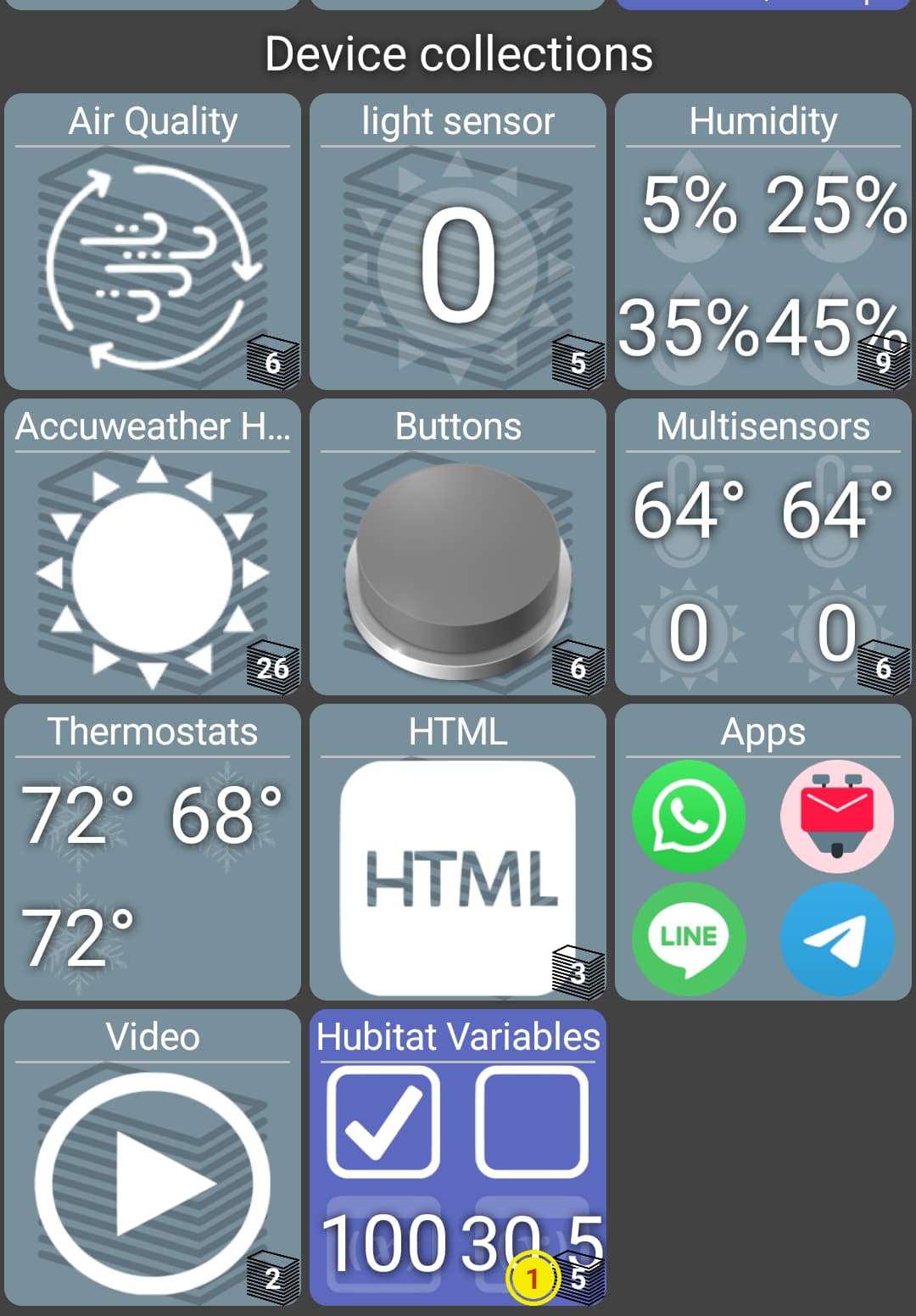
I did make progress on allowing more attributes to display on a tile. Because I use the same layout as a folder I needed to support both.. it's fairly complex but I think it's close to ready.
Basically, each 1x1 tile can show up to 4 items (2x2). It can show as many as 16 attributes on a 2x2 tile.
The downside is there was a lot of edge cases I handled which needed to be simplified somewhat. For example, if there was an odd number of items to display it won't be centered in the row like before. I'll spend some more time trying to make sure I don't break anything but eventually I'll have to push it out and get feedback on things I'm not testing.
1 Like
The tiles look good!!
@jpage4500 curious if this is something you would consider looking into?
Latest Wyze firmware adds RTSP and breaks the ability to use TinyCam…so options are limited for streaming to dashboards
The RTSP feed works fine in VLC and will display in HD+ if enlarged, but will not display in the tile
This is a very large thread. I have this installed and working even on Android Auto however on android auto it's only showing 3 thermostats and my lock. Will or how can I get it to show more devices
To get to the Android auto settings:
Open HD+, slide in from left
Select More Settings
Select Android Auto
Use the "+" button to add more devices
1 Like
that's an understatement
I created an android auto thread thinking I could keep it targeted just to AA -- HD+ - Android Auto Support
(but I see it's been automatically closed so this is the right place)
I do have a support page for most features and the android auto link is here
this works too!