I've come to possess a couple of old Galaxy Tab S2s which I've loaded HD+ onto. Everything works fine except for the GameTime tiles. Teams logos won't display for the main tile or the schedule. They do display properly in Hubitat dashboards though. Any advice?
What Android version? I think 4.4 is minimum for HD+
7
Like I said, everything else works fine. Gametime tile is the only hiccup. FWIW, it displays correctly on a Fire tablet with an older Android version.
This is on Fire tablet running Fire OS 5.7 (android 5.1).
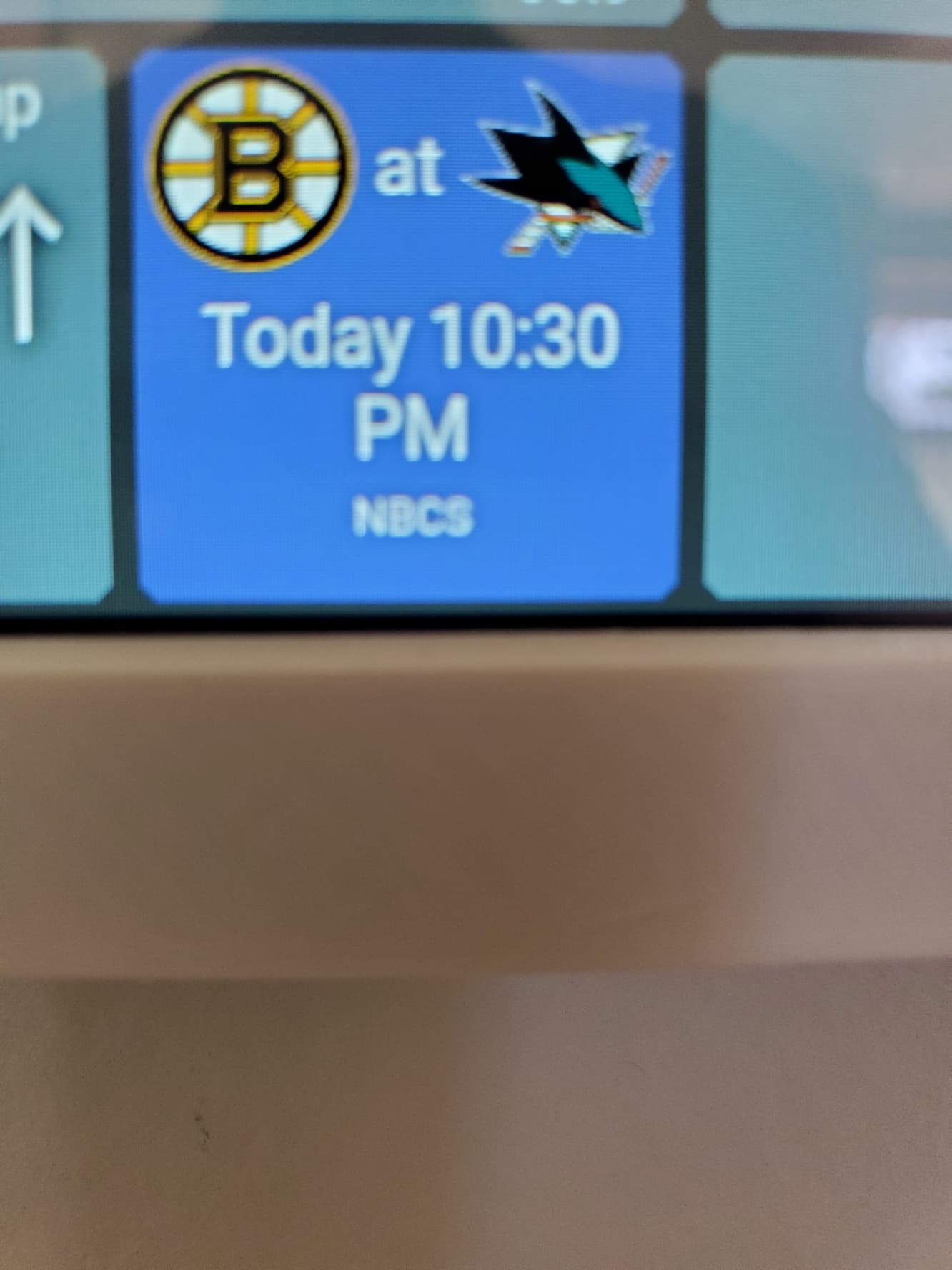
This is on Tab S2 running android 7
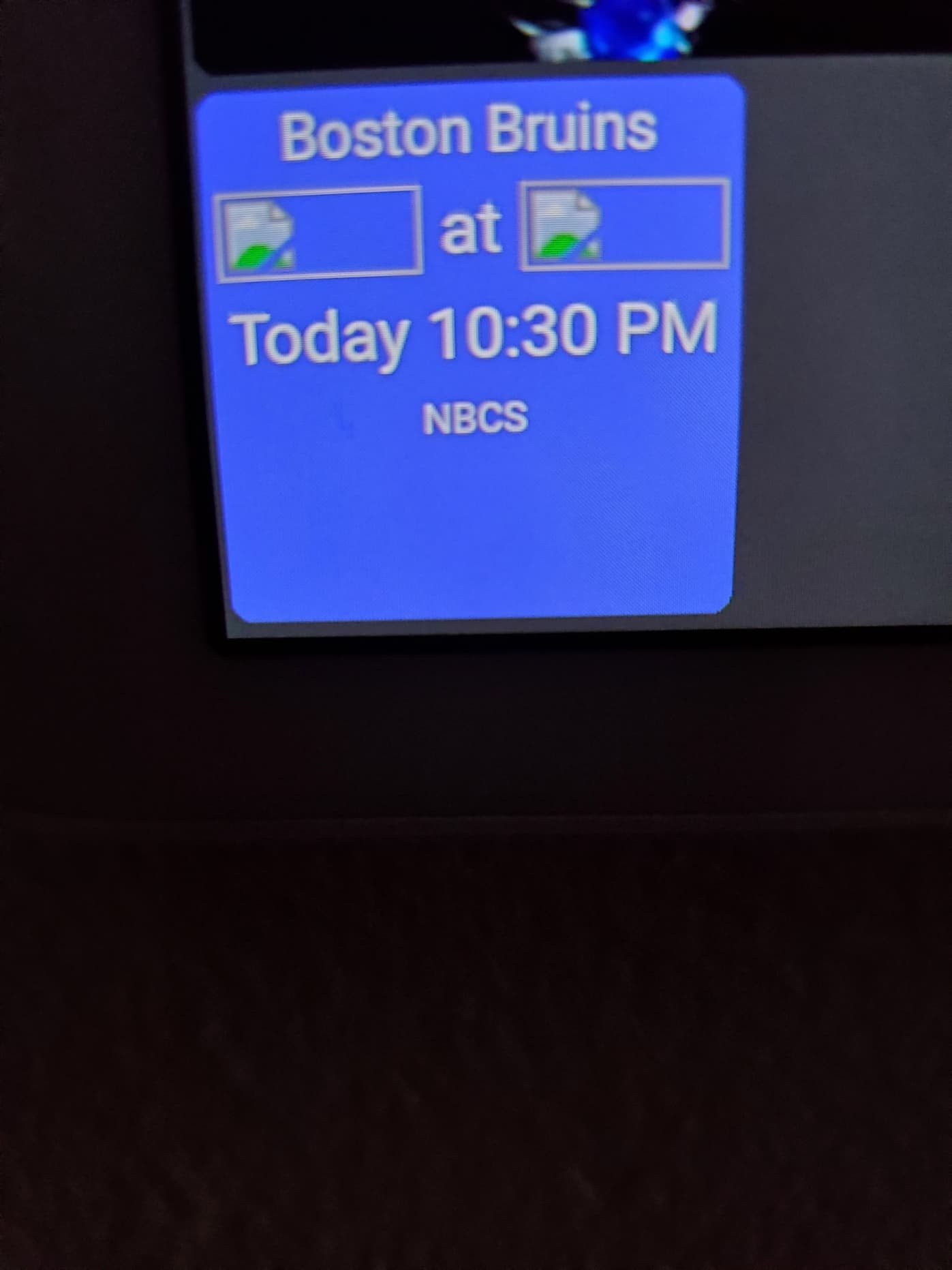
Both are on HD+ .2637
go ahead, throw those Bruins jabs
I've got an issue looking for an answer. I've been using an older Foscam displayed in a tile using the RTSP driver and it works fine. I just installed a new replacement Foscam that's 4K and works with 5Ghz wifi. The video feed is nice and smooth. I'm using the same RTSP video driver. The live feed feed in the tile only lasts for a few seconds then stops. But if I tap on the tile to enlarge the view, the video feed is fine and is streaming. If I then close the enlarged tile it still shows the old frozen video. I have this issue on multiple android devices. I'm using HD+ v1.0.2637. Any ideas on how to solve this? Thanks.
When I originally setup my cameras, I had trouble with the exoplayer and started using the custom rtsp driver.
But I started having issues with the custom rtsp driver after a particular Android update, see here.
For kicks I went back to the Exoplayer (default video driver) and everything worked fine, and my video has been solid on Exoplayer since.
Exoplayer probably got some fixes/updates that solved whatever my original issue was... and I didnt keep going to figure out what was up with RTSP driver and new android release (maybe a security or api change).
It's possible UPNP isn't supported. That's how HD+ handles the auto login button. It sends out a UPNP request and waits for responses from the local network to see if a 'hubitat' one comes back,
That said, you should just be able to manually enter an IP address and app number to login. I used to have the app running on some VERY old devices but they've since died so I can't verify it anymore.
EDIT: if you send device logs maybe there's something in there I can spot
Exoplayer driver doesn't work for me (either old Foscam or new Foscam camera) unless I'm doing it wrong. I just use the same URL (rtsp://username:password@192.168.1.31:88/videoMain) as I do for RTSP.
I've seen this bug before. If I can reproduce it I'll get it fixed.
Did you change the title text size for every tile or just the folder? I tried changing the text size for all devices and I wasn't able to reproduce that issue but I know it doesn't happen on ever device either.
I tried changing the text size of just the folder but nothing happened.. so there's clearly an issue somewhere. I'll look into if
I'm using an open source library for the RTSP driver. I do see there's a new recent update but couldn't say if it'll help or not.
I'd be surprised if the OS update would make a difference.. at least I'm not sure how. The only other advice I can give is there's an RTSP demo app which you could try and see if it has similar issues. If so, the developer is very responsive so he might be able to help
I uploaded the demo app here - https://jpage4500.s3.amazonaws.com/hubitat-dashboard/rtsp-client-android-5.3.4.apk
I just tested this and it's working fine on my phone. The only thing I can think of is maybe the image URL is https:// and I remember really old versions of Android having issues with SSL.
It could be possible to replace https:// with http:// for these images before the webview loads them.. but I'd need to be able to reproduce this one first and I don't imagine I have anything.
It's a long shot but if you send device logs maybe there will be a specific error in there indicating the issue? Just make sure the app is in debug mode first
I'll look into this.. it wasn't something intentional - should be a fairly easy fix ( )
)
I also have the same Rachio app so I'll add this to my TODO list and try to add a way to call this function from the UI.
Re: the upgraded Foscam. I find often that customers don't utilize the feeds correctly. The stream from the main channel is generally set to a very strong quality setting but for a tile, it isn't necessary. The frame rate, resolution, and compression make a large difference in the receiving device ability to playback.
Use the secondary channel for your tile - x.264, maybe 768x432 (1/4 of hdmi ) or 1920x1080 (1/4 of 4k) and back the frame rate down so it doesn't overwhelm the tile buffers to 15 or 20. I've been seeing troubles with stream playback on devices that don't have true 4k streams (crappy manufacturers) OR not true 4k capable displays.
The main channel is generally used for recording and real-time observation full screen - while secondary channel is great for a video board for quick glances.
EDIT - also - simply try using h.264 for your compression - h265 maybe loading the processor on your tablet as it is extremely heavy at the unpacking side processor wise.
Once you have a good 2 channel (main and sub) stream setup, snap the stream string and try the sub channel and test it - vlc player is a good tool.
Here's a breakdown of the process:
- Determine the RTSP URL:
- Basic Structure:
rtsp://<username>:<password>@<IP address>:<RTSP port>/Streaming/Channels/<channel number>/- Replace:
hi @jpage4500 ! Feature request:
For the camera tile - many video walls allow 2 urls - one for the tiles and one for realtime/fullscreen. I wanted to have 2 streams to my camera, one for just the small image and one for full screen. It would be great if I can adjust my rtsp settings to use both streams coming from my cameras.
Thanks, @kpage4500! This is the solution I came up with to meet the requirement:
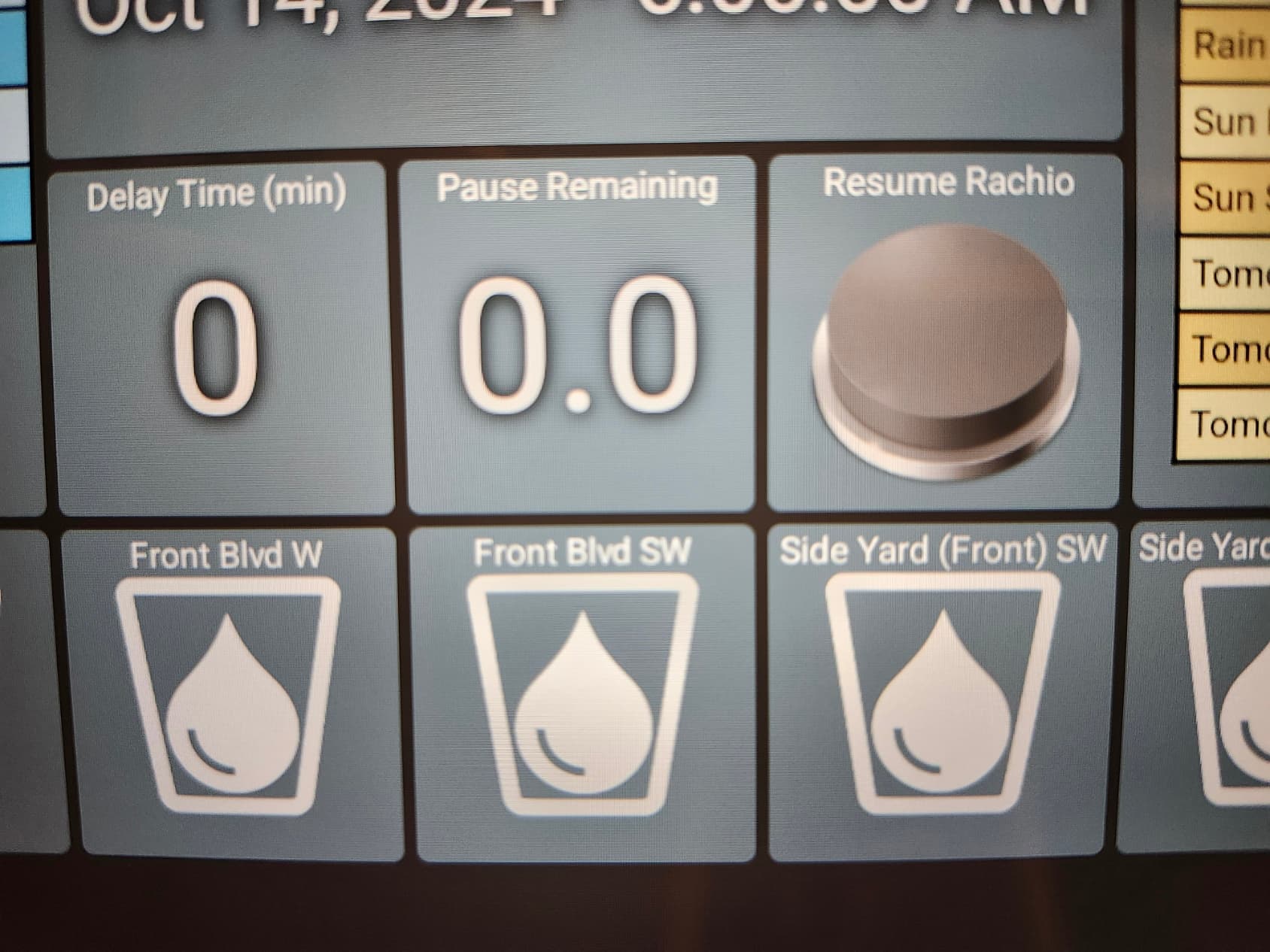
Using a combination of a Global Variable in WebCoRE (which acts as a Hub Variable), virtual switches, and WebCoRE code, I set up the following:
- An input for the pause duration in minutes (converted from seconds in WebCoRE).
- A countdown display showing the remaining minutes before resumption.
- A resume button that overrides the countdown.
I changed it via the "Name Text Size" in the general Display Options menu, so everything I believe.
The tablet is a brand new Samsung Galaxy Tab A9+, stock and properly updated.
Any chance it is a system setting somehow causing it?
It doesn't happen on a S21 cell phone.
Thanks for the suggestions. I did some more testing and its something else. I set the video settings identically between the old camera and the new one and even put the new camera on wifi 2.4Ghz like the old one. The tile for the new camera still freezes after a few seconds. Very strange.
Joe,
Yeah, I hear you... all I can say is I was literally watching video via hd+, got the google ping to reset and apply the security update... and came back after reboot to hd+ and all video feeds tore up/tiled out out to to a frozen screen in seconds. I rebooted the phone a few times / stop and starts on the app.. same behavior.
There are many subtleties with the video streamer implementations from the cameras, probably also buffering sizes, time outs etc.
Exoplayer didn't work for me initially... and then 12-18 months later, it did work (when the rtsp driver stopped working).
I was able to replace the https:// for the logo images with http:// in the GameTime instance code. I confirmed it updated in the tile html as well and still no logos on these 2 tablets. Still works on other devices of mine.
FYI: I have another app that uses https:// for and image included in html for a tile and it displays fine in HD+
EDIT: for anyone that runs into this, here's some posts relating to the fix!
I' m using a similar style url .. although my cameras (Amcrest) have a few more options to post in the url for the particular stream (channel) and quality. They can support 1-4 streams depending on bitrate.