Can you support the remove option too? Example when my dashboards get out of date I usually grab the up to date copy on my phone but have to remove a ton of shortcut tiles for apps not on my tablets.
It will either hide tiles or remove them depending on the tile type. Devices that are returned from MakerAPI will just be hidden but tiles that you manually add (ie: date/time, HSM, jokes/etc) will be removed.
Currently I have some issues with one Zigbee device via Maker API. Haven't figured out what makes this device so unreliable. However it works fine using directly from Hubitat. Rule Machine works fine, Hubitat, but webCoRE or HD+ don't.
As a workaround I think about using rules to turn the device on and off. Is it possible to execute a Hubitat rule via HD+?
Apologize if this has been brought up. I had over 200 unread messages in this thread since my last visit. I did scan them, but may have missed something. A few days ago the weather icons on my tablets stopped displaying. I see the raw text data with the days, highs, lows, etc. But none of the icons are pulling up. It shows broken image boxes instead.
It looks like they are bring pulled from a tinyurl[.]com link. If I look within my OpenWeather device within HE, I see the icons there, just not on the tablets themselves. Is this an issue with my side or with the HD+ app? I am not seeing any traffic being dropped/blocked in my firewall from either the HE or the tablets.
EDIT: I did a repair on the driver, even though it had been updated through HPM, and the icons started appearing again.
As a workaround I think about using rules to turn the device on and off. Is it possible to execute a Hubitat rule via HD+?
You can create a virtual device (Virtual Switch in this case), use rules to connect its actions to your real device actions and make the virtual device available to HD+.
Option to remove back button from a folder.
Someone mentioned this before and IIRC it even was the case in a past version, but not anymore.
I have some small dashboards, 8 tiles, and it would be great to be able to use all of them for devices/actions.
It is possible to go back from a folder using the Android's back button, so for cases like this, we wouldn't miss the back button at all.
Any chance of implementing timers on switches.
Also, I tried the screen saver and it works for me. Get a blank screen and comes alive no issues when I tap it. Using a Samsung tab. Not sure if we can now add our own screen saver configs.
Lastly, must I change a setting as lights and switches have to be refreshed as they don't show it went on automatically unless I swipe down. Only time it works is when I physically pressed a light ir switch . Any help is much appreciated.
Is there a trick to changing the icon for a folder that contains an HTML page?
When I change the icon in the usual way, the tile remains the same yet when I move back a page the folder that contains this folder shows the new icon when in tiled content display.
Yeah, that must have been broken in an update. The option to remove the back tile is there - just nothing happens. I'll look at it and see if I can put that back.
I did (also) recently make a change so the Android BACK button will first open the nav drawer and then will navigate up to the main dashboard. I needed that because it's almost impossible to open the nav drawer when you're in a folder and have the gesture based navigation enabled (most newer versions of Android use this by default now).
1 Like
I just tested and it showed instantly for me. Are you on the same network (local) or using cloud mode? Cloud mode won't show up instantly but should be within 5 seconds (default refresh time).
If you can reproduce this all the time, can you put the app into debug mode and send me a log after reproducing it? Maybe that will explain what's going on
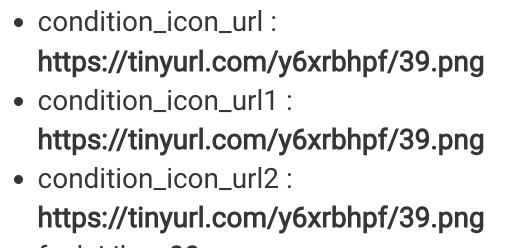
Which weather app/driver are you using? I did notice the OpenWeatherApp driver uses icons from tinyurl and maybe the links expired.. I haven't noticed any issues on mine though.. maybe I already updated the driver last week
I just tested this. You have to do 2 things --
- edit the folder and change the icon (select both ON/OFF states just to be safe)
- change the Show Contents option to "Off"
Does that help?
1 Like
Figures it was the one thing I had not tried.
Thank you.
I'll look into adding this
I am using " * OpenWeatherMap-Alerts Weather Driver v0.6.7 (driver)". In looking at your tinyurl links, I definitely did not have the y6xrb in the address. I had a sub-site, but it was different. So that was probably the issue and it corrected itself when I repaired the app. Interesting that it didn't update when I updated the app a few weeks ago though
version 1.0.2094 (beta)
- add ability to set a timer to turn ON/OFF a device
- add retry logic when sending a command fails due to network error
- allow back button to be removed from folder
- Android Auto: fix setting HSM status (armed/disarmed)
Several big changes in this version..
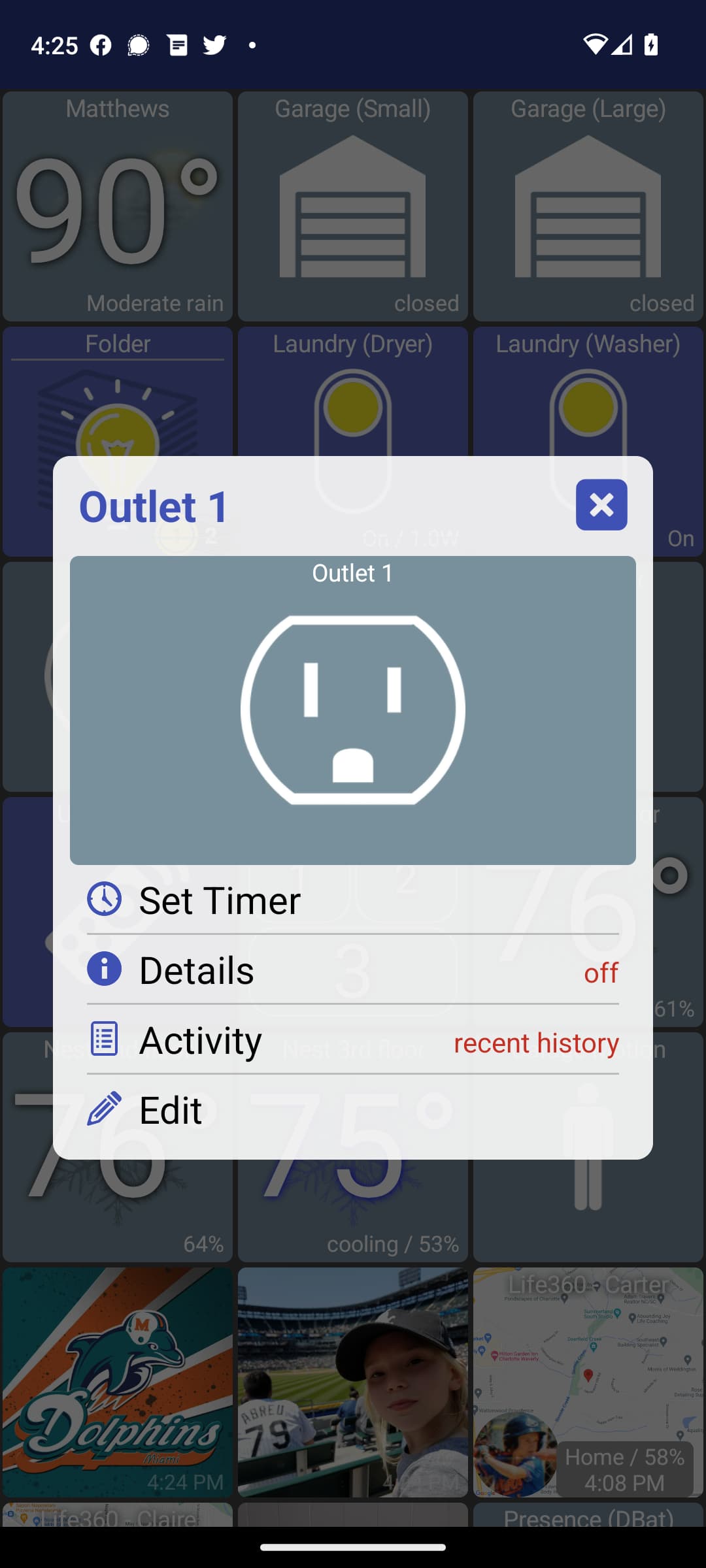
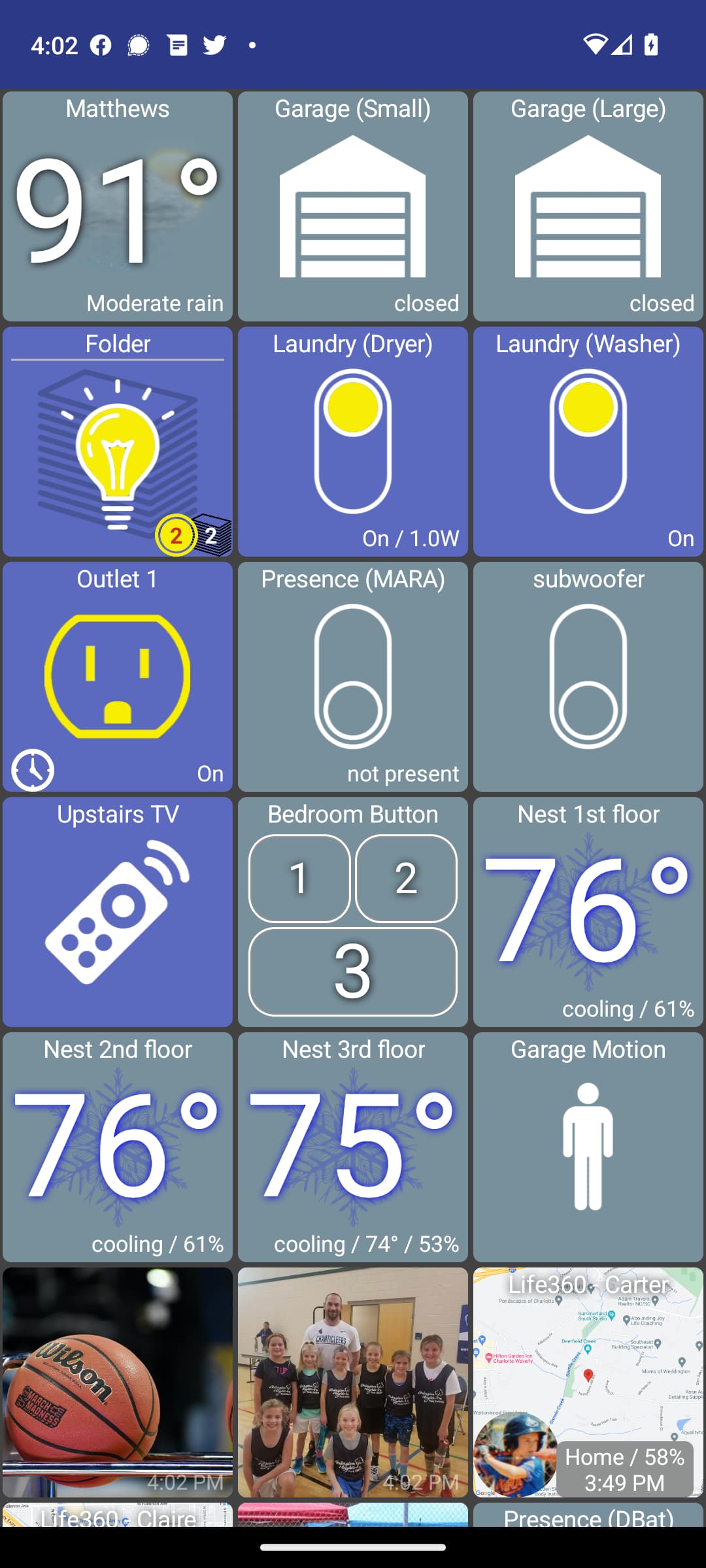
You can now set a timer on a switch/light device. Long-press on a device to see the "Set Timer" option. I just have some preset times but can add in a custom time picker if that's desired later. Also, the app needs to stay running for the timer to actually fire. I can also look into setting a system alarm (what the alarm clock app uses) so HD+ can be woken up to send the command. For now through I kept it simple:

Recently I noticed HD+ wasn't disarming HSM when I was arriving home. I noticed in the logs that HD+ was trying to send the /disarm command but my phone's network wasn't sending the message.. likely because it was switching over from the cellular network to home WIFI. So, I added the ability to retry a command when it fails due to network error. I'll test this the next few days and have a better idea if/how it's working
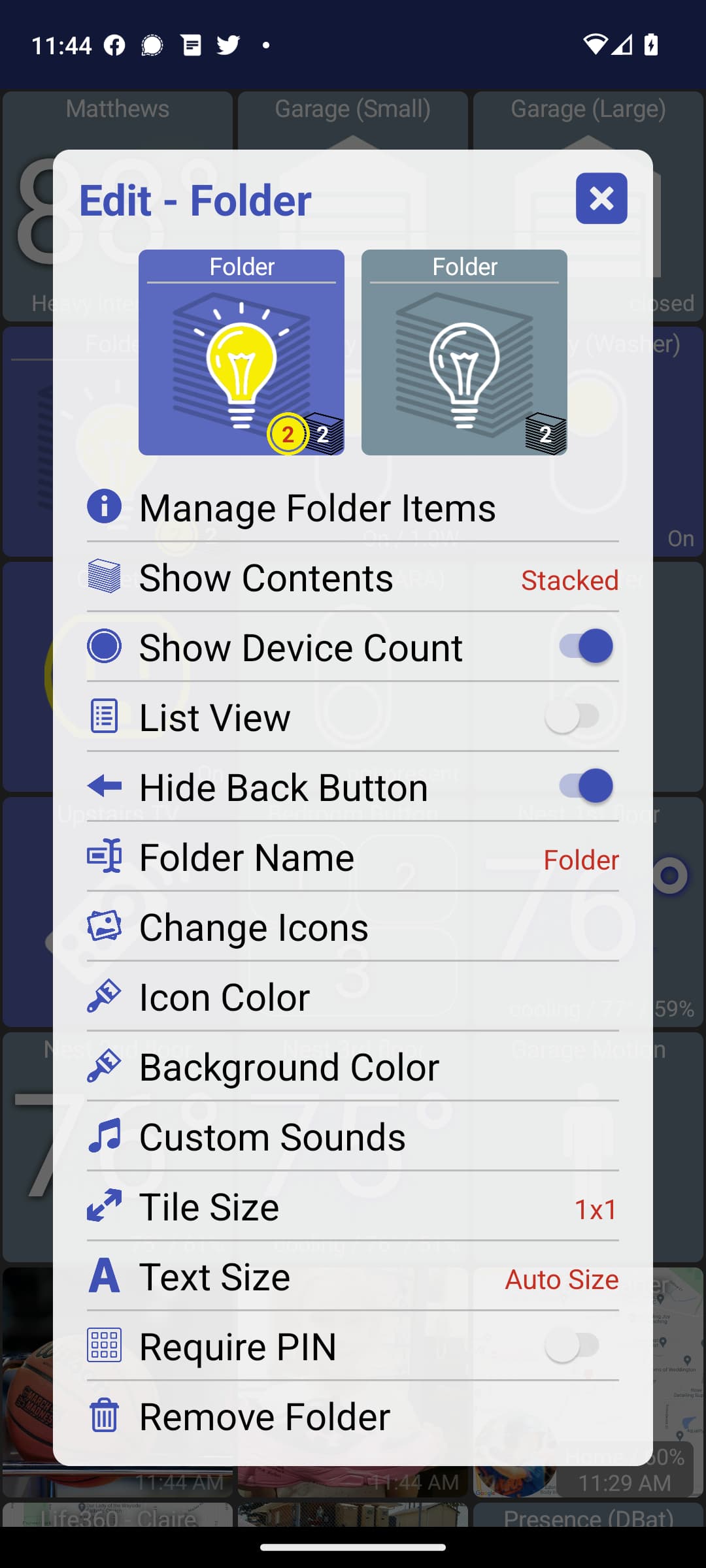
You can (again) remove the BACK button from a folder. I had to change how this was done a little. You can still remove the BACK button the same way as before (long press -> edit -> remove). However, if you ever want to see it again, there's a new option that shows up in the folder (only when hidden)
Lastly, I fixed arming/disarming HSM from Android Auto (well, it should be fixed but I haven't actually test it yet!)
10 Likes
Bravo! All great additions.
So - my rendition of a Drop Box icon. had to make it myself, couldn't find any version of it - the word Dropbox ... well. we know who they are.
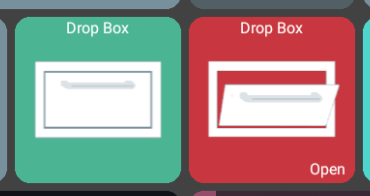
if anyone needs icon - I've got it in photoshop and can gen png, gif or whatever.
1 Like
Is there a way to force update? I'm still on .2088, and I don't see an update in the play store.
1 Like
If you can do that I am pretty sure you are dark wizard. Your evil magic will ensnare us all.