The Play Store takes some time after I push an update before it's available to everyone. Sometimes it's just a few minutes and other times it can be many hours.. you might be able to speed it up by force closing the Play Store and checking for updates.
I personally installed the app using the direct APK download (found in first post). Then, I can do About -> Check for Updates and update anytime which always shows the latest version. I can't offer the in-app update option in the Play Store version -- it violates their policy.
There's pros and cons of each way.. the Play Store will keep the app updated automatically which is nice where the direct APK method requires a manual 'check for updates'. But, the latter can access new versions instantly too...
Wow you are amazing. This is the most requested feature as it adds to the autonomy for more hardwired appliances that don't need to be constantly automated.
Noticed that when setting longer timers. It won't switch on or off. So far anything tested longer than 1 hour. I have a dedicated tab running fully kiosk and my phone, both have these issues.
I just wanted to thank you @jpage4500 for all your hard work on this app. Adding Android Auto was just over the top for me! Gives me my garage and door openers, as well as lights; great to have in a car!
Is it possible to add sensors to AA? E.g. temperature?
Fantastic app, really brings my hubitat ecosystem to life in a meaningful way beyond the physical buttons around the house, particularly the available realtime status info to visually see the 'state' of my home.
As I've been using the app for about 6+ months now, I've encountered a few scenarios where some additional features would be icing on the cake.
I couldn't find a list of existing feature requests so please forgive me if these features have been requested already. They are:
1.) In addition to utilizing the configured FG/BG colors when the tile reflects a particular state, include the ability for a tile to blink (active or inactive, open or close, etc).
Blink rate could be variable
Total length of time to blink upon state change
Length of time on during blink cycle
Length of time off during blink cycle
Maybe ability to choose a pattern other than alternating on and off the same length of time (ex. S.O.S. morse code)
Color to alternate to while blinking could be configurable
Potential for ability to select wether the icon, tile or both blink
Possibly even alternate the icon during the blinking
Taking this further, change to animated icon during blink cycle
Ability to create blink parameters per period or profile
If profiles, ability to activate them based on geolocation or away mode of the hub
2.) Change the color of the displayed text for tiles which display various status text
Define different colors for the displayed text based on the presence of a particular string (low/medium/high or none/normal/overflow)
Possibly define different background colors based on a particular string
Option to apply blinking options mentioned above to text based on particular string
Ability to define strings using regex
Potentially configurable to only update a portion of the displayed string
3.) Allow custom sounds to fire only during a pre-determined schedule (quiet hours)
Selectable days to apply on or off
Possibly multiple on/off periods in the same day
Having something like a 'week night' and 'school night' periods to varying 'quiet hours' depending on the current pre-configured period
You could take it a step further and have the concept of profiles to allow for a larger number of periods.
Profiles could be activated based on geolocation or on hub's away mode
Maybe a feature to override a period's settings for a configurable time using timer functions recently implemented
4.) Ability to float a single tile or group of tiles over other apps
5.) Tag folders in a way that allow certain device types to automatically be moved there when made available via MakerAPI or the option to move existing devices based on type.
I've listed theses feature requests in the order in which I would love to see eventually implemented though any of them would be an awesome addition as I understand your time is valuable. I listed details under each of the requests just brainstorming on how each could be taken further however I would be thrilled with even the most basic forms of any of these.
I hope you find this input helpful and apologies if these have been covered already.
I should do a better job of keeping this list up-to-date.. maybe there's a better place to document these too but it's what I have at the moment: Trello
1.) In addition to utilizing the configured FG/BG colors when the tile reflects a particular state, include the ability for a tile to blink (active or inactive, open or close, etc).
Is the idea to make a state change (ie: light turned on, garage door opened, etc) be more noticeable at a glance? I originally wanted to have some kind of animation between state changes (outside of the little spinner that I show) but never really figured out how that would work.
The other problem I always run into is trying to keep the complexity level down; the more features the more complex the UI gets in configuring and I've always struggled with how to keep things as simple as possible for most users but still allow the most flexibility to customize too.
Anyway, I'll go through this list more later tonight
Yessir, you got it. I have an Android tablet that sits in front of me under my computer monitors that runs HD+ with tinycam in a split screen arrangement and having the tiles blink in some way to indicate a status change would be very helpful in noticing certain higher priority status changes from my peripheral as I can't always rely on sound notifications during the work day.
I certainly understand the complexity issue as you mentioned, I find that mapping out a clear way to smoothly operate a creation for the average user takes more effort and thought than implementing the functionality itself.
To keep the complexity of the app as it is today, have you considered using a plugin system similar to Tasker? That could allow you to offload additional complexity outside of the main app, aside from a checkbox indicating you want to use said plugin, and contain the configuration within the plugin app from a GUI/user experience perspective? May not be feasible or something you want to take on but I thought I would throw that out there.
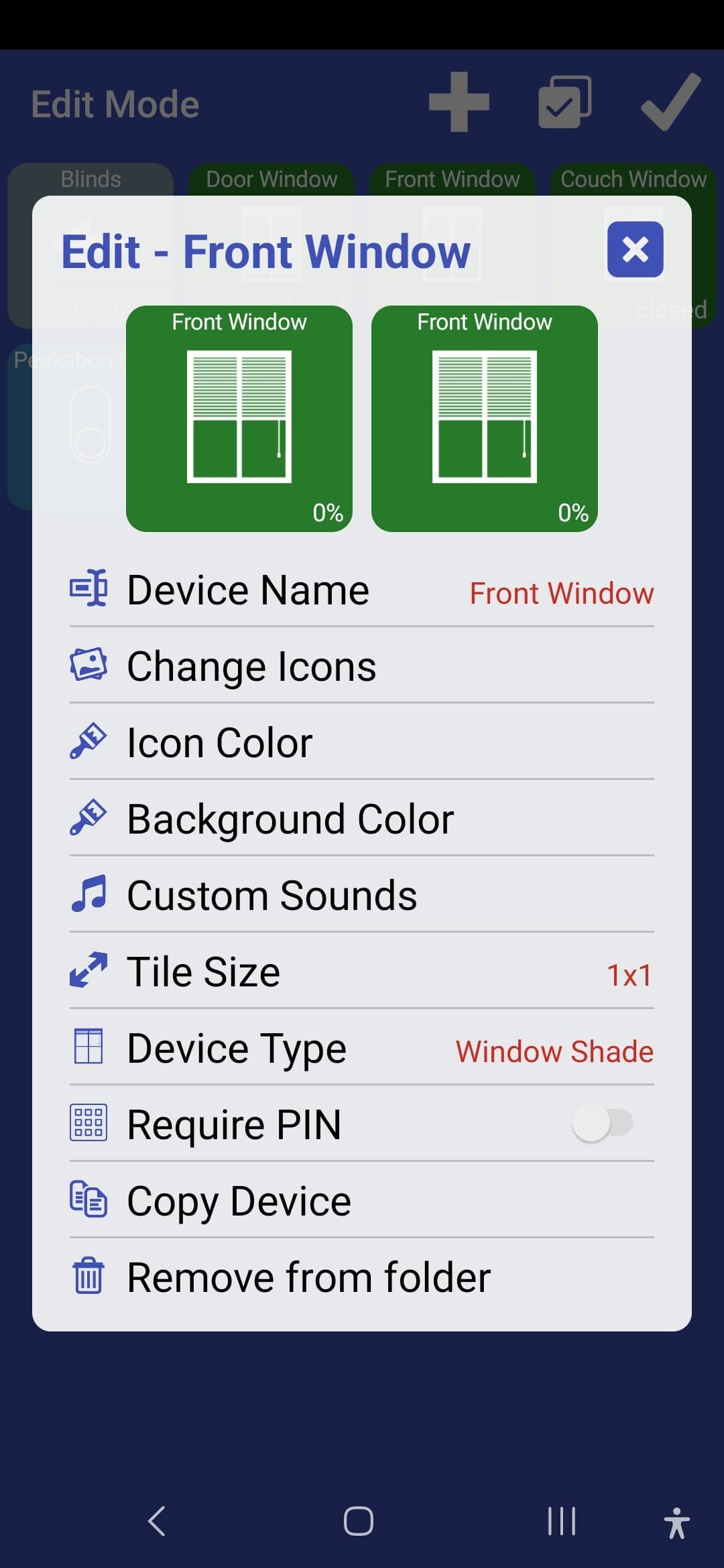
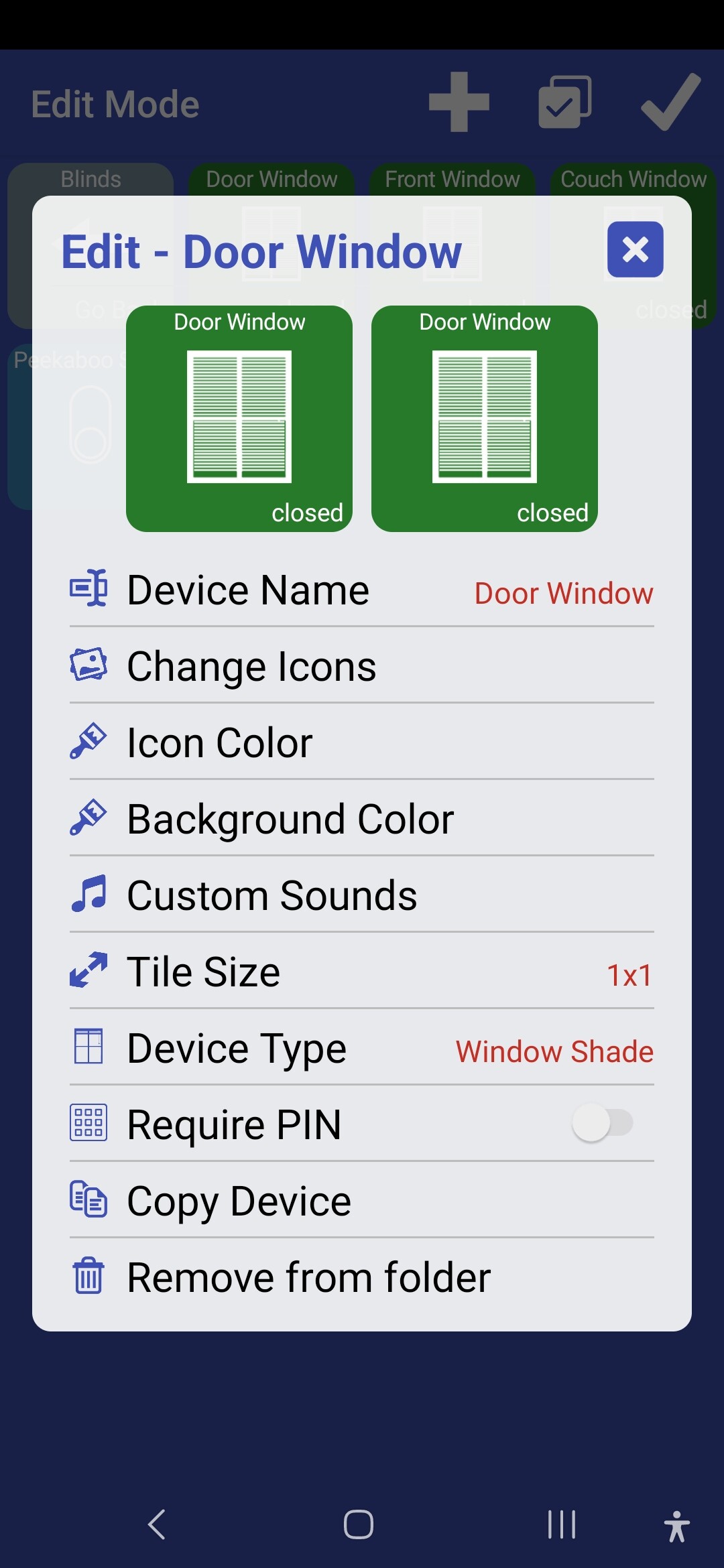
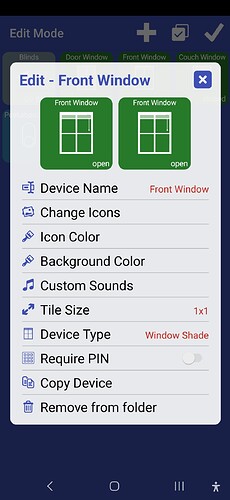
I appear to have messed up the settings on my window shade icons. "Open" and "closed" apparently were both at to the "closed" icon. Even after changing the first one, it still says "closed".
And now the middle one is showing percentages. Is there a way to reset the window shade icon and start over?
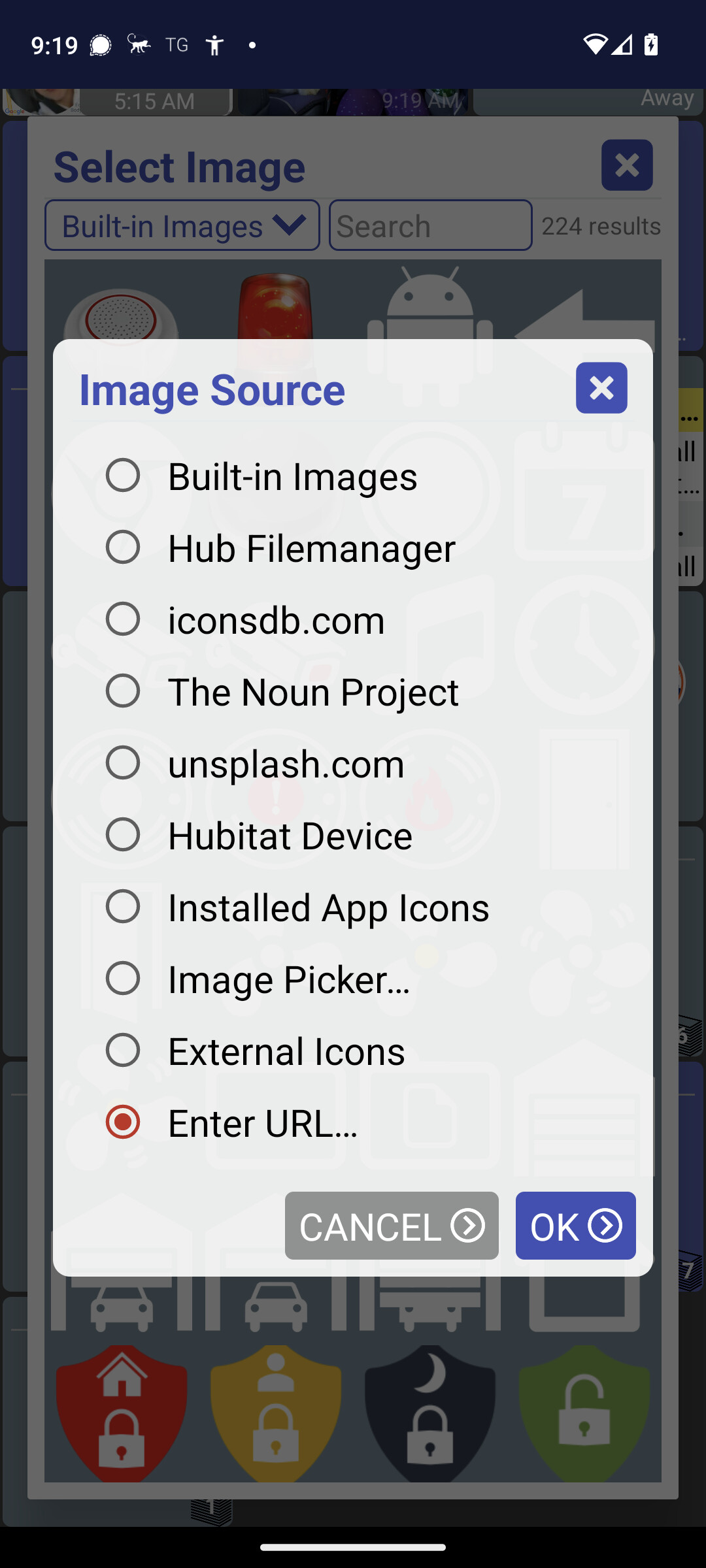
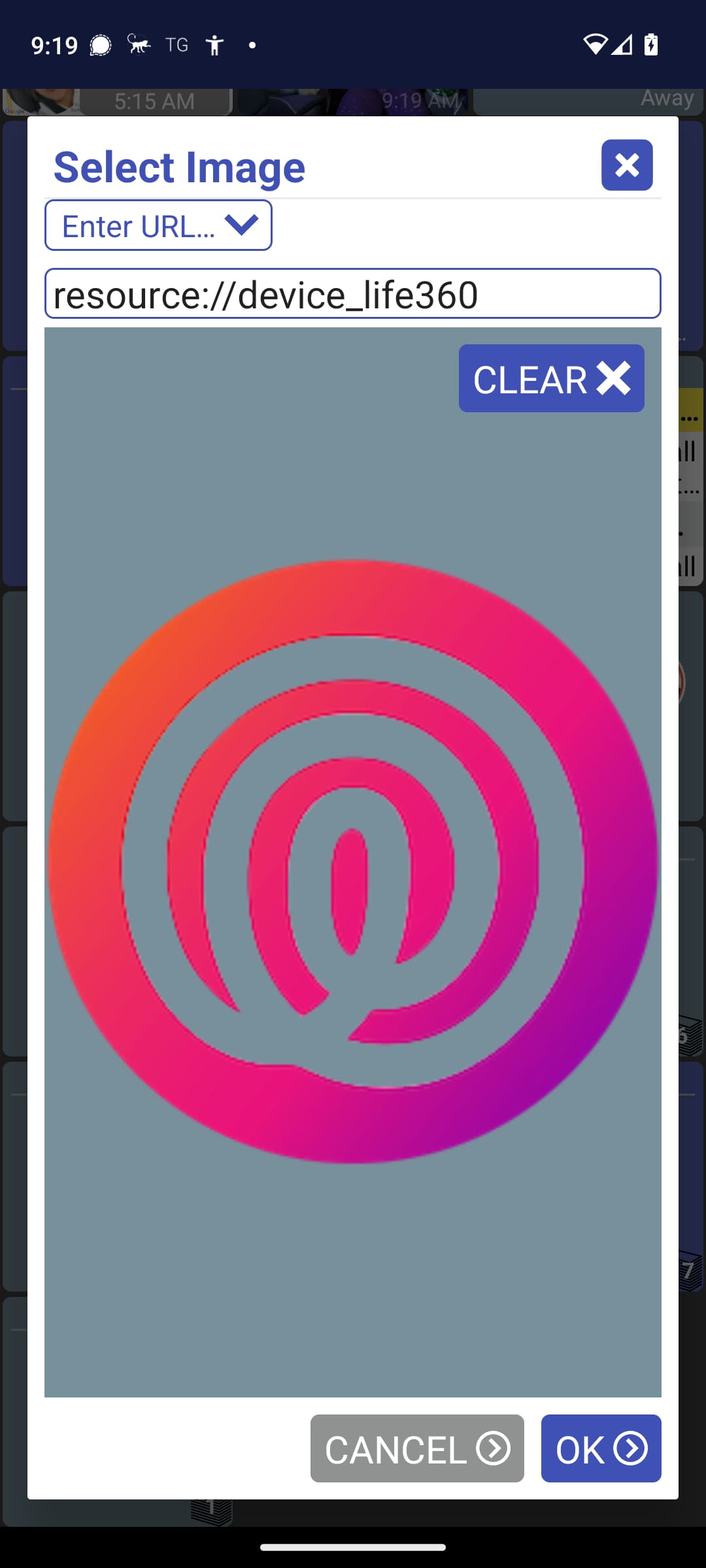
You should be able to reset the icons back to the default but it's not super intuitive.. I'll look to add a way to make it easier. Anyway, go back into "Change Icons" and select the same state(s) you selected before. Then, select "Enter URL..." and hit the "Clear" icon at the top-right.
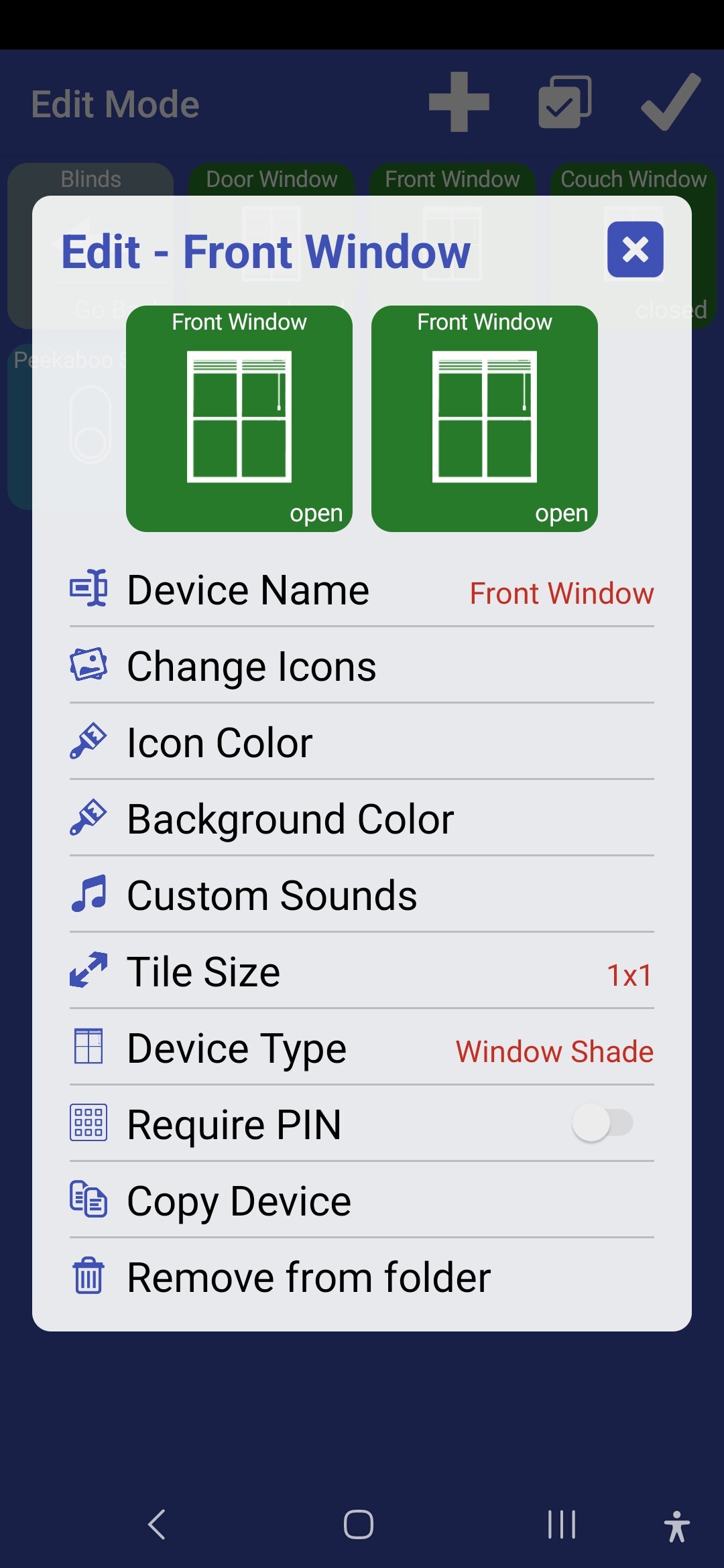
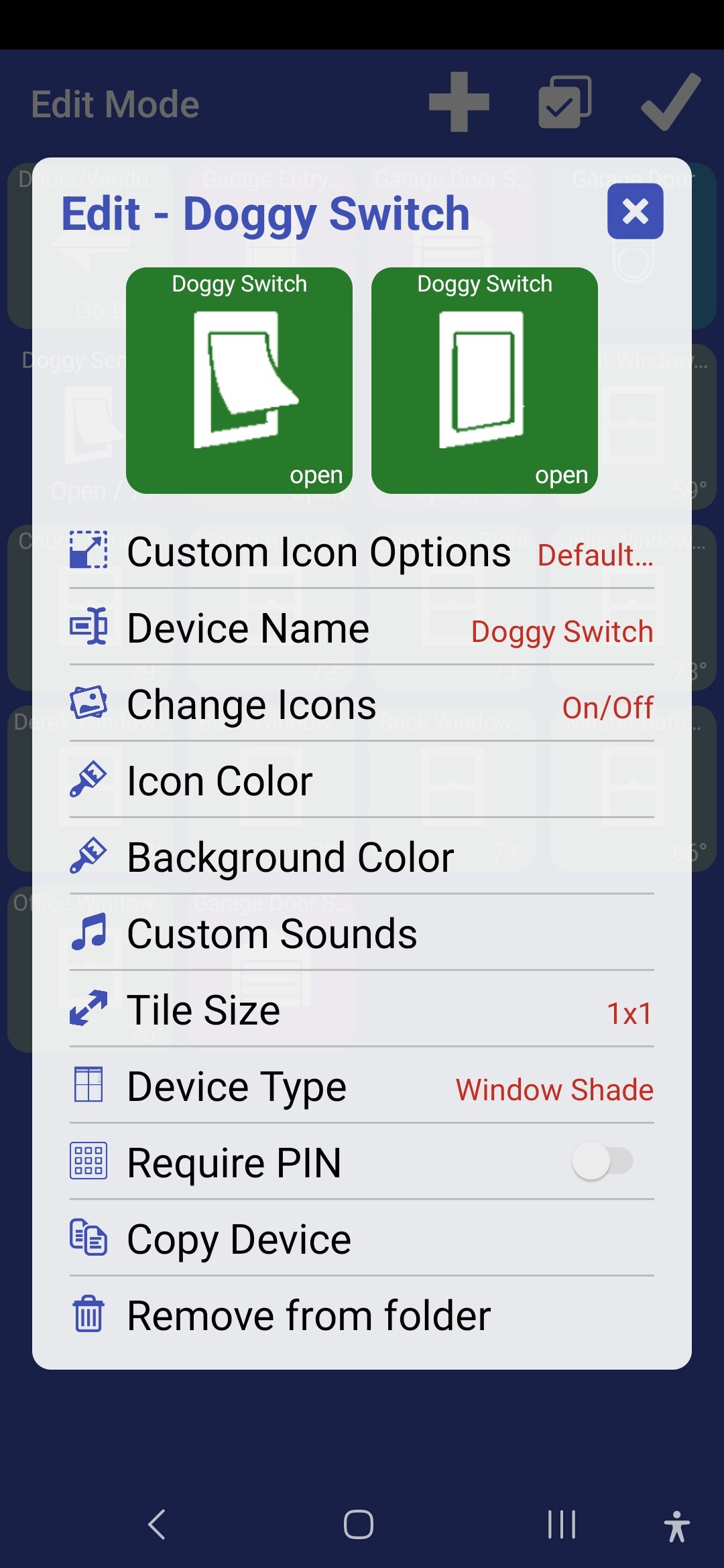
So, weird thing. The buttons and icons are working correctly, but when I try to edit the buttons, they don't show the two "open/closed" icons on the same page. When I open the blinds with the button, the icon changes. But when I do it with Webcore, the icon doesn't change.
It could just be a UI bug; I try to fake the open and closed states for a device in that edit screen so you can see how both states look at a glance. But, it could be broken for the window shade device type
Same issue here with the status of the Window Shades. Both icons show same status. Like yours in your screen shot. Did you get it back to work correctly?
@jpage4500 Did you find a chance to look into this if something is broken.
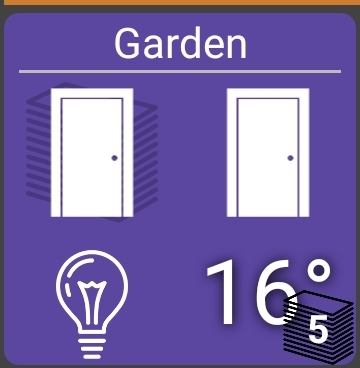
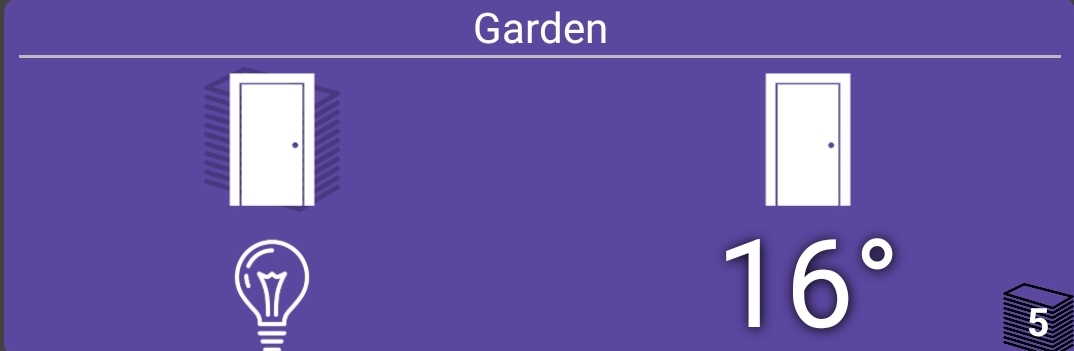
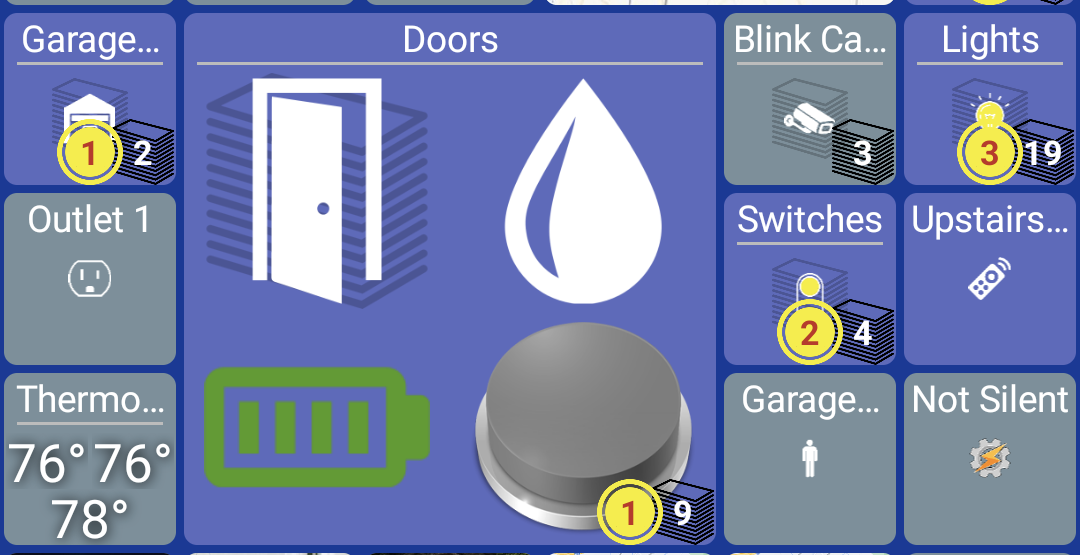
Folders only show up to 4 tiles today regardless of size. I can look into supporting more (it's been asked before) but what I'm not sure of is just automatically showing more tiles when it's larger (like your second example). The reason is -- some people set the grid size so every tile is super small and then make individual tiles larger to stand out (example below). I'm not exactly sure how to know if more tiles should be displayed because of that
For anyone on the production version of HD+ I just submitted the current beta to Google Play and Amazon App Store so it should be available in the next few days. I need to do this more frequently as the release notes were quite large.. I tried to just list the big ones but there was a few:
- add ability to set a timer to turn ON/OFF a device
- allow back button to be removed from folder
- Android Auto fixes
- add option to select multiple devices and perform actions on them (hide/move)
- support multiple geofence regions
- support self-signed SSL connections for local IP cameras
- add Tasker tile to select and run tasks in Tasker app
- many other fixes