version 1.0.2726 (beta)
- new device type - accuweather health tile (pollen, allergy, dust, etc)
- scrolling improvements: fix not always scrolling to last row
- fix android auto crash
- fix widget: click on configure doesn't do anything
I added support for several AccuWeather Health tiles
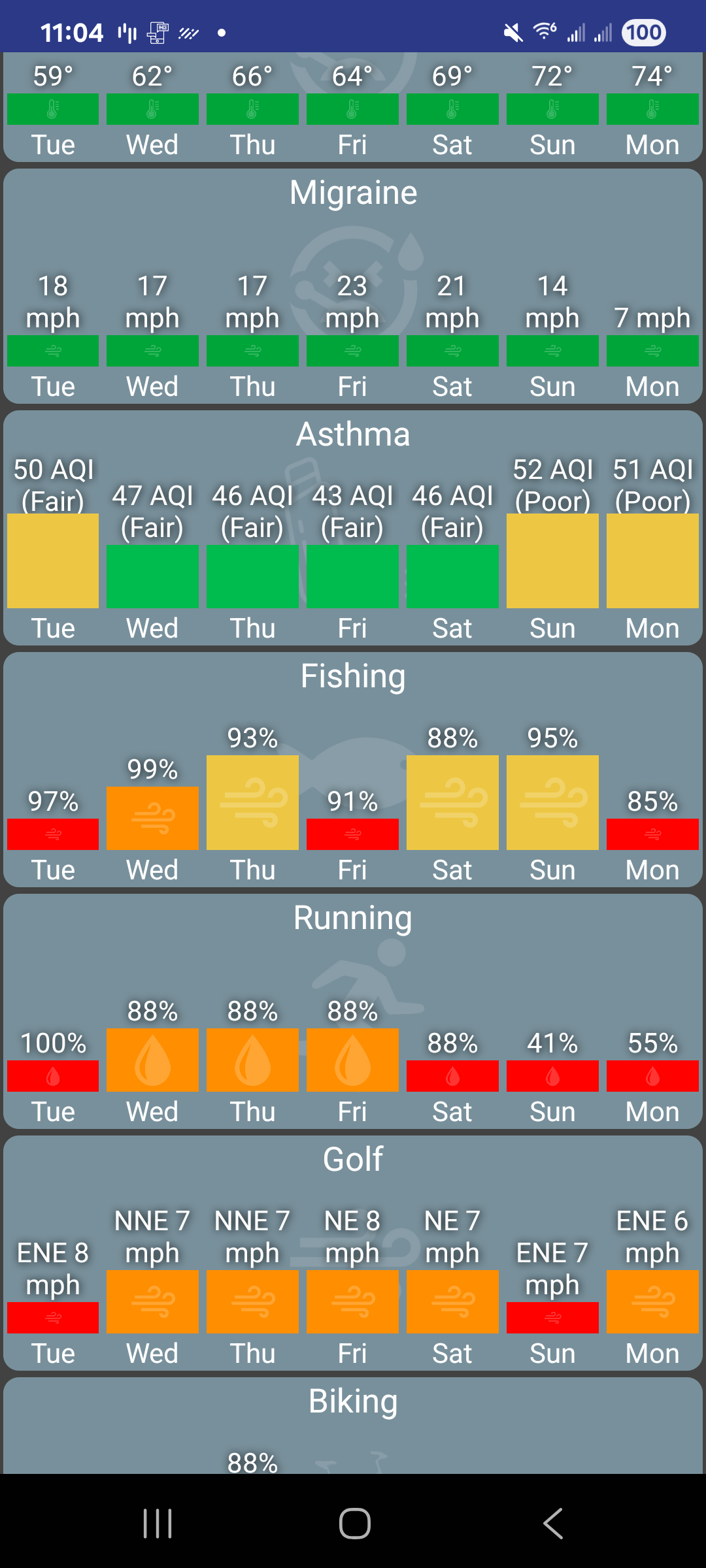
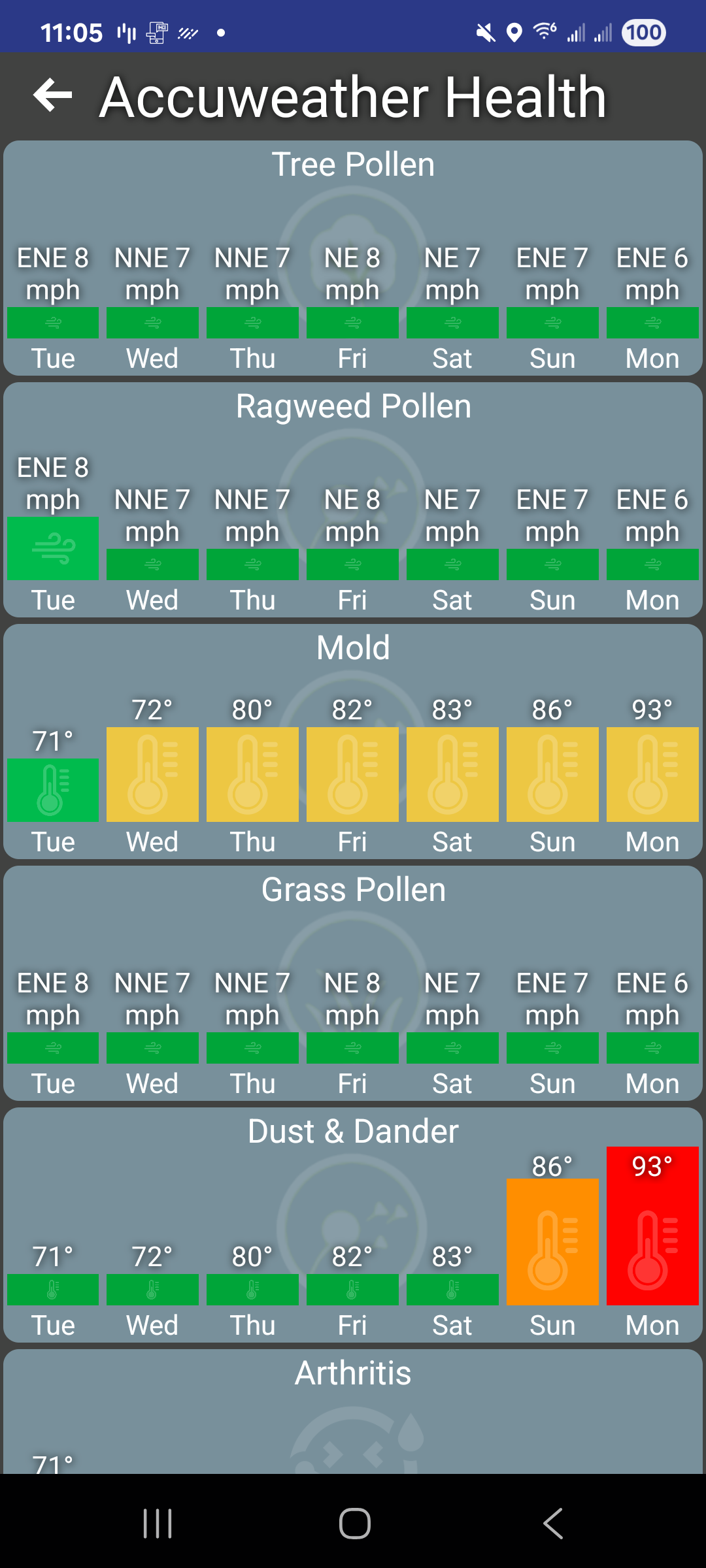
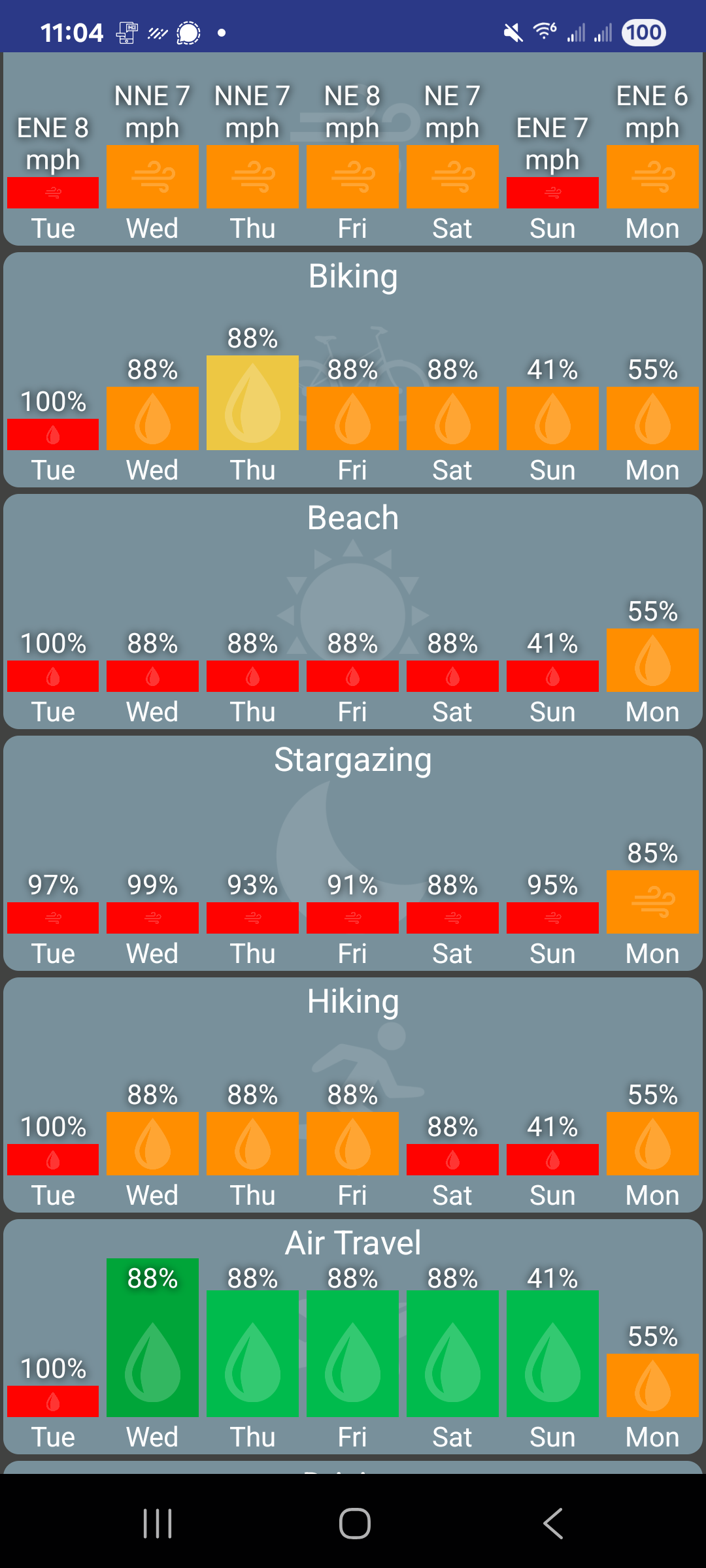
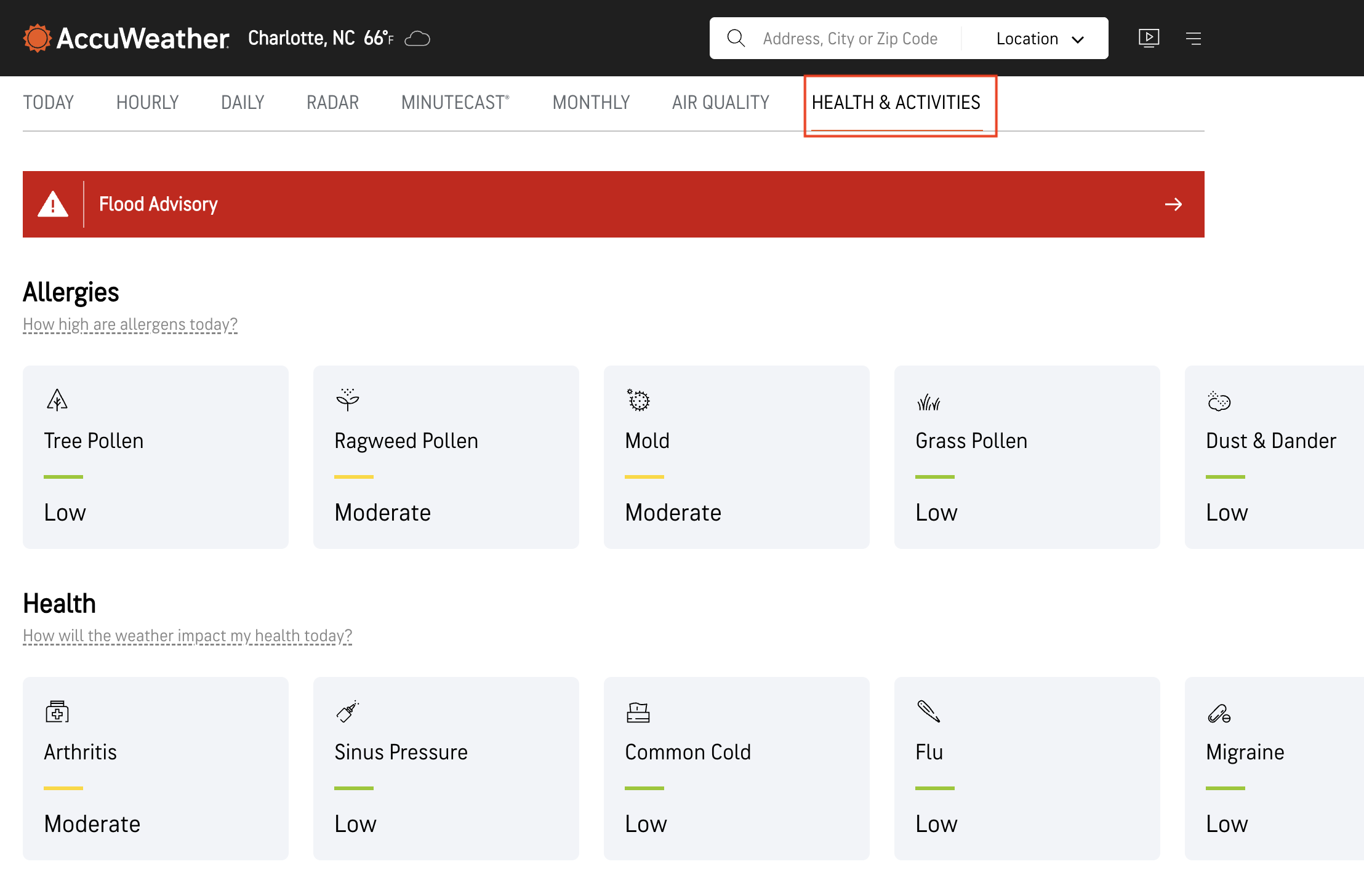
There's 2 ways to get one or more of these tiles added to HD+. The easiest way is to visit https://www.accuweather.com/ in the phone's browser, click on Health & Activities and click on one of the activities. Copy the URL. Then, in HD+ click on Edit Mode -> Add Device -> Accuweather -> URL and paste the URL.
The other way to add it is to add a new HD+ Tile virtual driver to the Hub. It can be found on Hubitat Package Manager and has an option for the accuweather health tile. If you have several devices/tablets this might be preferred since you only need to add it once and it'll show up everywhere.