Will try it out later when back at home. If I understand correctly this works with a notification but I would like to work with the information using weBCoRE and Sonos not using my phone. Is that possible?
As I said I will try when back at my Computer. Thanks will get back soon.
Best would be a string variable with all the data or a JSON. Will absolutely check the notification settings.
There are two (and an untested third) ways to do this:
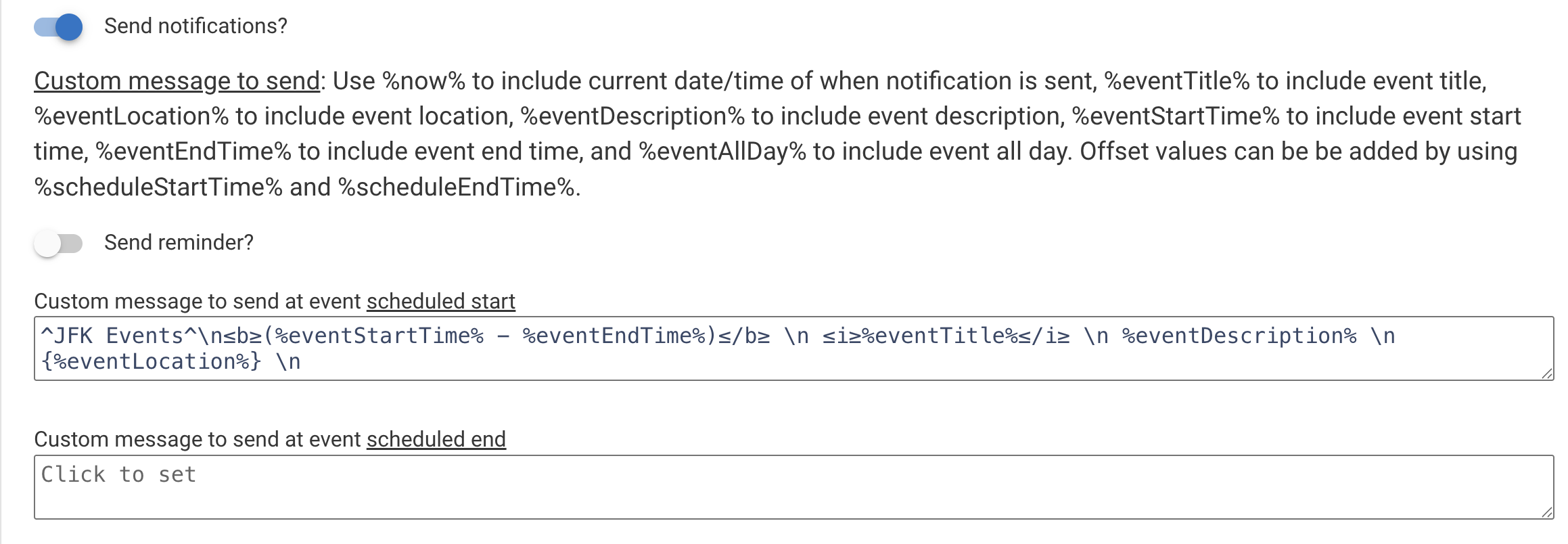
after turning on "Include details from all matching items?", format the notification for listenability under "Custom message to send..." This calendar search triggers once a day and sends me all events for the next 72 hours.
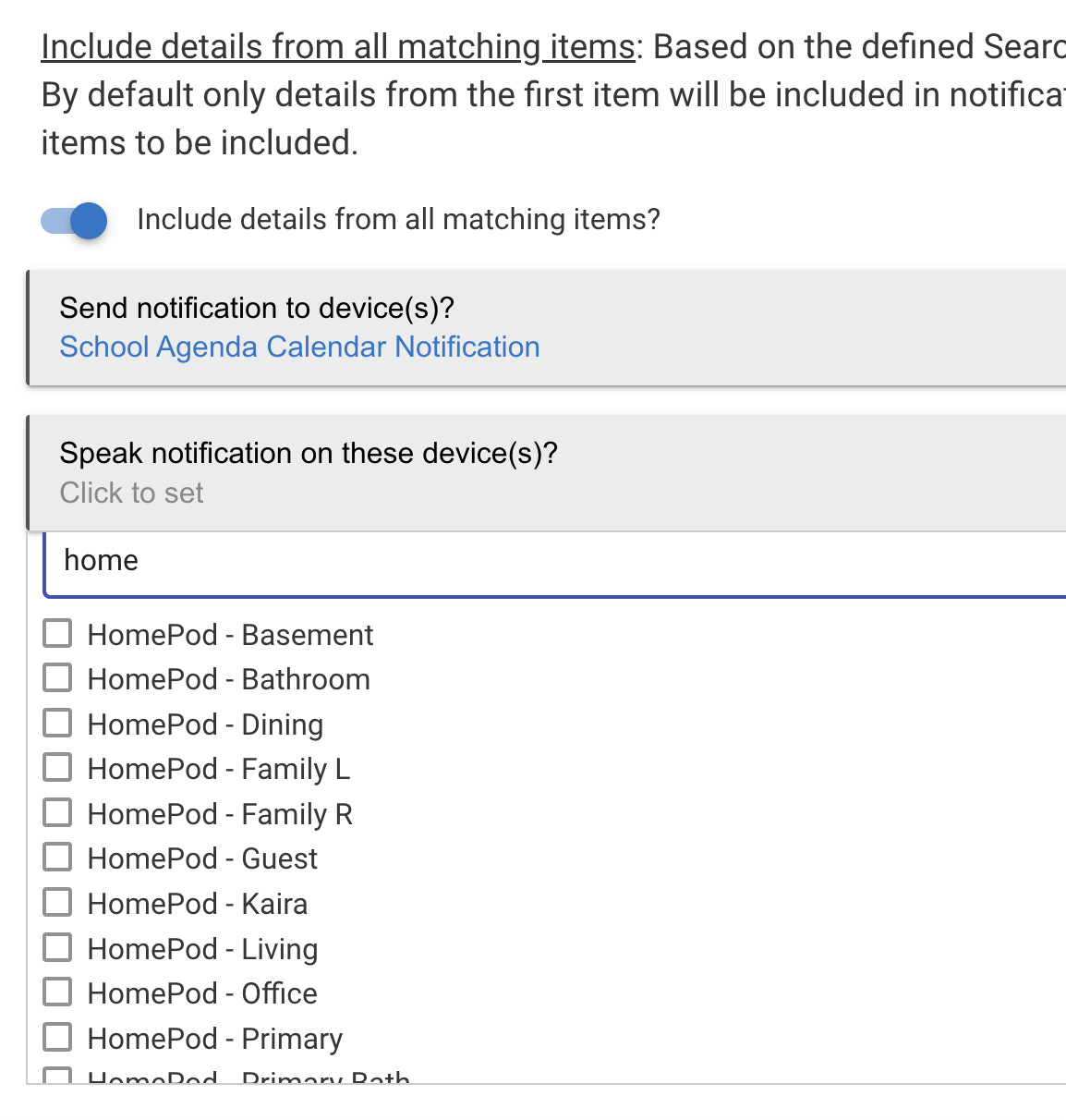
Then have the notification sent directly to the Sonos under "Speak notification on these device(s)?". I don't have a Sonos, so I'm showing a list of HomePods.
If you need to further manipulate the notification, send the notification to Notification Tile (driver) by thebearmay. The device seen above (School Agenda Calendar Notification) uses a personally modified version of that driver to save only ONE message (which may include multiple calendar events) and preserve/add/modify HTML formatting in my messages. The notification gets saved in as an attribute in that notification device. I have a rule to trigger when that attribute changes and then fire a message to relevant pushover devices. In your case, you should be able to use WebCore to pull the list of events.
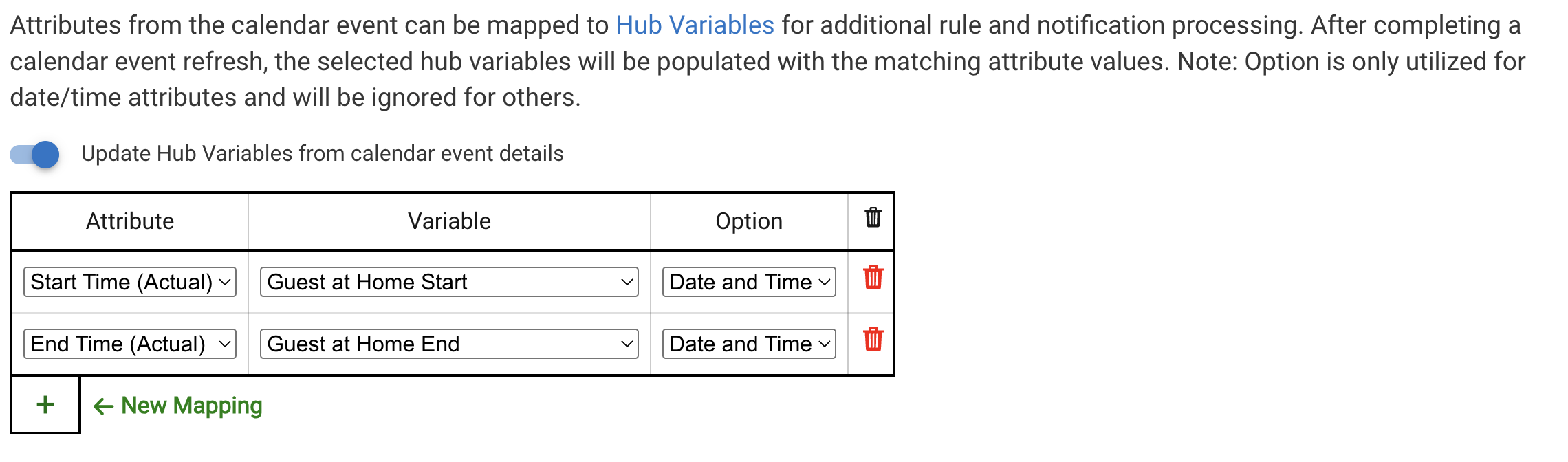
save information directly into hub variables. However, I don't know how it would work with the available variable options and multiple events.
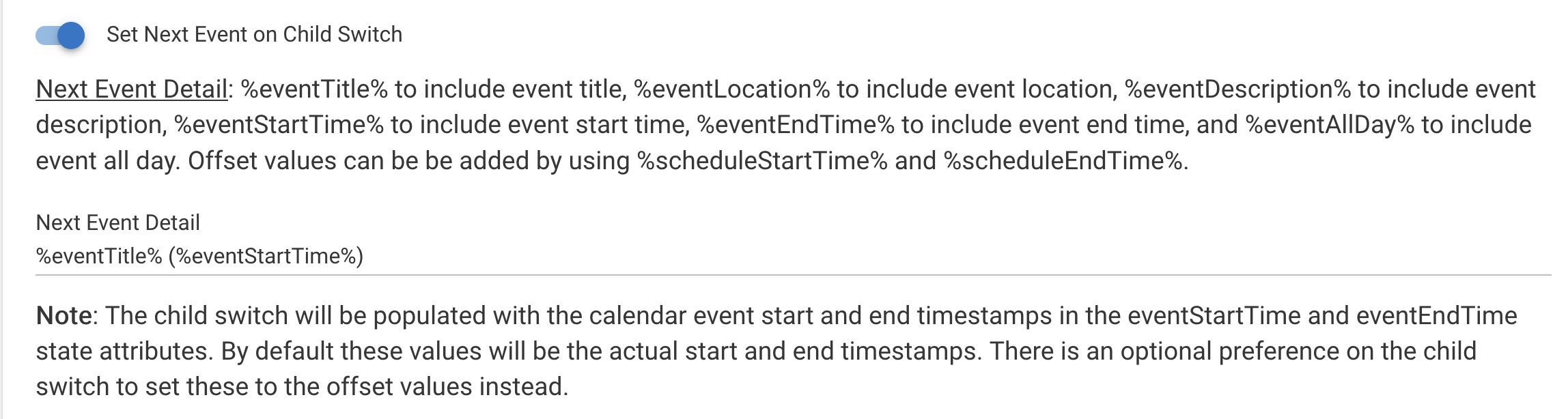
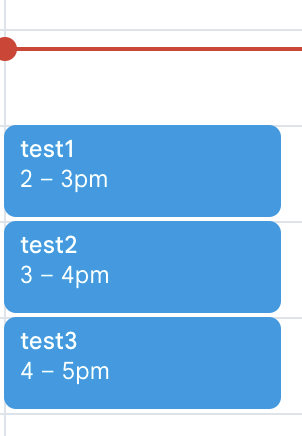
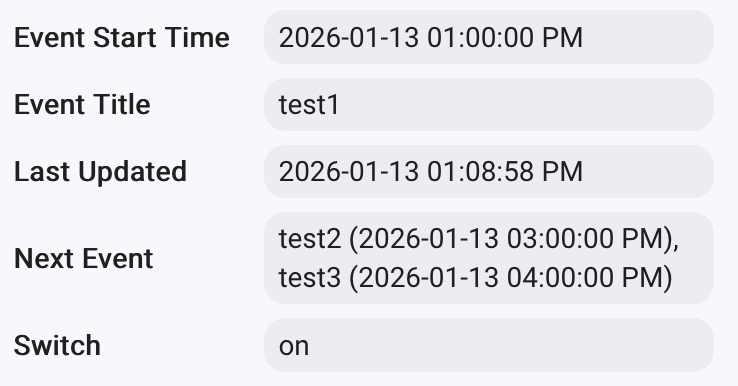
Within the child switch the first event populates within the state variables but the other events found show up within the nextEvent variable based on how you set it up within the search trigger:
As @neerav.modi mentions a notification device can be a TTS device such as Sonos. So you wouldn't need the webcore piston to invoke this as you can use the schedule settings within the search trigger to run this as your preferred times. A few community members use this app for things like trash notifications the eventing before collection.
I tried 3.option but stucked with only 1 event. I assume this option is not usable for multiple events.
I would like to play around a bit with the second option. I will check out the mentioned driver by thebearmay. You also mentioned a personally modified version of that driver, which seems to do exactly what I'm looking for, to get all calendar events in just one message which can be used in webCoRE - as you said.
Would it be possible to provide that modified driver so I can use that as well? That would be realls great and highly appreciated.
Thanks for your response. Looks promising too. I will try to figure out which way will work best for my needs. I got your suggestion working and could parse the information into one variable on webCoRE. If neerav.modi would send me his modified driver that would be a very good possibility as well to get all the information in just one variable and to go from that point.
Either way both options are looking really promising.
@ritchierich: yes I did think about it. For my planned use it would be nice to have all calendar events of the current day in one device status or string variable to move from that point.
With your approach I have to pull all data via webCoRE from each device status to get the right information. I'm using the Sonos http api from Jishi using "Make a GET request" command from webCoRE to Sonos.
Going directly from GCal to Sonos doesn't give me the chance to include in the rest of my webCoRE driven morning routine (including morning phrase, wheater, and so on.)
The idea is to include the evenets into my existing routine which would be easier if I would be able to collect all data from one place.
Just to confirm the issue is that the first event details are in the GCal Switch Event Title/Event Start, etc variables while the next ones are in the Next Event?
Does Webcore have functions to concatenate text from multiple state variables?
"Yes, exactly. The issue is that the event details are split across different attributes (eventTitle, nextEventTitle, etc.).
While webCoRE can concatenate strings, the challenge is:
Dynamic Number of Events: If I have 3 or 4 events, it becomes very complex to loop through them in webCoRE because they aren't provided in a single collection or a pre-formatted string.
Timing: Triggering a 'Read-out' for a Text-to-Speech (Sonos) system is much easier if there is a single attribute (e.g., summarySpeech) that contains all events of the day in a clean, human-readable format.
What would help most: An attribute that consolidates all found events for the current search into one single String. For example: allEventsSummary: "10:00 AM Dentist, 02:00 PM Meeting, 06:00 PM Gym"
This would allow me to simply 'grab' one variable and send it to the TTS engine without complex logic."
Hopefully that make sense and helps to understand my starting point
What are your thoughts on the Next Event functionality where you can specify the event variables to include? I could enhance that with an additional setting to include the first/current event too and again you would specify the variables to include to make that concatenated string.
"That sounds like a perfect solution! Including the first/current event into a consolidated string and allowing me to choose the variables (like time and title) would be a game changer using TTS.
If you could provide a single attribute that contains all events from the current search results in one formatted string, it would make the webCoRE logic incredibly simple. Thank you so much for considering this enhancement!"
Thanks for your help with this and all your hard work.
Now that @ritchierich was able to so easily add what you needed, do you still want my driver? Turns out, it's not a modified driver. It's a brand new one that I made from scratch a couple of years ago to process and preserve HTML/BBEdit coded messages. Very specific to my use case. I realize that you wouldn't need any of that mark up for TTS, but could still attempt to release it with a few more preferences to skip over markups.
If it is possible to relase it, yes, please. I will not use it for this specific case - thanks to @ritchierich adjustments - but I do have more plans where this could play a key role.
Added support for sending Gmail notifications via MakerAPI. See this post for more details.
Fixed an issue where sequential events is enabled and a start offset is set which starts before the end of the first event
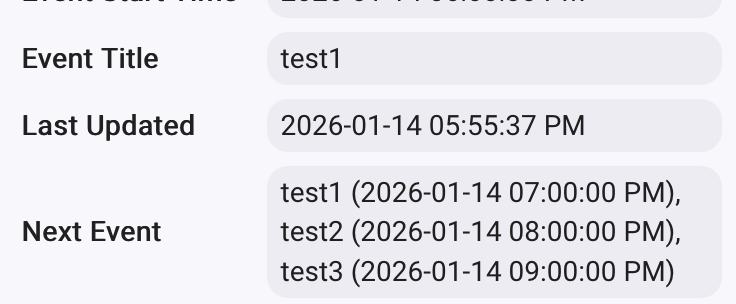
Added optional setting to include current/first found event within the nextEvent state attribute on the child switch. See this post for more details. Thank you @jb1 for suggesting this enhancement.