New version on GitHub...
2.8.5 - 02/07/21 - New option, Min Difference to count towards direction. Cosmetic changes.
New version on GitHub...
2.8.5 - 02/07/21 - New option, Min Difference to count towards direction. Cosmetic changes.
Thanks .. problem diff is rounding off to one digit past decimal so for example when diff was .18 it shows .2 in logs
Need some periodic expression assistance. I have a bunch of routines that run either every 5 minutes or 60 minutes. They all use the same periodic expressions:
Every 5 Minutes: 0 */5 * ? * *
Every 60 Minutes: 0 0 * ? * *
It seems they all fire together. It is possible to change the Periodic Expression to start them offset? e.g start one at 5 minutes starting at :01,start the 2nd at :02 and so on?
Thanks in advance,
Alan
Sure. You should be able to just change the seconds (the first element in the expression) from 0 to some other number (in the range of 0-59)
Thanks Tony! I wanted minutes, is that the 2nd element then?
Appreciate you jumping and helping!
New version on GitHub...
2.8.8 - 02/11/21 - Squashed a bug with dimmers per mode
Howdy, hope things have been going well and grandkids have not exhausted you. 
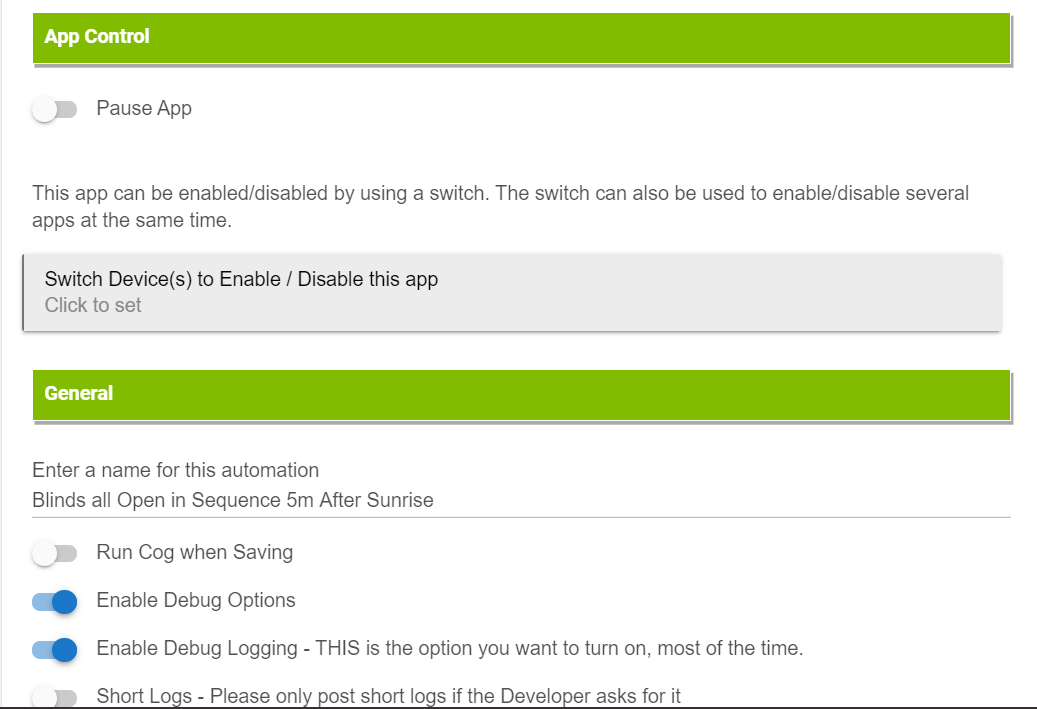
I am playing w/the option to turn on switches in order, and wondered if there is also a way I'm not seeing to turn switches off in order. It would allow me to close my blinds in an orderly way that I think would look nicer than the kind of random way they close when I use a scene.
Am I missing where that option is, or just not there. I get it if it's not worth adding if it isn't there, likely not a huge use-case for most folks.
All switches will turn off in reverse order that was selected to turn on. Says so right in the app! 


I see that...
...but see no option to select Reverse when I'm using Sunrise as the trigger.
I don't think Reverse will ever be an option as it's not sunrise for 23 hours and 59 minutes and 59 seconds. 
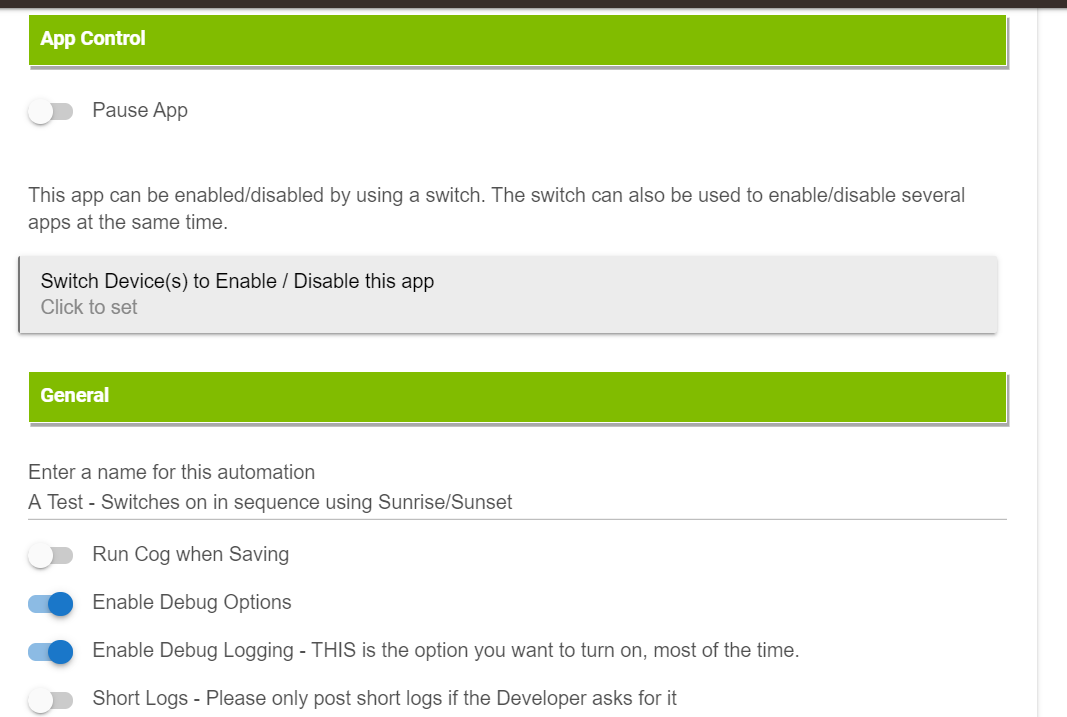
If I use Sunrise to Sunset will it turn on at Sunrise and off in order at Sunset? There is no "Reverse" option when using Sunrise/Sunset...
I didn't want to turn them off w/a Certain Time setting as I want them adjusting both open and close times as Sunrise and Sunset times change.
HOpefully that makes sense.
New version on GitHub...
2.8.9 - 03/04/21 - Code adjustments, change to Switches per mode (modeMatchRestriction=true), Between Two Times and Sunset/Sunrise to Reverse, bug fixes
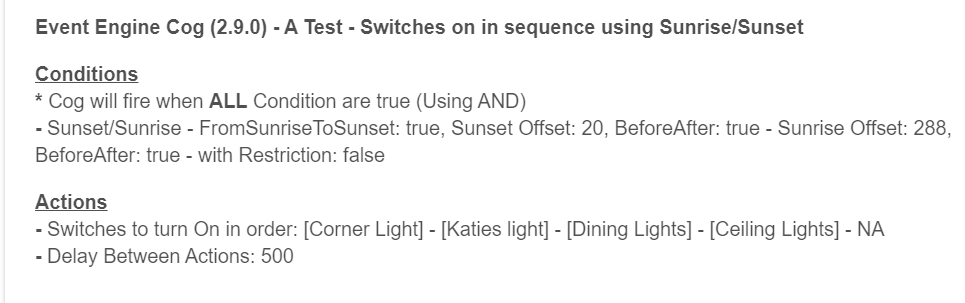
Thanks for the update...tried a simple test with Sunrise/Sunset to turn on some blinds and lights, (and then just lights in a second test) this AM, but it's not working for some reason, lights didn't come on, blinds didn't open. The "Just Sunrise" option also isn't working for me to turn on lights at x minutes after sunrise.
Also, is there supposed to be a "Reverse" option when only Sunrise/Sunset is chosen w/this new version? If so I don't see it. Or does this just automatically reverse when you use Sunrise/Sunset as the only trigger?
Give the new version a try...
2.9.0 - 03/05/21 - Fix for Between Two Times and Sunset/Sunrise to Reverse
Thanks
Thanks for the update. Not working, as far as I can tell the cog doesn't start at the appointed time after sunrise.
I feel like I'm missing something here... under the "Dimmer to set" option, you can toggle between Color and Temperature.
When doing the Slow Dim, however, there doesn't seem to be a way to switch to temperature. This is a problem, as the light I'm trying to automate turns weird colors if you use the Hue-specific colors (for instance, Daylight ends up actually being blue). Is there a way to actually use white temps with the slow dim up that I'm just missing?
Conditions
***** Cog will fire when ALL Condition are true (Using AND)
- By Days - [Monday, Tuesday, Wednesday, Thursday, Friday] - as Restriction: false
- Certain Time - Fri Mar 05 06:40:00 EST 2021 - Repeat: false - Schedule: NA
- By Switch: [Main Bedroom Alarm] - OffOn: true, ANDOR: false, Physical: falseActions
- Dimmers to Set: [Kitchen Lights] - On Level: 99 - Color: NA - Temp: NA
- Select dimmer devices to slowly rise: [Main Bedroom Lamp] - Minutes: 15 - Starting Level: 5 - Target Level: 99 - Color: Daylight
- Delay Between Actions: 250
Quick edit, can you also confirm that I'm understanding how this will work... I want a slow dim up, M-F starting at 6:40am, only if [Main Bedroom Alarm] switch is turned on. I also want the Kitchen Lights to come on at full brightness.
Assume you've been busy...how could you let that happen!? No rush, but wondering if you've been able to look at the issue I was happening w/Sunrise/Sunset cog...
Yup, things have been a little crazy around here. I'll get to it... (if I don't remind me again in a week or so!)
No problem, absolutely no rush or hurry at all.
Not seeing any issue. I did make some other small adjustments so there is still a new version available.
2.9.1 - 03/14/21 - Adjustments
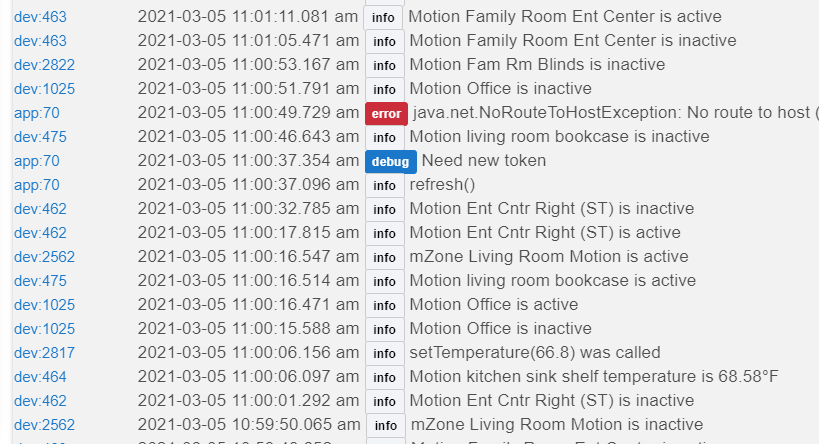
After updating, go back into the cog and save it. Then show me the 'Scheduled Jobs' section for this Cog.
Thanks
Looks like whatever you tweaked (or did you slip me a software placebo? ) has resolved the issue. I just ran a test using an "after sunset" setting w/a delay and things turned on when expected.
Thanks very much! I've set up a cog to open five blinds at sunrise and close at sunset and will confirm how it works tomorrow.
Hope things have settled down a little for you.
Download the Hubitat app