I captured the status when off wi-fi and again when back on. equipmentstatus is reporting idle in both cases. So this would appear not to do the trick.
Other fields with offline - holdStatus had the text "Thermostat Offline? Last updated today at 7:32am", schedule, thermostatOperatingState, thermostatOperatingState Display all showing offline. All of these switch to idle or something else that allows me to trap the offline error.
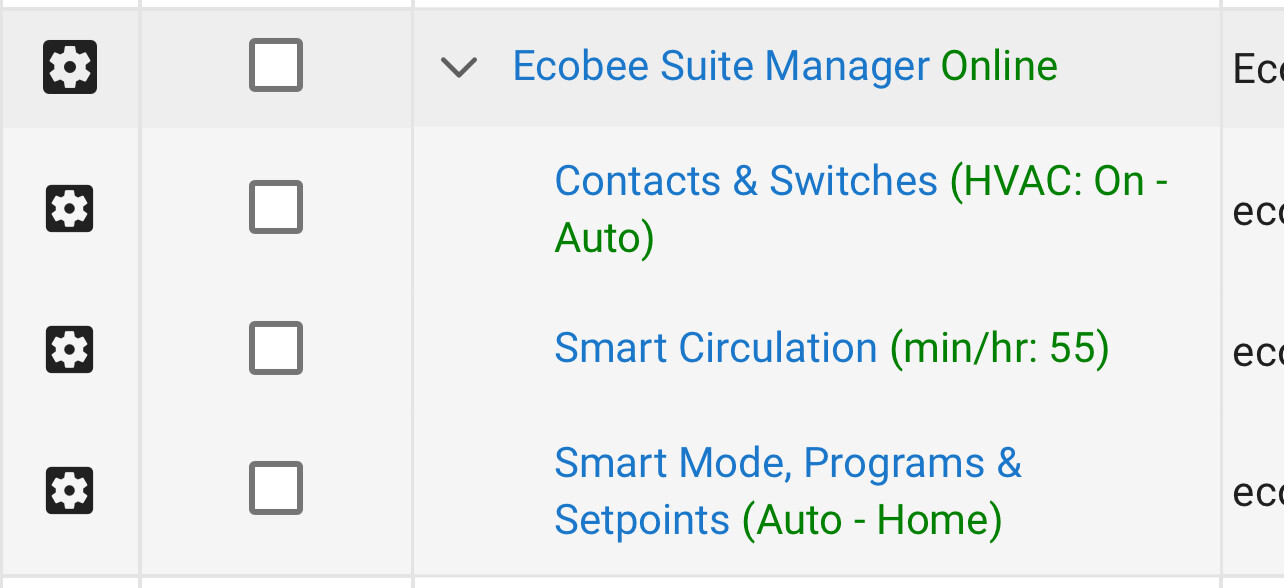
Looking for feedback as to whether Ecobee Suite is the right tool for me.
My Setup: newly installed Premium thermostat with one SmartSensor.
What I want to accomplish:
Select from 4 programs (via webCoRE) based on various conditions
Modify fan circulation minimum time (another webCoRE piston)
Optional - turn Follow Me on/off. Reading how it works, perhaps I can tolerate it.
I am reusing logic from my former thermostat to emulate 3 of the modes. In a pinch, I could use the native integration and try to emulate the rest. Using the baked-in thermostat features would be much more elegant and effective, though.
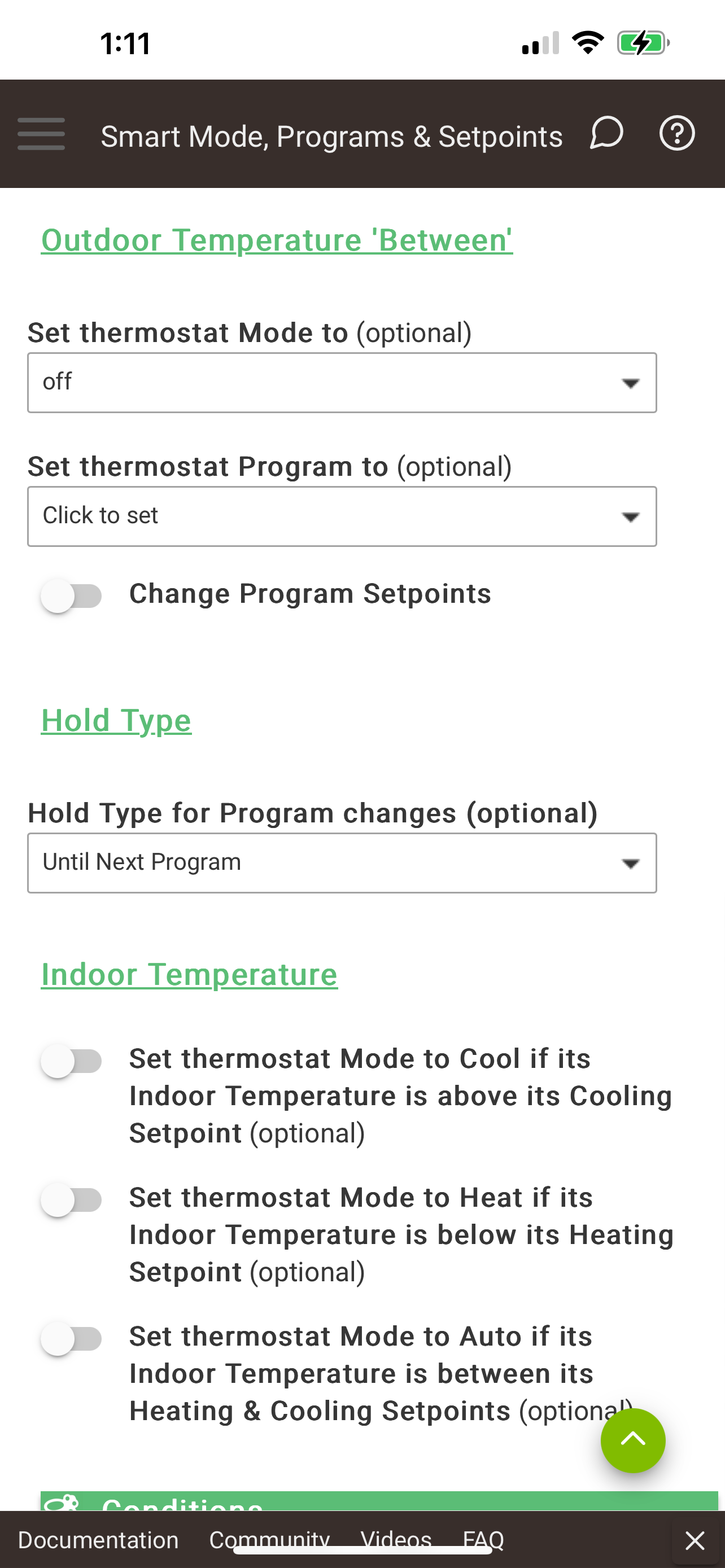
At first glance, it seems like I would start with:
Pseudo-answering my own question. I found that @abuttino had issues (here) setting thermostat programs in webCoRE.
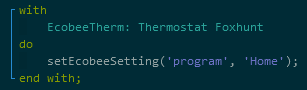
I tried a few things, but failed to force webCorRE to return a valid or even null "hold hours" value. For expedience (quite late now), I did a quick hack. At the end of the driver, I took advantage of the Ecobee Settings to add a makeshift single-parameter command for setThermostatProgram.
setThermostatProgram( 'Home' ) works fine everywhere else, so you have a WebCoRe issue. That said, you could also try calling setThermostatProgram( "home", null, null ) from webcore (or, supply two null strings).
Simpler solution, however, is to simply call home() (or away(), asleep(), night(), awake(), wakeup()` -- those turn on the Home, Away, Sleep, Awake, and Wakeup programs (the latter 2 were standard in earlier generations of the Ecobee thermostat - if you don't have them, you would have to create them manually).
You will have to use the setEcobeeSetting( ) to change the FollowMeComfort attribute.
the code will internally register your changes, WAIT 2 SECONDS, and then apply them as a single hold event (without the wait, only the 2nd setpoint change call would be applied).
Note that you cannot change setpoints while in Vacation mode - you have to use
I appreciate the response and you are 100% correct - this is unique to webCoRE. I tried various data types and even blank, but the log kept showing hours was passed as a decimal. I will pick this specific nit in a separate thread.
Partial solution. I implemented 'away()' and 'asleep()'. As noted earlier in the thread, webCoRE doesn't expose 'home()' for some reason - again, a nit that I will pick elsewhere. The real rub comes with a custom program that I created on the Ecobee. In a pinch, it would have been equally valid - though nonintuitive - to rename that program one of the baked-in programs.
I'd like to have two vent apps for one room -- one to follow the setpoint (active during the sleep program) and one that's a few degrees lower than the setpoint (active during all the other programs). But the "Vent state for excluded Programs" from the non-active app (even "unchanged") seems seems to override the dynamic action of the active app. (e.g. a vent will remain closed when it's supposed to be open). Is there any way to achieve this day/night setup for one room?
Are you saying that the built-in setting for setting an instance of the Helper to only run during a specific program isn't working? You should be able to create 1 instance that only runs during "Sleep", and a second instance for "Home" (both with "Vent state for excluded Programs" set to "unchanged").
If this isn't working, please send me the Live Logging for the Thermostat device, the Helpers (both of them), and Ecobee Suite Manager at the time you see/hear the vents changing when you don't expect them too...looking for an Error from one of those 4 devices/apps.
Thank you for your reply and thank you for confirming that two helpers should work together the way I was hoping. With further testing I see now that is working as it should -- that's great. Maybe I wasn't waiting long enough for the poling on some recent tests and before that I may not have had the "unchanged" consistently set -- and I did some updates and re-installations along the way. And thank you for pointing me to the logs, no errors. And most of all thank you for writing this app -- working great with my Keen vents!
I wonder if you can help me diagnose what is going on here? The temps are set and the thermostat is told to heat. Heat turns on, but within 3 minutes the log show idle and the thermostat reports off. It hasn't reached the setpoint, in fact is 7 degrees below.
So I am not sure what is telling the Ecobee. I am looking at all of my rules and likely will find something but is there anyway to figure out why the thermostat is going off? Thanks.
It doesn’t look like ESM is causing it, because there are no actions in the log. To be sure, set the Logging Level to 3 or 4, and watch the ES Manager log for calls to change things on the thermostat - you would see ALL attempts to change things from all the Helpers and Rules you may have, because ES Manager has to handle them all.
I suspect instead something wrong with your HVAC system. Perhaps a vacuum safety sensor isn’t working properly. Or the exhaust is blocked by snow.
I can’t imagine any reason the thermostat would shut down heating after only 3 minutes, so I guess you could have a faulty Ecobee…
There cold well be something wrong with the system. But if there was, would the Ecobee switch to Off? Wouldn't it keep trying to heat? I am digging into the logs further and have upped the logging level.
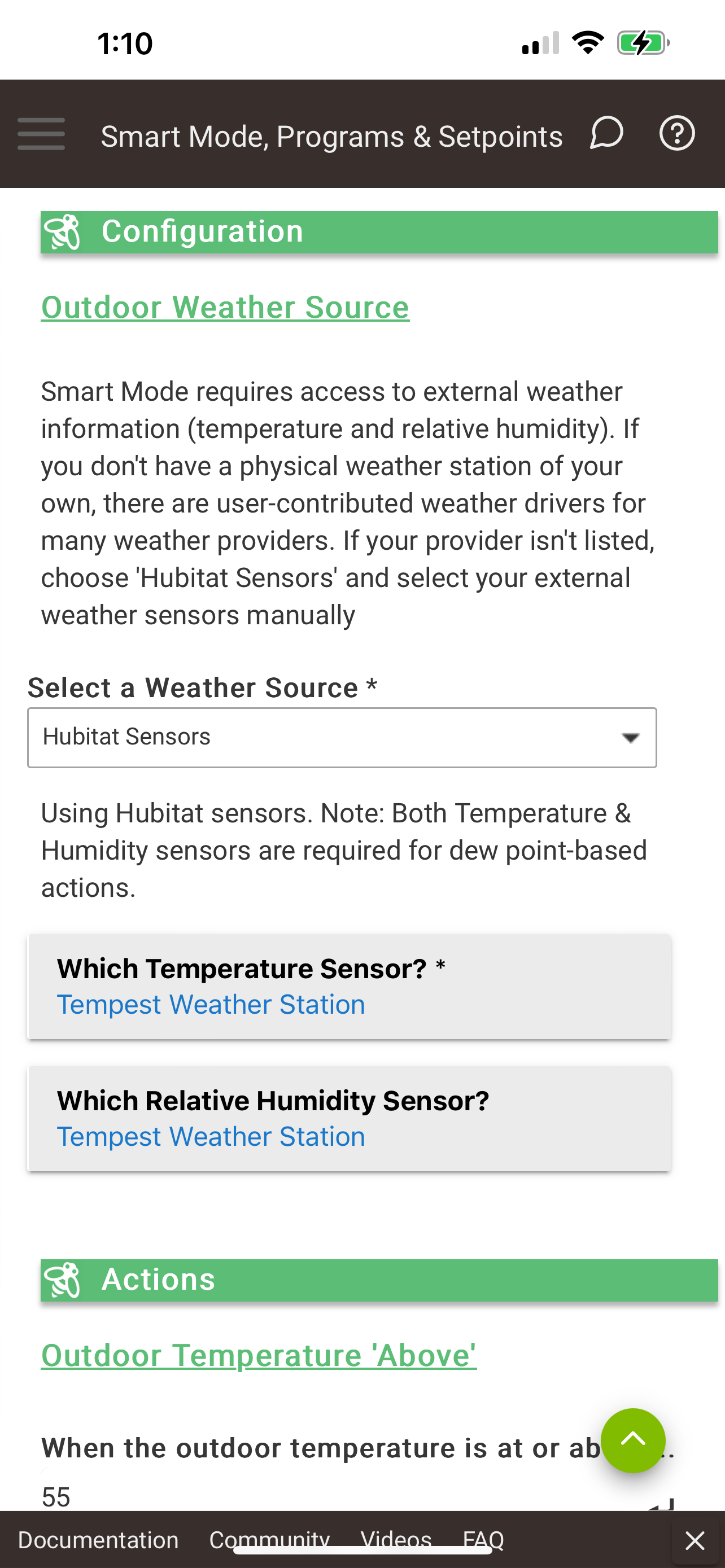
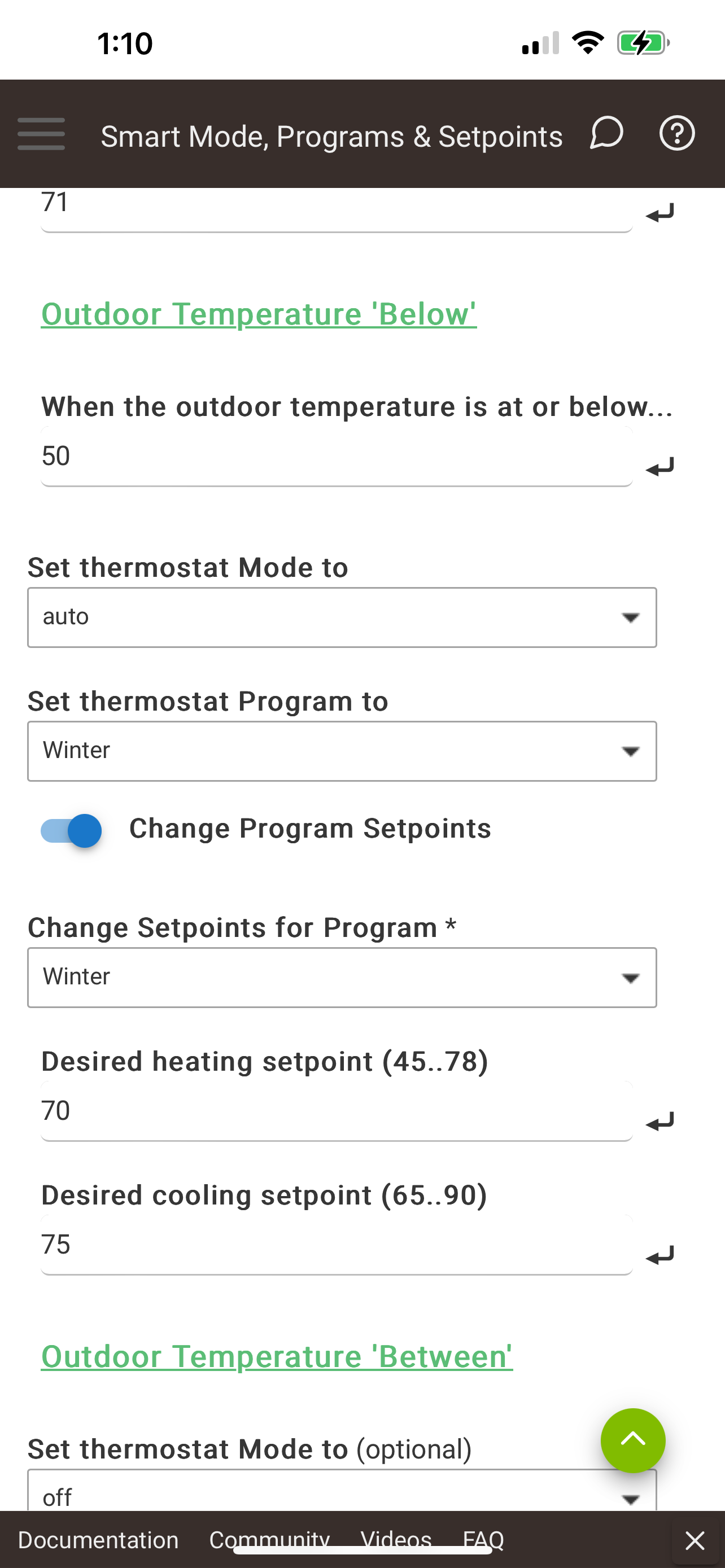
I’ve started seeing an issue myself where it seems ecobee is falling back to its default comfort settings and doesn’t use the helpers as set in hubitat.
I’ve since gone in and enabled debug logging. I’m still running an ecobee 4. When I clicked on Done on the helper app it immediately changed to auto hold Winter and began heating the house. But it appears it reverts back and doesn’t hold it throughout the day.