It may have been mentioned before, but I couldn't find it (I apologize in advance for my bad English, I'm a native Brazilian...).
I want to use Echo Speaks with my Hubitat C8, I've never used it and I don't know how to make it work. However, I would like the server to be my Raspberry Pi Zero W, so I don't have to use Heroku... is that possible?
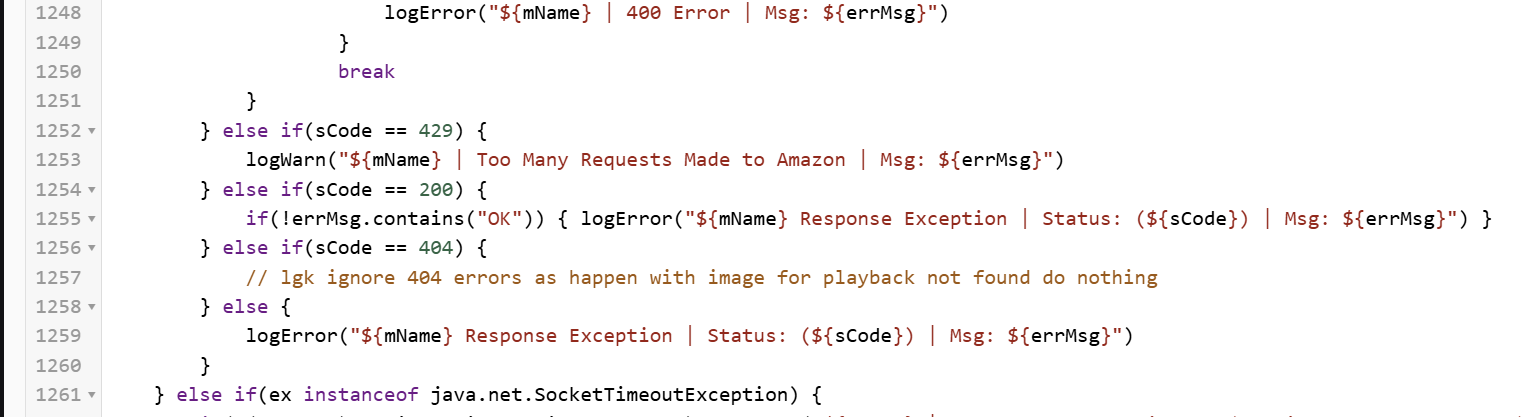
i have gotten tired of seeing the tons of 404 errors in the logs after playing an audible book on my speakers.. apparently it has to do with trying to bring up the image or something.
anyway the only easy way if found to suppress these other than turning off logging of all errors (which i dont want to do as i will miss more serious issues )
was the following. change.l.
if you think this is valid i will issue a pull request,,,
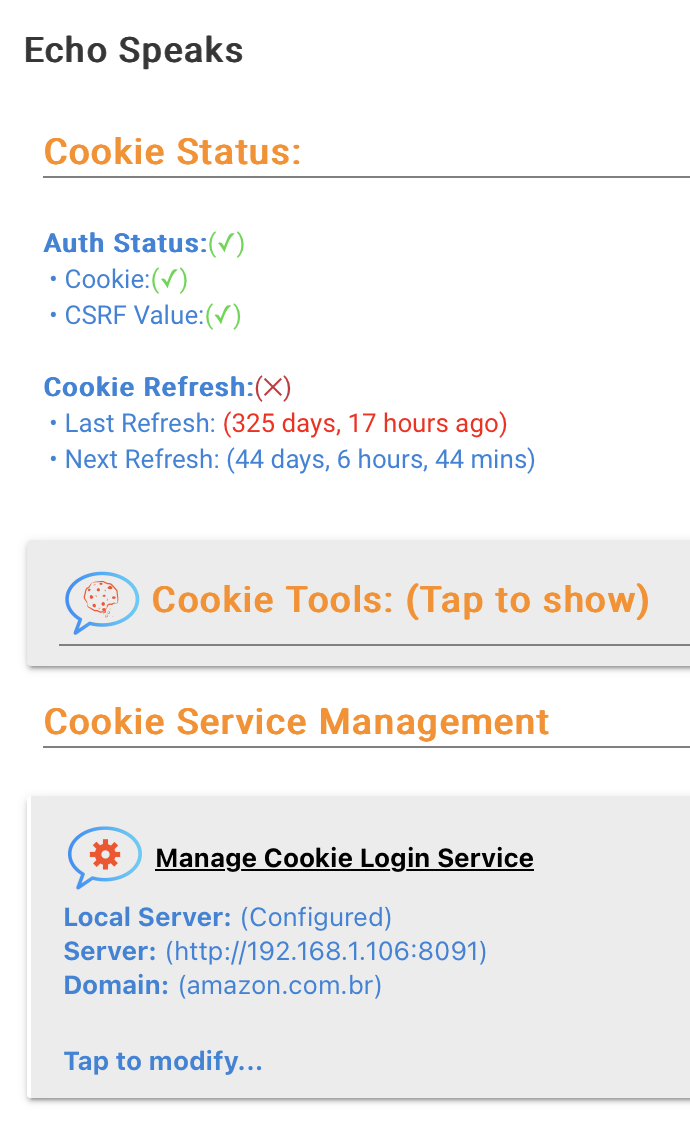
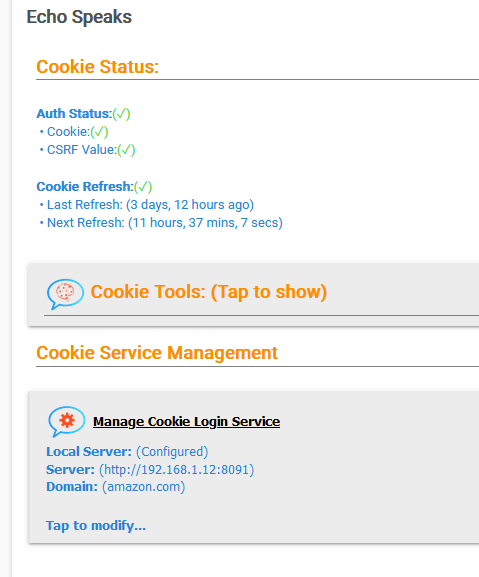
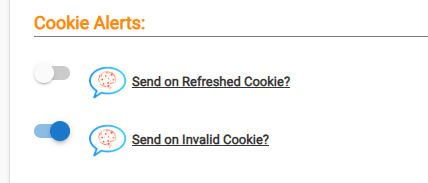
Hello friends, every 5 days that my cookies are updated, the speakers speak to me, how could I make sure that they do not ring every time my cookies are updated? I can't find the option
Maybe there is something in the log at that exact time showing what got triggered? My local ES cookie doesn't generate any message - sounds like a notification or something enabled? I don't think or see any Echo Speaks setting that maybe the source - it sounds like its outside the cookie manager that is generating it.
Evening.. Looking for some help/suggestions after a couple frustrating weeks with Echo Speaks.
I have had the Server configured on my QNAP NAS in Container/Docker since February of 2023. It has run without any problems.
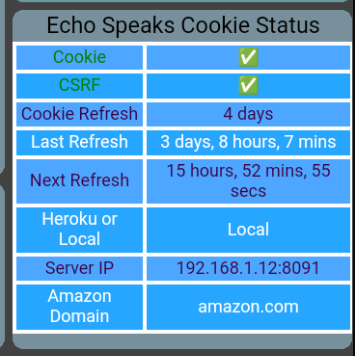
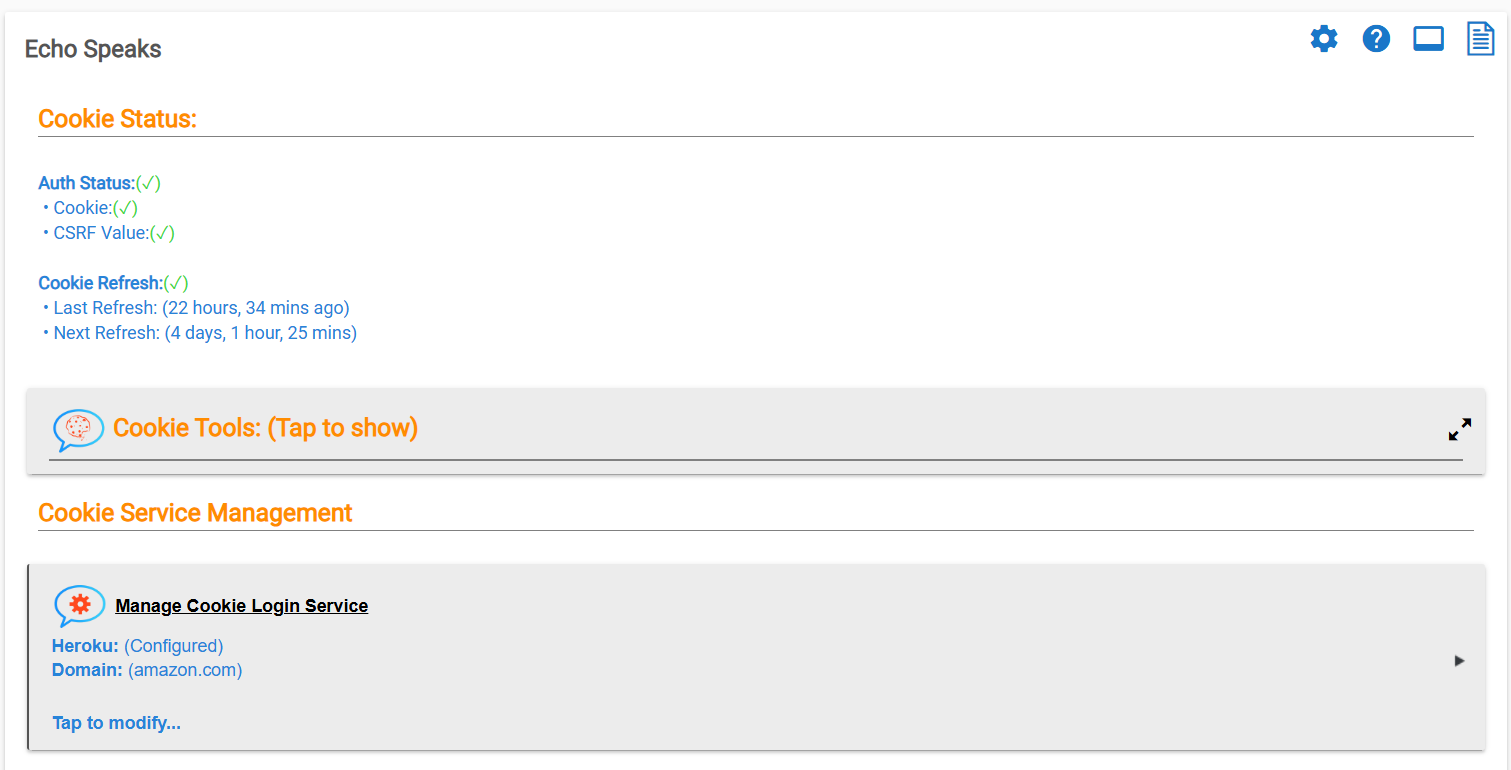
Over the past 6-7 months, I have had issues a couple times where it gets logged out of the cookie service and I need to go in and log back in to reestablish things. Generally not a problem, until now....
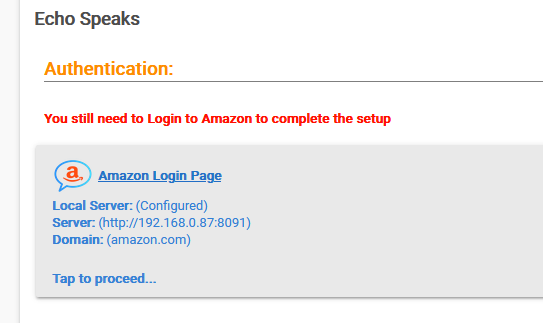
For the last 3+ weeks it has been offline and unable to log back in to Amazon to get the authorization cookie.
I cannot get to the Amazon login... After selecting the "Goto Login Page" I get nothing, until finally it comes back as timed out "Proxy-Error: Error: connect ETIMEDOUT 198.18.2.14:443"
I have the call back URL in place
I have reset the cookie service management and started from scratch.
I have restarted and rebooted Hubitat multiple times (this often has helped in the past)
I have restarted the Server multiple times - and in conjunction with the hub reboot.
I have restarted my Router multiple times - also in conjuntion with the hub and server.
I have logged out and back in to the Hubitat Alexa skill ( which works just fine otherwise)
I am at a loss and open to any suggestions. I will admit to not entirely understanding all the complexities, I have been able to get this running with the docker mostly by following instructions an other people's troubleshooting... it is not something I naturally understand (docker commands, initiations etc...)
Thanks in advance for any assistance. Let me know if there are screen shots or info you need to better understand.
Feel like I am talking to myself here ... oh well.. for the next person who has a similar problem.
Not exactly sure what 'fixed' it but after many (50+) attempts to get through the cookie login it finally worked and completed - I just kept trying at different times of day.
So for now it is working.
Now trying to figure out a notifier to alert when I get logged out of the service or don't have a valid cookie.
Recently II've rebuilt my ES driver to handle newer devices, fixed some icons, and I think a trouble spot around albumart. I still have a few problems and wondered if ES and child drivers may get any love? I'd have some small changes that might help, but more important I'd like to see multidevice audio working a bit better! Anyone else?
However when I try to use this in Rule Machine I can't figure out how to specify this in the rule? I select custom action, speech, speak. I add a parameter of type string. I paste the string above in but when I go to save it Hubitat clears the field and doesn't save it.
I see one person posting about this a year ago but no resolution. Does this work?
I also tried PlaySoundbyName in the rule and specify one of the sounds listed earlier in the thread dog_bark. It will save the parameter but it doesn't work. Perhaps there are more parameters needed?
I am hoping someone can help me; I'd greatly appreciate it.
I haven't been using my dashboard/Echo Speaks recently due to moving. My media player stopped working and I cannot use any of the previous, next, play or stop commands.
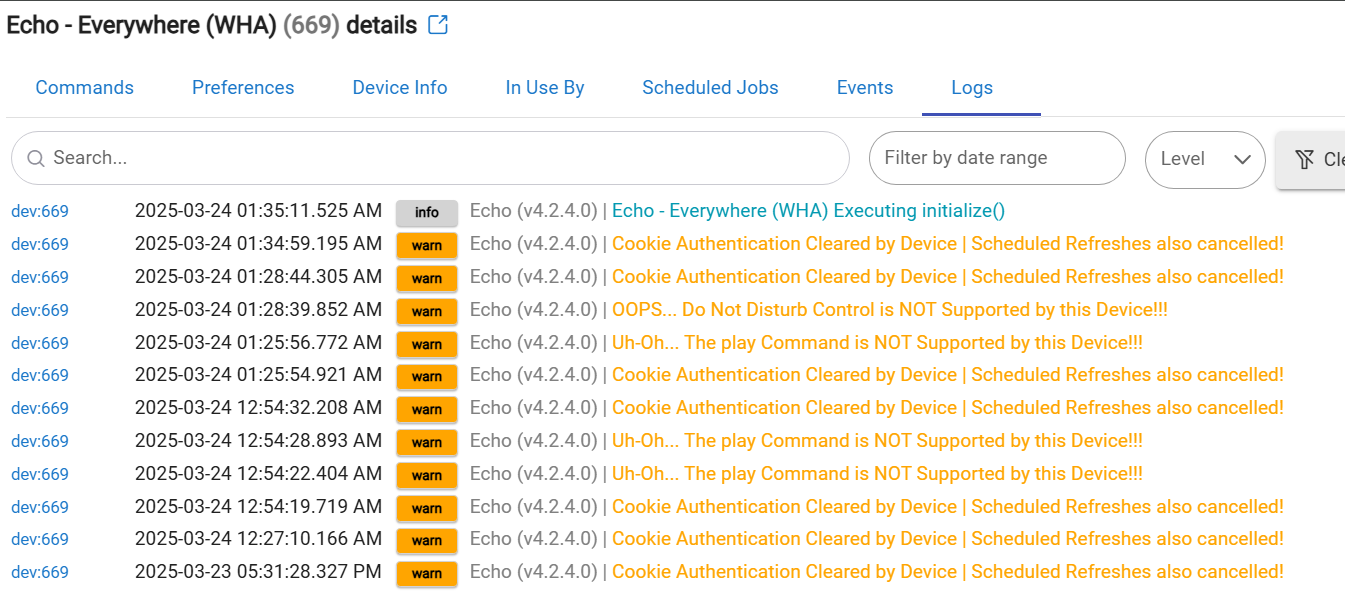
In my log file, I'm getting this strange error which I do not understand.