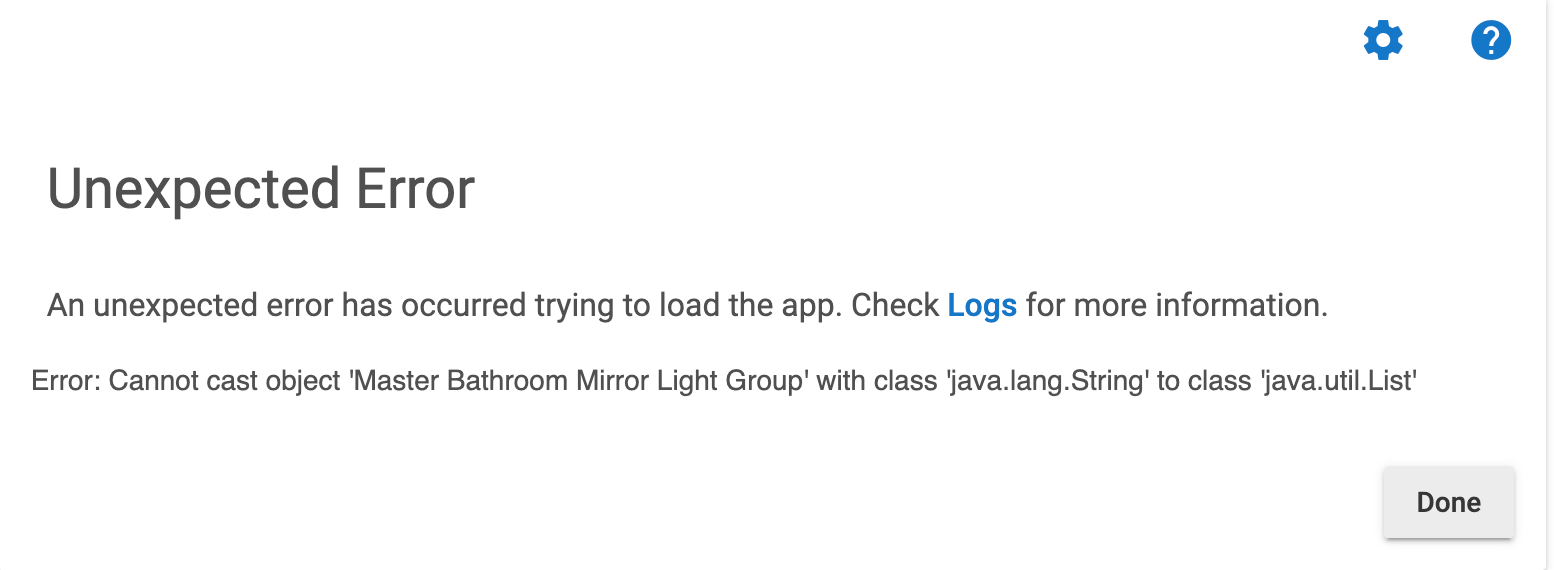
ok thanks Bert
OK, this should be true but I made a mistake.  I forgot to update the version number for the parent app in my HPM manifest, so existing users would not have received the new parent app, which is necessary for the new child app (which did get installed) to be available for new DBC automations. This is now fixed, and HPM should see it now/soon, so I'd run the update when you see if you want to use v3.
This would not have affected manual installs, and if you happen to have used the repair feature in HPM on this app, it would have also avoided the problem. Otherwise, everyone should be good soon!
Can you please give a link for the child app code manual install all the links I try give a not found error I don not want to install via package manager because I do not want to upgrade my HE version
Your post made me remember that I never updated the links in the first post in this thread to point to the v3 child app (instead of v2, which I've now moved to the "deprecated" folder). I've updated that, and all should work now. Thanks!
PS - Depending on how old your hub firmware version is, some features may not work. I think the app itself still will, both in terms of being able to add/save it on your hub and with all default options still favoring compatibility over new features (e.g., you won't want to turn off the option to use legacy setColorTemperature() command, but the legacy behavior is default, so you should be good). But if you run into any problems, I can probably suggest small modifications that may help.
Ok thank you, every time I update my HE it breaks my Ring integration and I have to revert back to get it working again
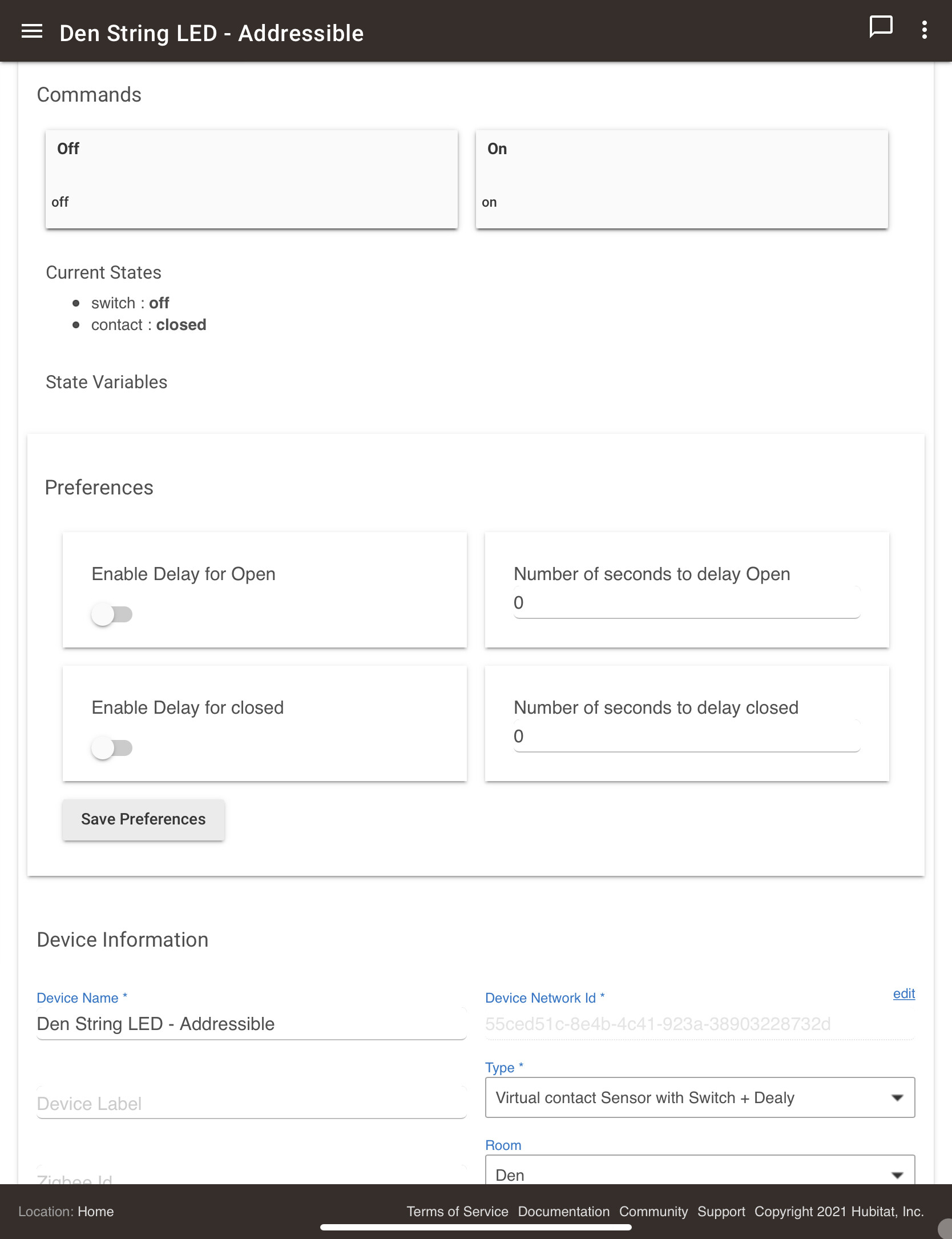
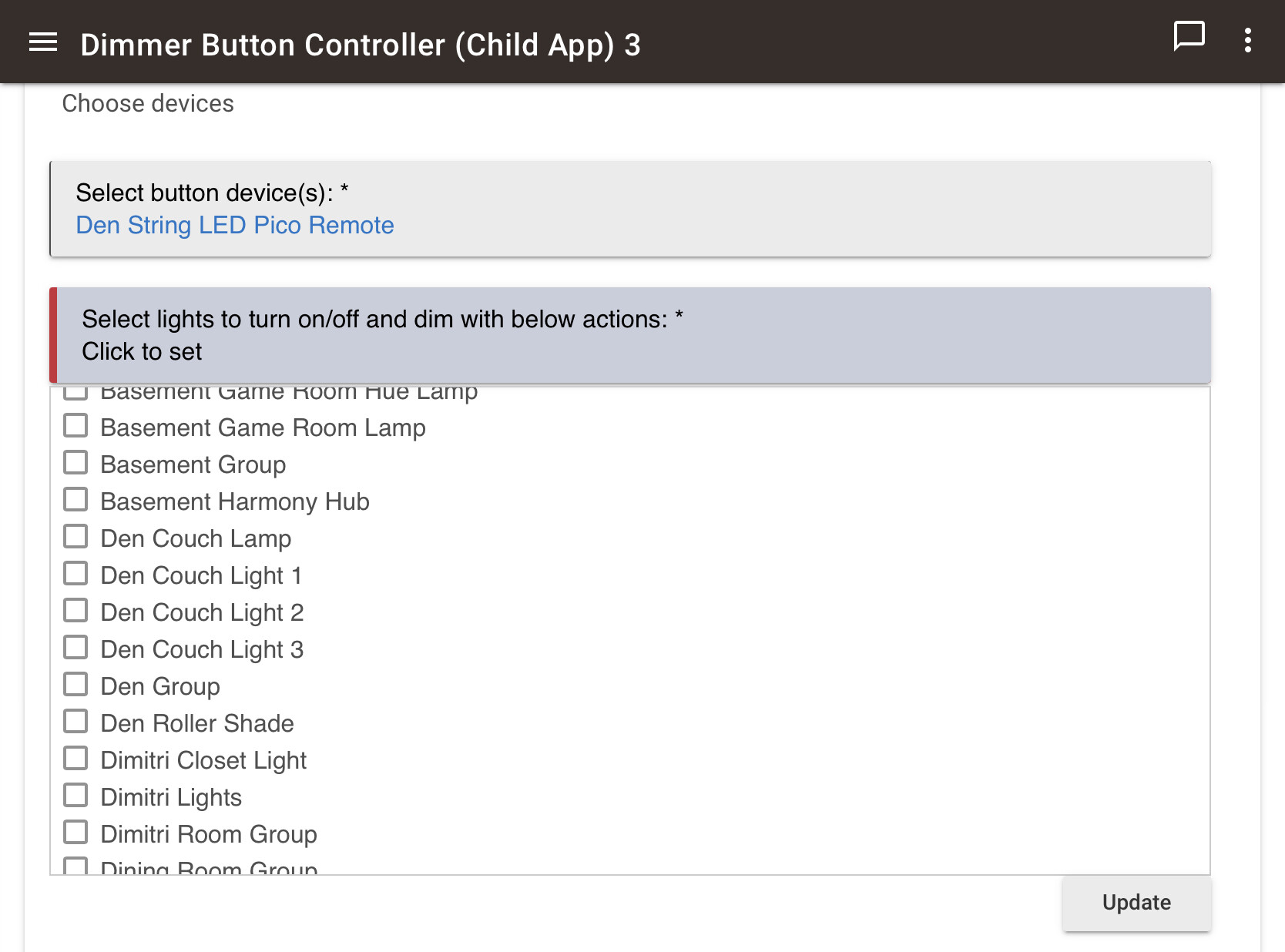
@bertabcd1234, I have a switch using a modified/custom driver that has both switch and contact sensor capability. I want to add it to the button controller, but it doesn’t come up in the list…
Any chance you might know if this is a problem with the driver (very possible!) or the app?
Thanks!
It isn't showing up because it's just a "Switch" device and not a "SwitchLevel" device (in terms of capabilities, with the latter requiring the setLevel() command that most button actions in this app use). It can still be added as an "additional device to turn off," but if there's a case for needing to turn it on as well, I might be able to make modifications to allow it to be selected there, too. (I mean I can, and that part is easy--but the hard part is discouraging the selection of devices where the commands the app tries to run won't be appropriate. The intent here is to make it easy to set dimmers or bulbs; I figured plain switches would probably be better served by a different app.)
Ah yes! I totally agree - probably a better case for using Button controller. Thanks!
I already did this and it was a HUGE pain to control a fan. It was conditions if hi then med hi, if med then med low. Then again for dim. Can this app be easily updated to accommodate fans?
Thank you
Does your fan support the "Set Level" command? If so, you can already use it with this app as-is (just don't try to set color/CT, of course). If not, there isn't an easy way to add it as-is, but with some modifications it should be able to--just don't know if I'll have the interest in maintaining that fork. 
1 Like
Understandable
Hi @bertabcd1234,
I think I may have asked one or both of these things of you before, potentially in CocoHue... So apologies if I'm repeating myself.
Is there any chance the first button press could include an option for Scenes Per Mode? Happy to leave subsequent presses fixed like they are now, but would be nice to have it so when I turn on the lights in the middle of the night I am not blinded by my daytime settings, or that during day / evening that I don't have to cycle through my Night scene every time.
The second request is, with Dim Up and Down, could the status of each of the lights be checked and only dim those that are turned on? Or is this already possible in some way?
Thanks for the great work on this app.
Simon
This might be possible as is: each app instance can be configured for only a specific mode (or however many you select), so you could create a different app instance for night mode vs day-ish modes. Might work well for one or two different possibilities. I can understand where that would get unwieldy for more. Otherwise, I'll think about how I could incorporate this into the UI...
I thought that this was already the behavior, or at least that's how I did it in version 1 and I don't recall changing it since. However, if you're using the "until released" option, it depends on the implementation/behavior of the startLevelChange() command in that device's driver, which may or may not turn the bulb on if it's off for a startLevelChange(up). Hue bulb drivers don't (not mine and not the built-in ones), but others may vary. There's no reason a check couldn't be added here if that is your case, though in my experience I didn't have a need.
1 Like
Thanks @bertabcd1234, happy to try separate child apps for the mode functionality, I've only got 4, may start with a subset of those, will let you know how that goes.
For the dimming, I'm just using a simple push on the up/down buttons (2 and 3) for a Hue dimmer controlling Hue lights. There's a chance an existing HE Button Controller App may be messing with this. I'll keep tinkering with the setup and again, let you know how this goes.
Thanks,
Simon
The dimming is a tick, it was the built-in button controller app I have forgotten to remove that was messing with it. There could be a couple of minor glitches when dimming up, but I need to do a bit more testing to be sure, seems to jump up much higher than 10-15% on the first press... Still very happy with the result though.
I'll do the mode stuff later, I'm sure that will be fine, no reason to think that wouldn't work, thanks for the tip. Would be more convenient to have the scenes by mode, if you get some time. I did also try using the built-in app which does include this, but wasn't able to disable button press 1 in your app, which is fair enough.
One more request if I may, not sure how easy this may be, but I do have in the built-in app the option to turn off other lights outside of the main ones being controlled. I use this to turn off lights in an adjacent room on a long-hold for button 4. Any chance of something like this, or is it possible now?
Thanks again,
Simon
This is what I intended the "Additional lights to turn off with 'off' actions only" option to do.
I guess the difference for what I want (I think) is that when I press the off button (button 4), I only want lights in the room the dimmer is linked to turned off, but when I do a long press, that's when I want the adjacent room to be turned off.
Ah, yeah, that it can't do. But I suppose it could be supplemented with Button Controller or a Rule for that particular action.  (I know, I know, again not as elegant...I can think about if/how this might fit in to this app.)
All good mate, the button controller / RM rule is a completely acceptable alternative I think. Very much an example of the 80/20 rule. Maybe if you're doing any major work on the app you could add this to the list, perhaps a second "secondary off" listing, if you know what I mean....
Thanks,
Simon