Please update your code. That should have been fixed very shortly after the feature was added.
HPM says I have
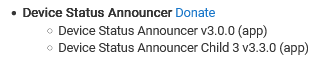
with no updates
Try a repair on the package in HPM (or a manual update of the code). This could have happened if you grabbed it right after I uploaded it the first time.
HPM repair fixed it. THANKS
Love the app, but I'm running into a problem.
-
For redundancy, I have 2 virtual locks for the same physical lock (a WiFi Schlage lock).
** "VL Garage Laundry Door Lock AA" is set by Amazon Alexa based on the state of the physical lock
** "VL Garage Laundry Door Lock AH" is set by Apple Home based on the state of the physical lock -
I created a child Device Status Announcer called "Locks" and chose both locks.
-
I created this group:

- When I test, the announcement speaks the state of the group AND speaks the state of the LAST selected virtual lock. The log gives the same result:

This kind of defeats the purpose of the group. Any suggestions for how to resolve this problem?
That isn't a problem; that's the "group" feature working as expected. The idea is if you have two different devices, like a front door lock and a front door contact sensor, that you both want to call "front door," you can get a notification that reads something like the human-friendly "Front door is open and unlocked" instead of the robotic "Front door lock is unlocked and front door contact sensor is open." I'm really not sure what would happen if you choose two of the same kind of device, but that isn't a path I tested or anticipated, and it's hard to say more without seeing the entire app configuration.
I'm not sure what you actually want to happen, but maybe you can use this information to modify the settings in the app or the devices you've chosen to work the way you want.
To recap the situation:
- Virtual Lock A and Virtual Lock B are in a group named "Garage Laundry Room".
- When either lock is unlocked, I expected the notification to be "Garage Laundry Room is unlocked".
- Instead, I get "Garage Laundry Room is unlocked and Virtual Lock B is unlocked".
Would it help to change one virtual lock to a virtual switch?
Below is my entire app configuration.

You can't group switches, only locks and contact sensors (which are meant to be paired together as I demonstrated above) if that's what you meant -- but if you can find a way that makes sense to use such a switch elsewhere in the app, that could work.
I love this community lol!
I have a long-standing rule just like this, for exactly the same reason. I didn't know how to get just the open/unlocked device to be called out so was just about to start building the variable list action for each one when I paused to search the community this morning and found this from 5 years ago! Thanks @bertabcd1234 
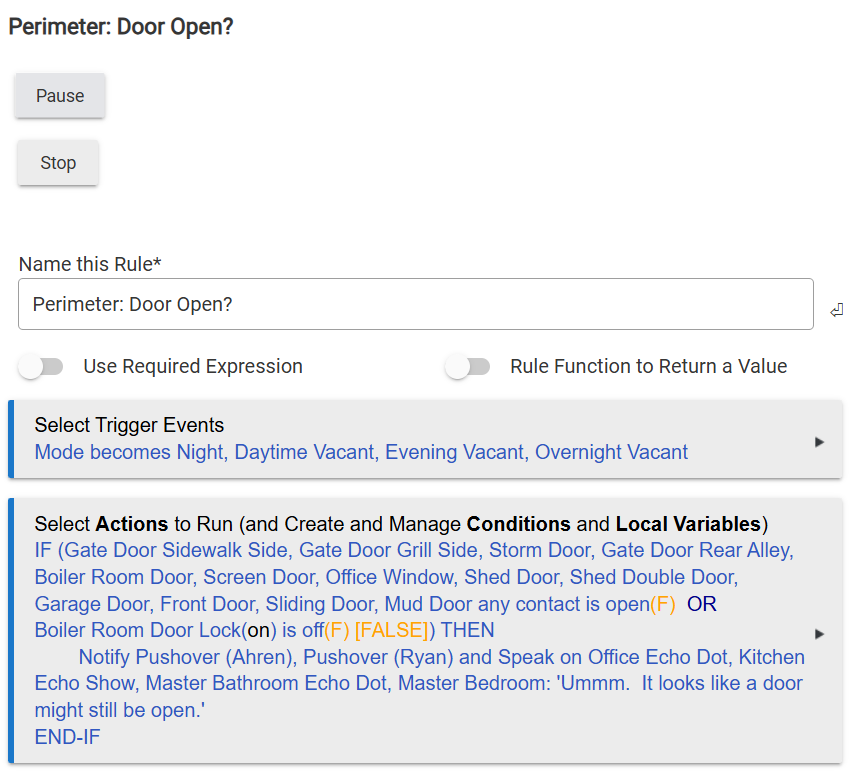
I set up a rule to do the same but it tells me exactly which window is open (can be modified for door or locks as well)
That's what the rule, which I also used to use, in my first post does; the "problem" is that you have to have a condition for every device since RM can't treat devices as variables, iterate over a collection of them (or ones that match certain criteria), or anything else that would make writing this kind of thing easier -- so that's why I wrote the app instead. 
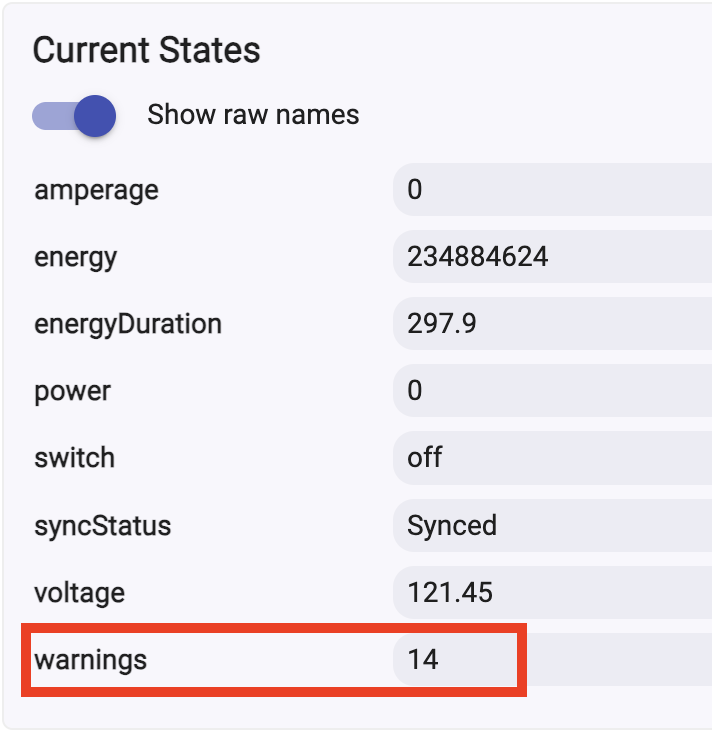
@bertabcd1234, would it be possible to access other attributes? I have Zooz Zen04s and am looking to access the warnings. Right now, I have a rule that that checks each device, and just as you faced, it's getting unwieldy when adding new devices or removing old ones. I'm at 8 in my rule, but need to add nearly 15 more.
Just adding a post here to note that a minor update is now available, correcting a bug reported by @John_Land (thanks!) where the option to ignore disabled devices wasn't working due to a typo on my part.
Version 3.3.1 is now available on GitHub and should be visible by HPM soon. As usual, see the first post for installation instructions if you are new, or find in HPM if you prefer.
(And since I seem to have missed the post above: I'll look into truly custom attributes at some point, but it's not on my immediate radar. I can't remember why, but it was more difficult to implement at the time than I thought. I'll take a look again some day when I have more time...)
Robert, love this app but I have one issue.
I set a scheduled notification time. Works fine, but now I want to turn off the schedule.
I don’t see a way to do that in the UI.
If I cancel the scheduled job, it returns the next time I edit any other value and apply/done.
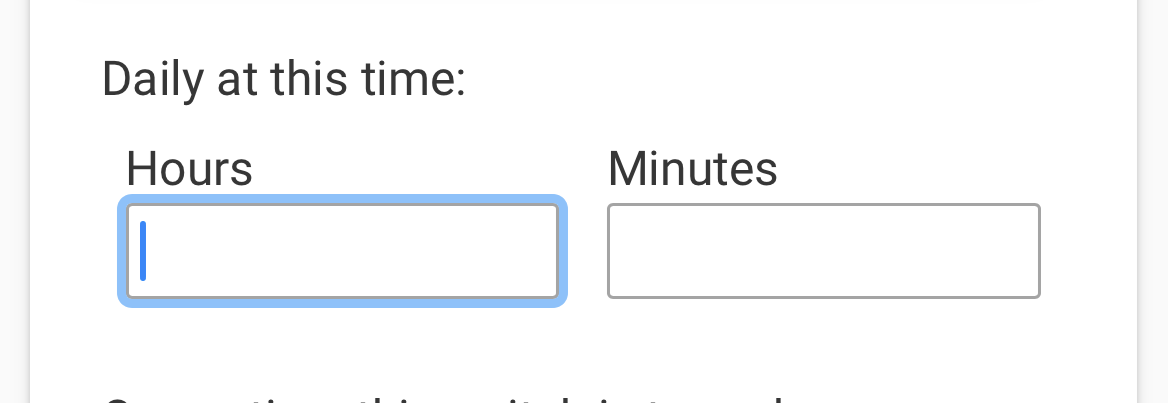
Leaving the notification time preference blank should do it! (It's optional, and this is how it determines if/what to set.)
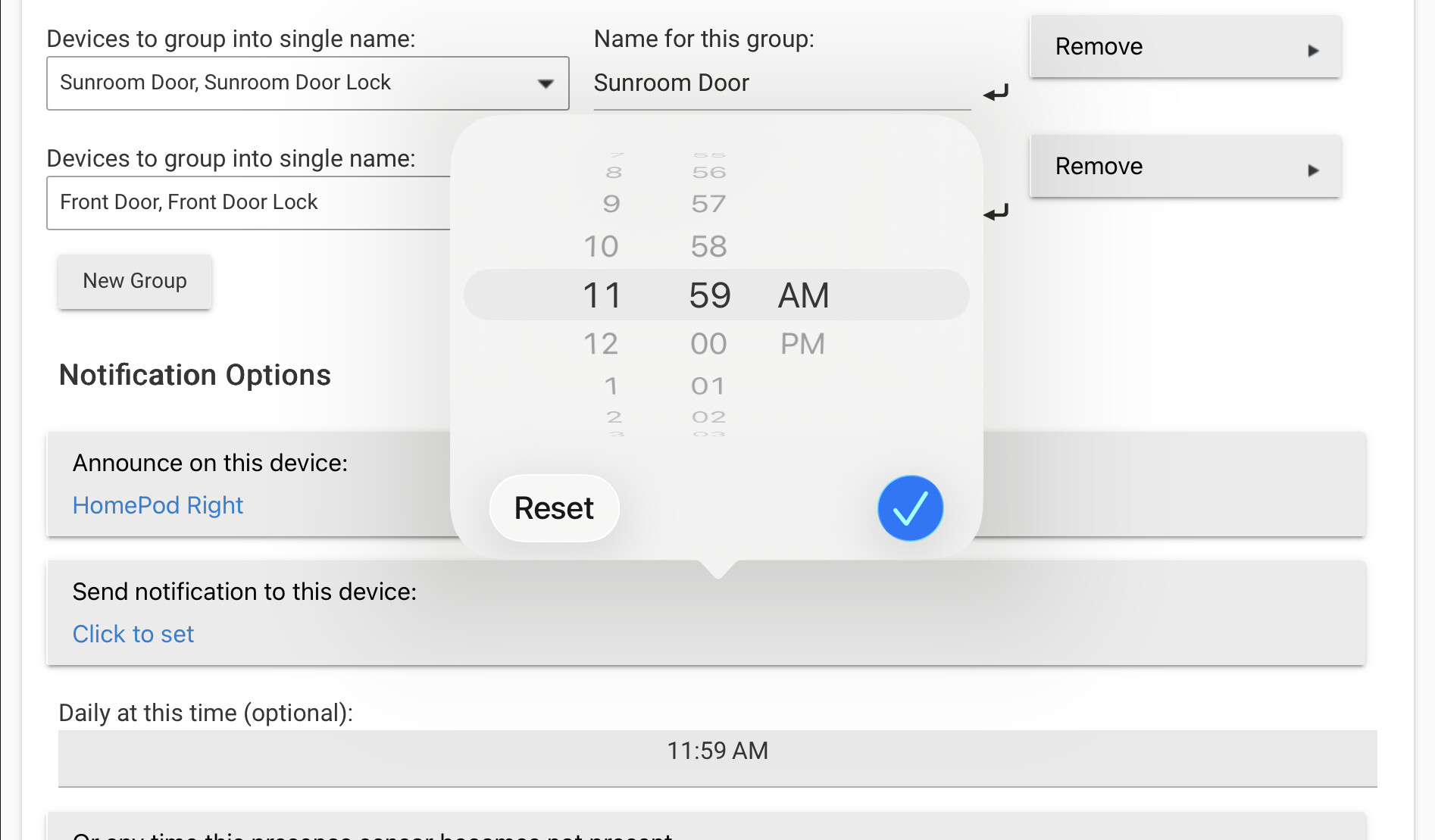
How do I clear it. The time picker has no clear option.
Delete or backspace when you're in the field, probably? May depend on your browser/OS.
(You'll also have to hit "Done" in the app to save your settings.)
No way found on iPad Pro. Going to hack my copy.