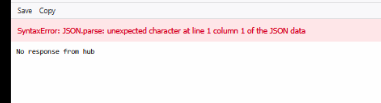
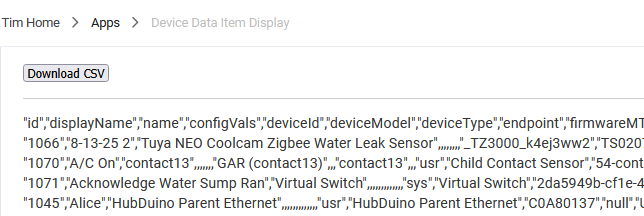
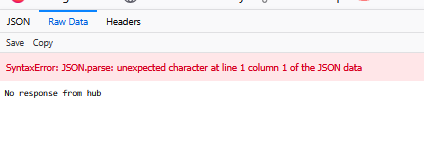
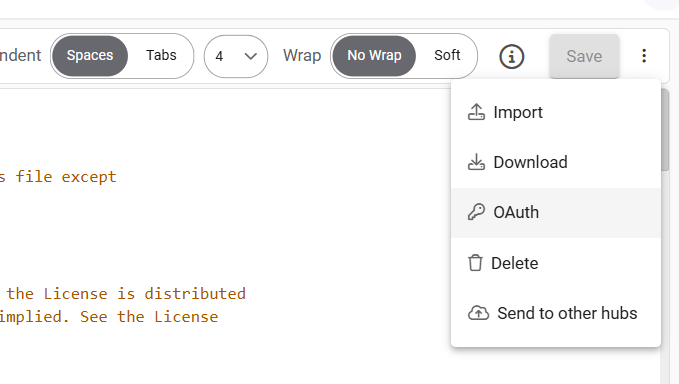
at first I didnt have Oath setup but fixed that and still get error... i looked at the code and there was some debug logging but i didnt see in the app how to enable...i tried setting to true in the code but did not get any errors... where is a good stop for a log point when if its gets to the code from the endpoint url I could tell if its getting there?
Hmmm. Looks like while the local endpoints are working (I still have some clean up there though) the cloud endpoints aren’t behaving properly. (May be getting compressed.). Good thing I was planning to play with this code some more.
Note: Seems the browser is recognizing the data correctly, but PS isn't.
Pushed up a new beta version to the link above - should work with PS and browser now. Will probably move it to the production leg this evening, and release it via HPM.
Hub isn't generating the error, PS is. Looks like you have an ` before the -Uri and before the -Outfile, what happens when you remove it?
If that doesn't fix it, try pasting the URL into the browser and see if you get a response - should be a file download popup asking for the name to save under. If that works I'd retry using the wget command I posted above (it's actually just an alias for the Invoke-WebRequest, but I've seen stranger things).
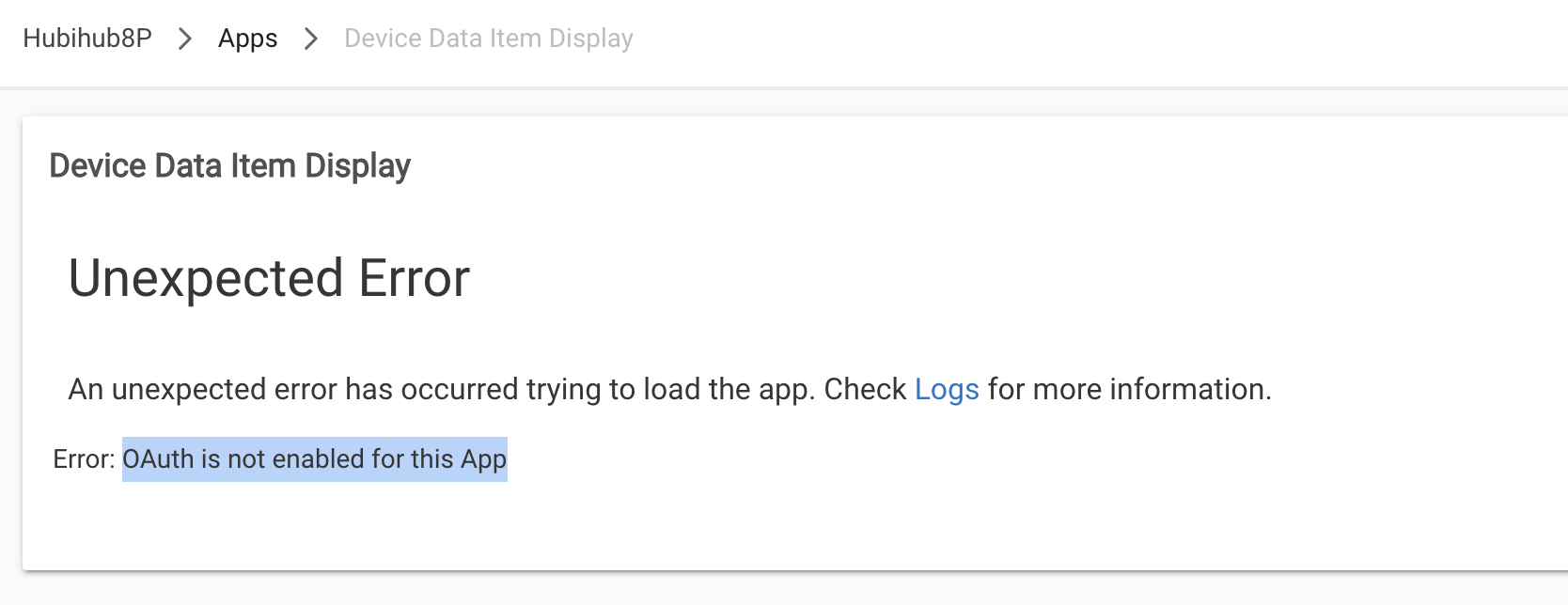
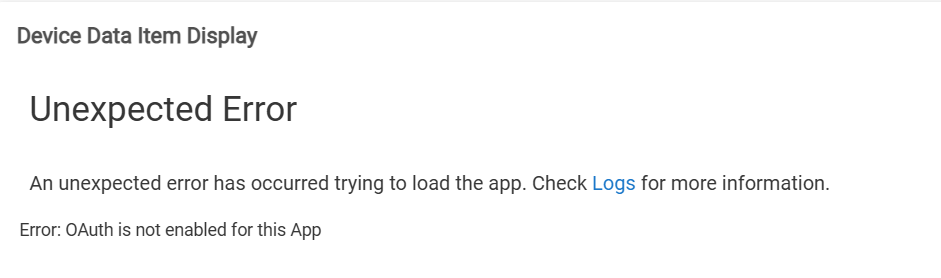
I haven't used this app in a few weeks. While cleaning up some devices, I needed to open the Device Data Item Display to remove those devices. I got the following "Error: OAuth is not enabled for this App".
Merry Christmas!
This looks very useful. I installed it via HPM and get the following error message when I open the app. Images are attached for the error and the info in the log. There appears to be 2 versions in HPM, I chose the first.
Thank you! It's working now. I'll try to peruse the 150+ comments to extract more information on how to set it up to dump the data I want. A quick test indicates that the CSV file has a few minor issues like staggering across several columns when opened using Excel. I'm surprised I missed the OAuth posts. I guess I didn't scroll far enough down since they were a few of the last in 2022.
I had this exact problem 2 days ago, so it's only a handful of posts up. I've requested the information be added to the first post. thebearmay is usually very busy, but I trust it will be added. I can now really say "asking for a friend".