@WindowWasher, thank you for your prompt reply. You are awesome!
Regarding my use case, here are some clarifications:
Hardware
Two Honeywell T-9, one for each floor of my house. They have several sensors each.
What I want to do:
Turn off or change the temperature if a floor of my house is vacant.
Implementation strategy:
I only have limited knowledge of programming and absolutely no experience with modern programming languages or the Honeywell API. Having said that, I would imagine three implementation steps:
a. Make sure to only implement a hold if necessary.
If you turn the thermostat on or off manually, it does not go into a hold. This implies that the hold is set either in the API or the driver.
If the hold is set in the driver, just remove that capability if only the status of the thermostat (on, off, ...) is changed.
b. Implement a strategy to remove an existing hold
c. Implement a strategy to query and manage holds (like temporary, permanent, or remove a hold)
Thanks for documenting what you are looking for. One question - Are you comfortable with Rule Machine and/or webCoRE? The reason I ask is that adding the ability to set/clear or query hold status should be pretty straightforward in the driver and then you could use either RM or webCoRE to do what you want.
For example, I currently use webCoRE to change my thermostat heating setpoint - 62 deg. at 9:00 pm and back to 68 deg. at 6:30 am. It's a pretty simple automation and would be easy in RM, too.
Are you using schedules in the Resideo app by any chance? It seems like it, as changes that the driver currently makes to holds could affect schedules in the Resideo app.
I put a change in back in July to expose the Hold State in the driver and made changes to respect the value set if it was set outside of the app. Have you tried the updated code?
Edit: Sorry, I now realize that I didn't publicize the change. So I am not surprised that you didn't see that there was a change. Give it a try and let me know if you still have problems.
I noticed that so I went and pulled it from Github. I see the new options in the device and it seemed to work but I was using the default token so only got one chance before it maxed out the token. Once I get my account approved and I have my own token I will give it a shot. Thx!
This app has been wonderful since I started using it five years ago. I have a use case to turn off the humidifier if my flood sensors shut off the water main. Since it’s a steam humidifier it dries out and the safety kicks on. I have to then kill the breaker to reset it. It would be nice to just turn humidification off from the T10 Pro to prevent this. Is that possible?
I just took a look at the Honeywell/Residio web service documentation (which this app/driver uses) and support for humidifiers does not seem to be available.
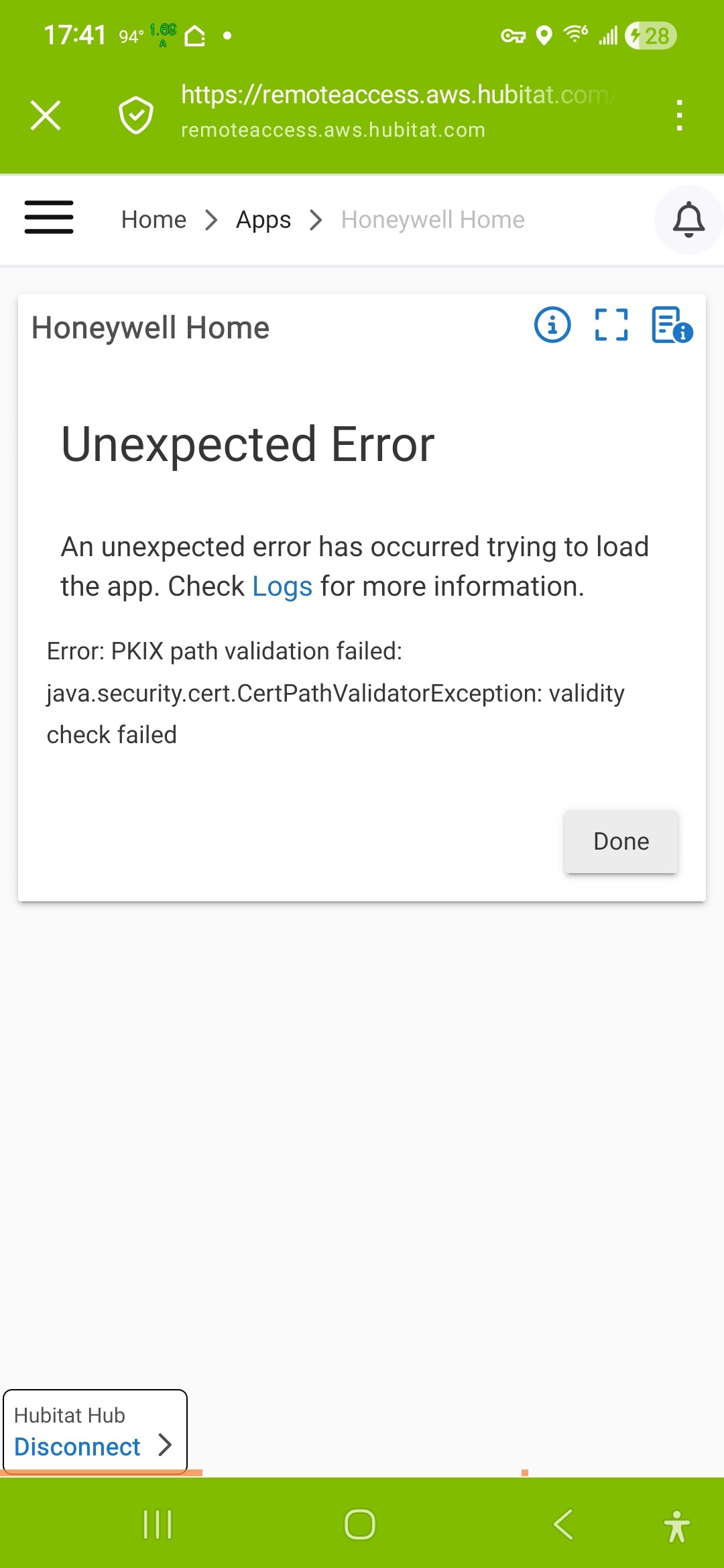
Since yesterday I see a lot of errors from the Honeywell Home driver, obviously related to java certificates. At first I thought it's login related, but when I tried to update my credentials, it threw the same error. Any thoughts?
Resideo apparently changed the API URL. @kahn-hubitat figured out what the problem was. I put a fix in my fork on github and it seems to be working. You can grab the update and you should be all set.
Oh, and I almost forgot. I added my fork of the original code with all the bug fixes I've made to Hubitat Package Manager. If you want to switch over to using that for updates just search for "Honeywell" in HPM.
Did you do a Match Up first in HPM? HPM needs to find your existing installation of the app and driver before it can take over maintaining it. I am assuming that this is the first time you are using HPM with this driver and app.
When you do a Match Up, make sure that you select the right package. The old, out of date package is still in HPM. Here's a screenshot of the right package to select: