yes typo.. if it were me i would perfer my fix as going forward having a null or unitialized value being evaluated as false is just confusing..
anyway. wonder if it is a larger groovy bug or just something in hubitat
yes typo.. if it were me i would perfer my fix as going forward having a null or unitialized value being evaluated as false is just confusing..
anyway. wonder if it is a larger groovy bug or just something in hubitat
Thanks for reporting this @lcw731, and thanks to @kahn-hubitat and @josh for working on it while I slept 
I think I will take on both changes to the code. The fix to the unitSystemIsMetric() to address the underlying issue of null being reported. But I will also update the lightning sensor method, if only to bring it into line with the approach for other sensor values. No need to have them different and be wondering why.
Should have an update out shortly.
I have made changes to the sensor driver, but I would like it if you could test it before I release it (or anyone else who is interested). I still haven't got around to setting up a beta release option within HPM, so you will need to install the updated driver code manually from here:
https://github.com/sburke781/ecowitt/raw/lightningMetric/ecowitt_sensor.groovy
Let me know how it goes and I can release it once you have it working.
Thanks,
Simon
Yep, that seems to have fixed it. Will that effect anyother devices?
Thanks for checking it out @lcw731 . I also do some testing before releasing it, but I don't expect it will impact other sensor readings.
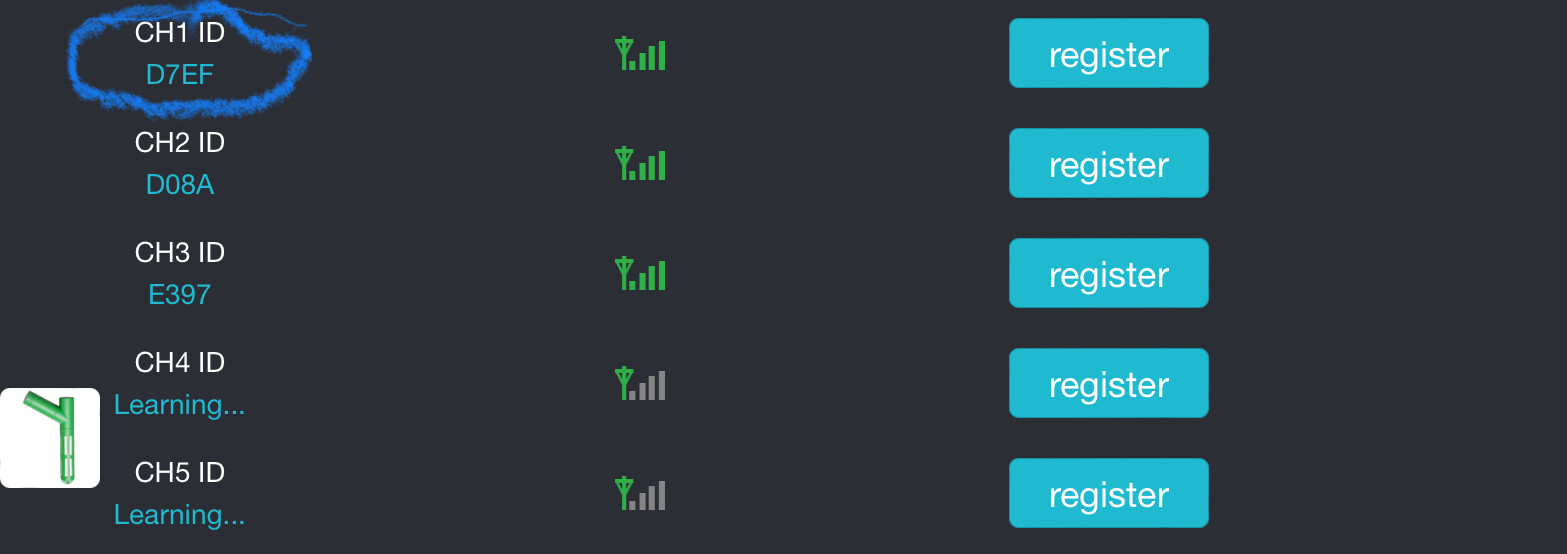
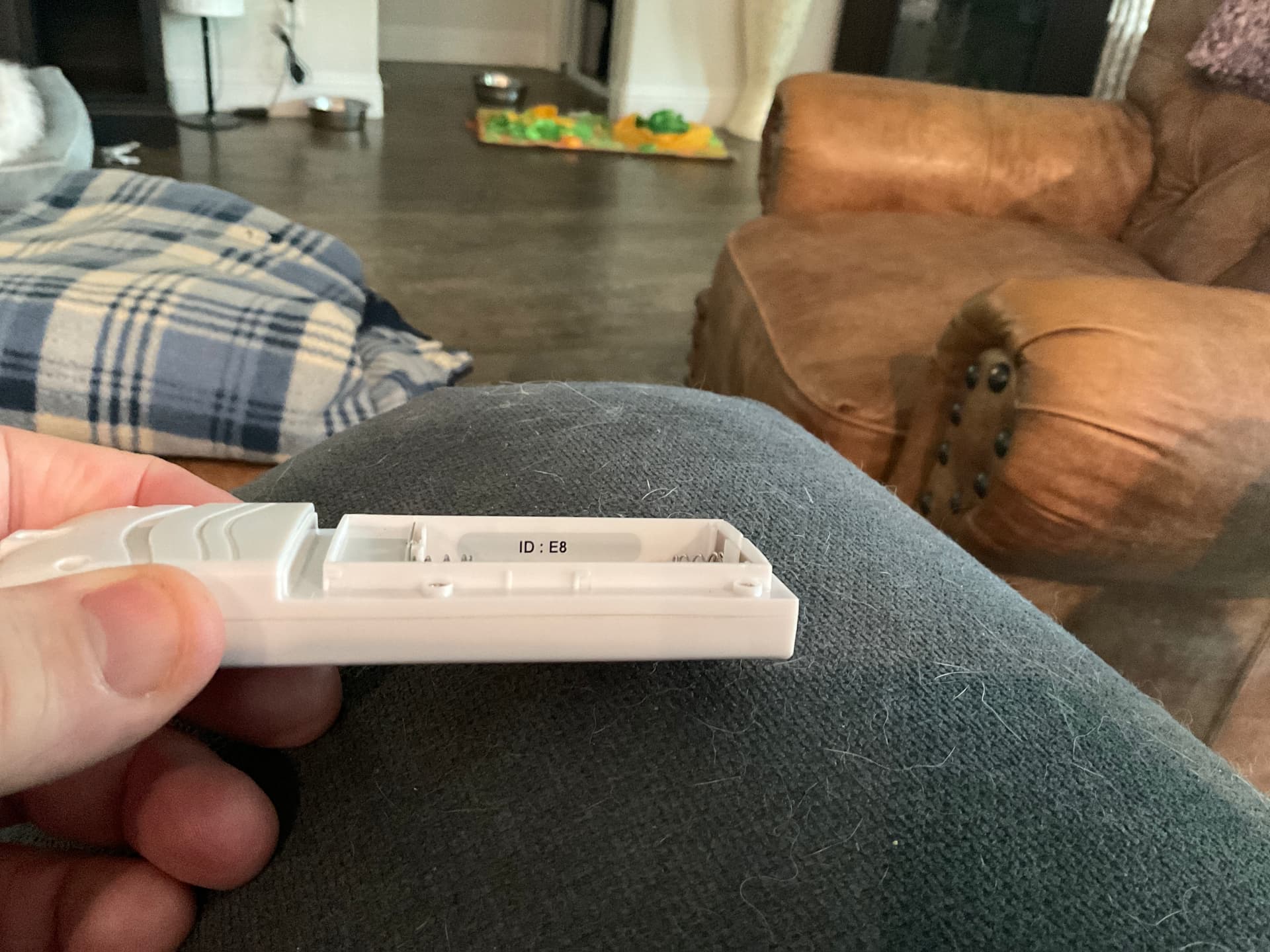
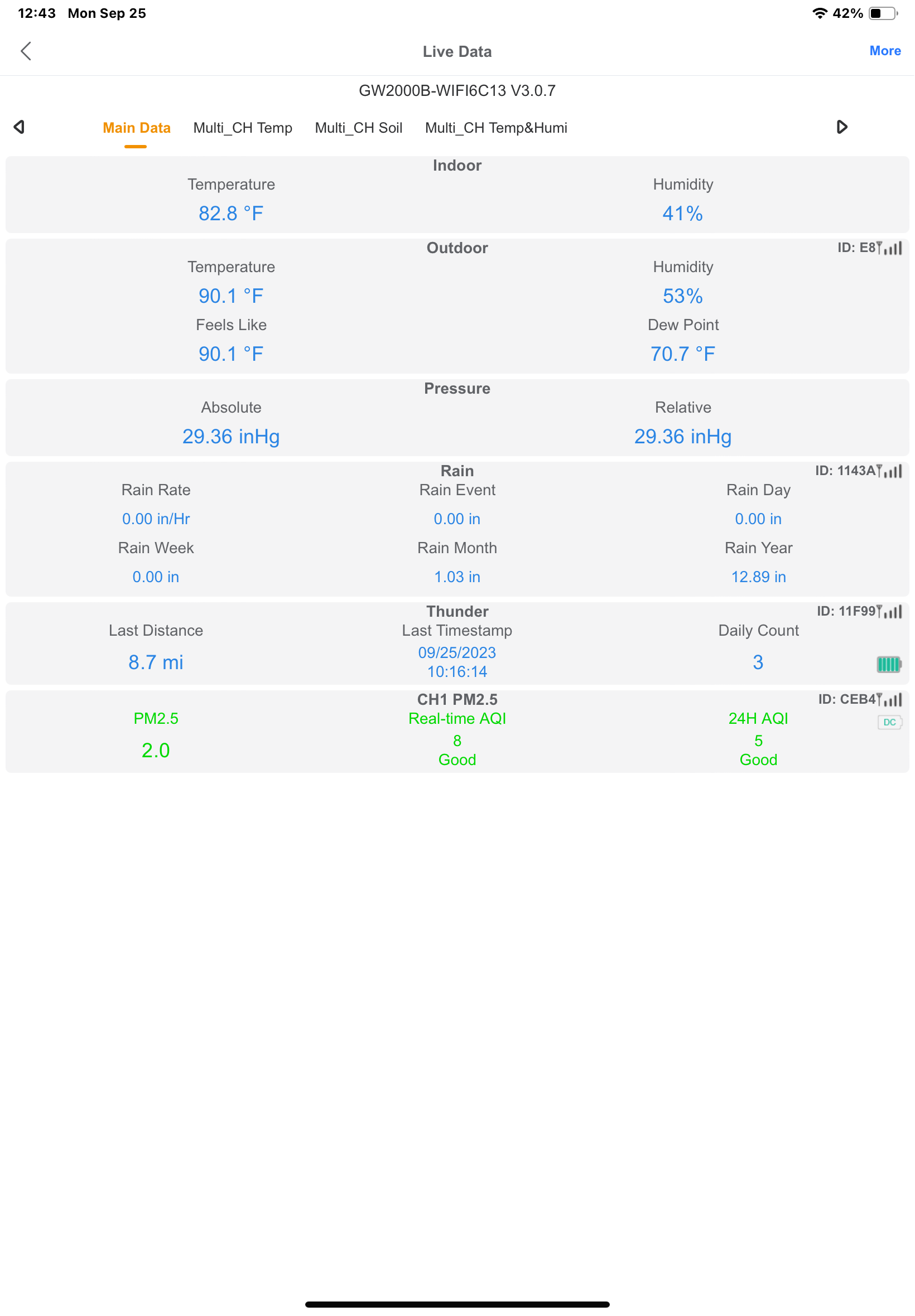
@sburke781 , quick question, is it possible to get the ecowitt device ID and show it in the device page? I think I have a device or two that for whatever reason didn’t carry over from my GW1101 to my GW2000,. It would make it easier to pin point which devices are which. I’m noticing in some cases the model numbers aren’t correct , so the Ecowitt device ID would make it easier.
Unfortunately I suspect not, but I can check. I think the list you see when you turn on trace logging is the list of data points received by the driver. I"ll let you know what I find
Ok, I’ll double-check the logs. I am almost 100% certain I have one sensor that for whatever reason isn’t being pushed to Hubitat. it's a WH32c outdoor temp sensor.
Update: I think it is being pushed, but I deleted it thinking it was the old GW 1101. It is a WC32c outdoor temp/humidity sensor, but it appears to be coming across as a WH25, which near as I can tell doesn’t exist, or at least is no longer in the Ecowitt catalog. A search on ecowitt.com didn’t turn up anything with that number.
Strange... PM me the trace logs and I'll take a look
I’m back to thinking this sensor isn’t coming across and that other thing is the old gateway, last update was in July.. just sent the logs.
Thanks. I'll take a look at the code in the next day or two to see what I can find.
For info, I have resynced the devices twice and reregistered the device in the Ecowitt app, then resynced again.
U need to resync sensors in hubitat
Still odd for the battery reading to come through as WH25... but the resync is worth a try.
What makes you say this? The logs you sent me indicate the data is coming from the new gateway.
To clarify, the logs are coming from the new GW2000. my half-baked and improbably but I have no other explanation is that it appears somehow the old gateway is being pulled back in with out-of-date information, no idea how since it's unplugged.
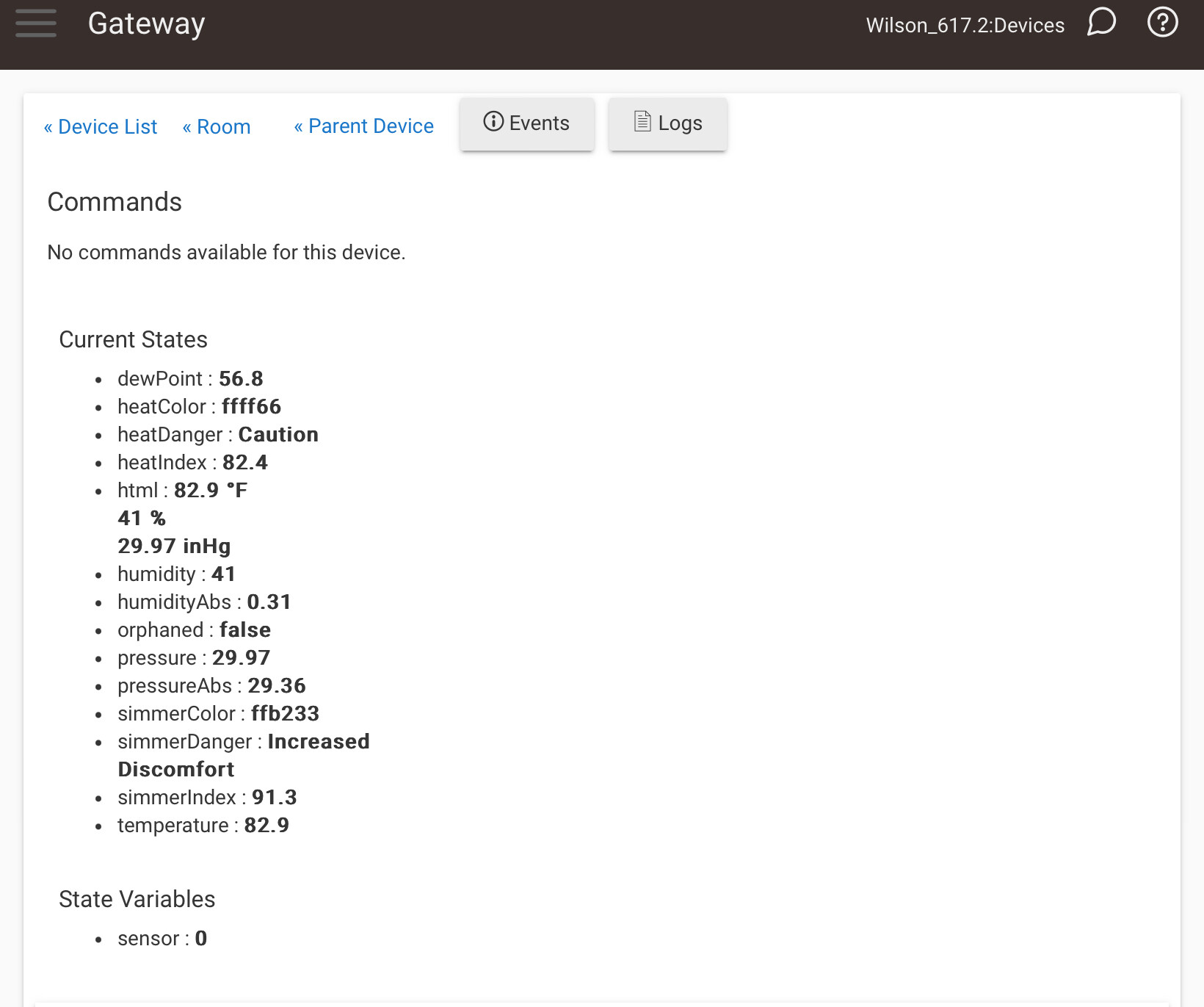
The logs I sent did come from the new gateway. I had (have) the old device listed as "Gateway" when I was still on it. The temperature on the device page doesn’t match what is on the display on the device. On the device page, it says it was Last updated 7/30/22. Honestly, I'm not sure what this device is now that I look into it again. On the device page, it says it is in the bedroom (clearly I had to have set it there) which is where the old gateway was. There are no Ecowitt devices in there now.
After thought:
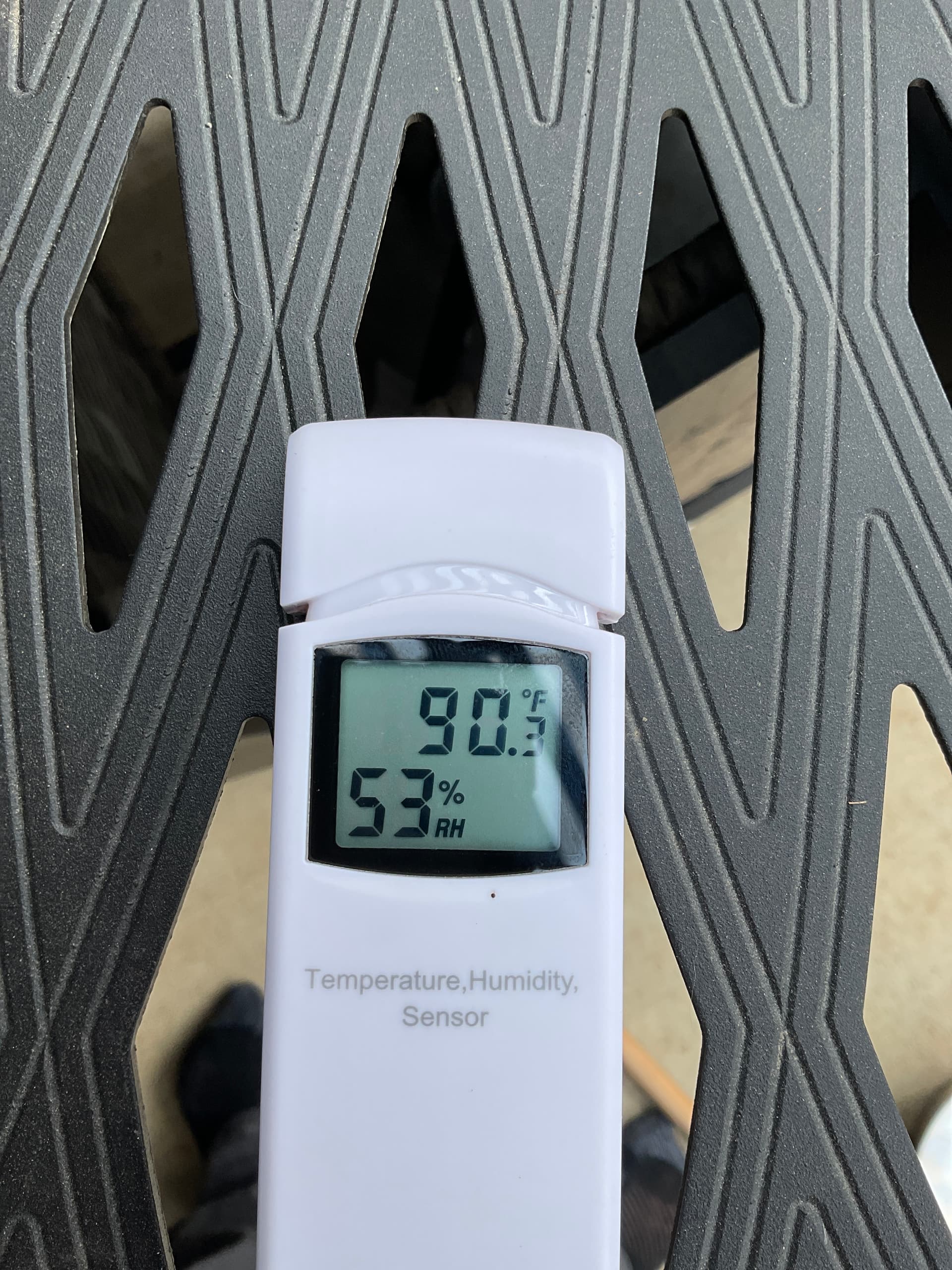
Also, the temperature listed in the child device doesn’t match the temperature displayed on the sensor itself.
Further after thoughts: We did resolve the KM to Mile conversion, Thank you!! I sucked at learning metrics in elementary sch, 40 years late it will be even worse!
Now there are two new questions. what is the "Gateway" that shows as an RF Sensor (wh25)? I have no clue. I don't think it's my Outdoor temperature sensor as the model number is different, and the temperature on the device page doesn't match the display on the device.
Why isn't my outdoor temp sensor (WH32C) being pulled in Hubitat?
I might need to get back to you later in the week on this one @lcw731, sorry. One thought, without any investigation, could the "temperature sensor" be your old gateway somehow pairing with the new gw2000? Is the old one turned off?
Thank you @sburke781 ! I’m really stumped on this one. I’m not even sure where to start to sort this out. That why I was hoping you could see the device ID from ecowitt.
That’s my initial thought, and the one I’ve been working with. Problem is, no the old gateway isn’t plugged in. It on a shelf in my closet. The other odd thing is this “gateway” device is showing up as a wh25 RF sensor. When I did a search, both in general and on Ecowitt’s web site, such a creature doesn’t exist.
I have another one for you. My rain sensor is a wh40, but it's reporting as a wh69. The rain related data seems to be correct, but several capabilities it doesn't have. This one doesnt bother me, just an observation.