I had to replace my Schlage Connect door lock and with that, my previous Hubitat information is not functioning so I'm told I have to do a new Hubitat setup and I am having problems in doing so.
Please have a dialogue or walk me through the procedure so I can have it running again as soon as possible.
Thank you,
Kenneth
Not exactly sure of what issue you are describing, but let answer in general. The first step, of course, is to pair the new lock with HE (Add Device | Hubitat Documentation). Once you've done that I'd use the swap device feature (https://docs.hubitat.com/index.php?title=Swap_Apps_Device) to tell all rules and apps to use the new device instead of the old. And then finally, remove the old device (How to Remove a Device | Hubitat Documentation).
Make sure you pair the lock within 2 feet of the hub
2 Likes
It's not possible because the closest ethernet outlet is in another room, on the other side of a wall adjacent to the front door lock.
Is it possible to have a "work around" by moving the hub (with a longer free standing ethernet cable) to the door and then pair it - and then move the hub back to its original location?
Or is there another viable solution - or a newer hub which is more powerful?
Thank you...
Kenneth
You need to pair next to the hub. Remove the lock from the door and pair it at the hub.
2 Likes
Thank you for your response... the old lock (old device) has been discarded already so in essence, I will have to do it all over again,,, but not to fret... only a few lock codes there... so what should I do - try to pair the two items - especially when I have to tend to the hub/device location proximity. Thank you!!! 
Unlike most devices I like to power up the lock next to hub, pair it, then move it to its final location, and after it’s installed do a ZWave repair on just the lock.
1 Like
I have done what you describe (put hub on a long cable) to pair a Schlage FE 599 with a C-4 hub.
Sorry for being incompetent, but I'm somewhat rusty... how do I pair my new Schlage lock to my Hubitat C-5 hub via Z-wave PLUS?
I have extended the ethernet to move the hub next to the lock in the futile attempt to pair them. This house has two Wi-Fi systems... Do I have to pick the specific Wi-Fi for this process, or either one will do?
I'm posting this on other respondents as well.
Please accept my apologies that I'm cross-posting this so as to see if there are different solutions.
Sorry for being incompetent, but I'm somewhat rusty... how do I pair my new Schlage lock to my
Hubitat C-5 hub via Z-wave PLUS?
I have extended the ethernet to move the hub next to the lock in the futile attempt to pair them. This house has two Wi-Fi systems... Do I have to pick the specific Wi-Fi for this process, or either one will do?
I'm posting this on other respondents as well.
I'm getting frustrated so please accept my apologies that I'm cross-posting this so as to see if there are different solutions.
Sorry for being incompetent, but I'm somewhat rusty... how do I pair my new Schlage lock to my
Hubitat C-5 hub via Z-wave PLUS?
I have extended the ethernet to move the hub next to the lock in the futile attempt to pair them. This house has two Wi-Fi systems... Do I have to pick the specific Wi-Fi for this process, or either one will do?
I'm posting this on other respondents as well.
You only need to post it one time in thread not 3. Simply make sure the lock is factory reset. Start pairing mode on hubitat yourip>>devices>>add device>>z-wave then click start z-wave inclusion. Then start the pairing mode on the lock (will be in the instructions) If it is a plus lock, make sure you have the gsk number available to you
Foremost of all, thank you for the sage advice and I have slapped my hands to prevent myself from doing it again...
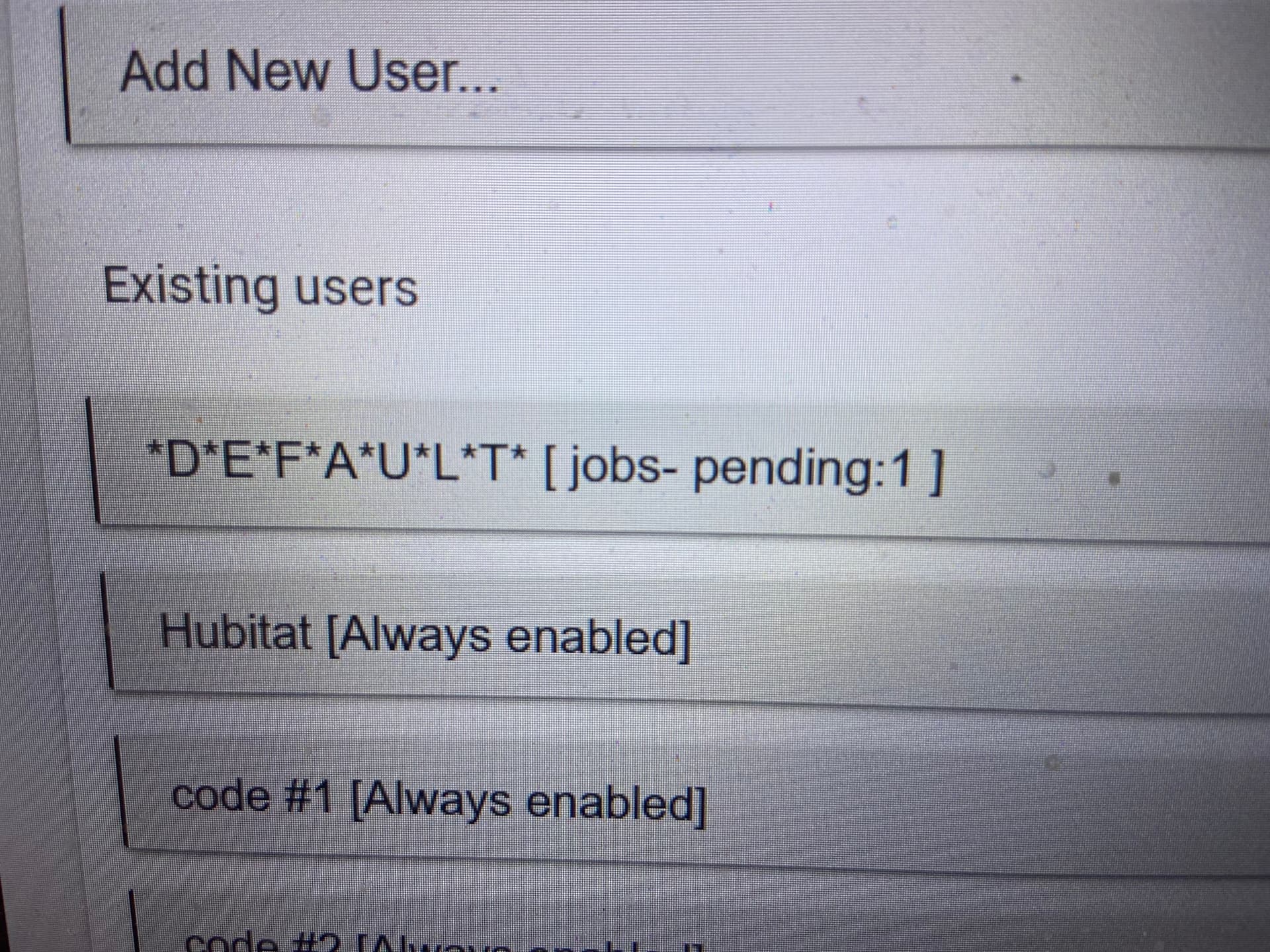
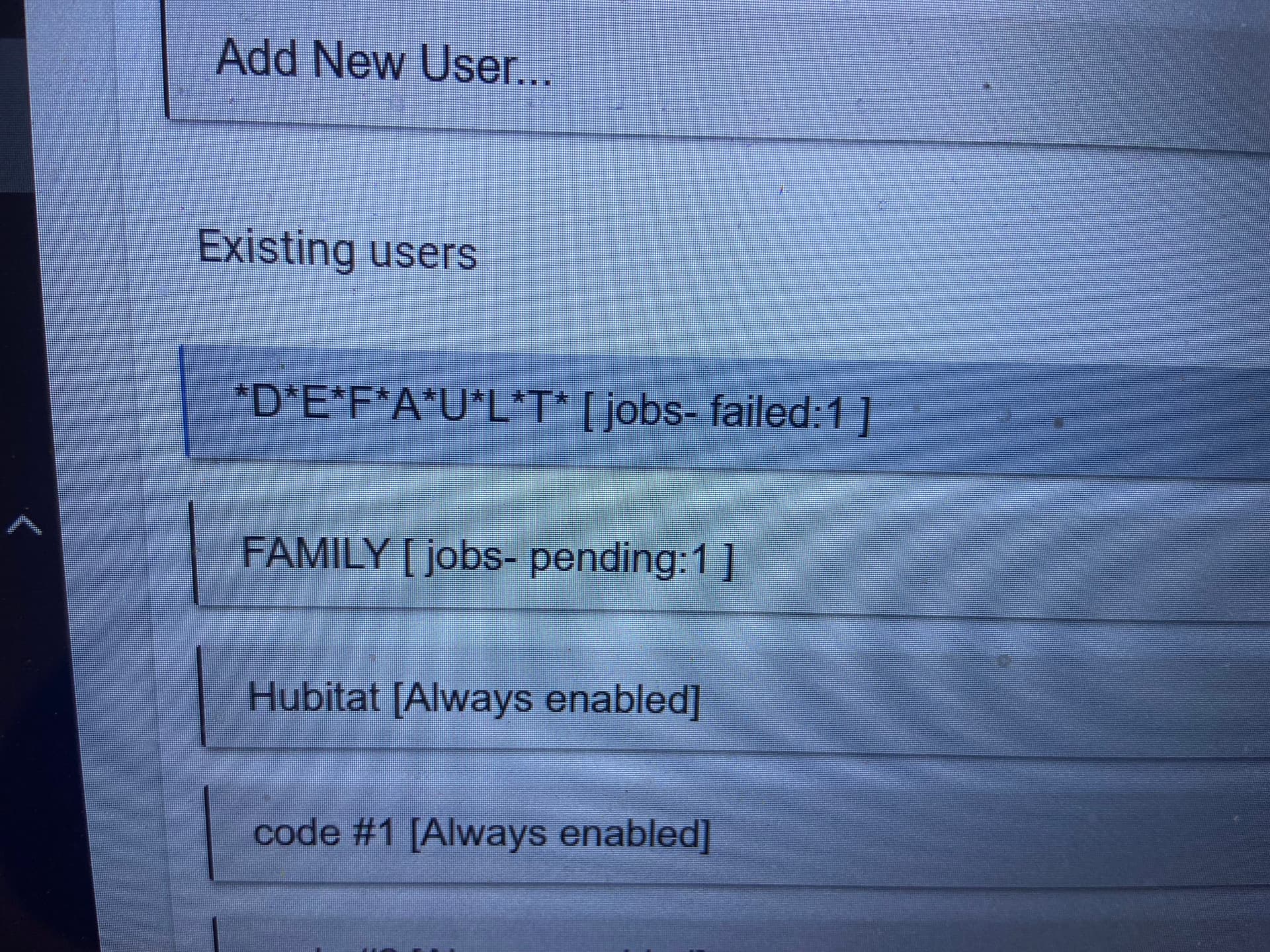
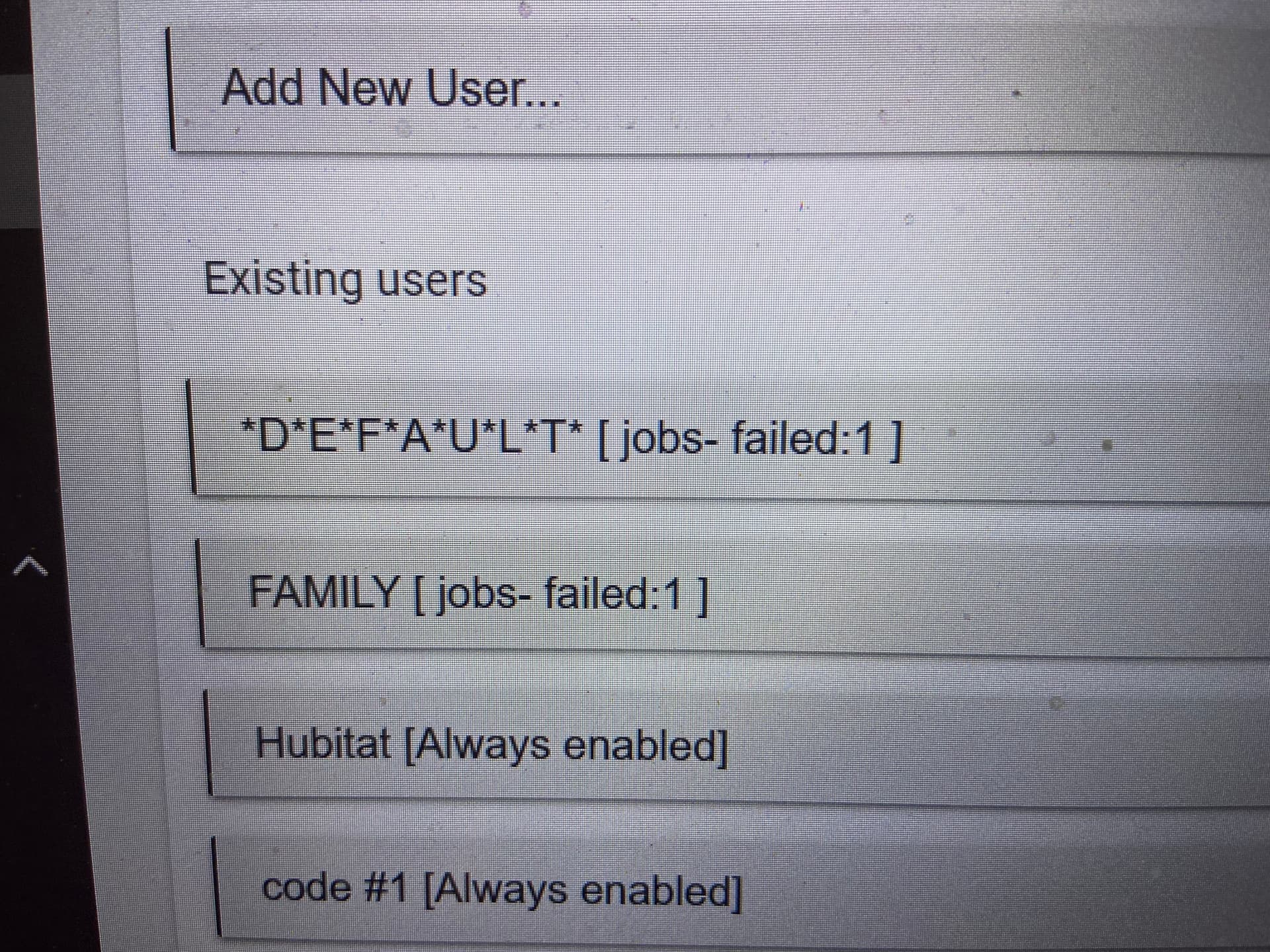
I got the lock paired and it works... but when I try to input the different lock codes, I am frustrated with the failed jobs... this has happened to me with the old lock set up as well... what did I do wrong and how can I prevent future occurrences, especially when I am away from home. Please see the screen shots below
Thanks...
Kenneth
You cannot add lock codes to slots 1 & 2. They are reserved for the default codes (the ones on the sticker)
I would install Lock Code Manager from built in apps
Also did you remove the lock from your devices on hubitat? Do you have any ghost nodes?
After tweaking around, I finally got it to work so that is a closed matter - and thank you for your input.
And, now, I have another issue if you can help me out... the log is not what I am accustomed to. It doesn't show the date, time, assigned person, method of locking/unlocking, and etc. like what I had before...
Or should I start a new thread...
THANK YOU!!!
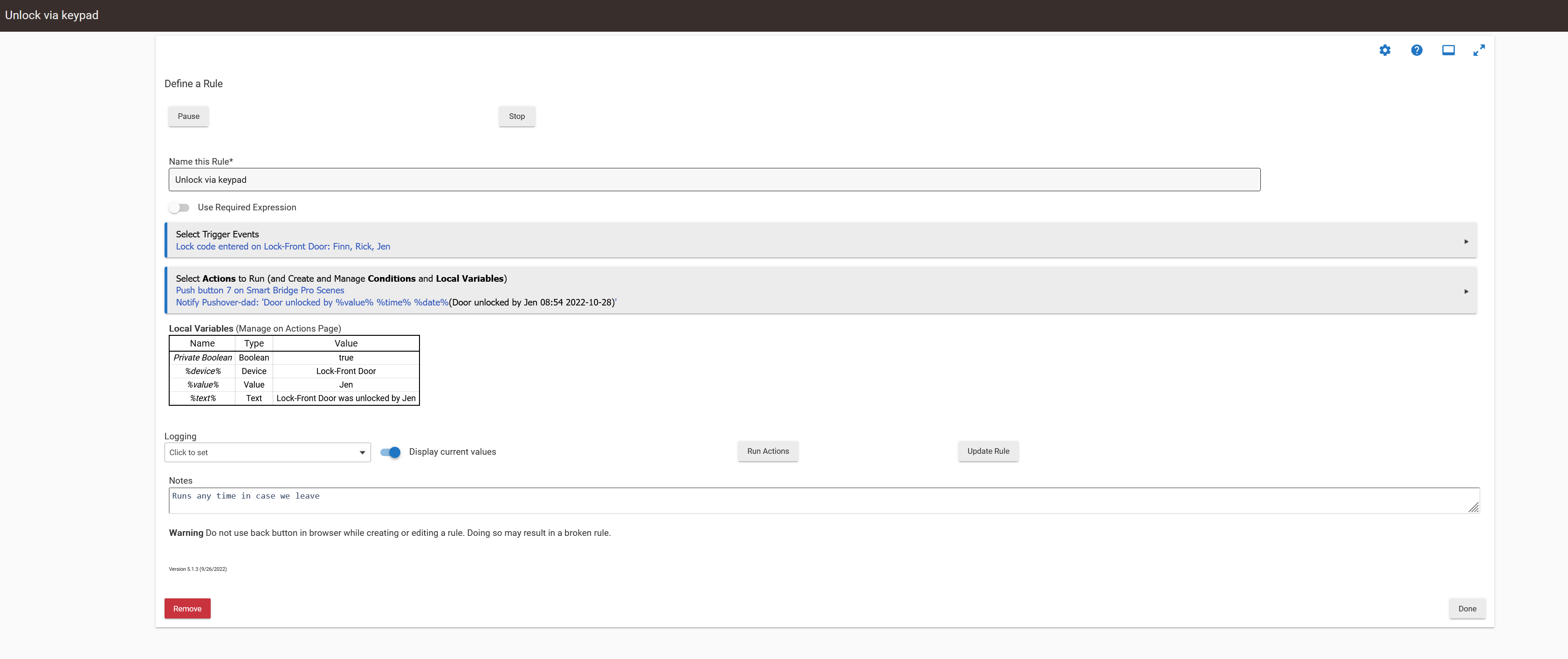
Send to notification with %value%, %text%, %time%, %date%
1 Like
Hi...
I'm not savvy on the following so could you please elaborate... thanks...
Send to notification with %value%, %text%, %time%, %date%
So by using the built in strings, I pass those onto the message sent to my phone. %value% is the user who unlocked the keypad (as defined by the code used) %time% and %date% are included... So the messaged passed to our phones is "Door unlocked by Jen at 8:54 on 22-10-28,,,
1 Like
Oh... I get the gist... where do I do this set up... this is all new to me... and will this be part of the permanent log.
Easiest to setup would be the built-in Notifications Apps.