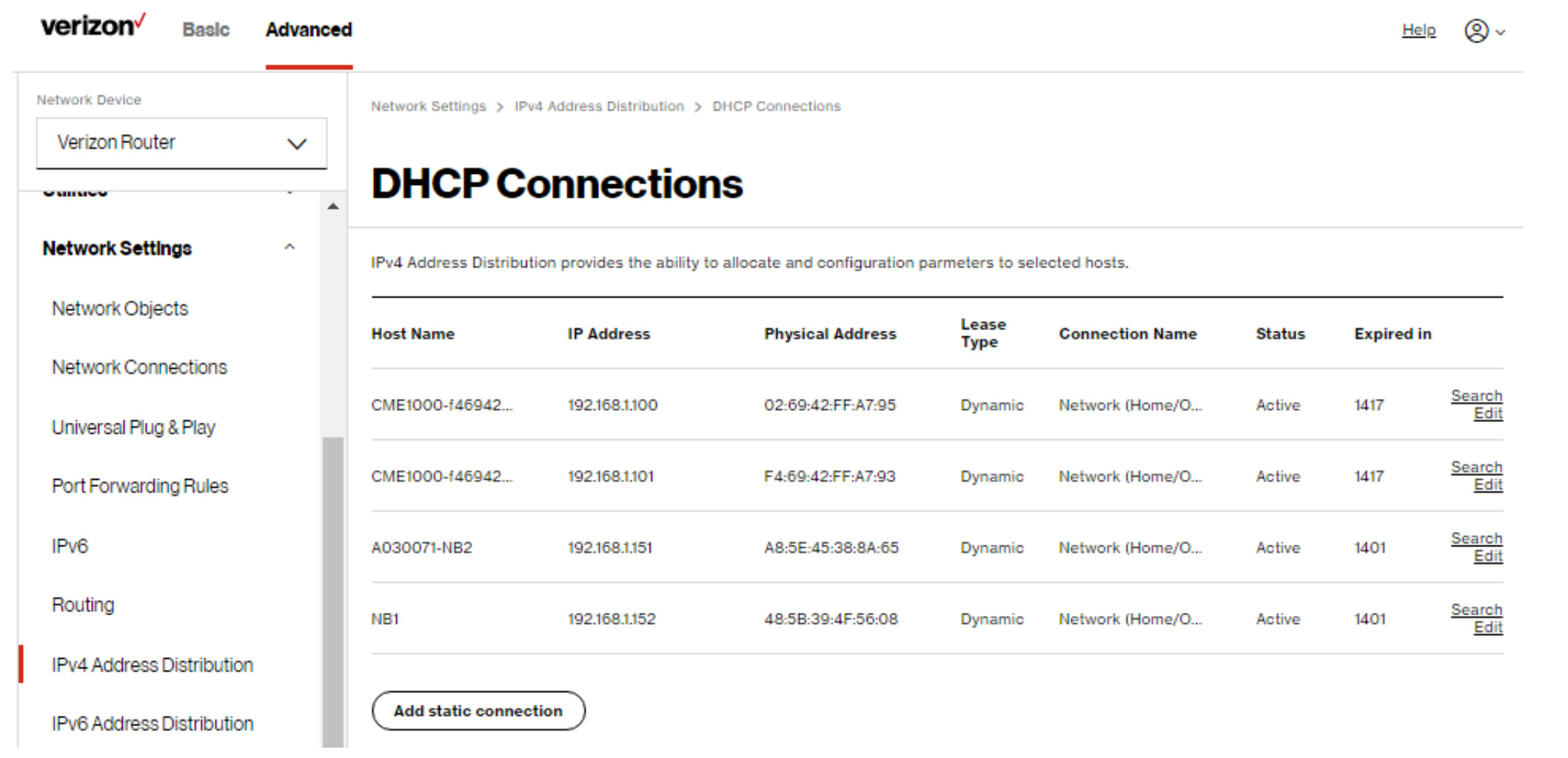
Can you snap a screenshot of where you got that so I can match it to what is in the manual. Do you see an option to click on a button to "Add Static connection" as shown in this image. That is from the user guide. Do you see in the image where it says "Dynamic". Does it say that or Static next to the hub?
well that tends to make me thing that the IP wasn't set previously properly or it was removed by something.
Right now it looks like we just locked you to .171 instead of the IP you want though. Do you see an entry anywhere in the DHCP stuff that has that 168 address do you?
Just FYI with some routers if you do change a reserved IP on the router / DHCP, in order for the device to actually take it you may need to reboot the router and then also reboot the device while the router is rebooting. This clears the leases from the router and forces the device to get a fresh DHCP lease with the correct IP.
Some of these issues are sounding a little bit like an IP conflict of some sort.
I figured it was easier to go back to 168 since the hub seemed to be stuck on it. I don't see 168 being used by anything in the list of devices on the router.
Took your advice from your message.
Obviously I will be out of touch while everything reboots. I fear it may make things worse than they already are. Wish me luck.
I will report back when everything comes back
The hub thinks it's 171 in Settings. Not sure how it differs from using findmyhub.hubitat.com which gives me 168 when I use the Mac address. I've done the network reset (pin in the round hole) at least twice but not since the router and hub reboot a few minutes ago.
I fear I've bricked the system.
I just went into the Hubitat Diagnostics Tool. The IP address is 171.
The Netgear switch is dumb, acts like an extension cord. The hub has been plugged into it since I bought the hub 6 years ago. The problems started last Friday when the new router was installed.
For whatever it's worth, the iOS app also thinks the IP address is 168. My Account/ Registered Hubs is also 168 and says the hub is offline. What a mess.
Is there some way to get all the Hubitat parts to see the same IP address??
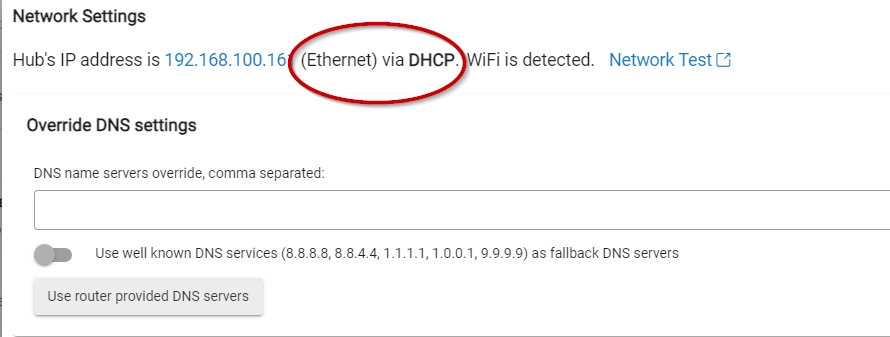
If you have reset the network settings on the hub, it should look similar to this. Can you confirm that you have a DHCP connection, and nothing in the DNS Override sections?. What is your Hub's DNS address?
From the network settings screen: Hub's IP address is 192.168.1.171 (Ethernet) via DHCP.
I have a friend who is an IT professional who made the router changes last night. We have no idea why the hub can't find the cloud connection. I've seen others posting recently that they are also unable to connect to the cloud, although they don't have router problems.
Not sure where to find the hub's DNS. Can you tell me how to find it.
Yes this is the root cause. Some services pull the IP cached in the cloud portal so when you see the 168 Ip they are getting that from the cloud system. Since the hub has not been able to connect to the cloud it is not updating.
If you can get the hub online to the internet the issue will be resolved.
Do you have any ideas as to why I can't ping 1.1.1.1? I don't know if it had anything to do with the current problem but on the old router I had set up Open DNS. I can't imagine that it would carry over to the new router, but I admit don't know much about router setup
If you could ping 8.8.8.8 but not google.com, then DNS issues would be the problem. But since you can't ping by IP (1.1.1.1 in your test) then DNS is not your issue.
According to the routers operations manual, this router has both Parental Controls and Firewall capabilities, which can block access to the Internet.
I suggest your IT friend check that these settings have not been accidentally been turned on.