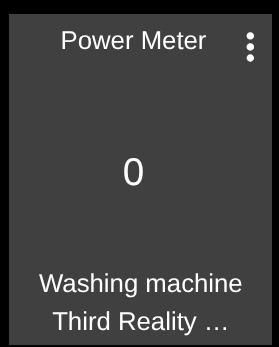
Is there a power monitoring smart plug that will actually display its monitoring on a Hubitat C-8? I tried the Third Reality Generation 2, with drivers I found through the package manager, but I'm not seeing anything that shows me energy draw. All I want is a standard, workaday 15A or so 115V smart plug. I am protocol-agnostic but want things local, so Zigbee, Matter, or Z-Wave is fine with me.
Oh, and, I tried just setting up the TR plugs through their app to see if i can find anything, but it is walled off to use only their hubs or smart speakers.
For power-reporting, I only use Zen15s, which aren't the best form-factor for some applications, but they have a myriad of power-reporting configurations.
I suspect the more traditional-looking Zen04 offers the same. Thanks to Jeff, we have an excellent driver available for the these Zooz plugs.
I don't mean this to sound bad but Third Reality makes energy monitoring and non-energy monitoring plugs in Gen 2. They look identical. Are you sure your Third Reality plugs are the version that reports energy monitoring? I use them both and I have no issue getting energy usage in Hubitat from the version that reports energy monitoring.
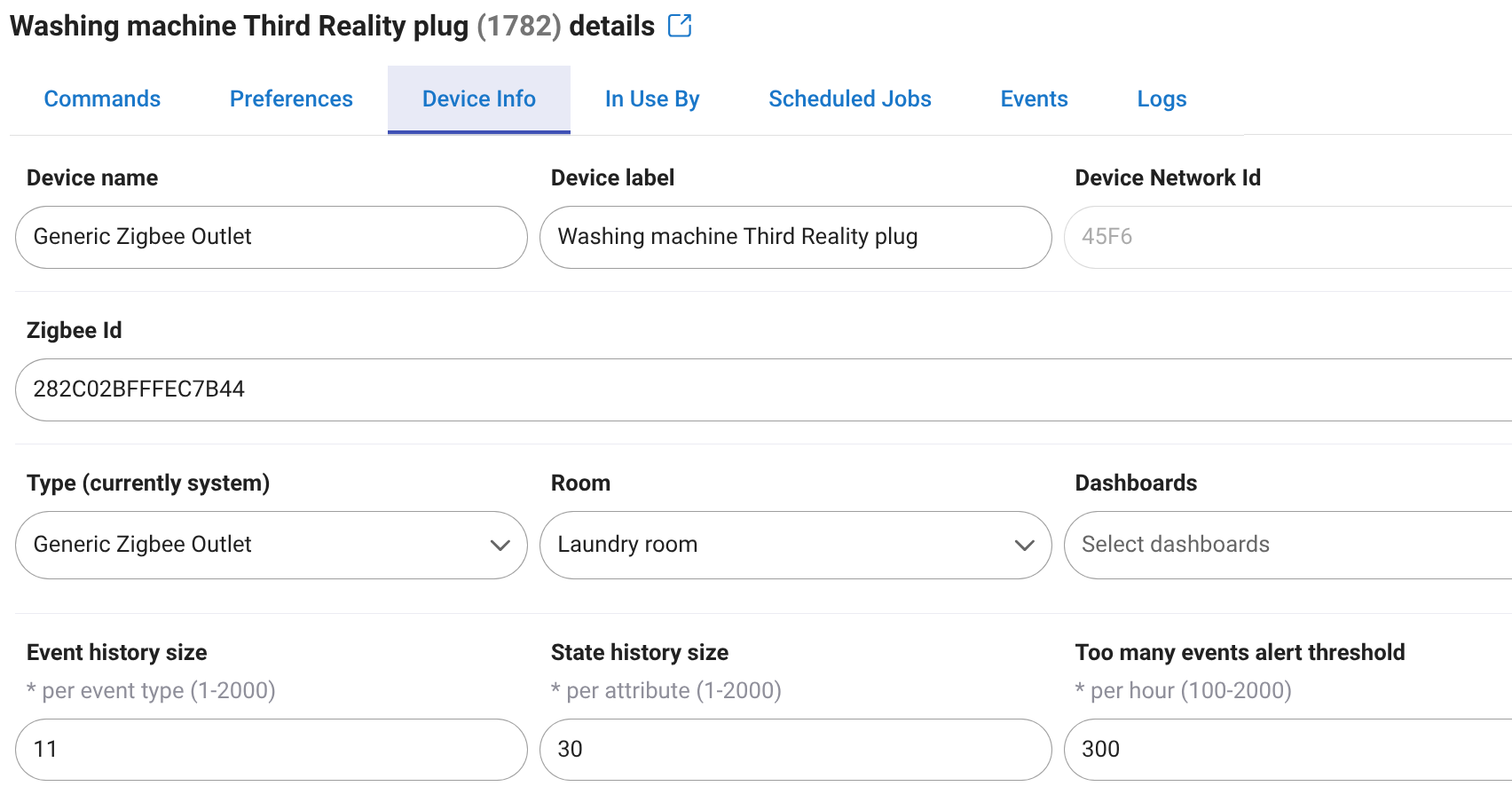
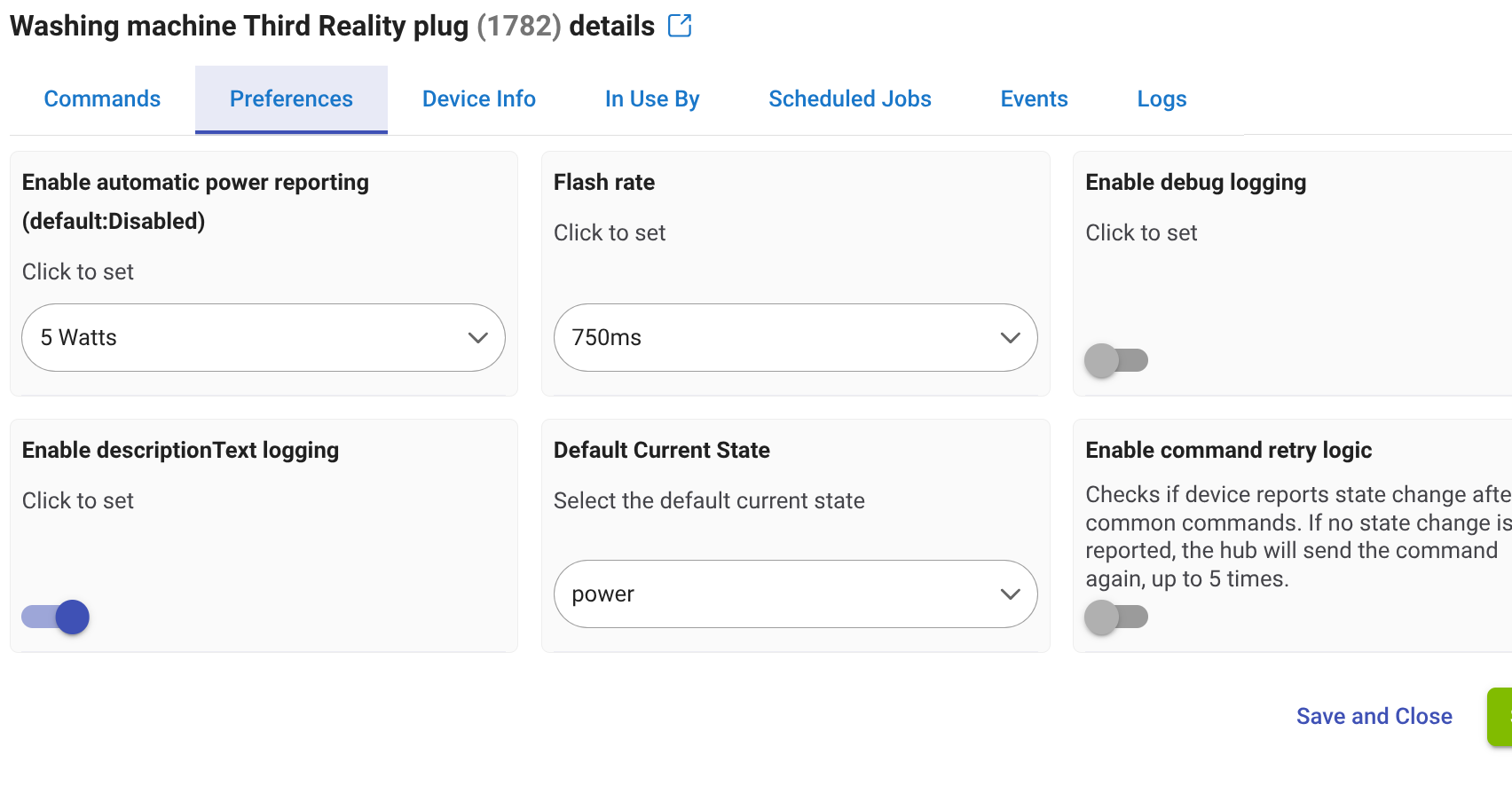
Edit: the driver I use is the "Generic Zigbee Outlet" that is native to Hubitat. I don't use any from HPM for this device.
These are clearly marked "Smart Plug Gen2 (With Power Meter) Model Number 3RSP03028BZ
I will try the Generic Zigbee Outlet" setting. What are you doing to see the energy information? Is is something I can see from the Device links, or is it a function of something in Dashboards, which I have not even attempted yet? Thanks in advance.
These work well. THIRDREALITY Zigbee Smart Plug with Real-time Power Monitoring,15A Smart Outlet, Zigbee Repeater, ETL Certified, ZigBee Hub Required,Work with Home Assistant,Compatible Echo Devices and SmartThing Amazon.com
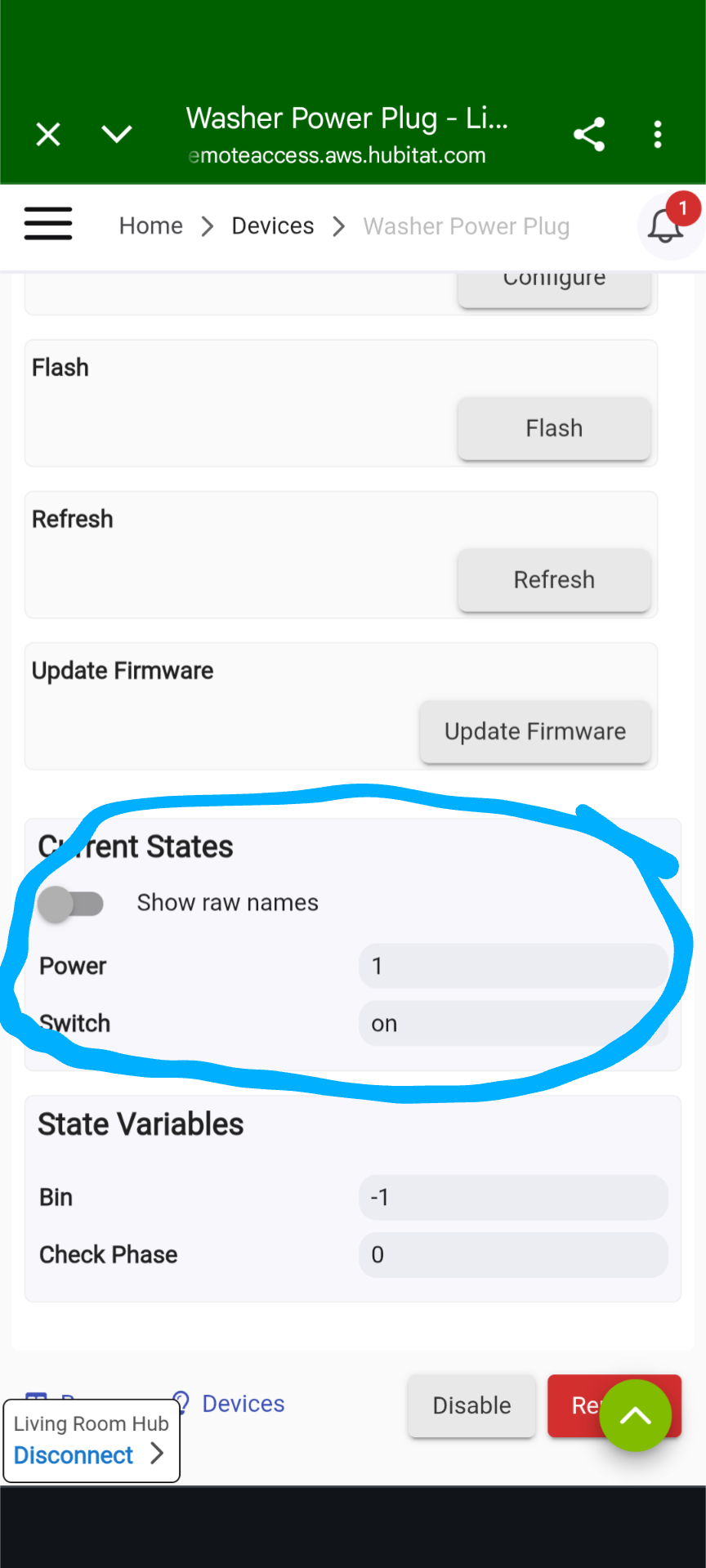
Sorry I am on my phone so it will look a little different on your desktop but on the device command page you should see what I have circled. In the field beside power that number will change based on the power you are using at the time.
apologies if this isn't helpful - I have 4 units of the 3rd reality w/power monitor. Happy as a clam with mine -
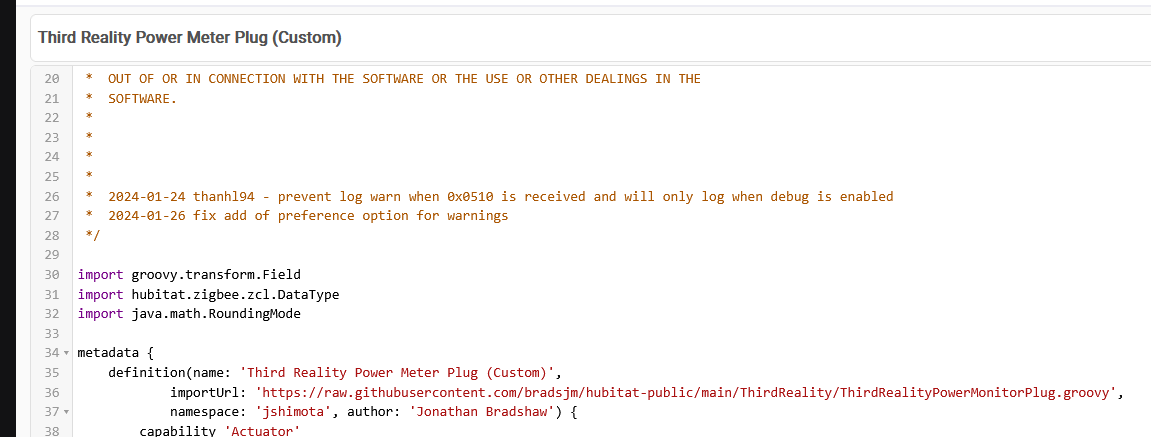
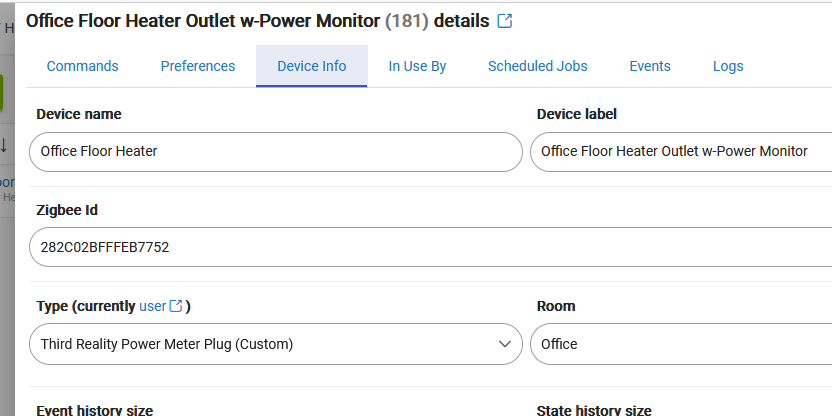
I see one screen shot that showed 'Generic Zigbee Outlet'. I myself use a lightly customized version of the Third Reality Driver authored by Jonathan Bradshaw - the original I believe is found in HPM or in the forums. it's rock solid from my POV.