Hi,
I bought NOUS Zigbee: Outlet and Hum/Temp sensor.
Hubitat is not integrating them automatically. Outlet has been integrated after adding the drivers for Tuya Metering Plug drivers from @kkossev
I downloaded Tuya Temp Humidity sensor as well from @kkossev but during pairing Hubi took also the drivers for the plug.
There are lot of posts about tuya devices that don't work - I bought a eMylo Temp/Humidity last week and it does not work after pairing. It joins another non working Tuya based device. Further down that page is the 'fingerprint' data that hubitat uses to figure out what driver to try initially.
Sometimes, the same device is made by another manufacturer, or use newer electronics - in such cases it will not be recognised automatically by the driver that worked with the old manufacturer.
Please show the sensor Model and Manufacturer data as in the example above , then we will know what the case is.
It may be the same case - a new manufacturer of a device that is already supported, and what needs to be done is to add the new device fingerprint to the correct device profile in the custom driver.
If you still keep it - please post this device fingerprint.
It takes automatically the drivers from the metering plug.
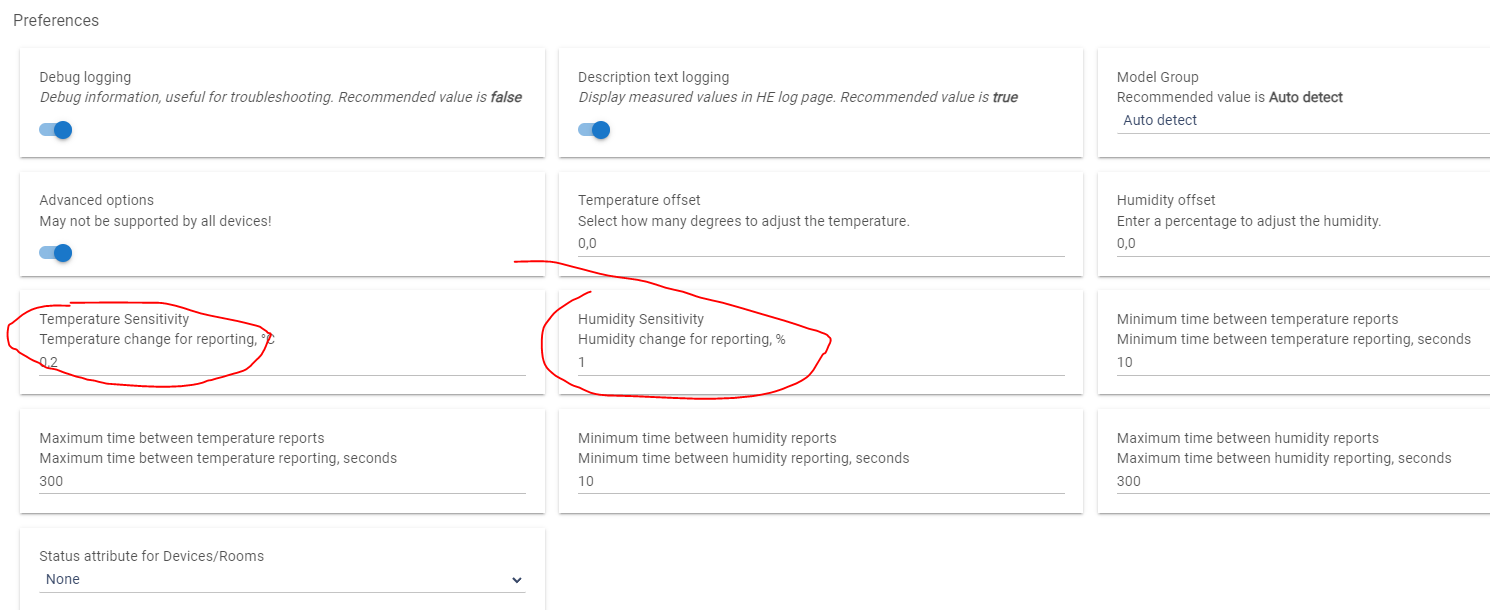
After I change the "Type*" for drivers of humidity sensor the available settings don't change.
OK - thanks.
And what I did as well.
Because I"m new and I have only two devices: Metering Plug and Temp/Hum Sensor from Nous I cleaned all the drivers added and removed all devices.
Started pairing the Sensor on clean Hubi and is such reality it's not finding the Sensor at all.
Maybe it can be kind of hint as well.
This new manufacturer of the NOUS E6 was in the wrong device group, also the inClusters fingerprint was wrong in the previous version (thank you for the fingerprint!)
I have corrected these issues in version 1.6.0 2024/05/19 9:42 PM. Please update again the driver and click on the Initialize button. Then press F5 in the browser to refresh the web page.
Check whether the near-real-time updates of the T&H are working. Have in mind, that some devices have an internal refresh limit, which may be higher than 10 seconds between the updates. For this device, it may be 30 or 60 seconds. Every device is different.