I have this exact same problem on the latest build. Ecobee shows up, I get the code and enter it, it shows successfully paired but then no device gets created and it shows that message about it being paired to another hub. Which for the record, I don't own any apple devices so I can say with confidence it has never been paired to one.
I am discussing this problem in another thread as well. It is below
 Built-In Apps and Drivers / HomeKit - Hubitat
I did manage to pair my stuff today. Basically, i had to do a full reset and add just the thermostat before pairing the additional sensors.
1 Like
Will check that. I have an Ecobee thermostat to test against, although it's not an Ecobee 4.
1 Like
I was able to reproduce it with an Ecobee thermostat with attached sensors that was previously paired. Removing orphaned sensor devices from Hubitat didn't make a difference.
This issue doesn't affect single function devices like outlets. Ecobee without sensors doesn't seem to be affected, either.
Edit: not sure about the fix timeline, but it will most likely be a part of upcoming 2.4.3.
5 Likes
@gopher.ny would it be possible to provide the air quality information that is available on the Ecobee Smart Thermostat Premium?
Maybe as a child device.
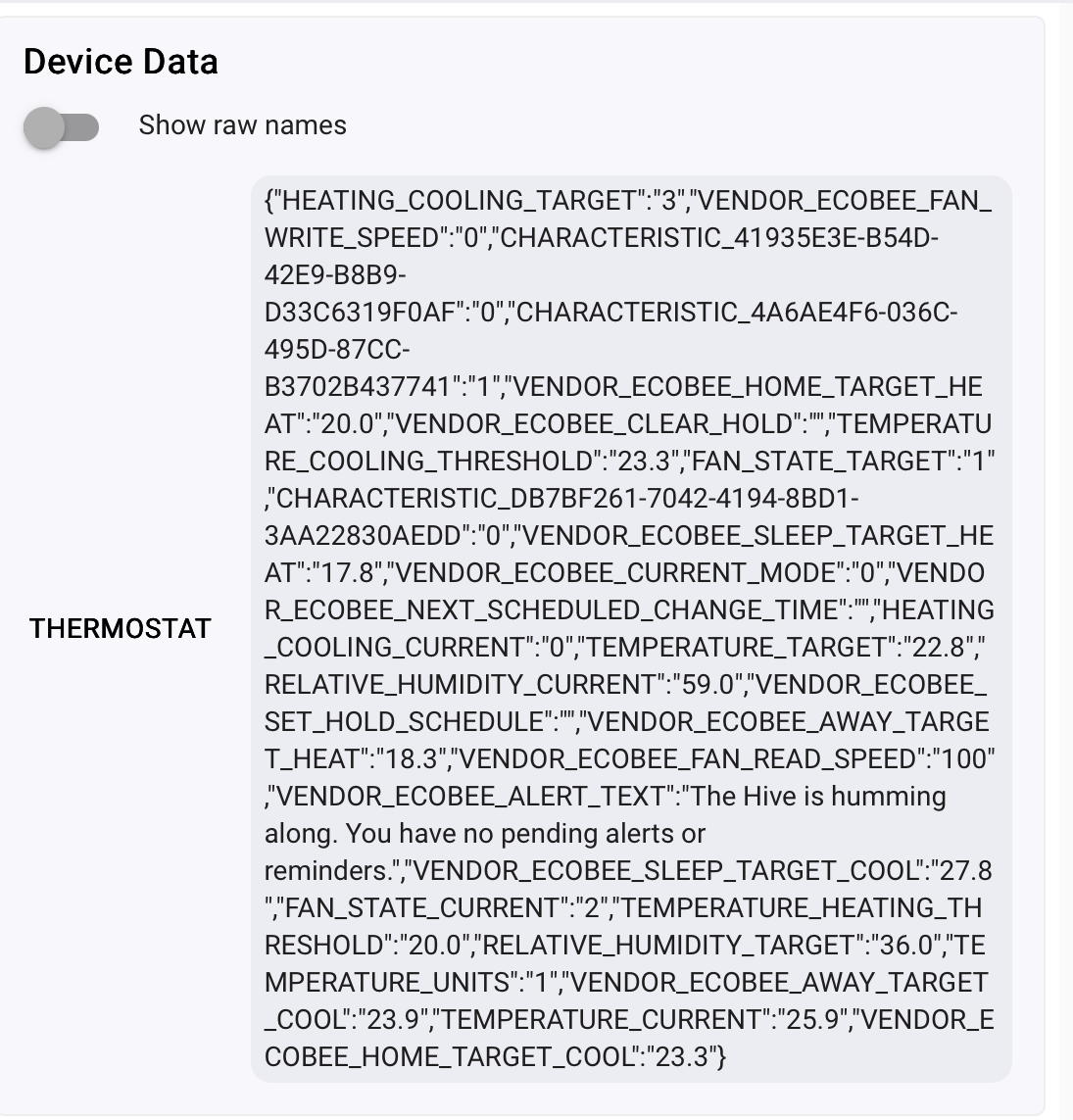
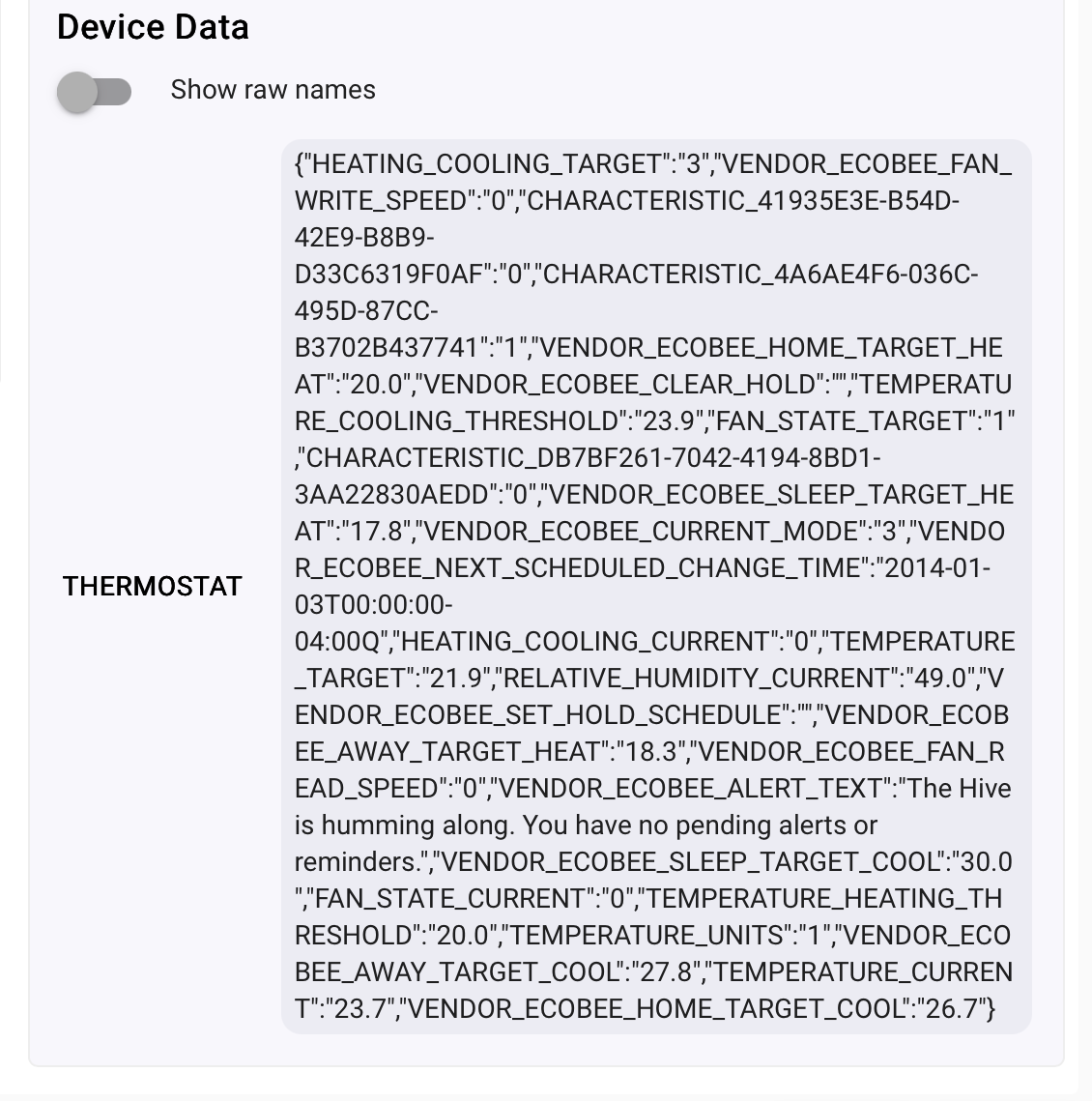
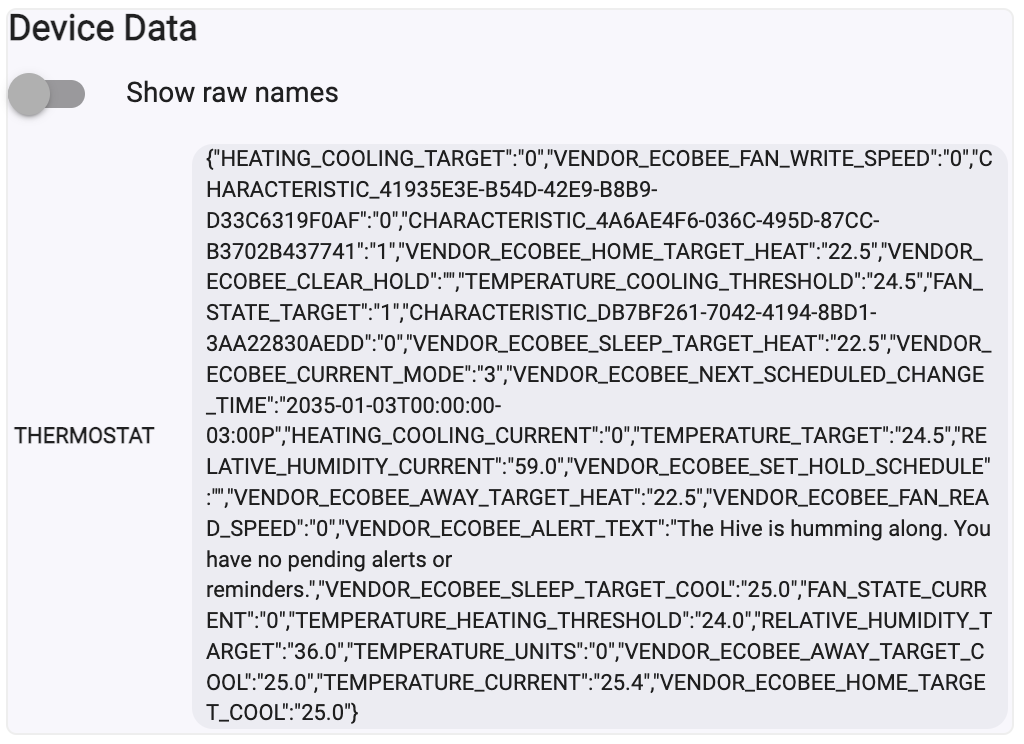
Can you copy/paste the thermostat's device data from the Device info tab in device details? It will look something like this:
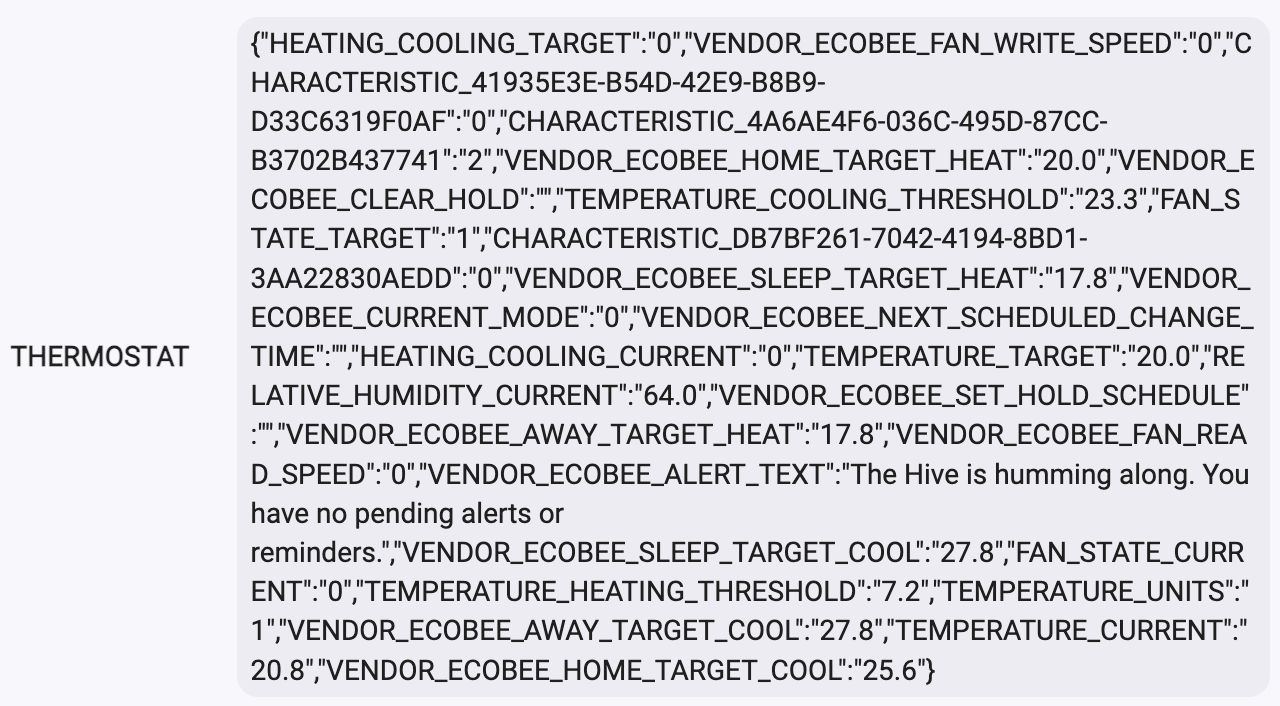
3 Likes
How did you get your 3 Lite to pair? Mine is stuck in the "already paired" situation.
It was paired with HOME for years.
I removed it from HOME and then went to the thermostat and in settings ask it to pair with HomeKit.
Refreshed the C8pro home page and there it was, ready to pair.
I entered the 8digits and Bob’s Your Uncle.
Interesting. Mine shows as having a device assigned and has a device ID, but is not showing paired. I feel like there's a ghost device in here causing issues.
Ok, feeling a little simple here🤪
I clicked on something like “never show again” and now I can’t figure out where to see the HomeKit devices pairing information.
Help me, please.
Did you perform a full reset and set it back up completely. Once the thermostat is registered with Ecobee again and in the app try to add it again on hubitat.
If it appears to fails to pair go back to the Hubitat Apps memu in the UI and then open the App again.
If you have add on sensors don't add them back until after it is paired through the Homekit Controller Integration.
Go into the Apps menu in the Hubitat UI and then scroll down and find Homekit Controller Integration.
1 Like
Based on your screenshot it doesn’t appear that air quality comes across in the API.
@gopher.ny FWIW Home assistant integration doesn’t have air quality either.
The question may be where is the air quality value coming from. If it is the AQI, that is a calculated value depending on several factors and sensors.
For a proper AQI you really need a PM sensor and TVOC at the very least. In many cases it you also need a TVOC sensor that can distinquish between multiple types of VOC's. Because of all of that i would imagine it is the AQI for the outside reported from a local station somewhere that obtained from the Ecobee Cloud.
The other problem with AQI is that every country calculates if differently.
1 Like
The newer Premium Ecobees have an air quality sensor built into the thermostat. I have 2 of them integrated with Home Assistant and that attribute doesn’t come across in their HK integration. Based on @eduardo screenshot above the air quality value doesn’t appear to come across.
I was trying to explain why it may not be coming across. That said you missed my point. Air Quality is a derived value from several different sensors and how it is calculated depends on what country you are in. So there is no such thing as a air quality sensor. If something is marketed as such it is likely just measuring one or two of a few different metrics like PM, NOX, CO, Ozone, ect.
Ecobee premium measures VOC, estimates CO2, both in a relative manner.
https://support.ecobee.com/s/articles/air-quality-sensor-faqs
1 Like