@mluck, the app instance naming suggestion makes a lot of sense when you're managing multiple homes. If you could open a feature request on the GitHub repo, that would help me track it properly alongside other enhancement requests. The GitHub issue tracker really helps keep everything organized.
About the "vnullbeta" display, that's definitely strange, especially since you had pre-release enabled. The detailed info you provided helps narrow down what might be happening with the HPM integration. Since your manual installation is working fine, you're all set, but I'll look into the manifest configuration to figure out what's causing this.
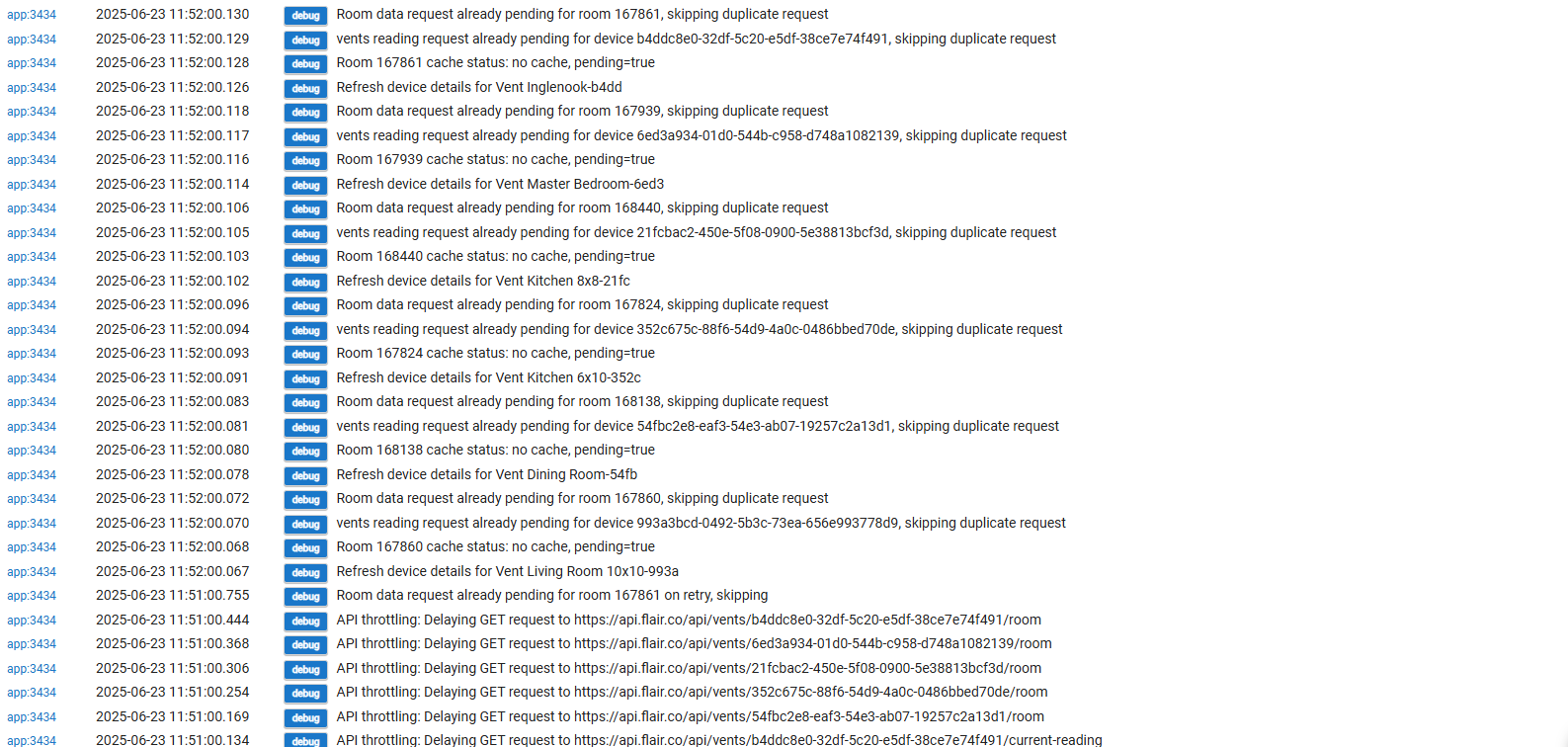
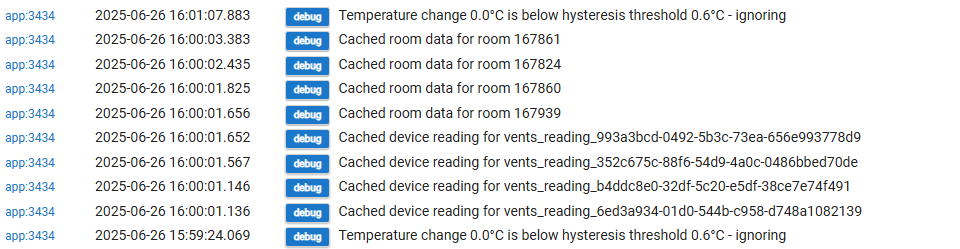
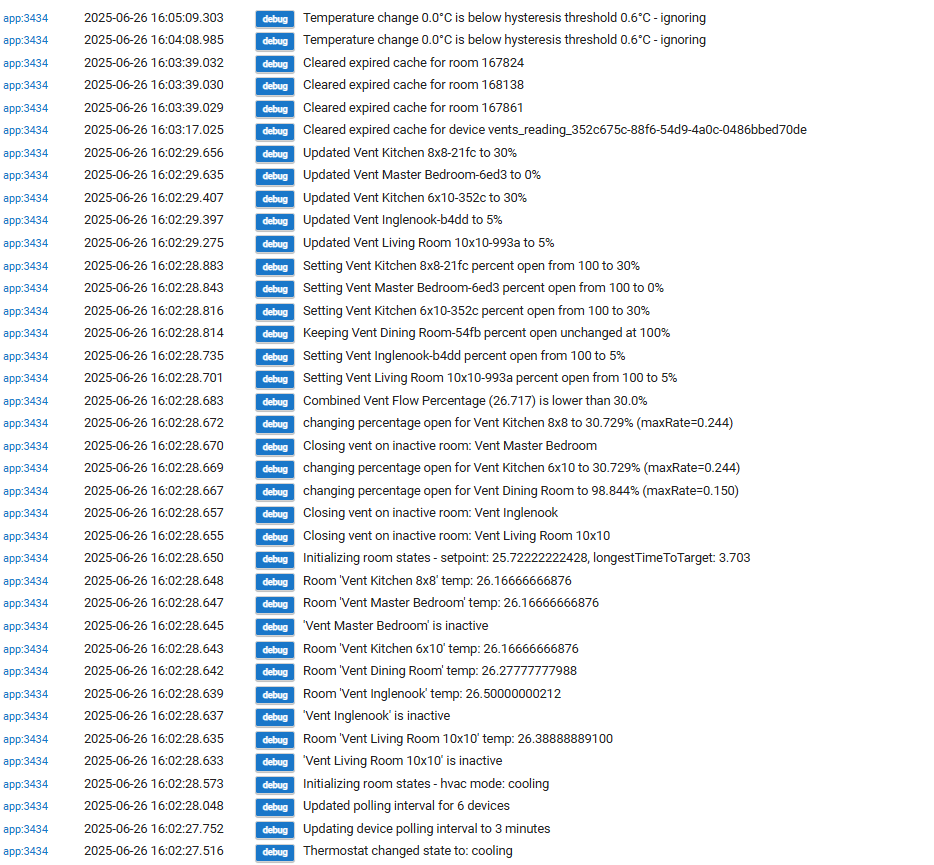
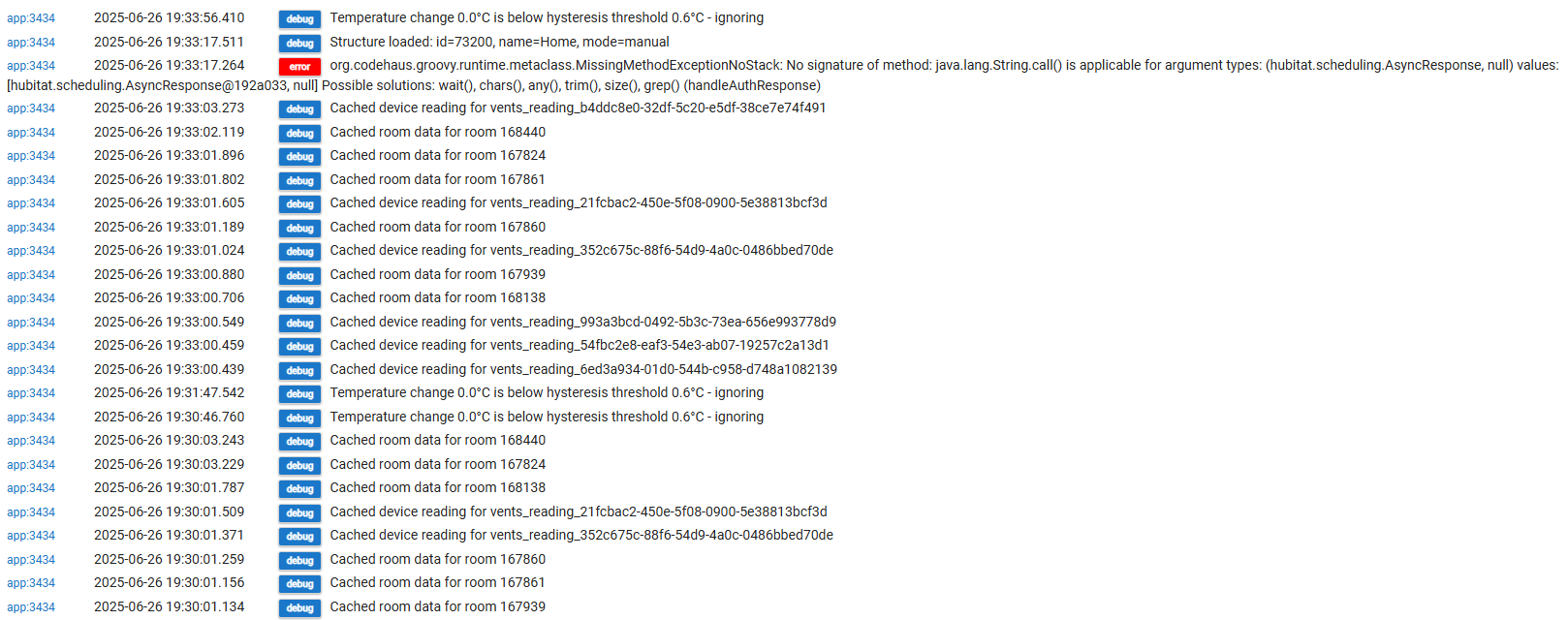
Now, about those log messages that have been flooding your logs, I can see why they'd be concerning. Let me clear this up: those aren't actually errors. They're debug messages showing the app is managing its communication with Flair's API properly.
In version 0.19, I added some API management to prevent overwhelming Flair's servers. The app limits concurrent requests to 3 at a time, caches responses to avoid redundant calls, and queues requests when we hit rate limits. Those "throttling" messages? That's the app respecting Flair's limits and queuing requests appropriately. It's working as intended.
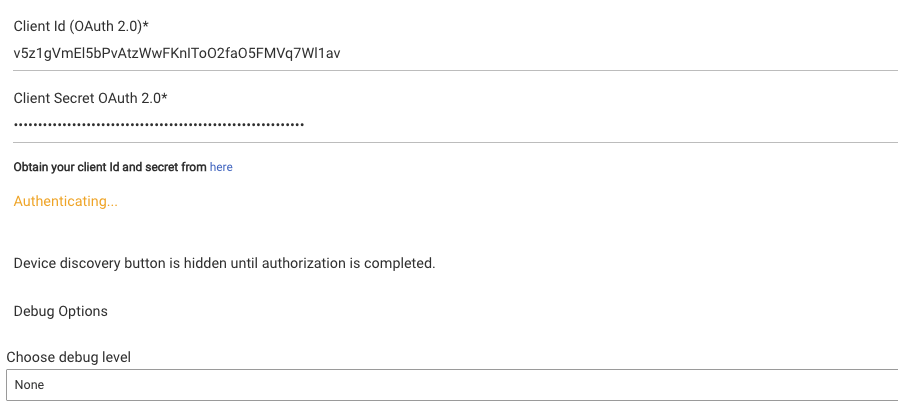
To stop these messages from appearing in your logs, go to the Flair Vents app settings and set the Debug Level to "None". I also just pushed version 0.2 of the beta which reduces log verbosity further, plus includes other improvements.
Version 0.2 fixes:
-
All vents in the same room now get identical efficiency rates
-
Automatic OAuth authentication (no more manual authenticate button)
-
Better temperature sensor handling
-
Client Secret field now displays as a password field
You can see the full changelog here: hubitat-flair-vents/CHANGELOG.md at Beta · ljbotero/hubitat-flair-vents · GitHub
If you run into other issues or have suggestions, feel free to create GitHub issues. It helps me keep track of everything and ensures nothing gets missed.
The bottom line: set debug level to "None" to clean up your logs, and know that those throttling messages mean the app is properly managing API limits, not encountering errors.