I was a Wink user for years and only just switched to Hubitat about a month ago. I have the Hubitat C7 hub and a Lutron Caseta Smart Bridge Pro. Right now I'm using these with Cree light bulbs (zigbee) that I've had for years, and I have a bunch of Caseta dimmers - wired and remotes - set up too. All is working great.
My question is about the light system linked below. I would love to use something like this in my very long, very dark hallway. I've seen a couple of versions of this type of string light and all of them come with their own remote, and an app, and work with Google Assistant and Alexa.
I don't use Alexa or Google Assistant so I'm not sure what the capabilities are. I'm wondering if there's a way to get this or something like it to work with Hubitat and Lutron? The app used with this particular system let's you put the lights on a timer which is fine. But I would want to have something like a Pico remote on each end of my hallway and use those to switch these lights on or off. Is there a way to make that work?
Per the description: "Lumary APP control (2.4GHZ Wi-Fi)" and thus it's very likely that the API is proprietary. If the API was published, Hubitat can converse with WiFi devices, as is evidenced by the many WiFi products supported. It's not WiFi that makes it hard, it's strictly the manufacturer holding the API to themselves.
There's a WLED Controller readily available:
and then plenty of Addressable LED products that it will drive, as ONE example.
Is it possible to add Alexa into my Hubitat setup in the same way that I've added the Lutron Bridge and then that bypasses any proprietary controls? Is that what the WLED Controller does?
Sorry - I have very limited knowledge/experience when it comes to today's smart devices!
Apparently these use an optional RF remote. That gives you the option of using an RF Blaster like a Broadlink RM Pro or a BOND devices. Both have local wifi integrations for Hubitat.
It is not the best option, but at least better than IR where the blaster would need line of sight. With RF, you can hide the RF transmitter in a closet or something and it will still work.
You would need to learn the codes though, so I guess you would still need to purchase the optional remote. Then you can send codes to it from the blaster Hubitat device.
I don't think Alexa helps solve your problem. Obviously it would make that set of lights Internet Based, which is rarely good.
WLED isn't the only path but I thought you could price out some options. The Geledopio controller I mentioned is $34 and your LED set is $84. You can get great LED strings for well under $50
Connecting them to Hubitat is at least as simple as what you WISHED your selection was.
You install a WLED driver using HPM, then join the Controller to your WiFi (or hardwired) and set an IP address. I had never used that controller before but I had it working in 20-30 mins. True, I have added more than a few devices to my WiFi, so the concept wasn't a challenge
The 2nd part was adding the Power and LED strip to the controller. I chose 24v Addressable LED strings because I am anticipating a long run. But the controller handles 12v exactly the same. You just need to match your LED purchase with a Power brick that matches. Mine has been sitting on the floor to my right for at least 3 weeks, running 24x7.
I'm willing to bet your money that the native controller could be removed and you could add a controller pre-installed with WLED or go the cheaper route and make your own controller with an esp32 flashed WLED. WLED is completely local and there is a community integration,
This guy has changed a few devices to WLED:
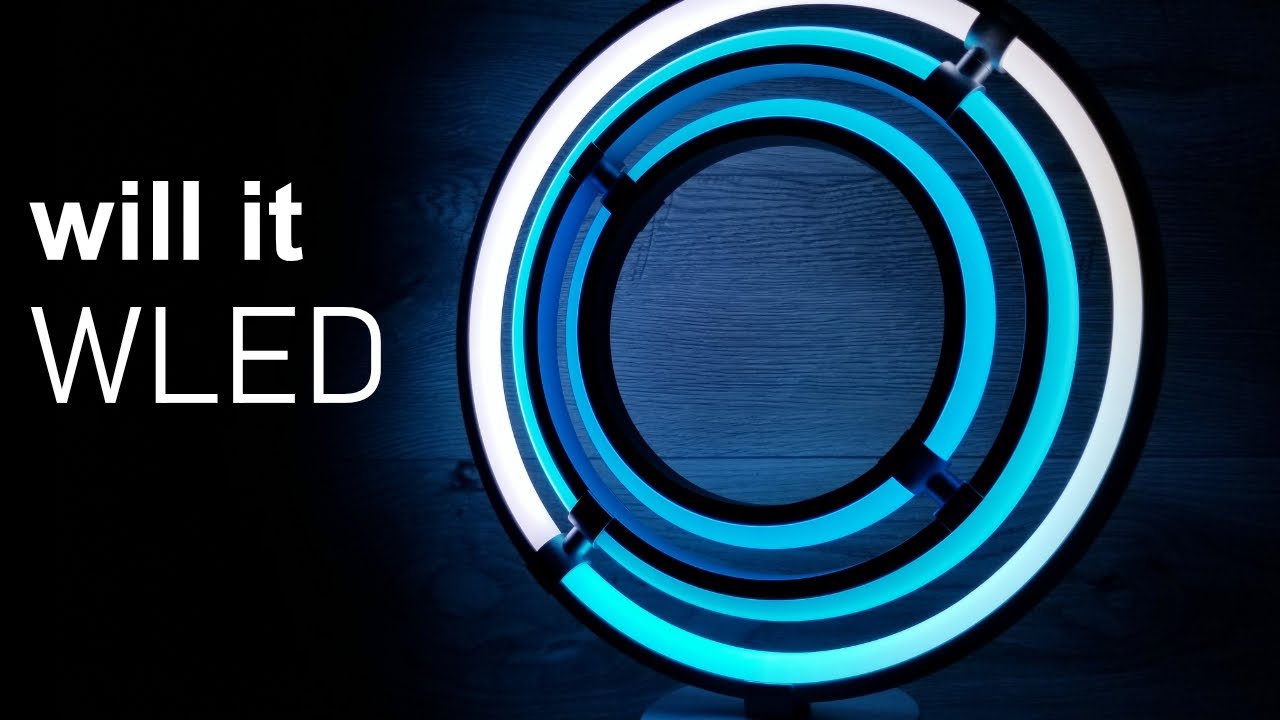
I bought the same lamp and converted to WLED.
Another option is to find something similar by Govee. There is an AWESOME community integration for that brand.
I'm hoping to do this as plug/play as I can. What about this -
I'm installing these lights on my hallway ceiling. There is no ceiling power access. The hardwiring will happen on a wall - there's a sconce wired up now.
What if I replace the sconce with a smart outlet or a regular outlet and then plug in a smart plug that works with Pico remotes? Hiding the ~3' of power cord and the outlet would be straightforward.
Have you ever done something like this? If not, I think you'll find there's a good chance it's not going to be as straightforward as you may be imagining, and depending on how the sconce's box is set up, it may not even be possible (e.g. if a pancake box is in play).
Additionally, I think you're going to find the lag & connection headaches of routinely turning on/off a cloud-based wifi light is going to be an annoyance.
The Lutron SmartBridge Pro integration with Hubitat allows Hubitat to control the Lutron devices.
The Hubitat built-in Amazon Echo Skill integration allows Amazon Alexa to control Hubitat devices, not the other way around. Some folks come up with interesting workarounds to allow Hubitat to send a trigger to an Alexa Routine which then control a device that is connected to Alexa. But this is not the plug and play solution that I believe you're requesting. Using this type of workaround method, you can achieve On/Off control without too much work, but it is not exactly trivial either. This type of solution would also be dependent on the Amazon and most like the Lumary cloud servers. Not exactly a solution for long-term reliability and support.
I'd recommend finding a solution that works locally with Hubitat.
The answer is maybe but probably not. If these devices work with Tuya or the Smart Life app, it might be possible in the future, but I cannot promise anything right now.
Appreciate the link. The Govee cubes look great and this seems like a straightforward way to get everything - lights and switches - working without becoming a programmer.
The example you showed has light going in both directions. I have a set of the Govee Cube Wall Scones and though they do push light in both directions, the Majority of it is one direction.
I would suggest if you are considering Govee check out there other offeres as well on their website. They have a ton of options some of which you may find you like even more then the wall sconces.