Does anyone have a driver or firmware upgrade foe the Minoston Zwave Smart Plug, Z-Wave Outdoor Plug with Energy Monitoring? I have five of these in my system and am very new to Hubitat. Specifically my sone gave it to me for christmas and I am trying to make it work.
Specifically the energy monitoring is not working, and I need that to work so I can monitor that some of my outdoor systems in the small pond that we have.
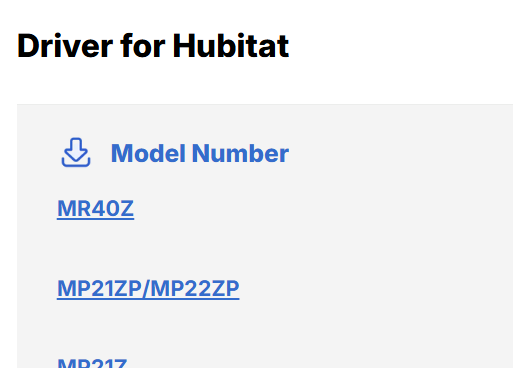
Firmware updates would be found on the Minoston site - if they post any you can download them and install them via the HE Device Firmware Updater app, available on your hub. They also have a driver section there:
Can you share the model number of the plug(s)? You'll need that to look for FW updates and drivers on the Minoston site. If you're using a generic driver on Hubitat, switching to a specific Minoston driver from their site may get you what you want (power monitoring) if the device supports it.
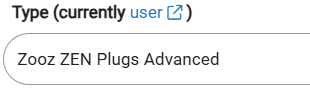
Minoston plugs share hardware w/Zooz devices and can use Zooz drivers in most (all?) cases. I have a Minoston outdoor Z-Wave plug ( MP24Z) and I used it w/a Zooz community driver:
Zooz community drivers are here...might or might not enable power monitoring if the Minoston driver doesn't.
The drivers on the Minoston site last time I checked were very old drivers, poorly coded IMO. I would use my ZEN04 driver, it also can be universal for any metering plug, it just wont show settings.
If they are one of the newer 800 series devices, you can also try out [RELEASE] Z-Wave Universal Device Scanner to scan and expose all the settings. You just need to switch to that driver to adjust settings, then switch back to the preferred driver to use the device.