How hot is too hot for an enclosure while printing PLA?
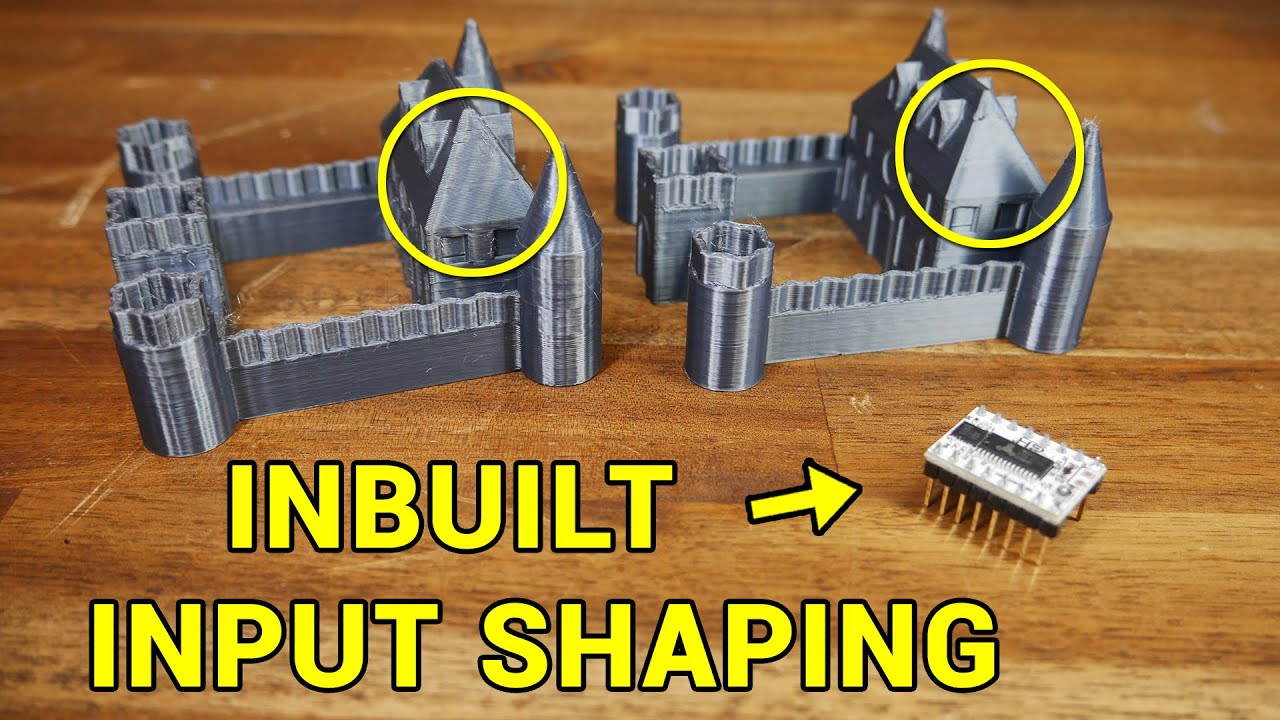
Oh ok, I thought you needed modified stepper drivers and didn't realise it was a FW option now.
No. See above.
1 Like
You really wouldn't want to go above bed temp, ideally you want the temps as cool as possible as PLA needs a lot of cooling to get good layer adhesion.
1 Like
Muwah ha ha ha...it has begun. Be afraid (of dumb questions), be very afraid!!! (Ominous music swells...)

1 Like
Noice!!!!
OK, so learning intersting things about Klipper, including that in Klipper a positive Z offset is closer to the bed and negative Z offset is farther from the bed. Opposite of Marlin as far as I can tell.
Lazy question - I already have my Z Offset calibrated in Marlin, works very nicely, thank you. It's -.62.
Do I have to go through the Z offset calibration in Mainsail/Klipper again (I just did it recently and would like to be lazy), or can I just enter my known/good Marlin offset in the printer.cfg file, changing it to positive?
E.g., z_offset: .62

1 Like
Things are getting scarier...flashed printer to Mainsail/Klipper and I am connected. At this point I could actually break something on the printer if I do something stupid, so doing more reading... 
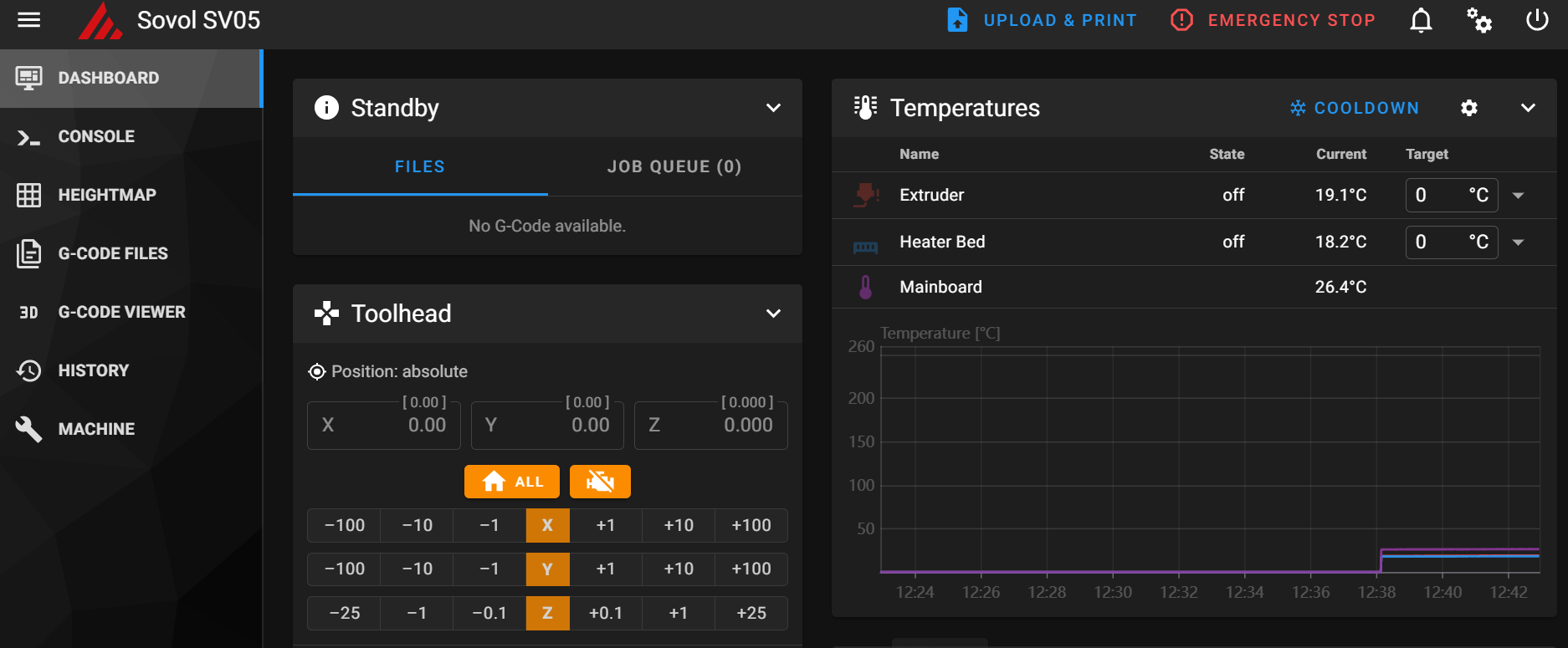
Oh - and Mainsail has a responsive UI and formats for mobile very nicely!
1 Like
I feel like I’ve upset the 3d printing gods, went to go print out a battery storage thing, but instead of printing I got an error about a potential clog in my extruder. Gotta break out the troubleshooting guide and start taking it apart… hopefully nothing too major, I just started organizing my junk drawer!
Bummer...sorry to hear that. Totally frustrating when the toys are not ready to play when you are.
1 Like
False alarm, that was quick. For some reason this PLA is suddenly brittle and broke off on the way to the hot end. Not sure why it’s suddenly brittle when the first half of the roll was fine…
1 Like
No, it should be fine to carry it over.
That’s a sure sign of moisture getting into your Filament. Time to dry it out.
2 Likes
Sorry - but just to confirm, by "No" you're saying:
- I don't need to re-run calibration
And most importantly so I don't grind my extruder into my build surface, am I correct in the idea that a negative Marlin Z offset (e.g., my current -0.62) should become postive in Klipper Land (0.62)? Am I correct in the Z offset change from negative to positive going from Marlin to Klipper, or did I misunderstand that?
As soon as I have this set I'm off to do my first Klipper print! Booyah!
1 Like
This.
But it wouldn't hurt to re-do it anyway.
Yes, negative is towards the bed, positive is away from the bed. So once you calibrate the Z-Offset, adding -0.025mm to that Z-offset means you are 0.025mm closer to the bed.
Thanks...yeah, you're probably right about re-running the calibration. Won't hurt anything and if I end up wanting to adjust it I can.
I must have an extra heaping helping of lazy genes... 
1 Like
The SoftFever fork of Bambu Slicer looks really interesting. I might have a play with it myself.
2 Likes
Please, another slicer!? I already have enough things to think about!
OK, I do have a Klipper question, and I have Googled and cannot figure out how to set different first layer temps like I have in Prusa from your advice (so it's your fault, really).
Want to replicate below in Klipper - one set of temps for the first layer, then second set for all the rest. I'm a bit flummoxed.

I started a print I uploaded from Prusa w/those settings, but the nozzle and bed didn't follow the temp settings in Prusa, it was heating to PLA temps rather than the PETG temps that were set in Prusa for that print.
I think I may have to add M190 commands for first layer temp and first layer bed temp in the start g code in Klipper, but unsure how things then switch to the "normal" nozzle/bed temps for the rest of the print after the first layer.
My understanding was that Bambu Studio was just a fork of Prusa Slicer. I didn’t think there was a ton of extras in there above Prusa (other than the stuff they added related to their own printers).
They are both forks of Slic3r.
So does this math make sense to anyone else? I was doing a PROBE_CALIBRATE action in Klipper to re-confirm my Z offset.
This is how it ended up...the last position I moved to and accepted was -0.202. When I hit ACCEPT to finish that became Z offset 0.707. I don't get the math...anyone understand how this works?

Don't mind saying that Klipper is kicking my butt. Did the PROBE_CALIBRATE and tried a print and it was not good...could hear ligth rumbling of nozzle on the textured print bed and stopped the print after a little bit of it. What was laid down was more like paint than fliament, almost impossible to get off. Odd part was that I did a "looser" calibration this time (stopping when I had a little less drag on the piece of paper than the last time) yet the nozzle seemed to be too close to the surface. Thinking I might end up having to go back to Octoprint.